
Topic
Games
Games span every style of play, from fast-paced shooters and sprawling RPGs to strategy, simulation, puzzle, horror, and narrative-driven experiences. This tag covers the genres, trends, and standout ideas shaping how people play and how developers build new experiences.
-
Clash of Clans Codes (September 2026)
These vouchers and store codes unlock free Gold, Card Packs, and cosmetic items, and the list is refreshed as new drops appear.
-
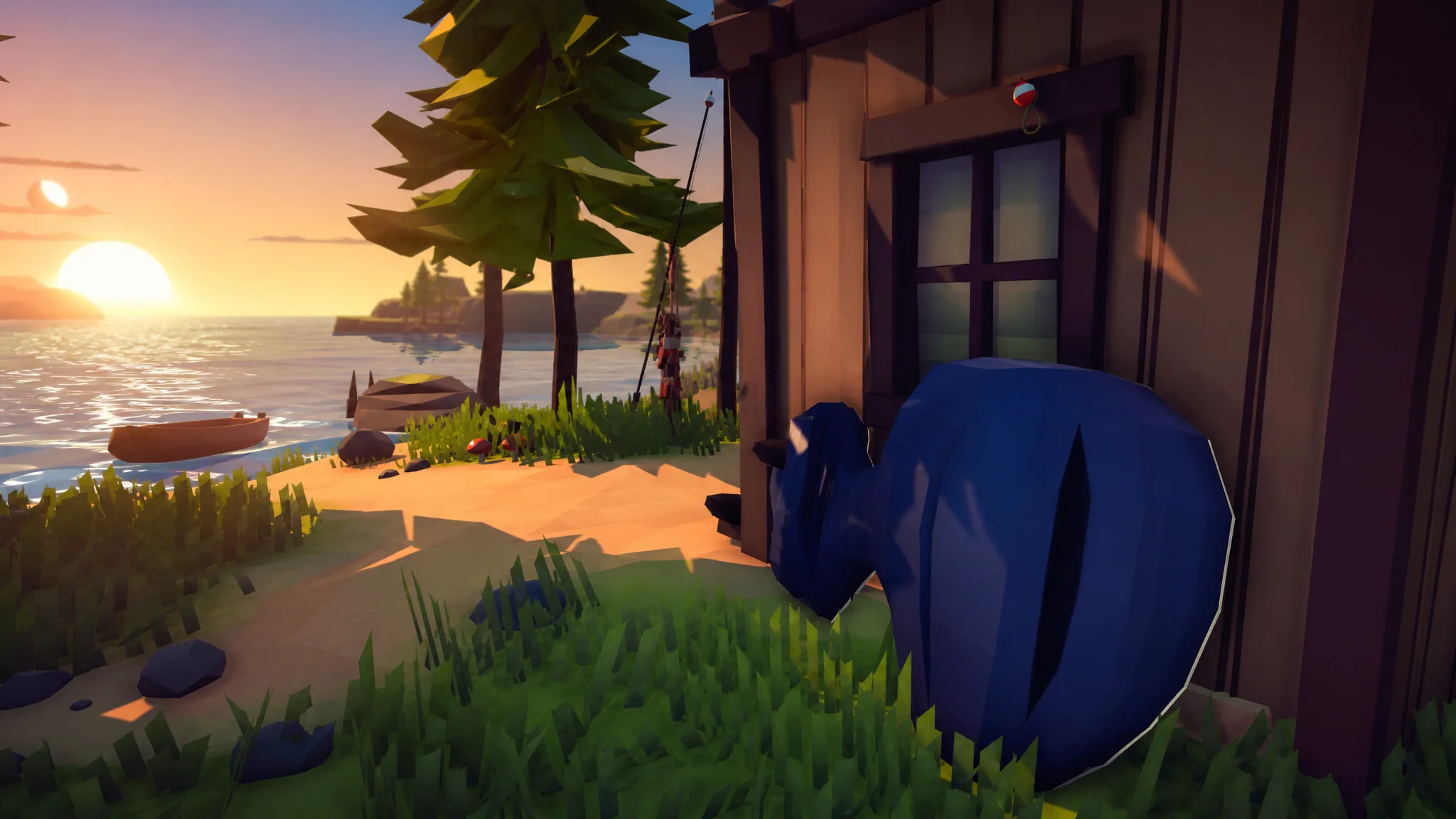
How to Fish: How to Get the Big Motor Boat Upgrade
Where the Big Motor sits on the second island, its $230 price, and how to confirm the faster boat is active.
-
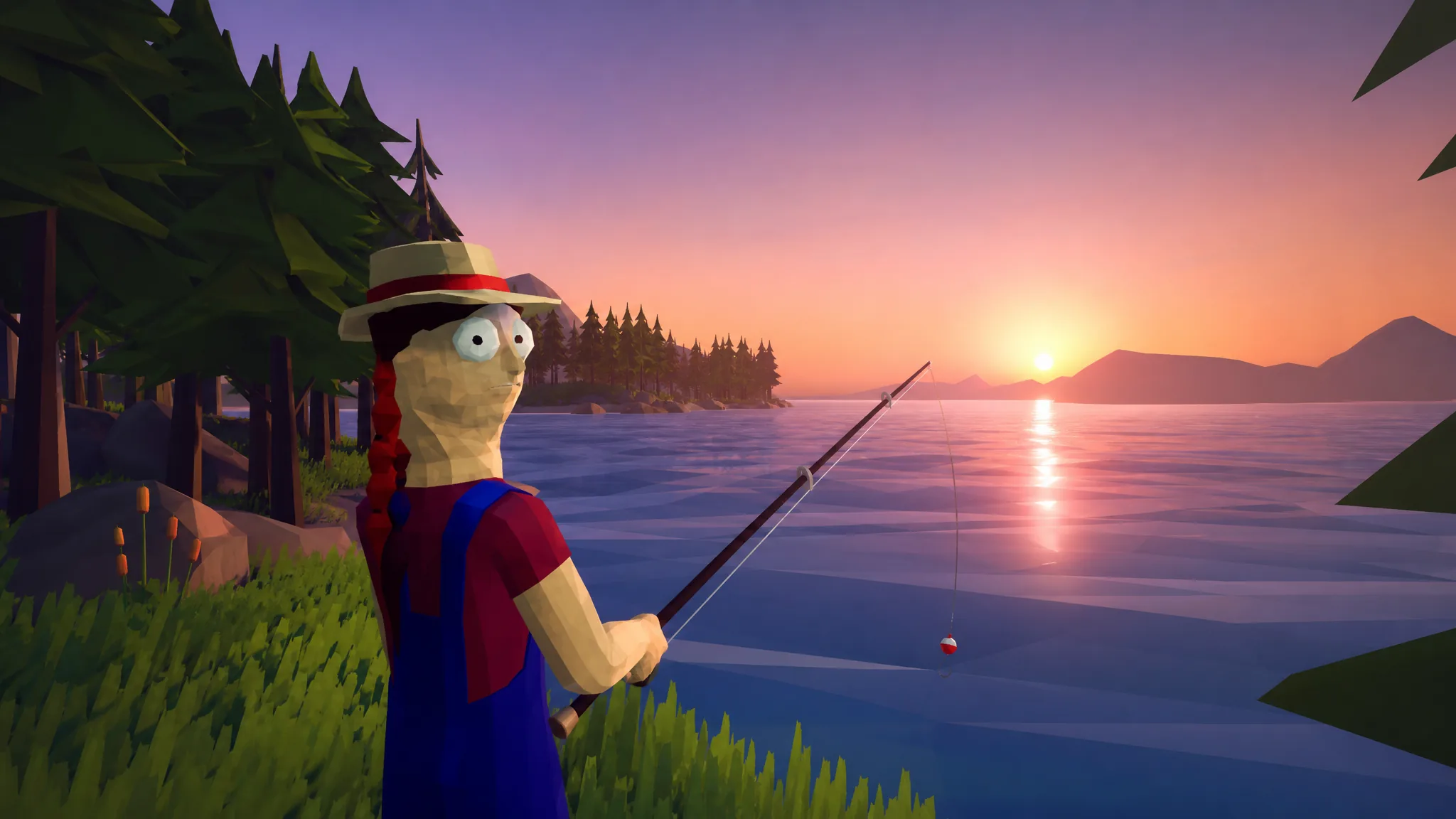
How to Fish: How to Get Leeches
Find three leeches on the ground of the second island and hand them to the NPC to unlock Giant Piranha bait.
-
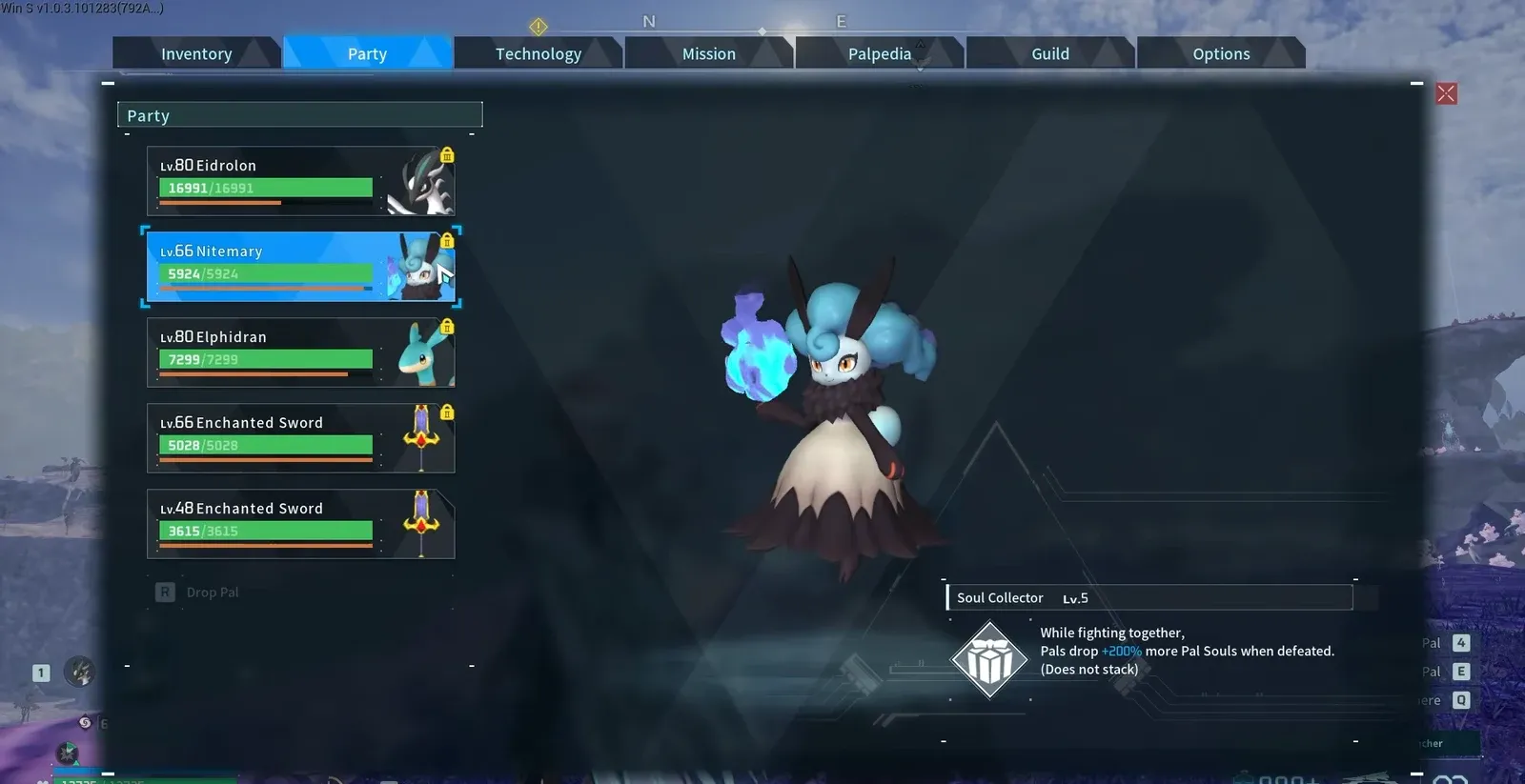
Palworld: How Nitemary’s Soul Collector Boosts Pal Soul Drops
Nitemary’s partner skill works from the party without being summoned, and it stacks with other Dark drop boosters.
-
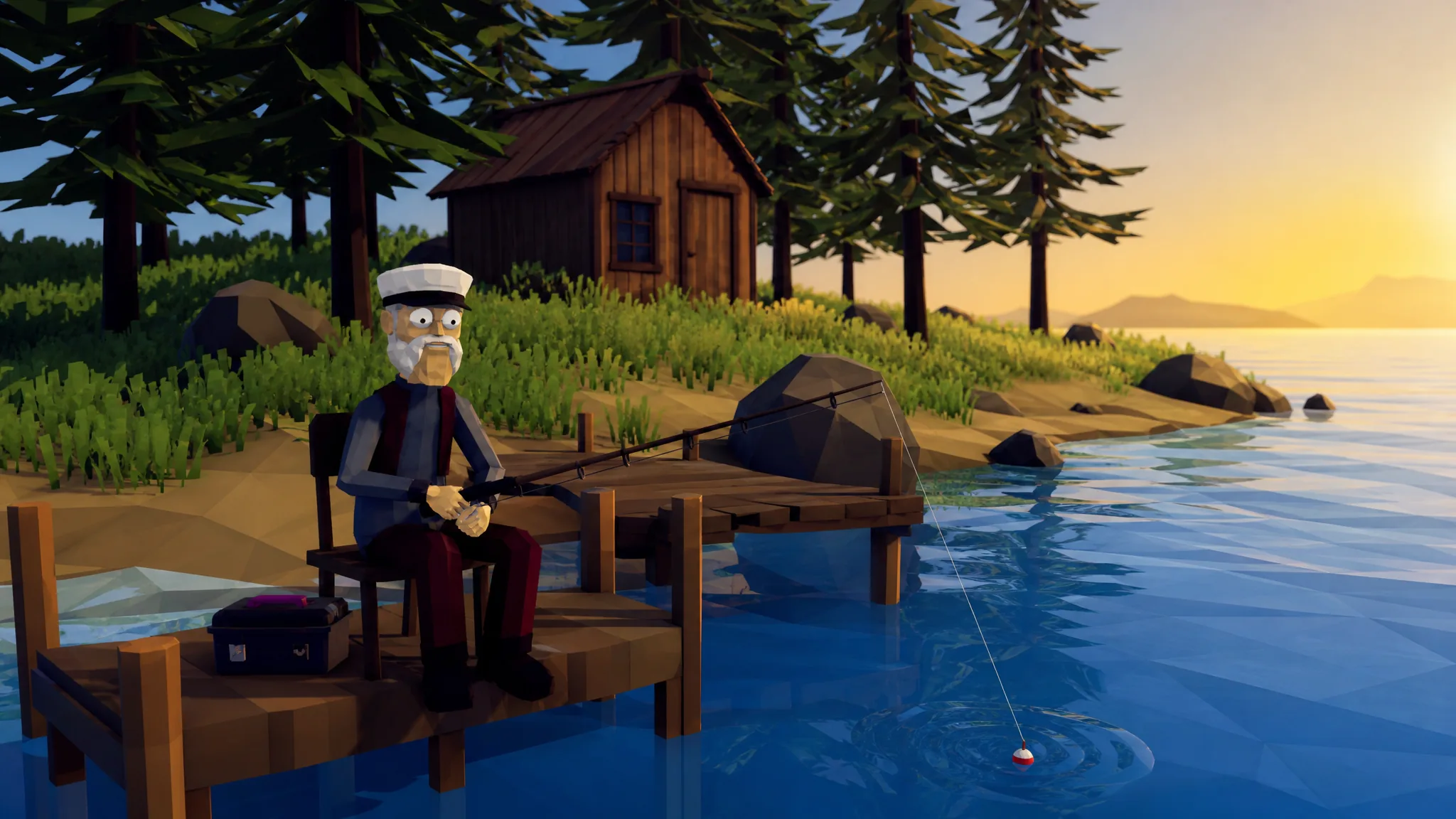
How to Fish: How to Complete the Second Island Quest
Collect the three leeches, summon the Giant Piranha with the Modified Leech, and hand back the right trophy to unlock the third island.
-
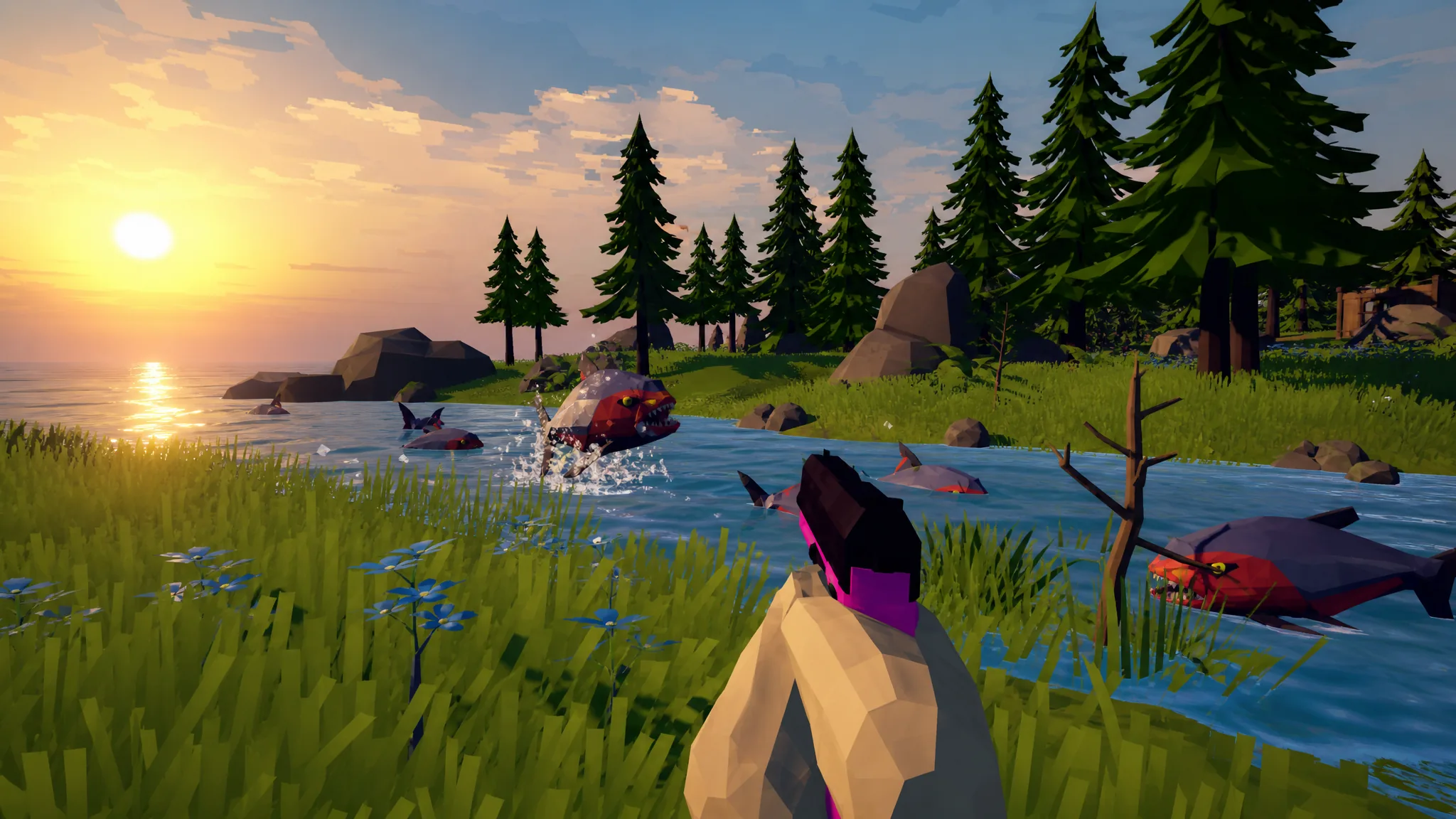
How to Beat the Giant Piranha Boss in How to Fish
Summon the boss with the Modified Leech, keep moving while you shoot, and return the Skeleton to unlock Island 3.
-
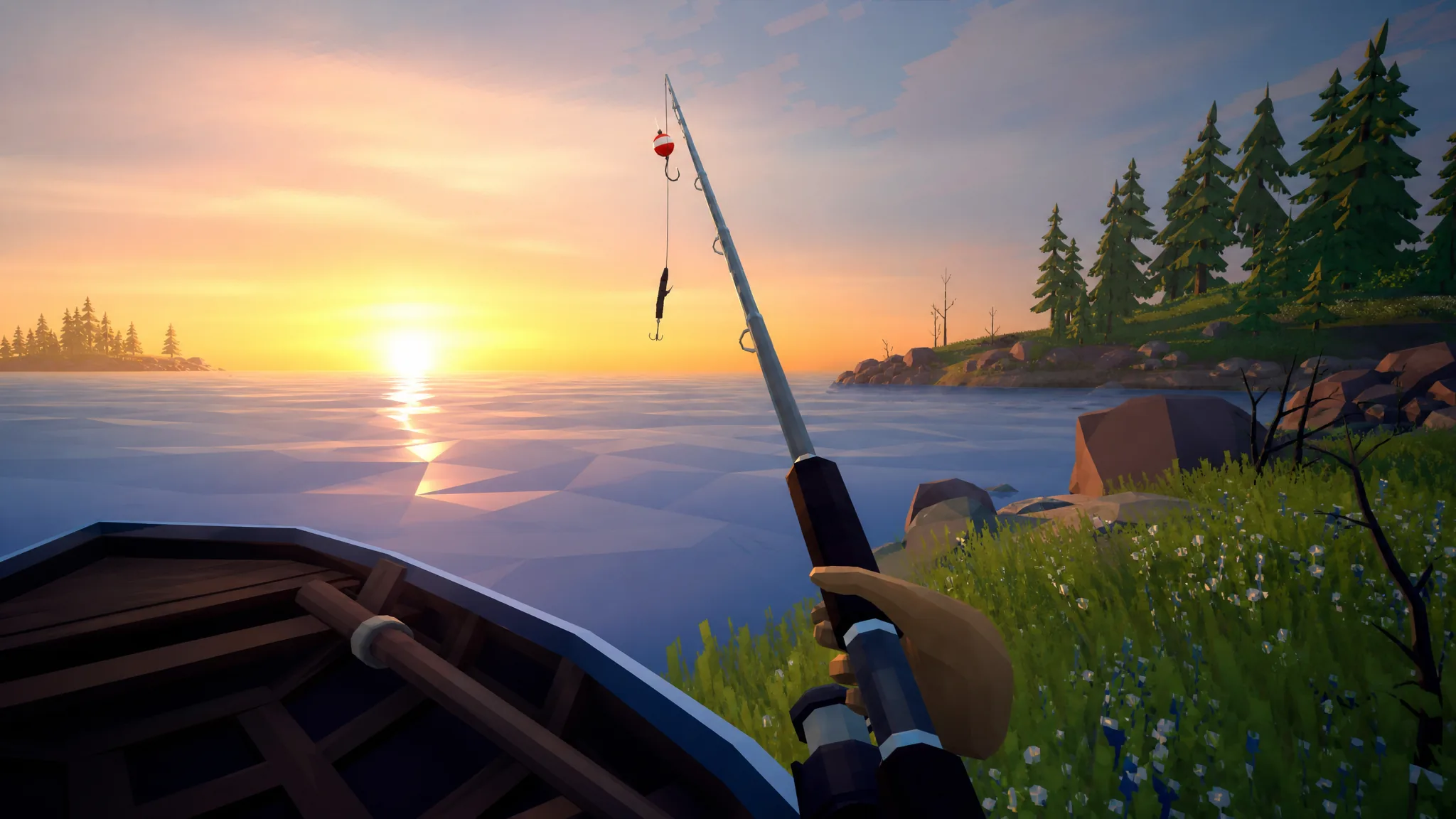
How to Fish: Using the Fishing Rod and Sell Your Catch
Buy a lure, cast at the shore, reel in with left-click, then subdue and sell each fish for money.
-
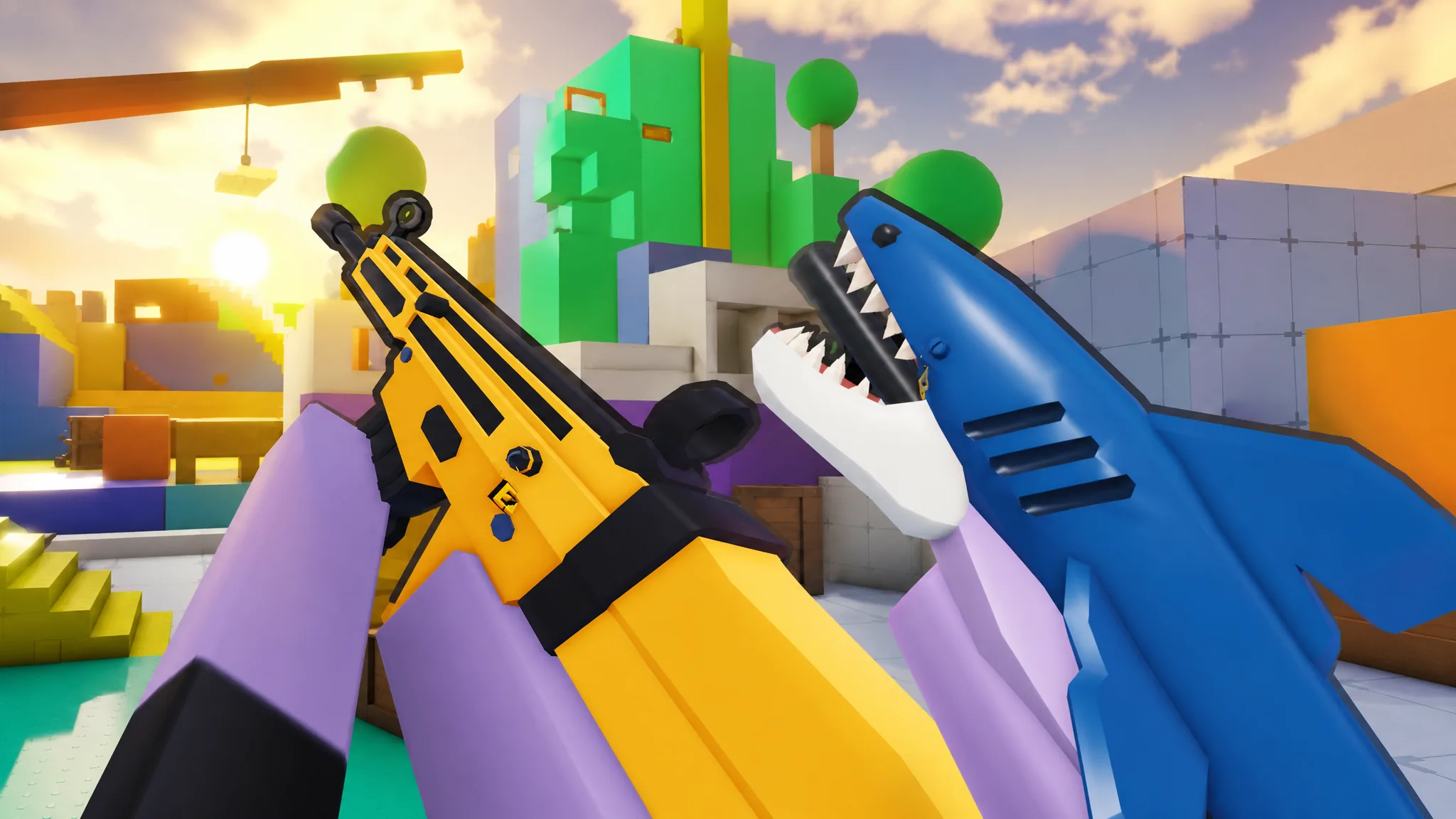
Roblox Rivals: The 10 Strongest Weapons in Season 3
A ranked breakdown of the primaries and secondaries carrying the Fame Season meta, from the Exogun up to the Assault Rifle.
-

San Diego Border Roleplay: Best Money Method to Get Rich Fast
Combine money printers, cabbage farming, and AFK authority farming to build cash quickly in this Roblox game.
-
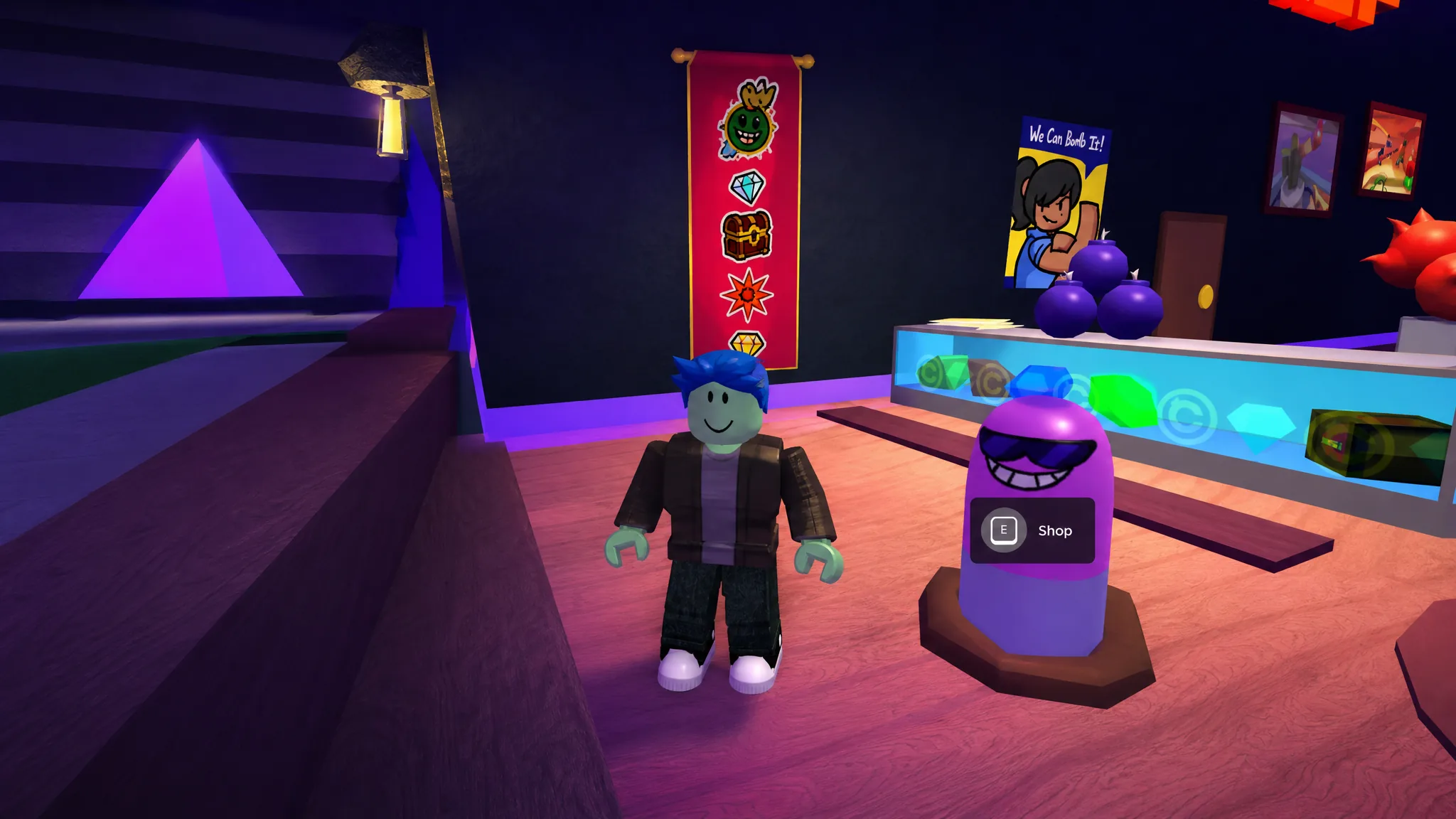
Super Bomb Survival: How to Get the Squirm Shady Badge
Find all five hidden Wigglys in the lobby, then buy the Wiggly perk for 333 credits to unlock the badge.