
Topic
iPhone
-
How to Use iPhone as Webcam on Mac with Continuity Camera
Want to look your best in video meetings but the webcam on your Mac sucks? No need to buy a new one; you can…
-

How to Enable Face ID Authentication to View Hidden Photos on iPhone
Enable Face ID authentication to view your Hidden album and prevent unauthorized access to your private pictures in iOS 16.
-
How to Track Steps on iPhone using Fitness App (without Apple Watch)
Want to track your activity but don’t own an Apple Watch? Set up Fitness on your iPhone running iOS 16 and track your activity…
-
How to Set up Focus Schedules on iPhone
Set up Focus schedules and let your iPhone provide you the ease of convenience to automatically turn on Focus as and when you require…
-
How to Set up and Use Photo Shuffle on iPhone Lock Screen
Setup Photo Shuffle on your iOS 16 device and get multiple pictures as your lock screen wallpaper that randomly change to keep things fresh.
-
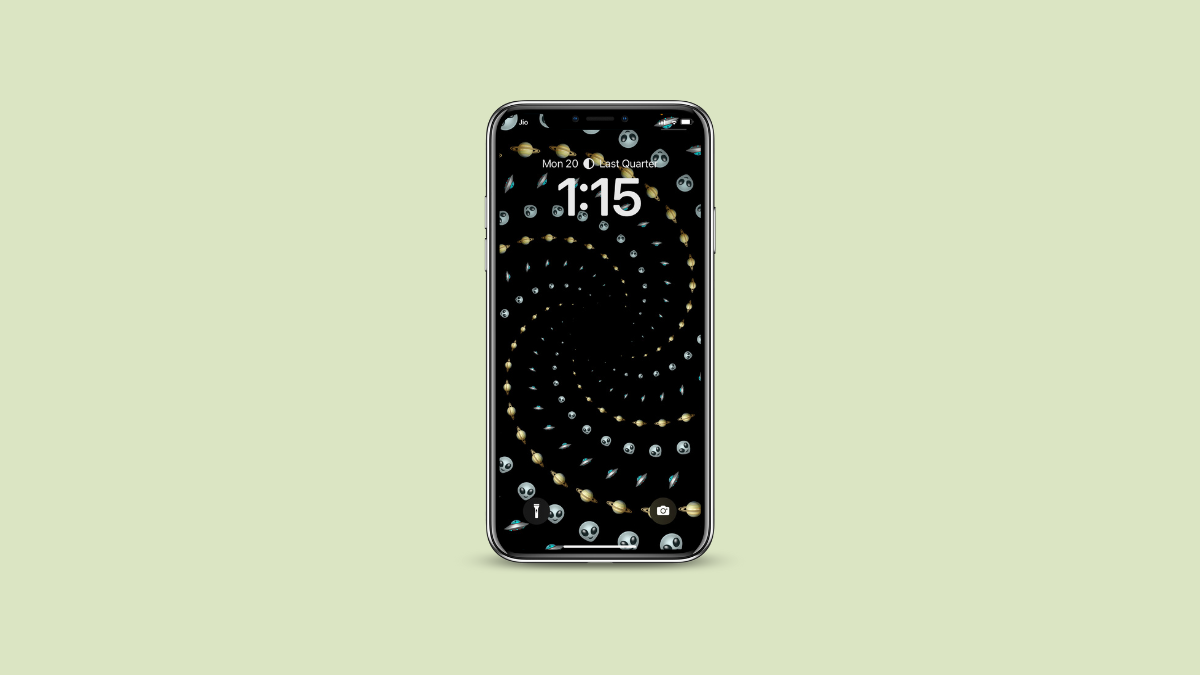
How to Create and Set an Emoji Wallpaper on iPhone Lock Screen with iOS 16
Love the unicorns or just about any other emojis? With iOS 16, you can quickly convert a bunch of your favorite emojis into wallpapers.
-
How to Use Safety Check on iPhone with iOS 16
Whether you love or hate their products, you have got to applaud Apple for its tireless efforts to protect user privacy. In a world…
-
How to Link or Unlink Focus Mode with Lock Screen on iPhone
Increase your productivity or ease of convenience by linking specific customized lock screens with the focus mode of your choice.
-
How to Automatically Share Photos with Someone on iPhone with iOS 16
Tired of sharing photos with everyone in the family after a trip? Turn on iCloud Photo Sharing Library and let your iPhone do it…
-

How to Undo an Email in Mail App on iPhone
Recall back that email you accidentally sent while it was unfinished or sent to the wrong person using the ‘Undo Send’ option in Mail.