
Topic
Windows 11
Windows 11 is Microsoft’s modern PC operating system, built to deliver a refreshed interface, stronger productivity tools, gaming features, enhanced security, and deep integration with services like Copilot. It launched as the successor to Windows 10 and supports a wide range of desktops, laptops, and compatible hardware configurations for work, play, and everyday computing. | Release Date: October 5, 2021 | Developer: Microsoft | Platforms: x86-64 PCs, Arm64 PCs | Genre: Operating System
-
Windows 11 25H2 ISO (64‑bit) — how to download from Microsoft
Where to get the official x64 image, plus Arm64, Insider, and Enterprise options.
-
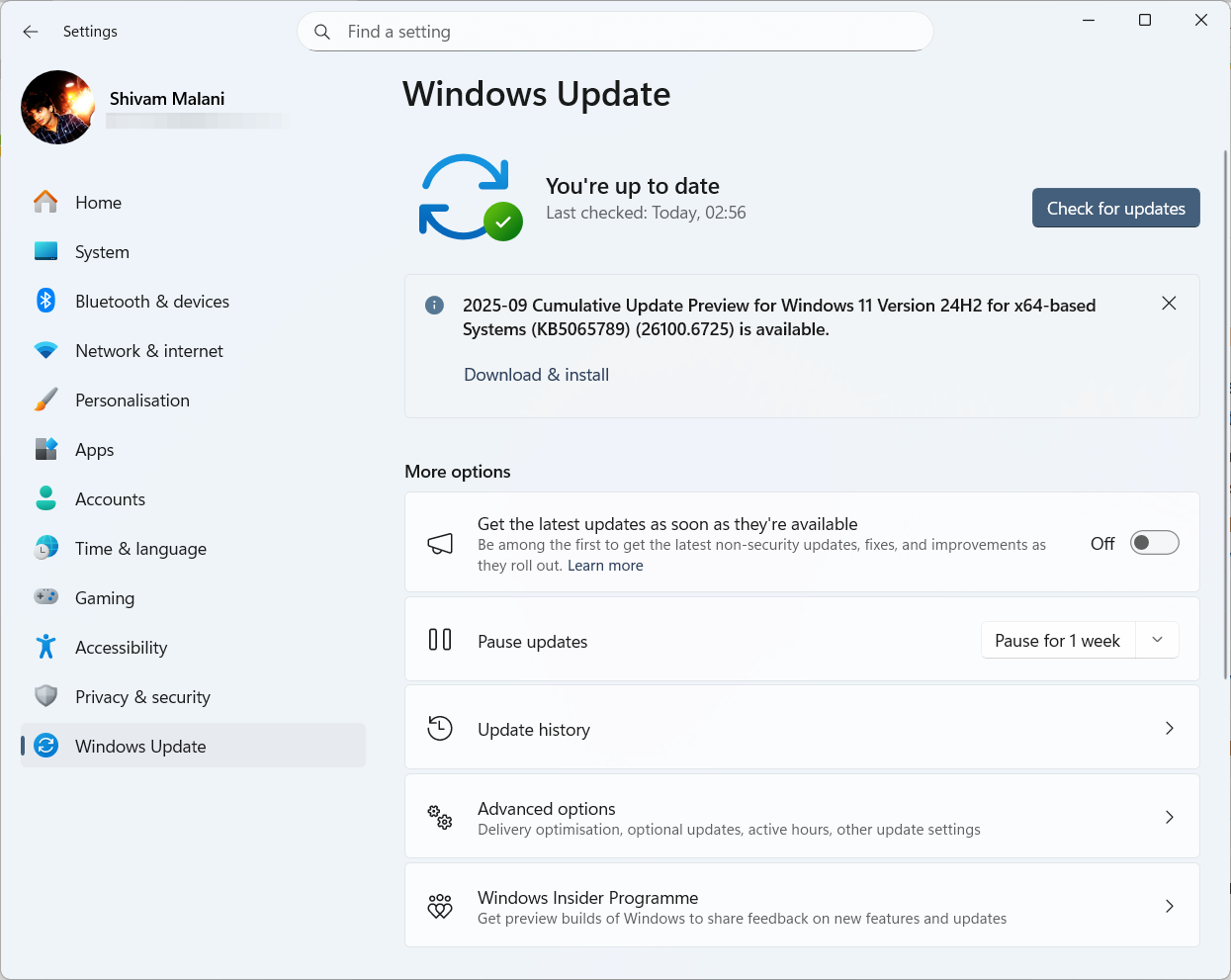
Windows 11 KB5065789 (24H2/25H2) — AI actions, gaming and Hello fixes
September’s preview bumps 24H2/25H2 to .6725 with AI menu tools and fixes for WSUS, Sandbox, HDR, and Hello.
-
Make a Windows 11 25H2 USB for unsupported PCs — Rufus, Ventoy
Create bootable media that skips TPM, Secure Boot, RAM, and online account checks using official ISOs.
-
Create a stripped-down Windows 11 ISO with Nano11 Builder
Automate a lightweight, non-serviceable Windows 11 ISO for testing using official Microsoft tools.
-
Remove Windows 11 bloatware using the built‑in policy (24H2/25H2)
Configure Group Policy or the Registry to strip default Store apps for new accounts.
-
Windows 11 KB5065426 (24H2) — what’s new, what’s fixed, and how to install
September’s update brings security fixes, SMB auditing, input repairs, and AI component updates for Copilot+ PCs.
-
Remove Copilot in tiny11 (Windows 11 25H2) — build a clean ISO
Use tiny11builder to strip Copilot from a 25H2 image and reduce reinstalls.
-

How to Copy List of File and Folder Names to Clipboard in Windows 11
Copying file and folder names to the clipboard in Windows 11 can be done quickly using built-in features, command-line tools, or custom context menu…
-
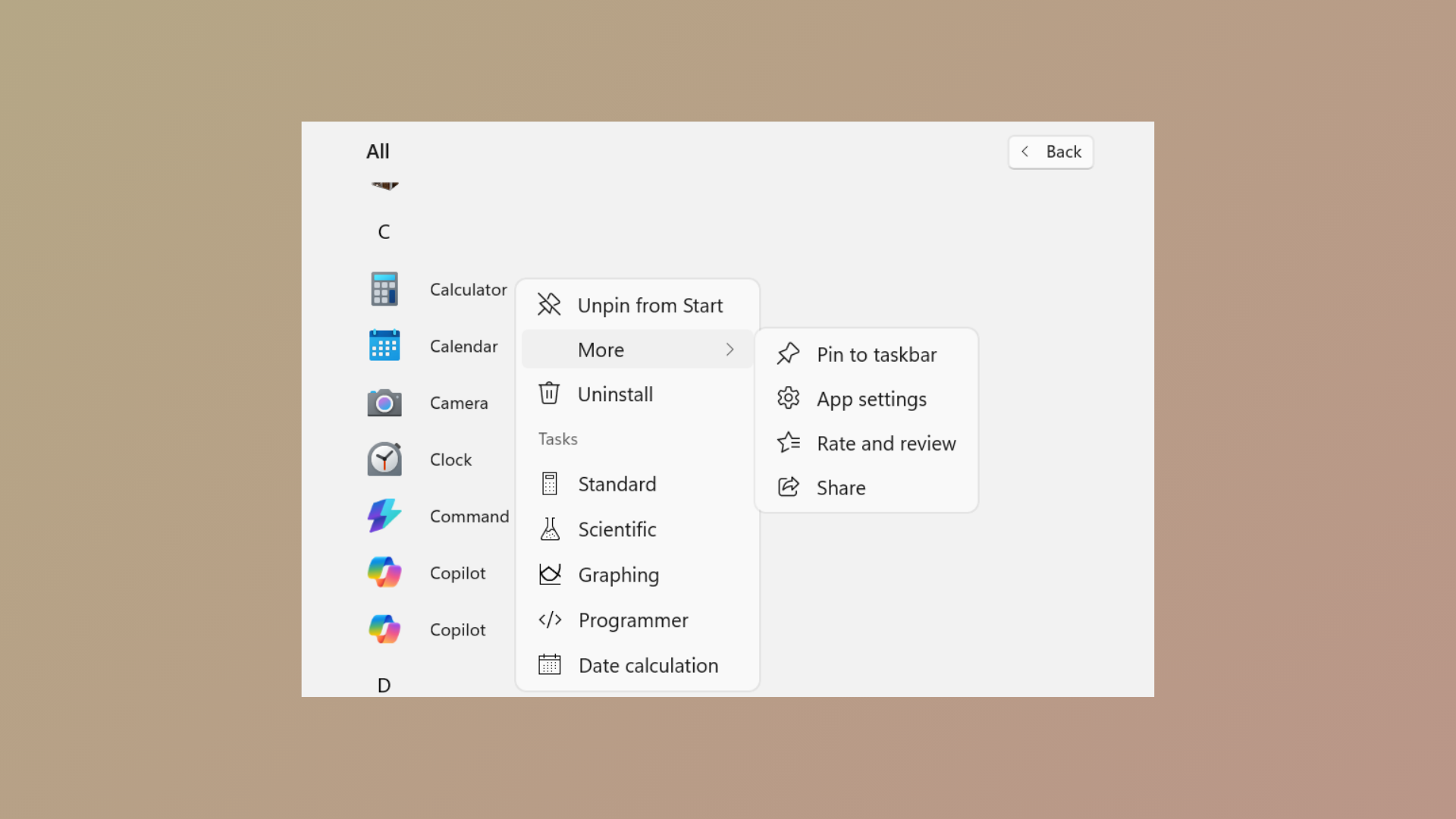
How to Prevent Pinning or Unpinning of Programs to Taskbar in Windows 11
Learn how to use Group Policy and XML configuration to control which programs users can pin or unpin from the Windows 11 taskbar.
-
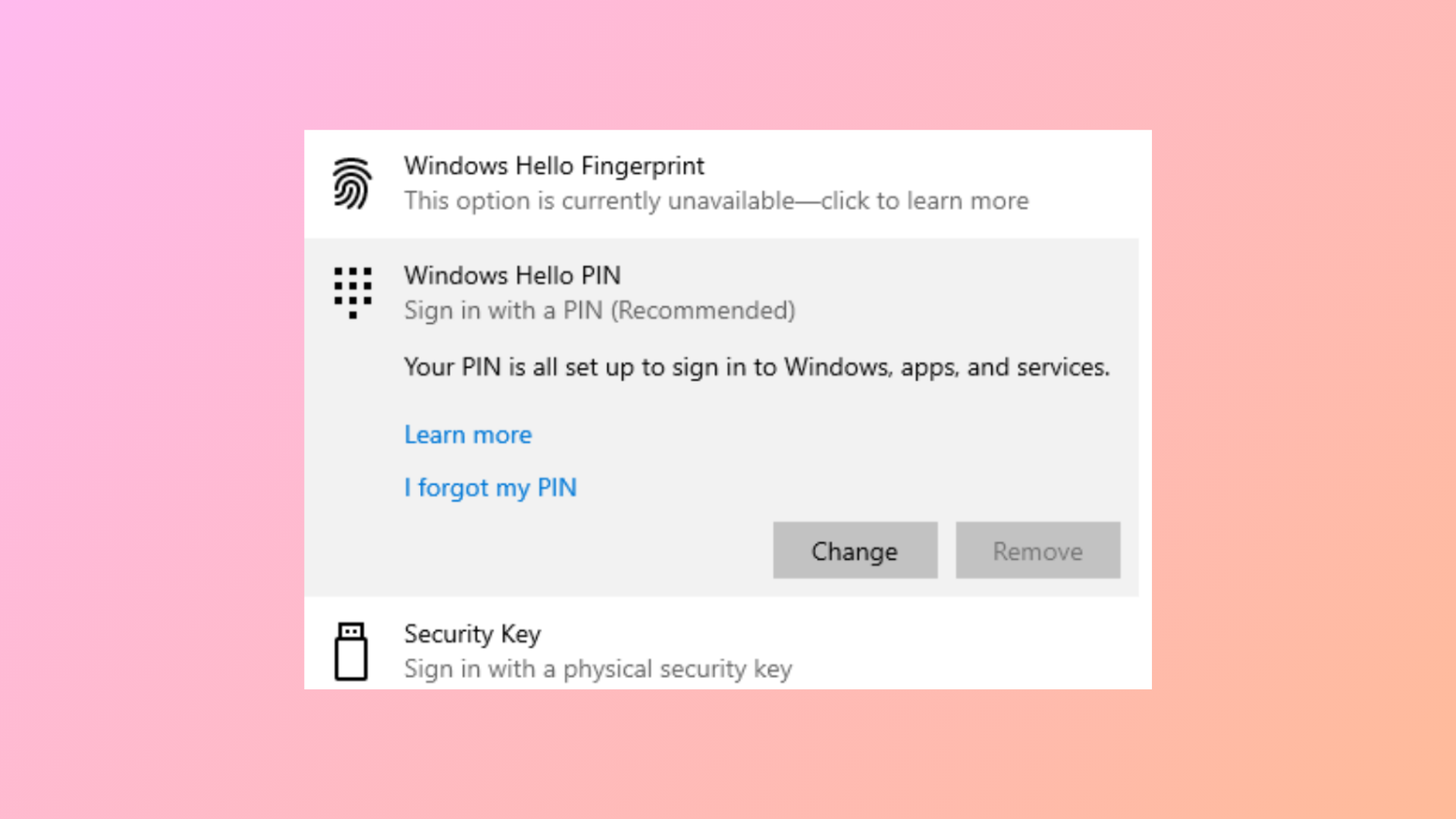
How to Fix Remove Hello PIN Greyed Out in Windows 11
Learn clear solutions to enable the “Remove” option for Windows Hello PIN when it’s unavailable in Windows 11.