
Topic
Windows 11
Windows 11 is Microsoft’s modern PC operating system, built to deliver a refreshed interface, stronger productivity tools, gaming features, enhanced security, and deep integration with services like Copilot. It launched as the successor to Windows 10 and supports a wide range of desktops, laptops, and compatible hardware configurations for work, play, and everyday computing. | Release Date: October 5, 2021 | Developer: Microsoft | Platforms: x86-64 PCs, Arm64 PCs | Genre: Operating System
-

How to Fix Downloads Folder Loading Slowly on Windows 11
Resolve slow loading times in the Downloads folder on Windows 11 by adjusting folder optimization, clearing cache, and applying targeted troubleshooting steps.
-
How to Fix Dxgi.dll Is Missing or Not Found Error on Windows 11
Restore system stability and application functionality by resolving the dxgi.dll missing or not found error with these proven Windows 11 troubleshooting steps.
-
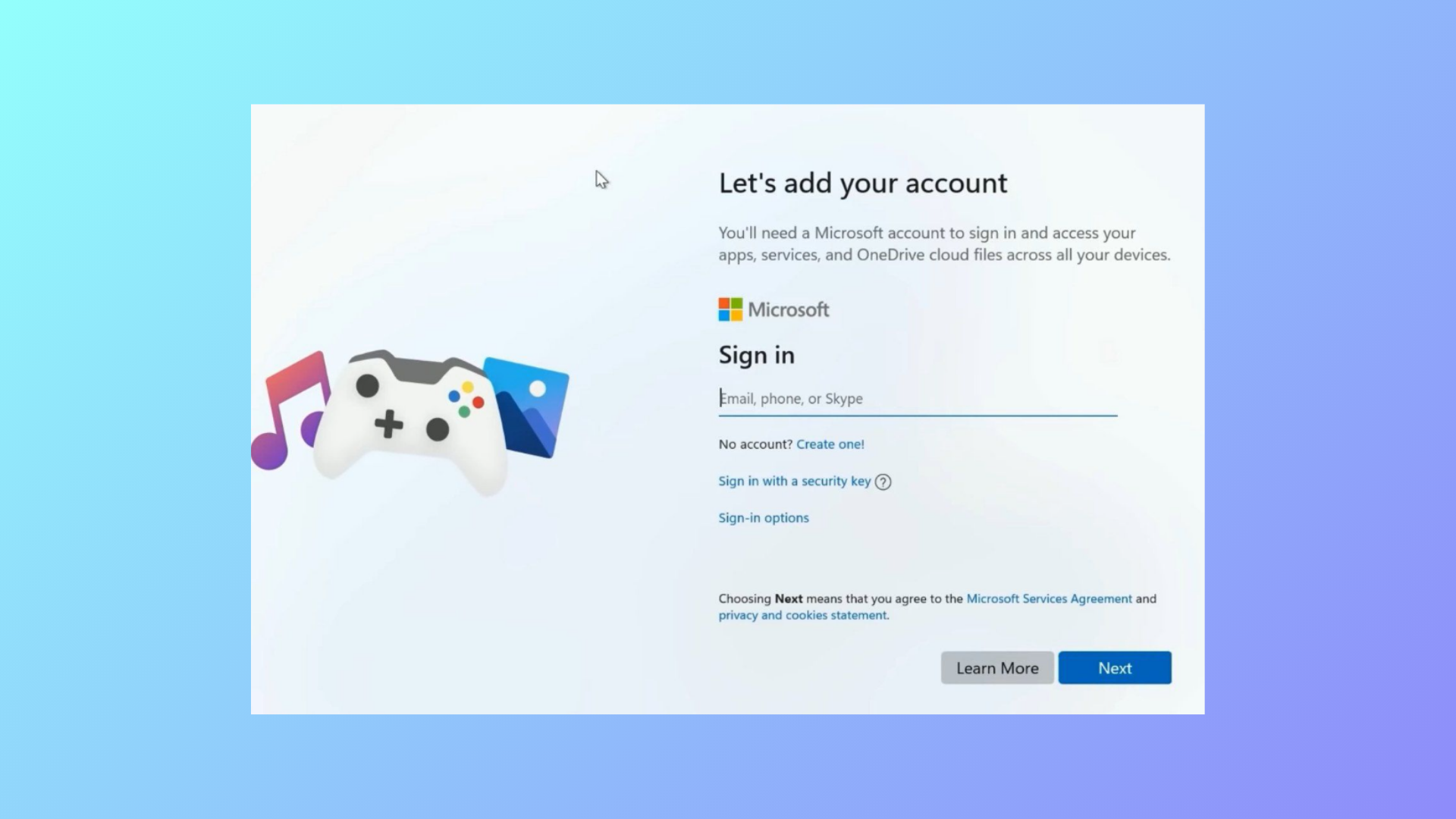
How to Fix Tiny11 Stuck on Let’s Add Your Microsoft Account
Resolve the Tiny11 installation hang at the Microsoft account screen by using proven bypass methods for local account setup.
-
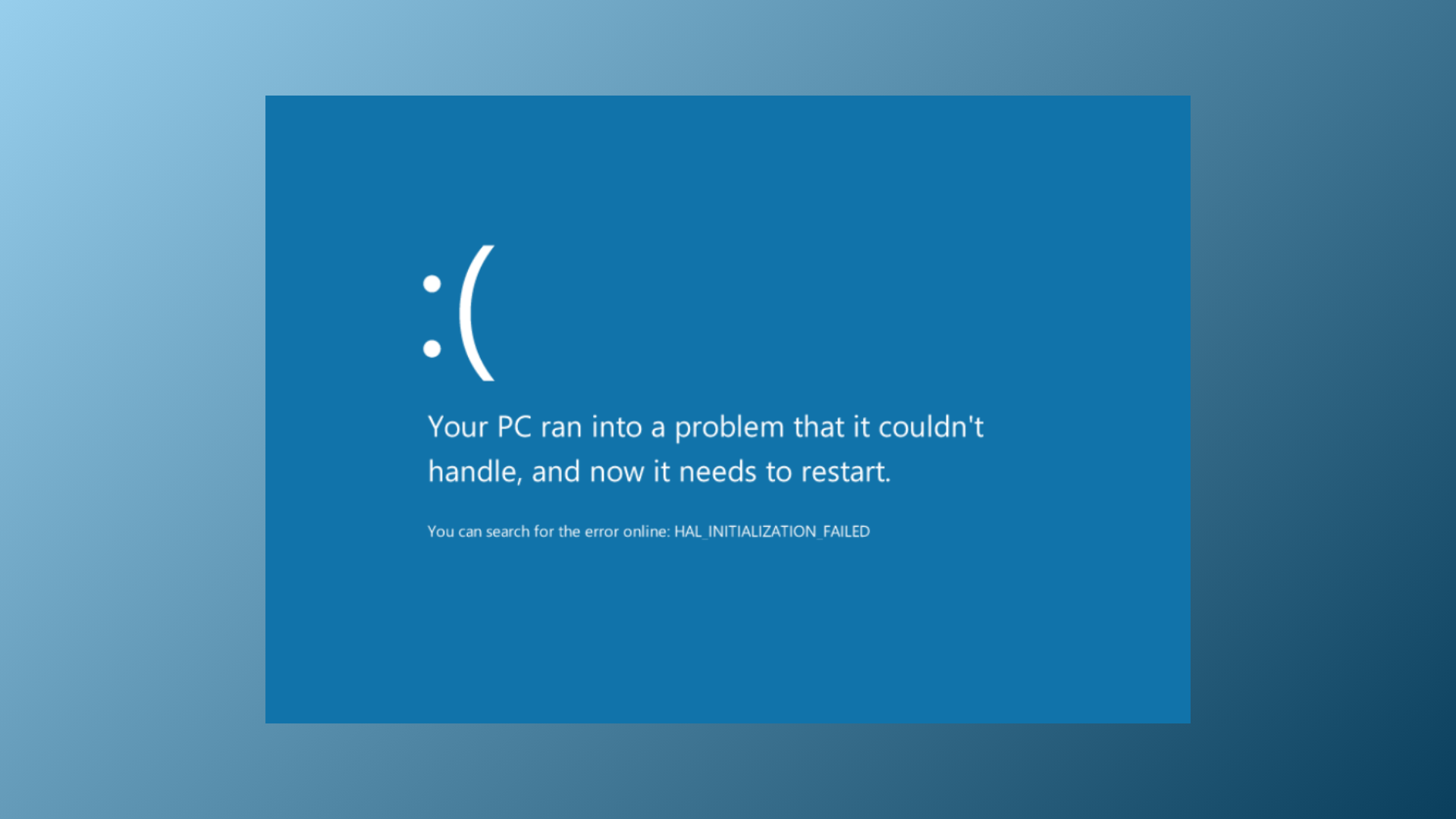
How to Fix Memory Integrity Blue Screen Error on Windows 11
Resolve persistent blue screen crashes and system instability caused by Memory Integrity issues in Windows 11 with proven troubleshooting and repair methods.
-
How to Change the Default Language Shortcut in Windows 11
Switching or customizing keyboard language shortcuts in Windows 11 streamlines multilingual typing and prevents accidental layout changes.
-
How to Fix “You’ve Entered an Incorrect PIN Too Many Times” Error in Windows 11
Regain access to your Windows 11 device after reaching the PIN entry limit by following these practical recovery methods.
-
How to Fix DirectDraw Initialization Failed Error on Windows 11
Resolve DirectDraw initialization errors in Windows 11 to restore compatibility for older games and legacy applications.
-
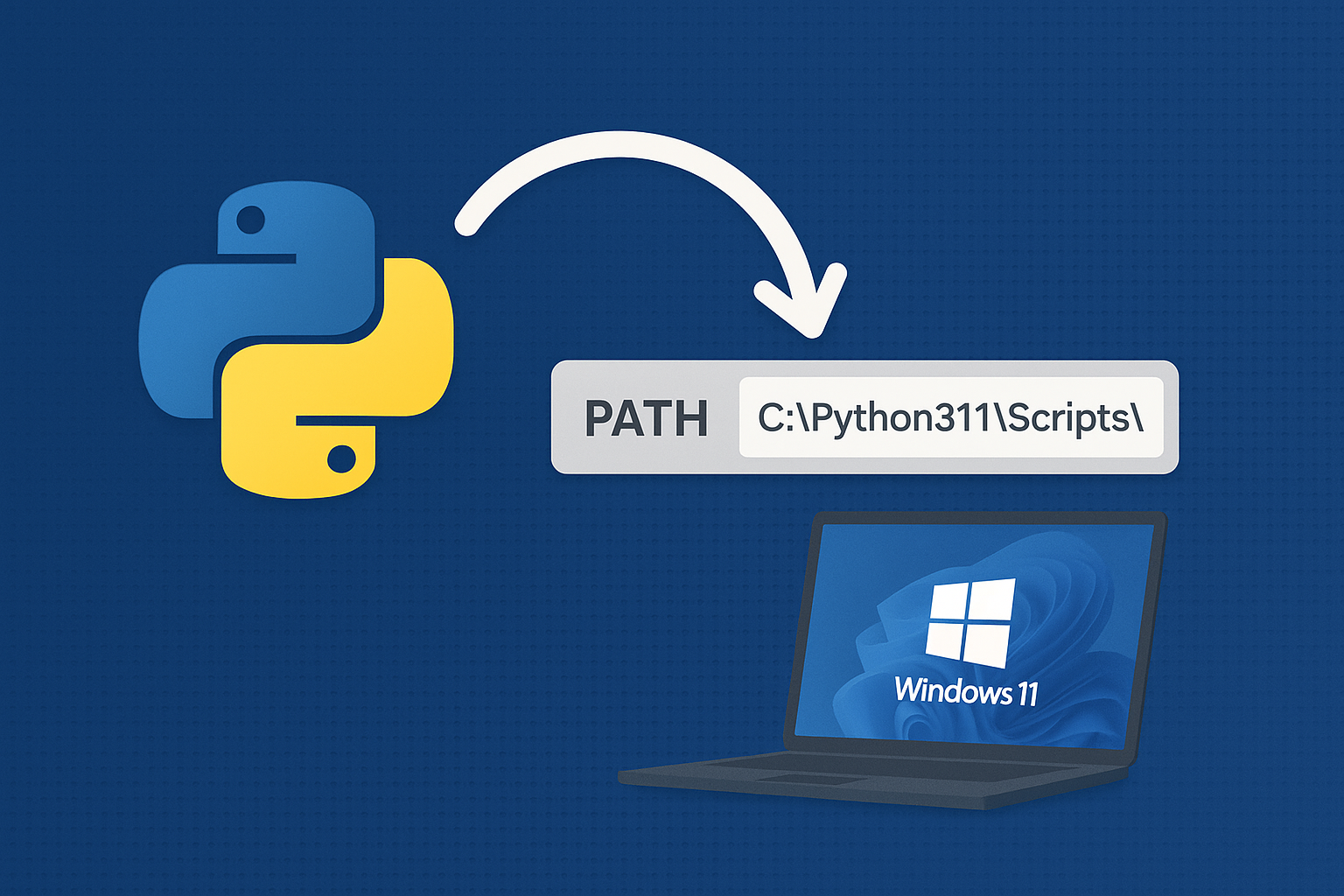
Add Python to PATH on Windows 11
Resolve “python is not recognized” by adding the correct install and Scripts folders to PATH or using the built‑in Python Launcher.
-
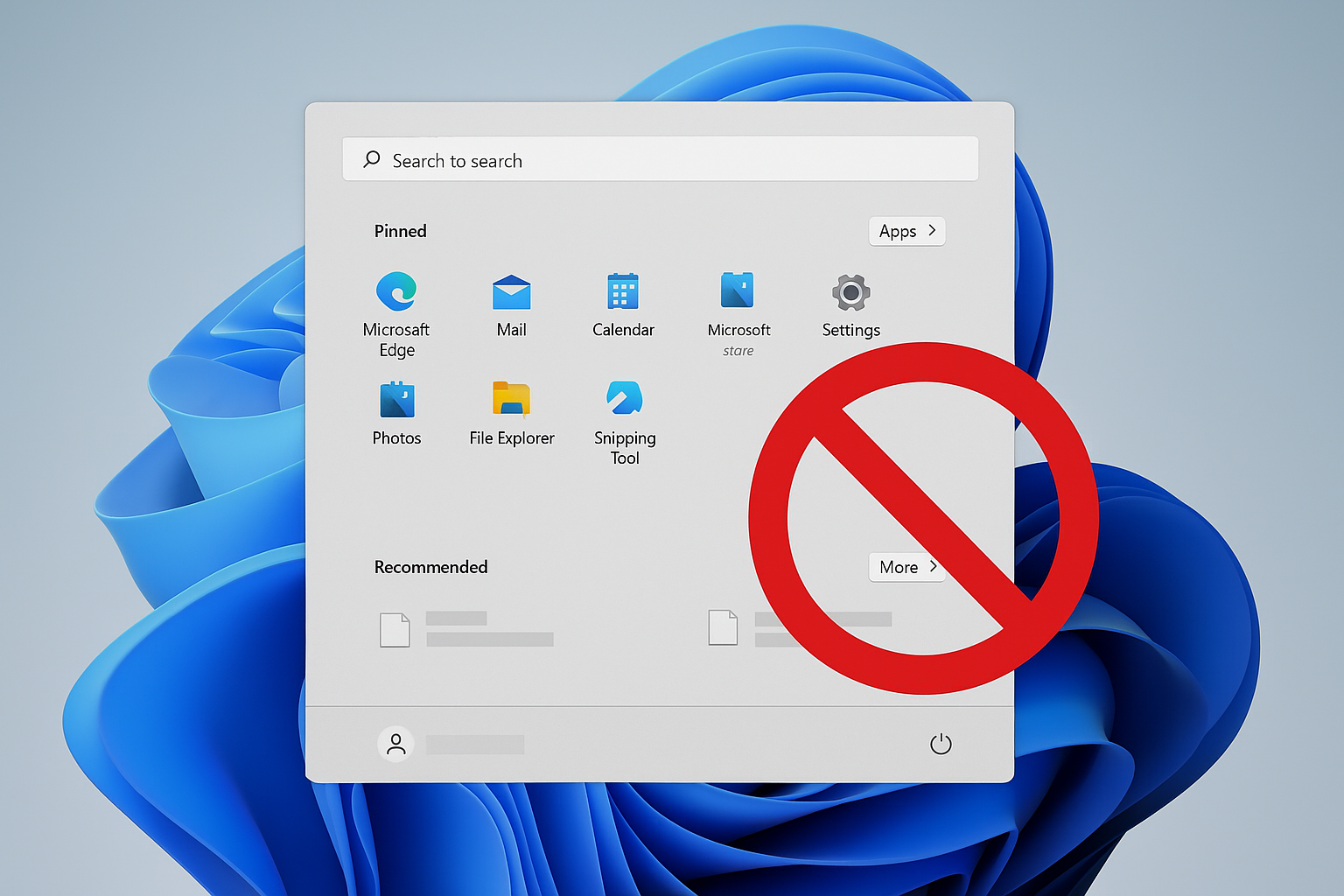
Remove Recommended on Windows 11 Start Menu
Disable or hide the Start menu’s Recommended section using Group Policy, registry, or built‑in settings.
-
How to Fix DST.exe Blocked by Windows Defender on Booting Windows 11
Resolve recurring DST.exe block notifications on HP laptops running Windows 11 by configuring Controlled Folder Access and verifying file safety.