
Topic
Windows 11
Windows 11 is Microsoft’s modern PC operating system, built to deliver a refreshed interface, stronger productivity tools, gaming features, enhanced security, and deep integration with services like Copilot. It launched as the successor to Windows 10 and supports a wide range of desktops, laptops, and compatible hardware configurations for work, play, and everyday computing. | Release Date: October 5, 2021 | Developer: Microsoft | Platforms: x86-64 PCs, Arm64 PCs | Genre: Operating System
-
Windows 11 25H2: Microsoft’s Next Update Promises Faster Installs and Fewer Headaches
The upcoming Windows 11 25H2 release shifts to a streamlined enablement package, cutting update times and simplifying the upgrade process for current users.
-
How to Clear Recent Activities on Windows 11
Remove your Windows 11 activity history to protect privacy and keep your device data clean by following these simple instructions.
-
How to Fix Error 0xc0000605 in Windows 11
Resolve the Windows 11 error code 0xc0000605 with easy-to-follow methods to restore normal system startup and access your files.
-
How to Stop PC from Connecting Automatically to a Wi-Fi Network in Windows 11
Prevent Windows 11 from joining unwanted Wi-Fi networks by managing auto-connect settings and forgetting saved networks.
-
How to Fix Task Host Stopping Background Tasks Automatically on Windows 11
Resolve persistent shutdown and restart delays caused by Task Host blocking background tasks in Windows 11 with targeted troubleshooting and repair steps.
-
How to Fix “Windows Could Not Update the Computer’s Boot Configuration” Error in Windows 11
Resolve Windows 11 installation failures caused by boot configuration errors using proven methods for both UEFI and Legacy BIOS systems.
-
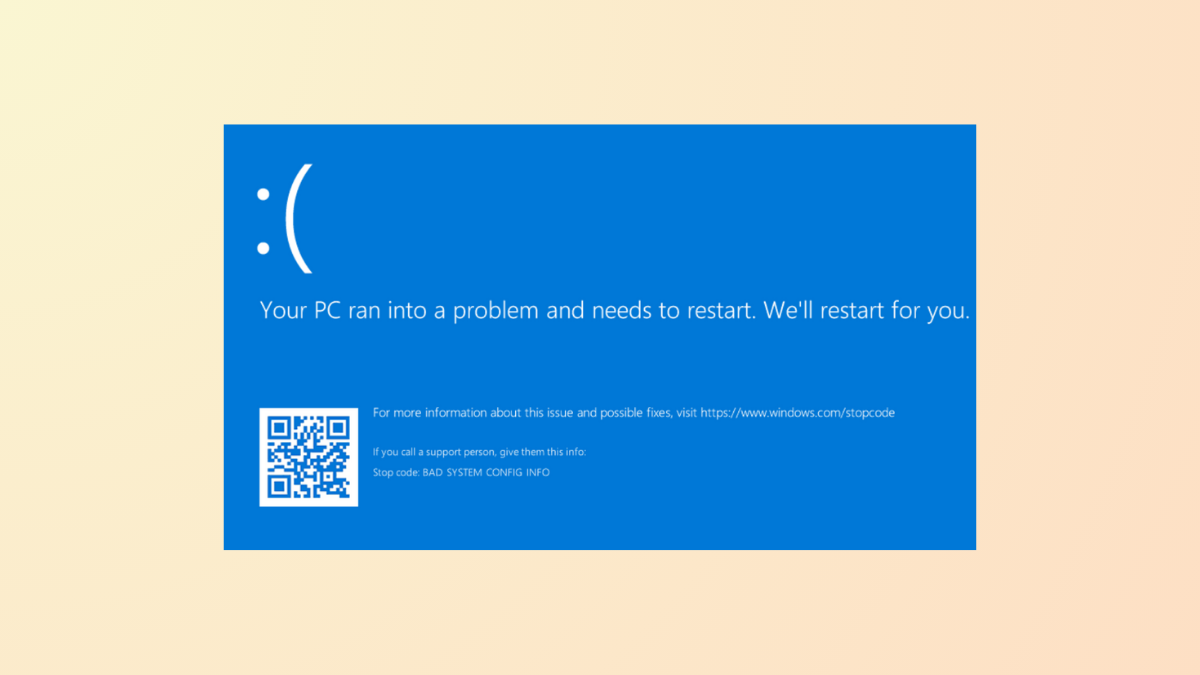
How to Fix “Your PC Ran Into a Problem and Needs to Restart” Error in Windows 11
System crashes and repeated restarts in Windows 11 often indicate hardware, driver, or system file issues—here’s how to diagnose and resolve the problem.
-
How to Fix Windows Security Center Service Can’t Be Started Error in Windows 11
Effective solutions to restore the Windows Security Center service and get your system protection running again on Windows 11.
-
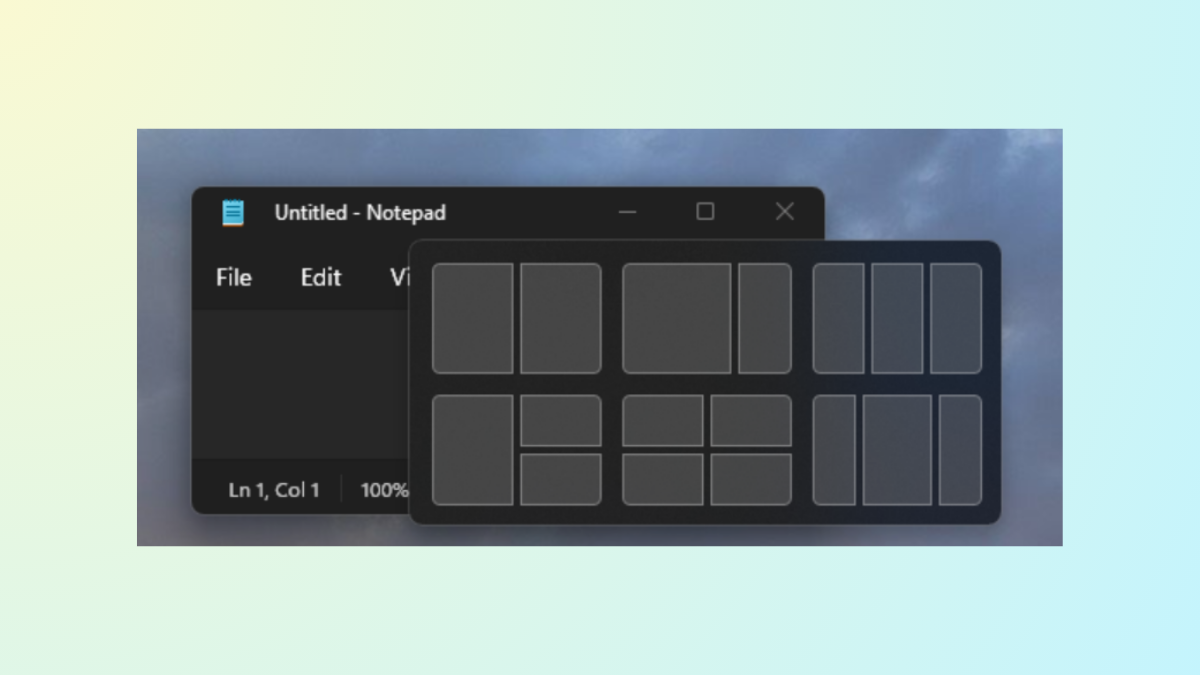
How to Turn Off Snap Assist in Windows 11
Disable Snap Assist to prevent automatic window suggestions and regain manual control over window arrangement in Windows 11.
-
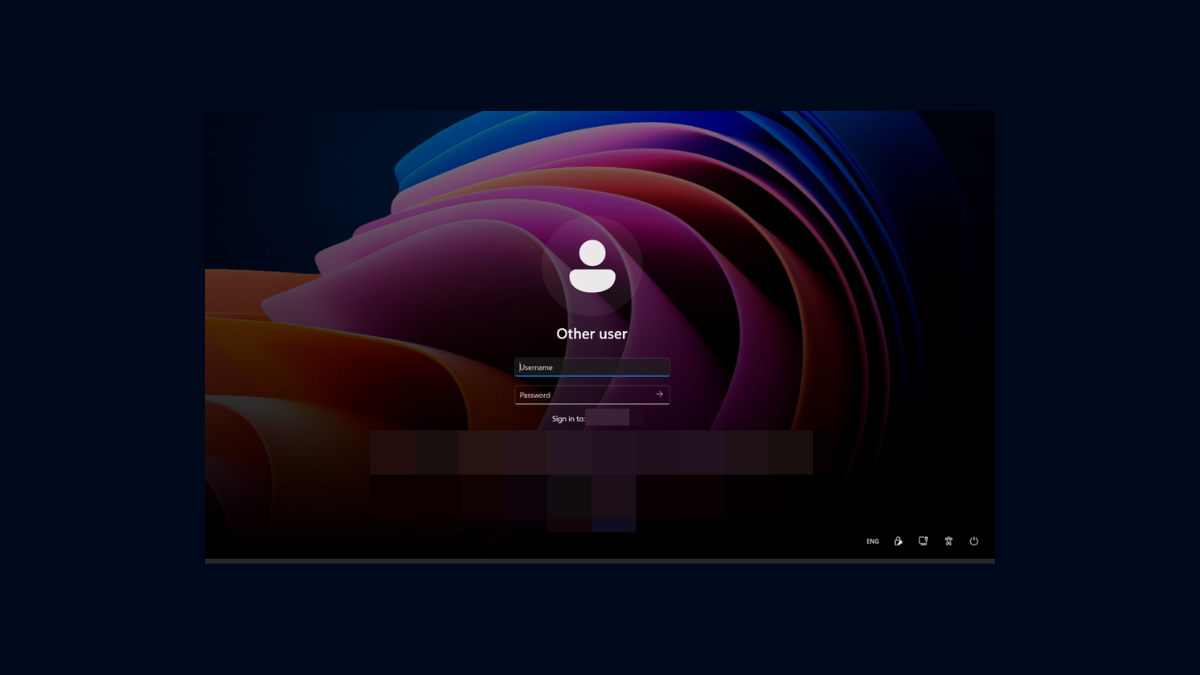
How to Remove Email Address From Login Screen on Windows 11
Learn various methods to hide or remove your email address from the Windows 11 login screen for improved privacy.