
Topic
Windows 11
Windows 11 is Microsoft’s modern PC operating system, built to deliver a refreshed interface, stronger productivity tools, gaming features, enhanced security, and deep integration with services like Copilot. It launched as the successor to Windows 10 and supports a wide range of desktops, laptops, and compatible hardware configurations for work, play, and everyday computing. | Release Date: October 5, 2021 | Developer: Microsoft | Platforms: x86-64 PCs, Arm64 PCs | Genre: Operating System
-
How to Fix It When Reset This PC Does Not Work on Windows 11
Resolve the “There was a problem resetting your PC” error on Windows 11 with multiple solutions, including clean installation and troubleshooting advanced reset failures.
-
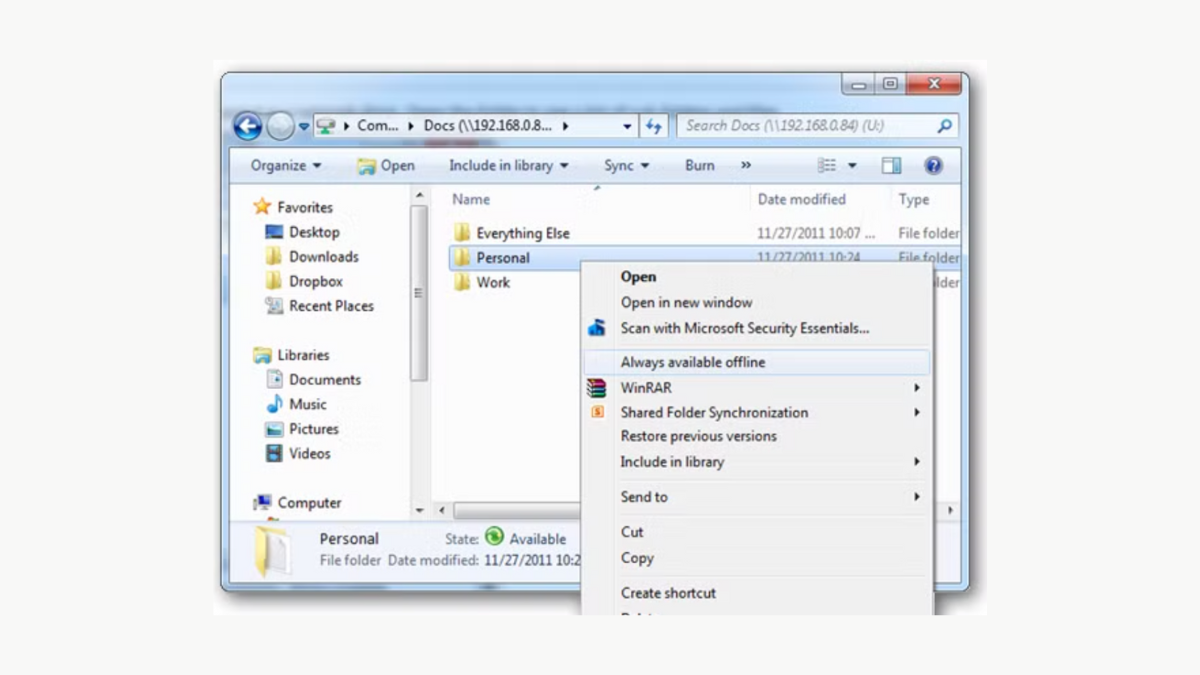
How to Restore Missing Always Available Context Menu Item in Windows 11
Regain direct access to the classic right-click options in Windows 11 File Explorer by modifying the registry and restarting Explorer.
-
How to Fix Video Could Not Be Decoded Error in Windows 11
Resolve video playback issues in Windows 11 by addressing codec compatibility, updating drivers, and switching media players.
-
How to Fix Windows Resource Protection Could Not Complete the Requested Operation in Windows 11
Restore System File Checker functionality and resolve TrustedInstaller issues to repair protected Windows 11 system files.
-
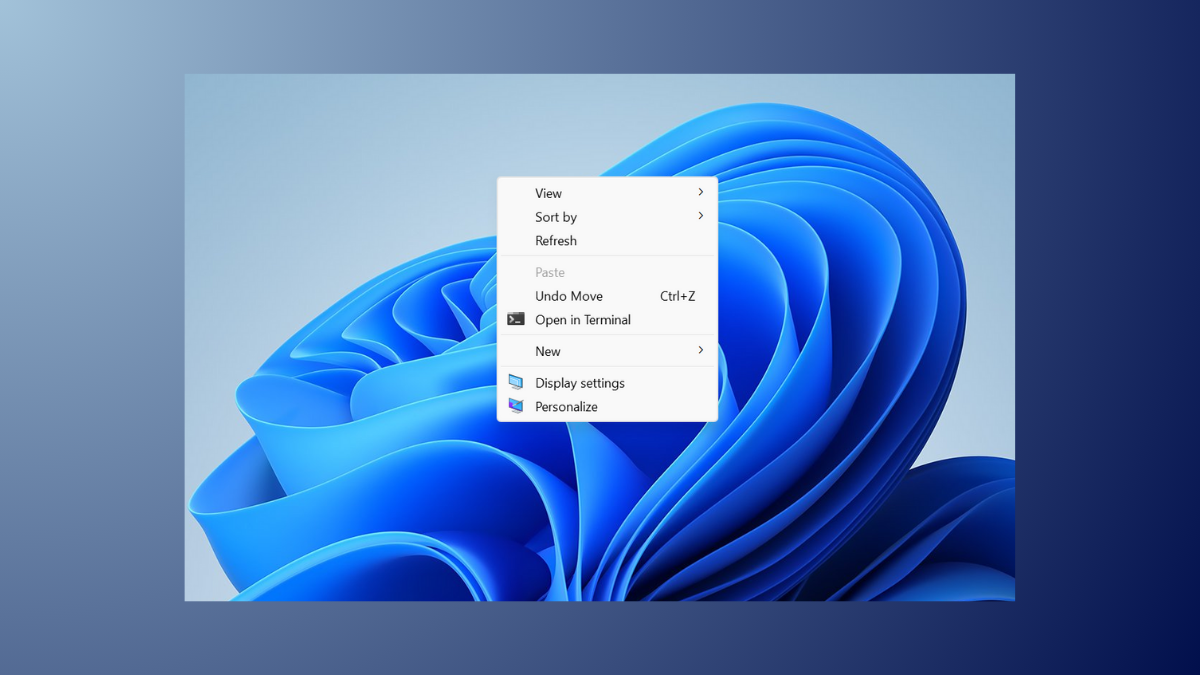
How to Fix Right Click Menu Popping Up Automatically in Windows 11
Stop the right-click context menu from appearing on its own in Windows 11 by addressing hardware, software, and system configuration issues.
-
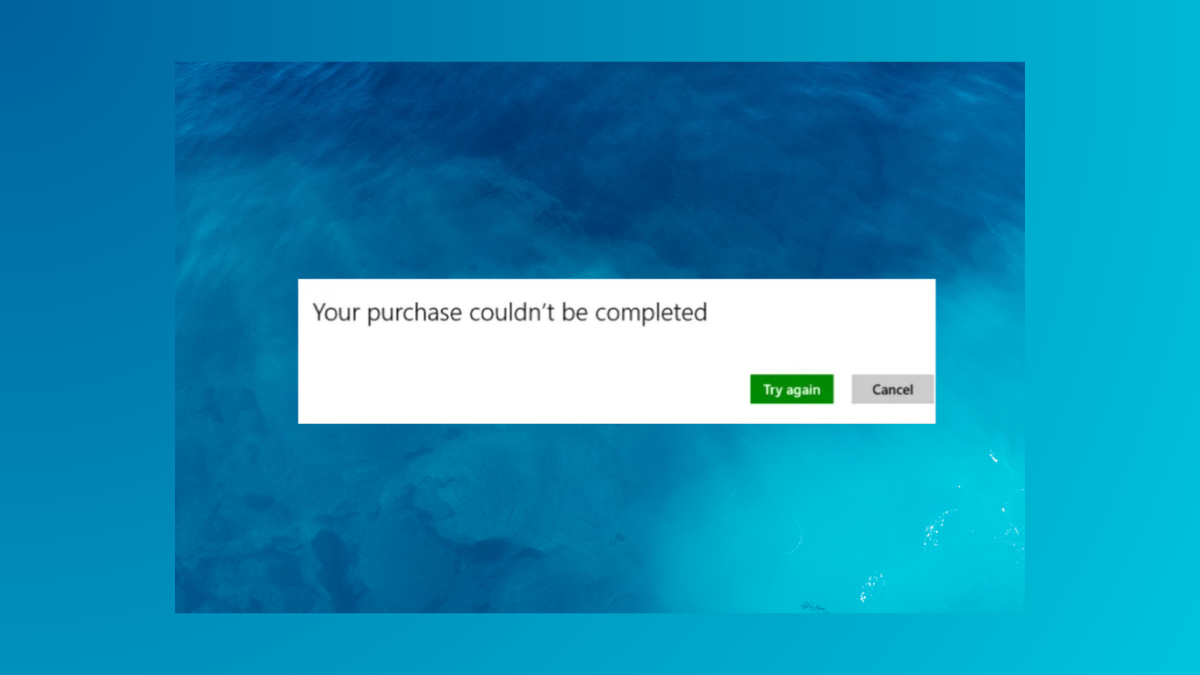
How to Fix Microsoft Store Error 0x80070422 Purchase Couldn’t Be Completed in Windows 11
Resolve Microsoft Store error 0x80070422 in Windows 11 and restore your ability to purchase and update apps by following targeted troubleshooting steps.
-
How to Fix Error 0x8024001f in Windows 11
A detailed guide to resolving Windows 11 update failures caused by error code 0x8024001f, including practical repair methods and troubleshooting tips.
-
How to Fix Microsoft Store Blocked by Administrator in Windows 11
Resolve the “Microsoft Store is blocked. Check with your IT or system administrator” error in Windows 11 by removing policy restrictions and restoring access.
-
How to Fix Unclickable Taskbar in Windows 11
Resolve the issue where the Windows 11 taskbar stops responding to mouse clicks with practical and proven solutions.
-
How to Fix Black Screen When Pressing Alt + Tab in Windows 11
Resolve black screen delays when switching between fullscreen applications and the Windows 11 desktop using Alt + Tab with these targeted solutions.