
Topic
Windows 11
Windows 11 is Microsoft’s modern PC operating system, built to deliver a refreshed interface, stronger productivity tools, gaming features, enhanced security, and deep integration with services like Copilot. It launched as the successor to Windows 10 and supports a wide range of desktops, laptops, and compatible hardware configurations for work, play, and everyday computing. | Release Date: October 5, 2021 | Developer: Microsoft | Platforms: x86-64 PCs, Arm64 PCs | Genre: Operating System
-

Change Screensaver Timeout Settings in Windows 11
Adjust the screensaver wait time and resolve common issues with screensaver and lock screen timeouts in Windows 11 using built-in settings, Group Policy, Registry…
-

Fix Function Keys Not Working in Windows 11
Resolve unresponsive or malfunctioning function keys in Windows 11 with clear solutions covering driver updates, system services, BIOS settings, and more.
-

Change Recycle Bin Icon in Windows 11
Switch the default Recycle Bin icon in Windows 11 by accessing desktop icon settings and selecting a custom image for both empty and full…
-

Remove Default Sign In User Account Picture on Windows 11
Clear or reset the default user profile image on the Windows 11 sign-in screen using reliable methods.
-

Fix Mobile Tethering Internet Keeps Disconnecting on Windows 11
Resolve frequent mobile hotspot and tethering dropouts in Windows 11 with targeted troubleshooting steps and system adjustments.
-
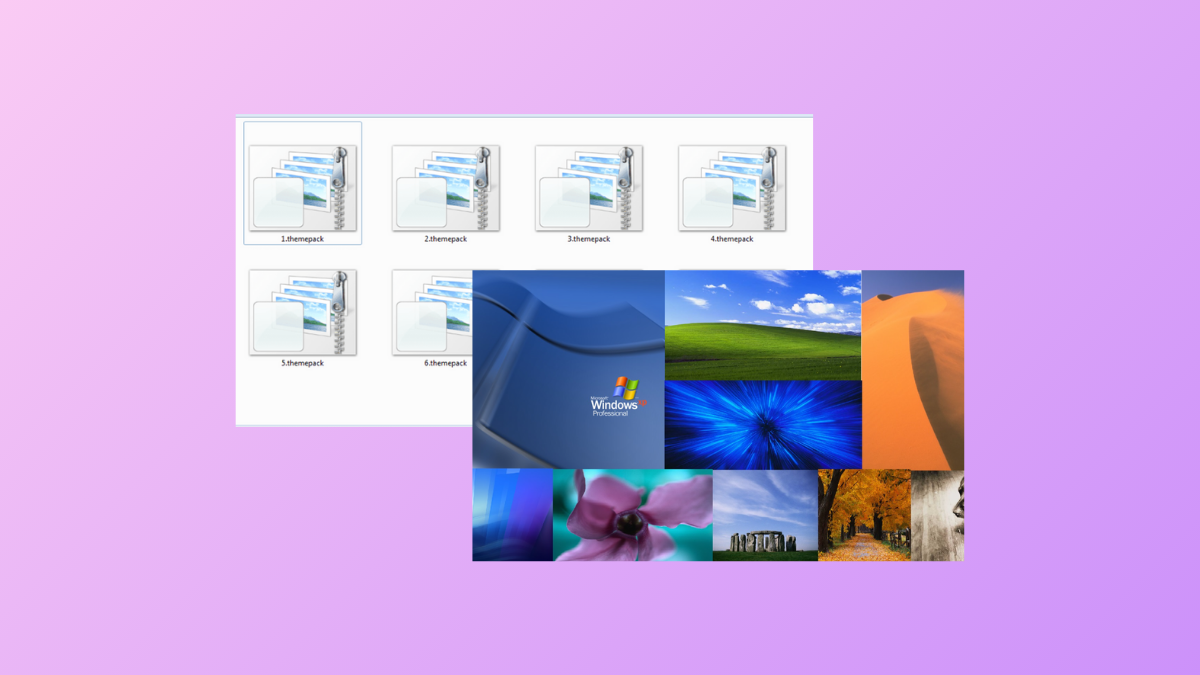
Extract Wallpapers from Themepack in Windows 11
Access and save individual wallpapers from Windows 11 themepack files or installed themes using straightforward extraction methods.
-

Check Processor Cache Memory Size in Windows 11
Learn multiple methods to find your CPU’s L2 and L3 cache memory size in Windows 11 using built-in tools and third-party utilities.
-

Disable Auto Correct and Spell Check in Windows 11
Learn how to turn off autocorrect and spellcheck features across Windows 11, including system-wide settings, Group Policy, Registry tweaks, and individual app controls.
-

Turn Off File Grouping in Windows Explorer in Windows 11
Disable file grouping across all folders and dialogs in Windows 11 to restore a consistent, ungrouped file view system-wide.
-

Check Installed Codecs on Windows 11
Identify which audio and video codecs are available on your Windows 11 system using built-in tools and third-party utilities.