
Topic
Windows 11
Windows 11 is Microsoft’s modern PC operating system, built to deliver a refreshed interface, stronger productivity tools, gaming features, enhanced security, and deep integration with services like Copilot. It launched as the successor to Windows 10 and supports a wide range of desktops, laptops, and compatible hardware configurations for work, play, and everyday computing. | Release Date: October 5, 2021 | Developer: Microsoft | Platforms: x86-64 PCs, Arm64 PCs | Genre: Operating System
-
Fix Error 0xc0000098 in Windows 11
Resolve Windows 11 boot issues caused by error code 0xc0000098 with effective solutions for repairing Boot Configuration Data and restoring system functionality.
-
Disable Sound for On-Screen Keyboard in Windows 11
Silence the click noise from the Windows 11 on-screen keyboard with instructions for a quieter typing experience.
-
Fix 0x8004FC12 Error on Windows 11
Resolve Windows 11 activation issues caused by error code 0x8004FC12 using practical troubleshooting steps and command-line fixes.
-
Fix IO1 Initialization Failed Blue Screen Error on Windows 11
Resolve the IO1_INITIALIZATION_FAILED stop code in Windows 11 by repairing boot records, updating drivers, and addressing hardware or configuration issues.
-
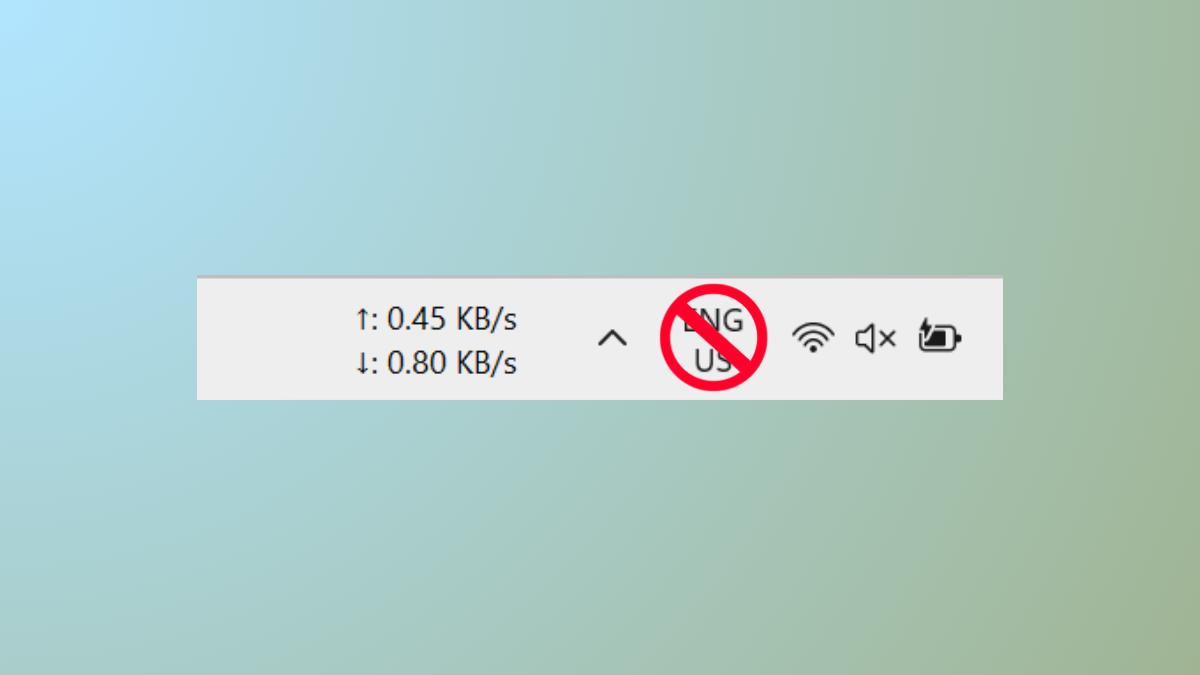
Disable Input Indicator or Language Bar in Windows 11
Remove the persistent language bar or input indicator from your Windows 11 taskbar and system tray using detailed methods.
-
Fix Notification Sound Playing Randomly in Windows 11
Resolve persistent or random notification sounds in Windows 11 by identifying hardware, software, and system causes through targeted troubleshooting steps.
-
Fix Error 0x803FABB8 in Windows 11
Resolve Windows 11 activation issues caused by hardware changes or license problems with easy-to-follow troubleshooting and support options.
-
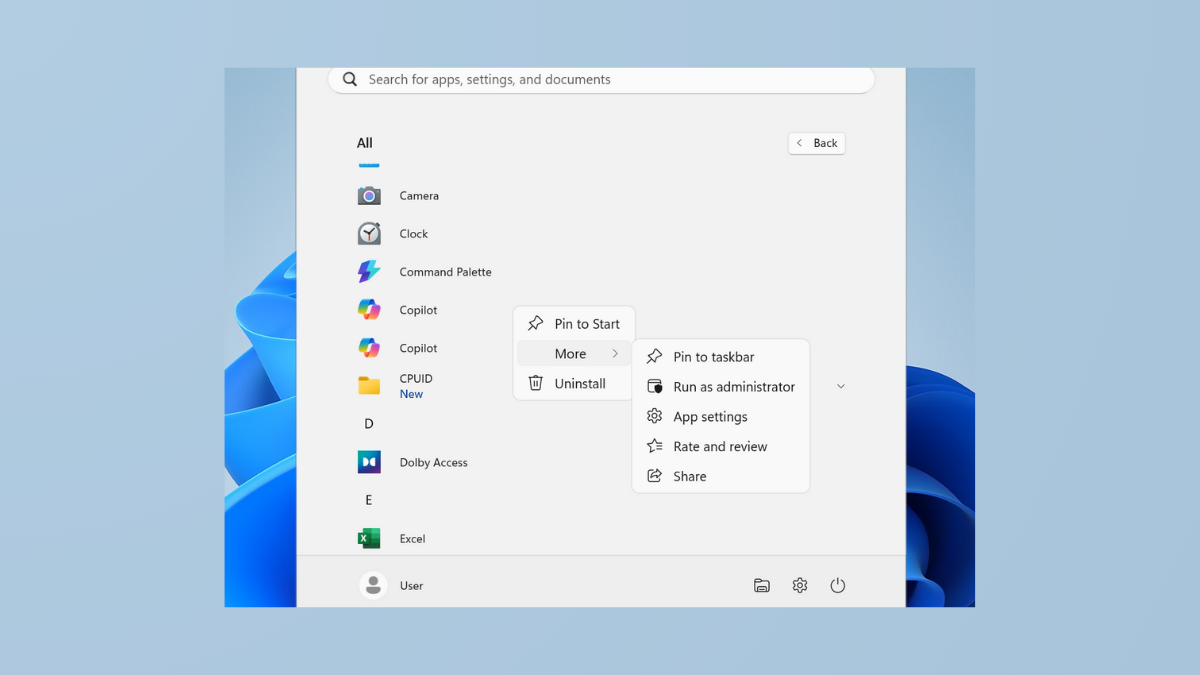
Fix Cannot Pin Apps to Taskbar in Windows 11
Resolve the issue where applications refuse to pin to the Windows 11 taskbar with clear solutions and troubleshooting methods.
-
Fix Runtime Error R6034 in Windows 11
Resolve the “application has made an attempt to load the C runtime library incorrectly” error by repairing Visual C++ packages, adjusting permissions, and addressing…
-
Fix Microphone Volume Keeps Resetting to 0 or 100 in Windows 11
Resolve microphone input level issues in Windows 11 with effective solutions for volume resetting problems.