
Topic
Windows 11
Windows 11 is Microsoft’s modern PC operating system, built to deliver a refreshed interface, stronger productivity tools, gaming features, enhanced security, and deep integration with services like Copilot. It launched as the successor to Windows 10 and supports a wide range of desktops, laptops, and compatible hardware configurations for work, play, and everyday computing. | Release Date: October 5, 2021 | Developer: Microsoft | Platforms: x86-64 PCs, Arm64 PCs | Genre: Operating System
-

Fix There Is Already a File with the Same Name Error on Windows 11
Resolve file and folder naming conflicts in Windows 11 by identifying hidden items, handling legacy file names, and using proven troubleshooting steps.
-
Install WSL on Windows 11 for Linux Apps
Set up Windows Subsystem for Linux on Windows 11 to run Linux applications and streamline cross-platform workflows.
-
Fix Blue Screen Error When Connecting to Ethernet or WiFi on Windows 11
Resolve blue screen crashes on Windows 11 caused by Ethernet or WiFi connections by updating drivers, troubleshooting network settings, and applying proven solutions.
-
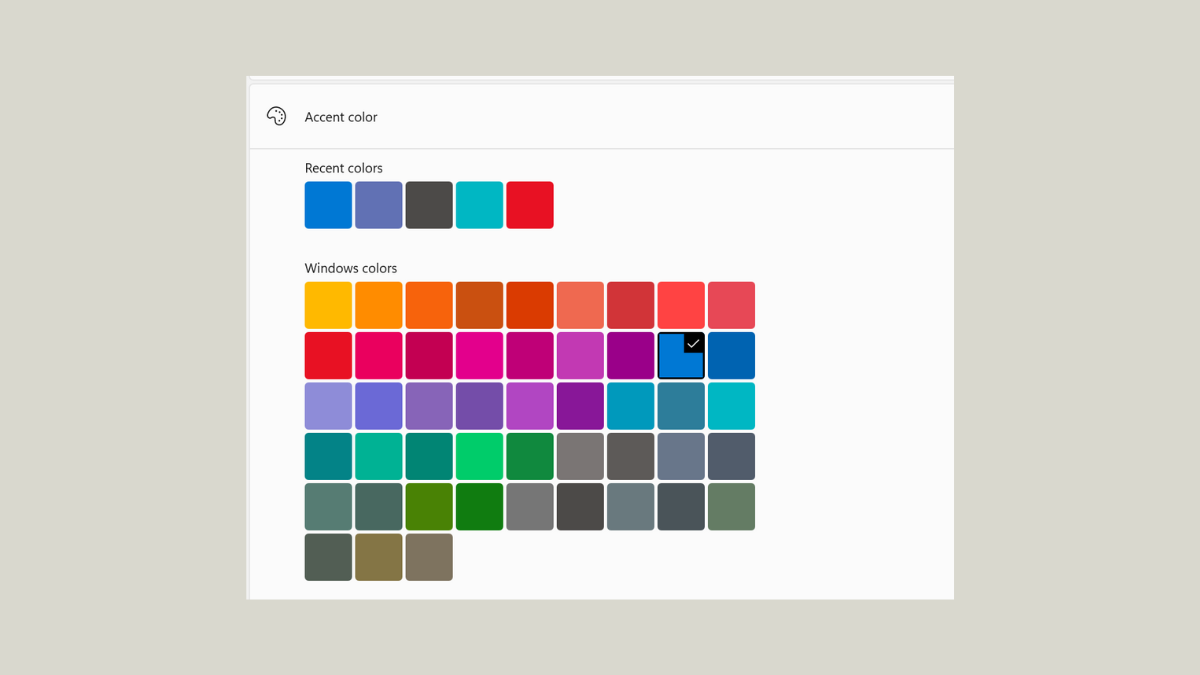
Add Custom Color Theme to Start Menu in Windows 11
Apply a custom accent color to your Windows 11 Start menu and taskbar for a more personalized desktop experience, using both built-in settings and…
-

Check Which Programs Are Using the Most RAM in Windows 11
Identify and troubleshoot high memory usage in Windows 11 by pinpointing which programs and processes are consuming the most RAM.
-
Fix Mobile Hotspot Not Working in Windows 11
Resolve common mobile hotspot issues in Windows 11 by updating drivers, adjusting network settings, and troubleshooting connectivity barriers.
-
Disable WiFi Hotspot Automatically on Windows 11
Explore effective ways to stop or limit the automatic activation of the WiFi hotspot feature in Windows 11, including clear instructions for system settings,…
-
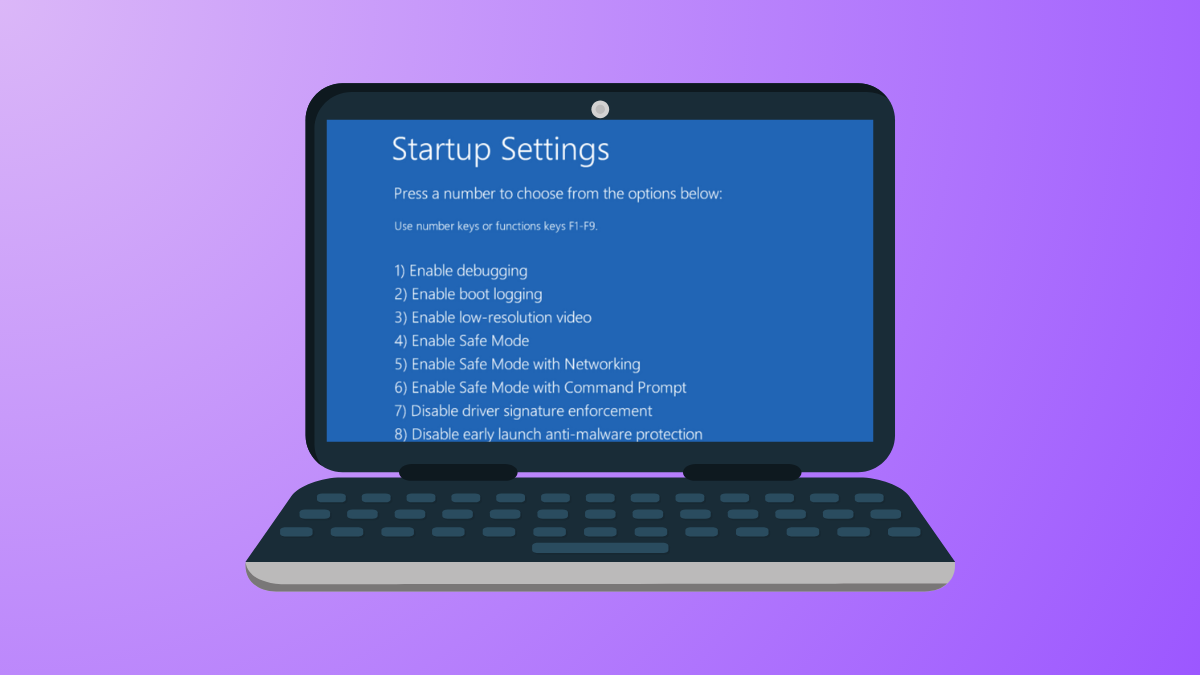
Add Safe Mode to Boot Menu Options in Windows 11
Streamline troubleshooting by adding Safe Mode selections directly to the Windows 11 boot menu for faster access during startup issues.
-
Fix Windows 11 Shutting Down Instead of Restarting
Resolve the issue where Windows 11 powers off instead of rebooting by adjusting system settings, updating firmware, and troubleshooting power configurations.
-
Fix VPN Error 806 on Windows 11
Resolve VPN Error 806 (GRE Blocked) on Windows 11 by configuring firewall settings, enabling required ports, and troubleshooting network devices.