
Topic
Windows 11
Windows 11 is Microsoft’s modern PC operating system, built to deliver a refreshed interface, stronger productivity tools, gaming features, enhanced security, and deep integration with services like Copilot. It launched as the successor to Windows 10 and supports a wide range of desktops, laptops, and compatible hardware configurations for work, play, and everyday computing. | Release Date: October 5, 2021 | Developer: Microsoft | Platforms: x86-64 PCs, Arm64 PCs | Genre: Operating System
-
Right-Click Without a Mouse on Windows 11
Multiple keyboard and touchpad methods to perform right-click actions without using a mouse on Windows 11.
-
Disable Touchscreen on Windows 11
Easy and effective methods to turn off touchscreen functionality on Windows 11 devices
-
Transfer Windows 11 to a New SSD for Faster Boot and Improved Performance
Detailed instructions to move your Windows 11 installation to a new SSD without losing data or reinstalling the OS.
-
Fix Critical Process Died Error After April 2025 Update on Windows 11
Effective solutions to resolve the CRITICAL_PROCESS_DIED Blue Screen error following the April 2025 Windows 11 update.
-
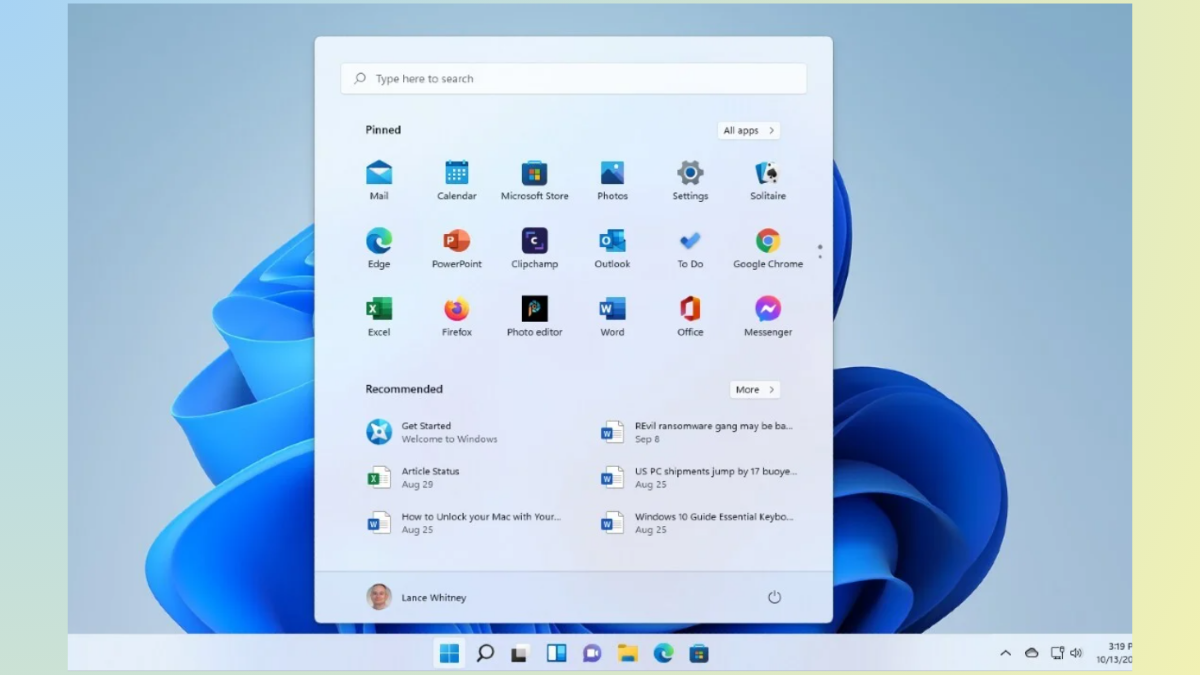
How to Restore Missing Start Menu in Windows 11
Practical methods to bring back the Windows 11 Start menu and taskbar when they disappear or become unresponsive.
-
How to Fix 0x800f0905 Error in Windows 11
Clear, detailed solutions to resolve the Windows Update error 0x800f0905 and restore normal update functionality in Windows 11.
-
How to Fix Error 0x80070306 in Windows 11
Resolve the Windows Update error 0x80070306 in Windows 11 with easy-to-follow solutions for repairing system files, resetting update components, and manually installing updates.
-
How to Fix 0x800704ec Error in Windows 11
Resolve the “This program is blocked by group policy” 0x800704ec error in Windows 11 by adjusting security settings, removing conflicting software, and restoring essential…
-
How to Install RSAT Tools on Windows 11
Streamline Windows Server management by adding Remote Server Administration Tools (RSAT) to your Windows 11 Professional or Enterprise system.
-

How to Make Greenshot the Default Screenshot Tool on Windows 11
Resolve conflicts with the Snipping Tool and configure Greenshot to capture screenshots using the Print Screen key on Windows 11.