
Topic
Windows
Windows is Microsoft’s long-running graphical operating system family for personal computers, known for broad hardware support, a massive software library, and deep compatibility across productivity, creative, and gaming use cases. First launched as a graphical shell for MS-DOS, it evolved into the dominant PC platform and a core destination for modern PC gaming through DirectX and widespread developer support. | Release Date: November 20, 1985 | Developer: Microsoft | Platforms: PC | Genre: Ope
-

The $GetCurrent folder in Windows: What it is and when to delete it
A hidden leftover from Windows upgrades that can quietly eat several gigabytes, and the safe way to clear it.
-
Hyper-V VM stuck in Saved State: How to fix it
Clear the bad memory image, restore permissions, and get the virtual machine booting again on Windows Server or Windows 11.
-

Antimalware Service Executable (msmpeng.exe) High CPU, Memory, and Disk Usage Fix
Cut Microsoft Defender’s resource drain with exclusions, scan rescheduling, and platform rollback steps that actually work.
-
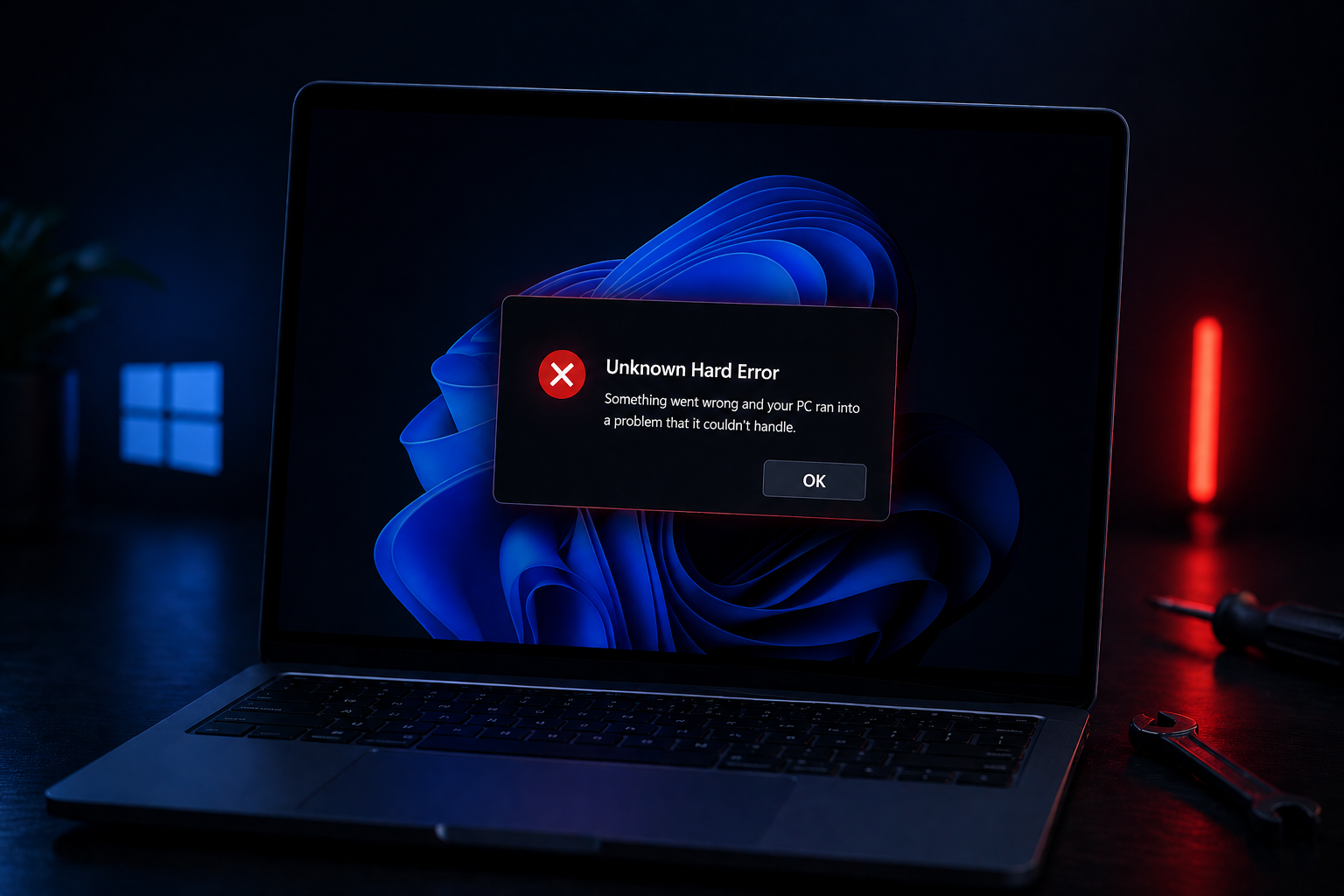
Unknown Hard Error on Windows 11: How to Fix the Black Screen Popup
Walk through the recovery, file repair, and clean boot steps that actually clear the cryptic Windows 11 popup.
-
NTLite Explained: How to Build a Custom, Debloated Windows 11 or 10 Install
NTLite lets you strip unwanted components from Windows images, integrate drivers and updates, and create lean bootable ISOs.
-
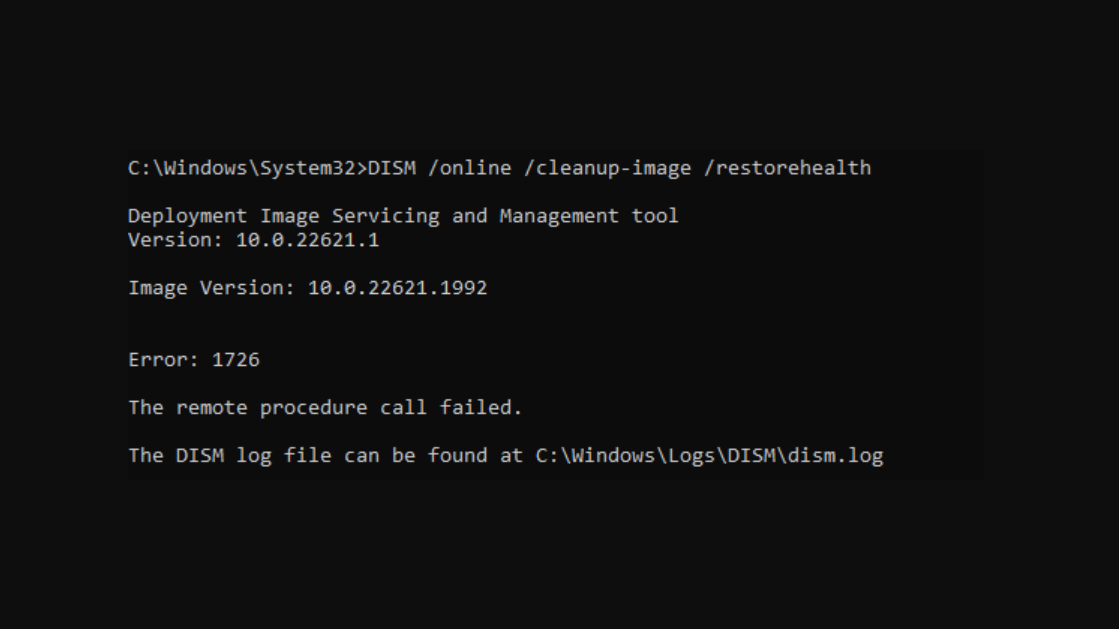
How to Fix DISM Error 1726 “The Remote Procedure Call Failed” on Windows
This persistent servicing error has multiple root causes and fixes ranging from service restarts to full repair installs.
-
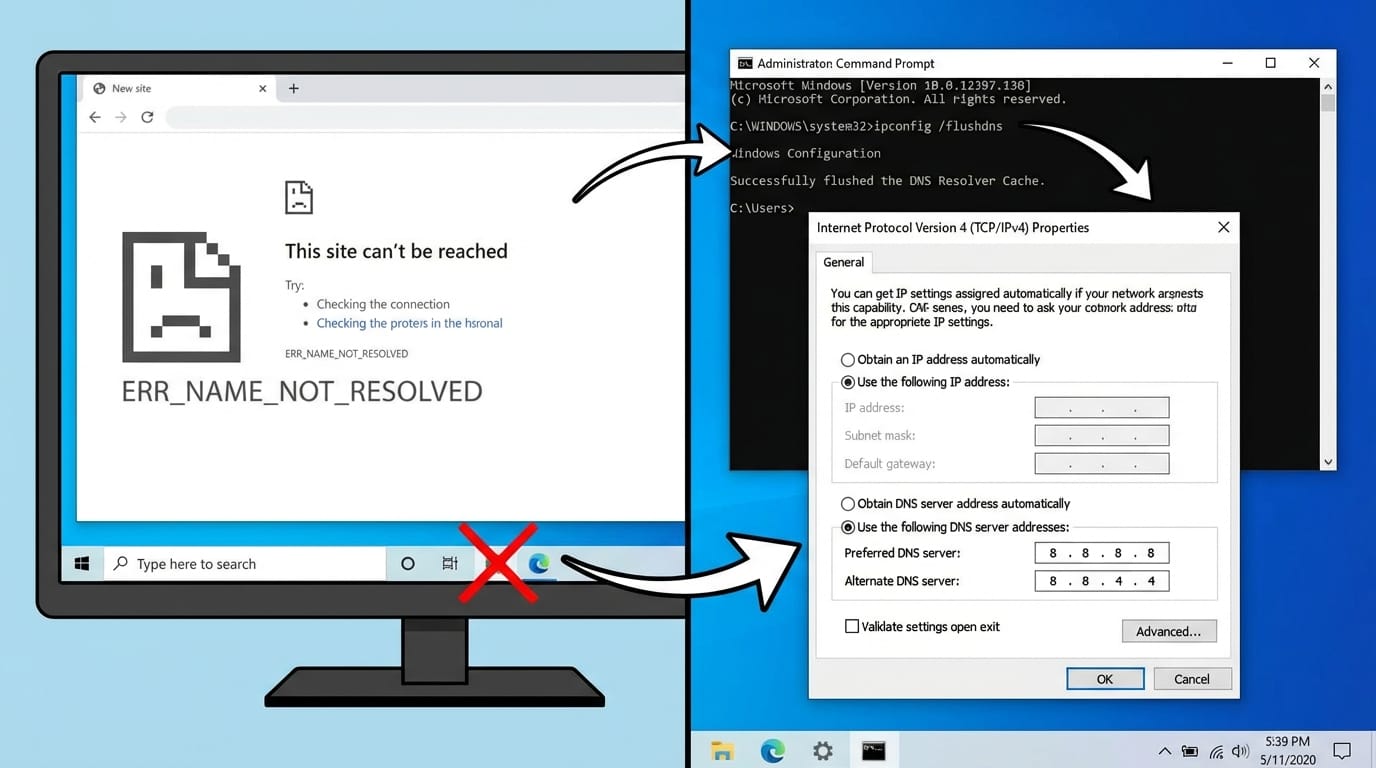
Fix ERR_NAME_NOT_RESOLVED on Windows by Replacing Broken DNS Settings
Swap out misconfigured DNS servers and flush stale cache to stop name-resolution failures in any browser.
-
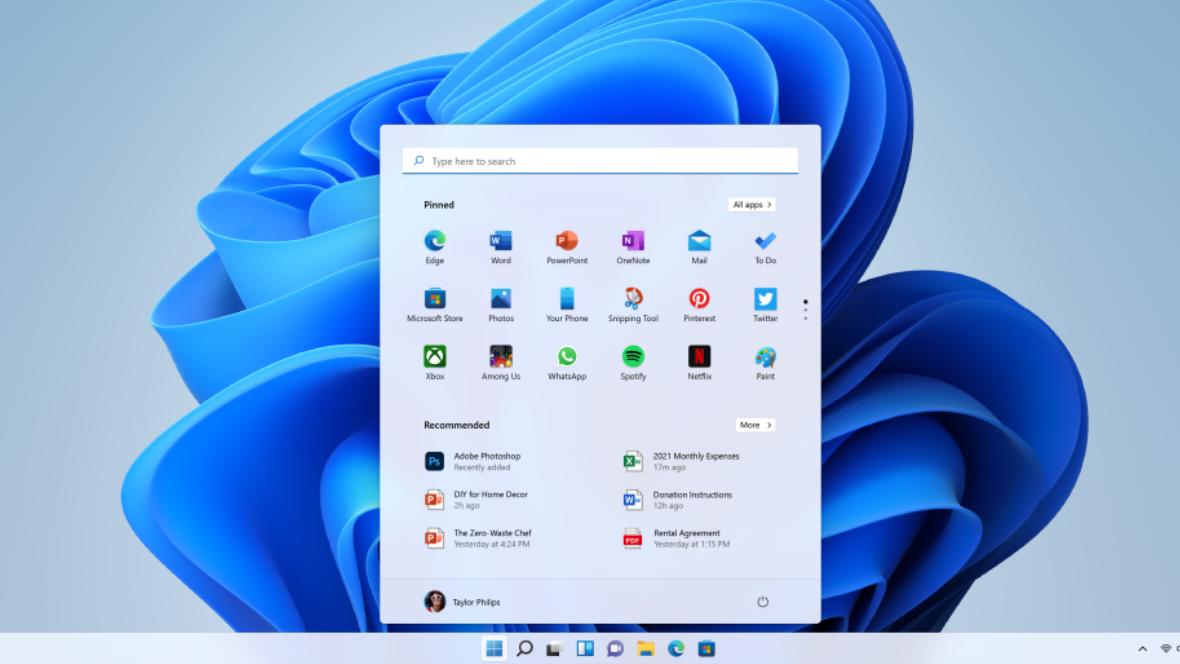
How to enable secure boot on Gigabyte AM4 boards for Windows games
Configure TPM 2.0, UEFI, and Secure Boot on GIGABYTE AM4 motherboards so Windows and newer games pass security checks.
-
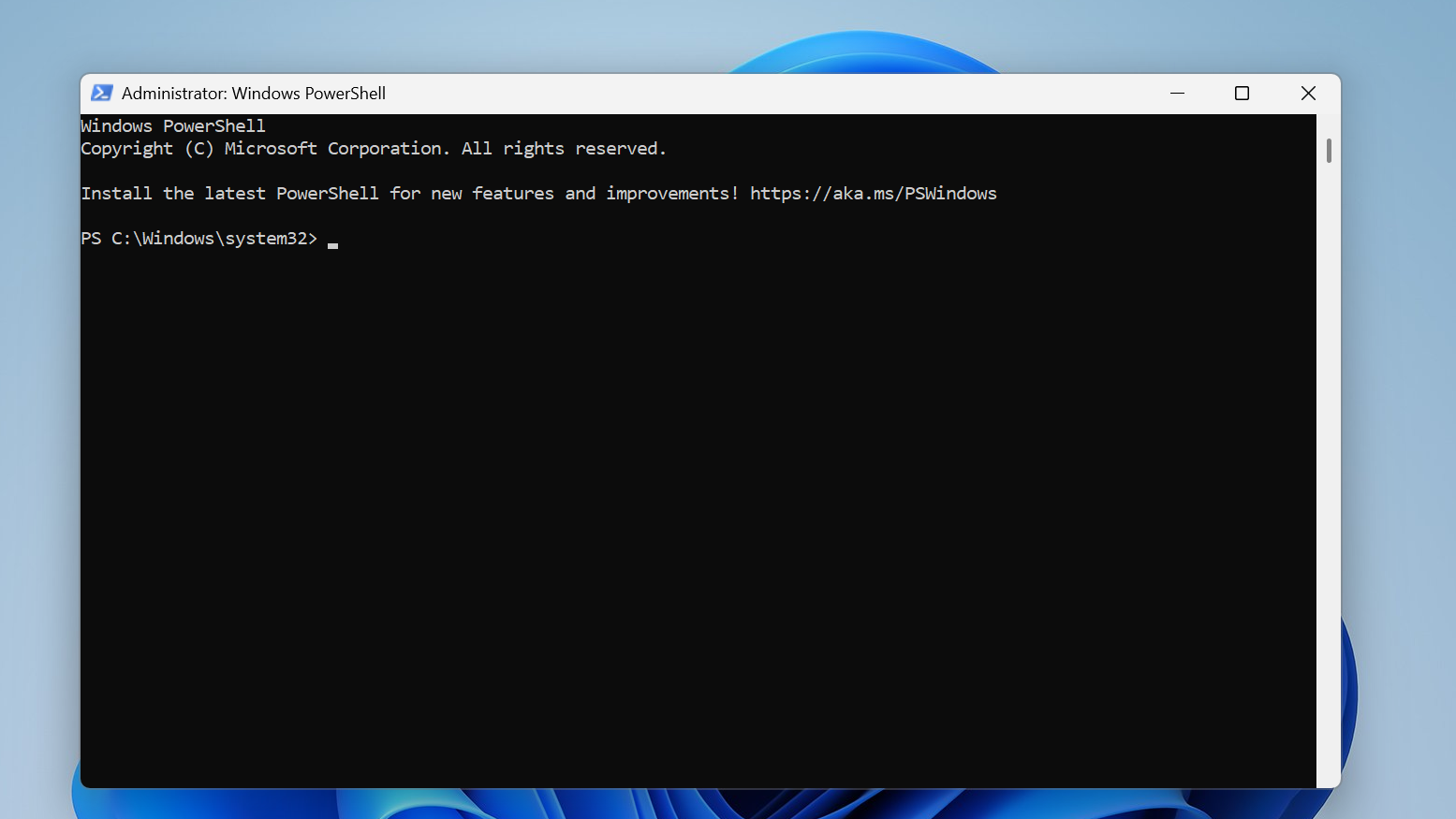
Convert PowerShell Scripts to EXE on Windows with PS2EXE
Install PS2EXE, compile your .ps1 script to an .exe, and optionally add icons and metadata for easier distribution.
-

Steam game file verification on PC: what it does and how to run it
Learn what Steam’s “Verify integrity of game files” check actually does, when to use it, and the exact clicks to run it.