Loot in The Blood of Dawnwalker piles up fast. Chests, barrels, boxes, and corpses across Vale Sangora are stuffed with items tagged as Junk, and Coen’s inventory has a weight limit. Let it fill up and you become overencumbered, which means no sprinting and no fast travel until you drop the load.
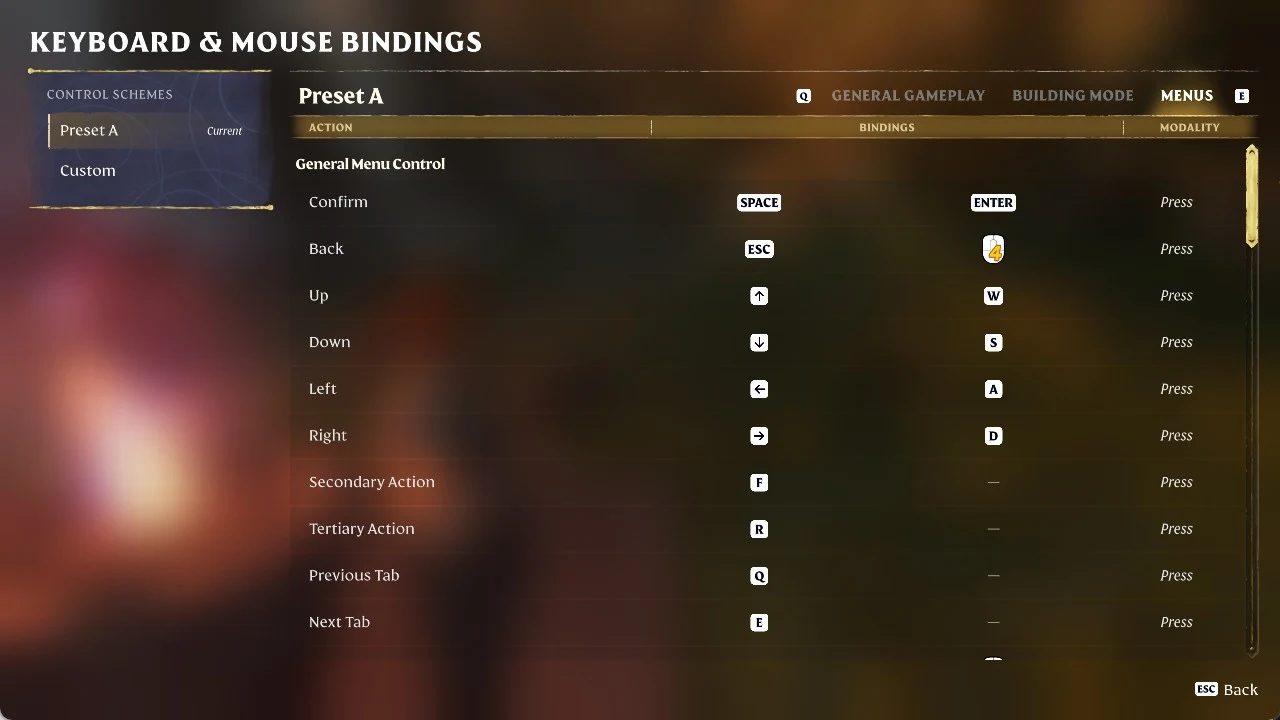
Quick answer: Open a merchant’s shop and use the Sell All Junk option (J on PC, [X] on controller) to clear every Junk item at once. If no merchant is nearby, hold R (PC) or [X] (controller) to destroy items one by one, or drop them into free storage at any Shrine.
Where to find Junk in your inventory
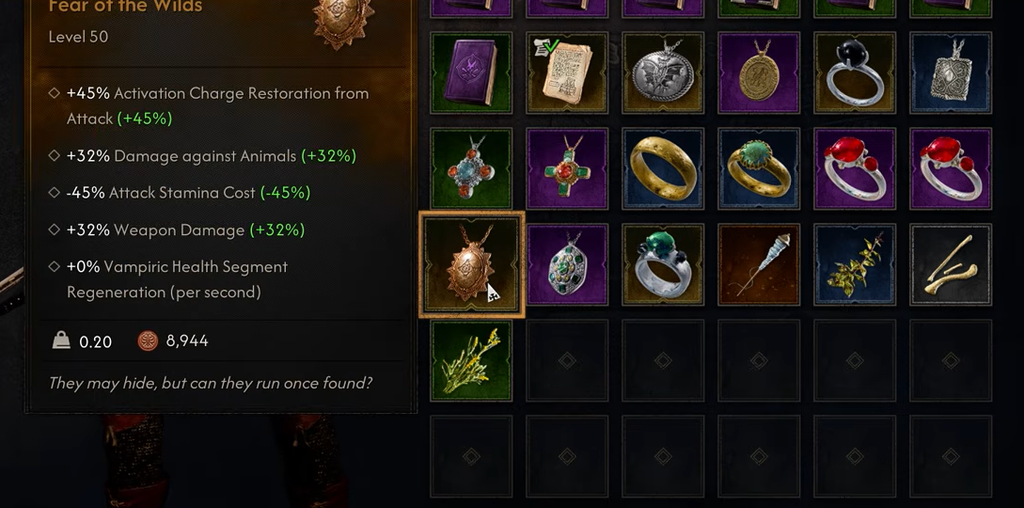
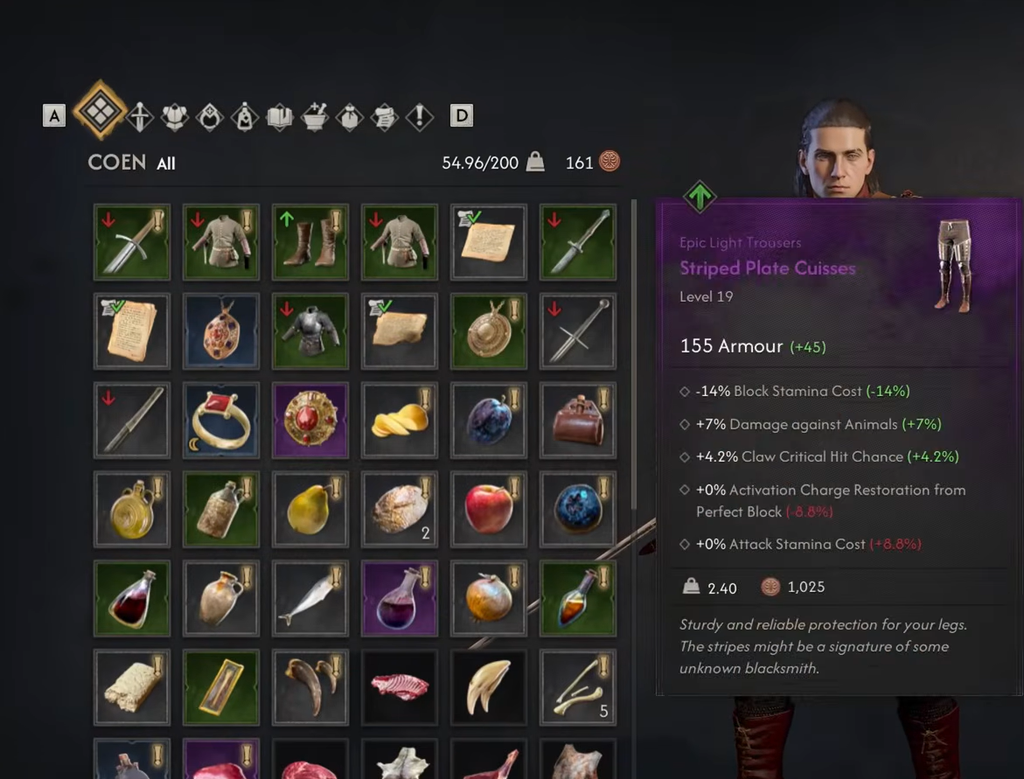
Junk lives under the Trade Goods tab, mixed in with other sellable items. The background color behind each item tells you what you’re looking at, so check it before you get rid of anything.
| Item type | What it means |
|---|---|
| Junk (black background) | Low-value trade items meant to be sold for Denarii. No crafting or upgrade use. |
| Superior Valuable (green) | Higher-value Trade Goods that sell for far more. Not cleared by Sell All Junk. |
| Silver Goods (blue) | Silver items sold only to the Silver Trader in Svartrau. |
This distinction matters. The Sell All Junk button only touches items classified as Junk. It won’t dump your Superior Valuables or Silver, so you can use it without worrying about accidentally selling something worth keeping.
Sell Junk to a merchant for Denarii
Selling is the smart default. You clear inventory weight and pocket some Denarii at the same time, which is one of the easiest ways to build up cash early in the game.
Note: Merchants carry a limited pool of Denarii. If a vendor runs out of money before you empty your Junk, you’ll need to visit another merchant or fall back on one of the other methods below.
Destroy Junk when no merchant is close
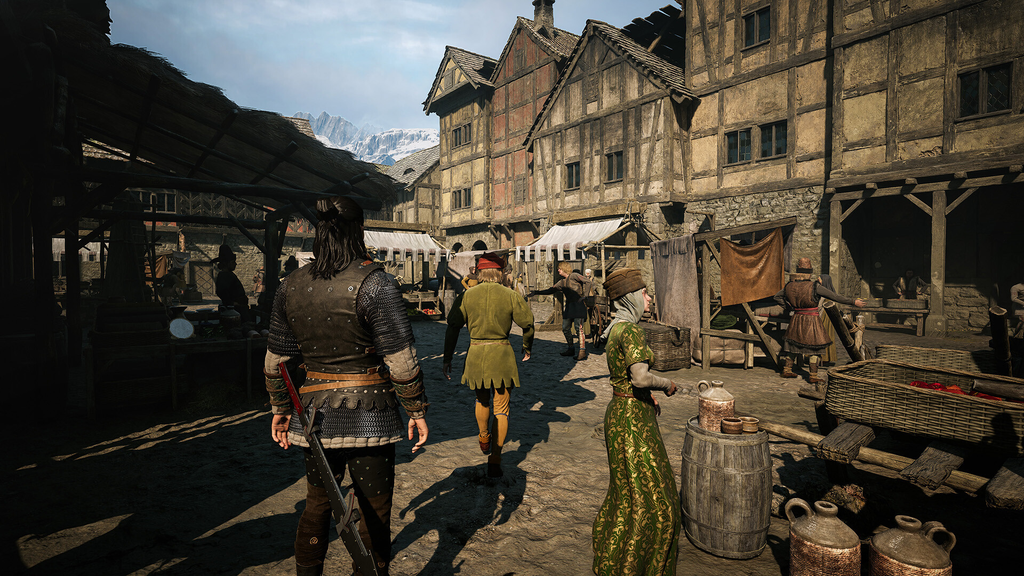
When you’re overencumbered in the middle of nowhere, destroying items is the fastest fix. It needs no merchant and no Shrine, but you give up the Denarii the item would have sold for.
There’s a catch here. Destroying only works one item at a time, so there’s no mass-delete equivalent to Sell All Junk. Since Junk has no known crafting or upgrade purpose, the only thing you lose is the sale value, which makes it the safest category to scrap when weight is the immediate problem.
Stash Junk in Shrine storage
Every Shrine in the game connects to an infinite storage space, and it holds Junk along with any other inventory item. This is the move when you want the weight off Coen right now but don’t want to lose the Denarii by destroying items, and there’s no merchant in sight.
Which method to use
| Option | Best when | Trade-off |
|---|---|---|
| Sell (Sell All Junk) | A merchant is nearby with money to spend. | Clears all Junk at once and earns Denarii. |
| Destroy | You’re overencumbered and far from a merchant or Shrine. | Instant, but you lose the sale value and must do it item by item. |
| Store at a Shrine | No merchant close, and you’d rather not scrap anything. | Keeps the items, but ties them to Shrine access. |
You’ll know it worked when the item leaves the Trade Goods tab and your carry weight drops. Once you’re back under the limit, sprinting and fast travel come right back. Because Junk feeds nothing else in your build, selling it whenever a vendor is open is the routine worth sticking to, with storage and destruction there for the moments you’re deep in the field.