
Extended help — walkthroughs, tier lists, strategy.
Content Type: Guide
-
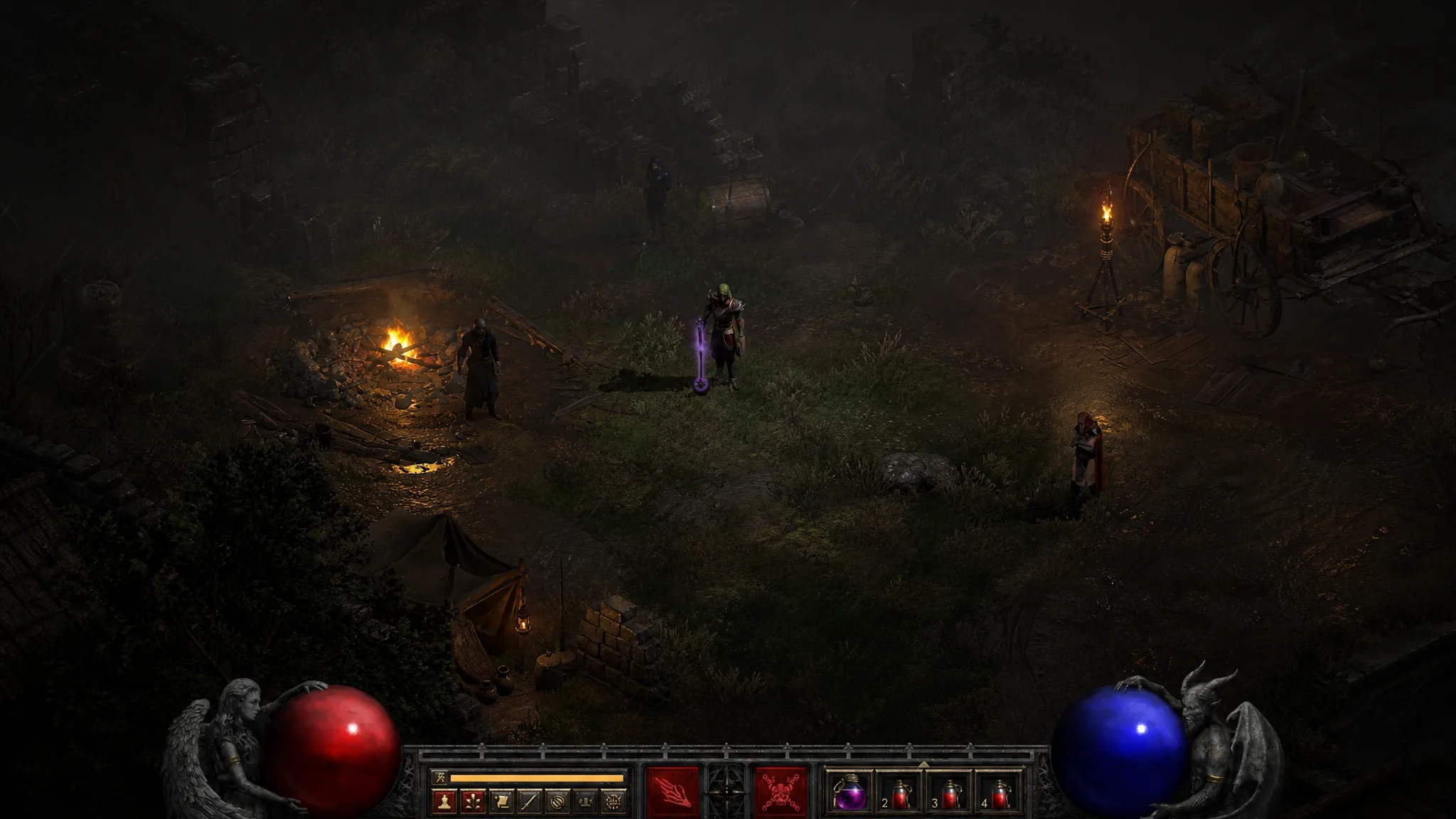
Diablo 2 Resurrected: How to Farm Sunder Charms in Season 15
The six immunity-breaking charms now drop only from high-tier Heralds and level 75-plus monsters on Hell difficulty.
-
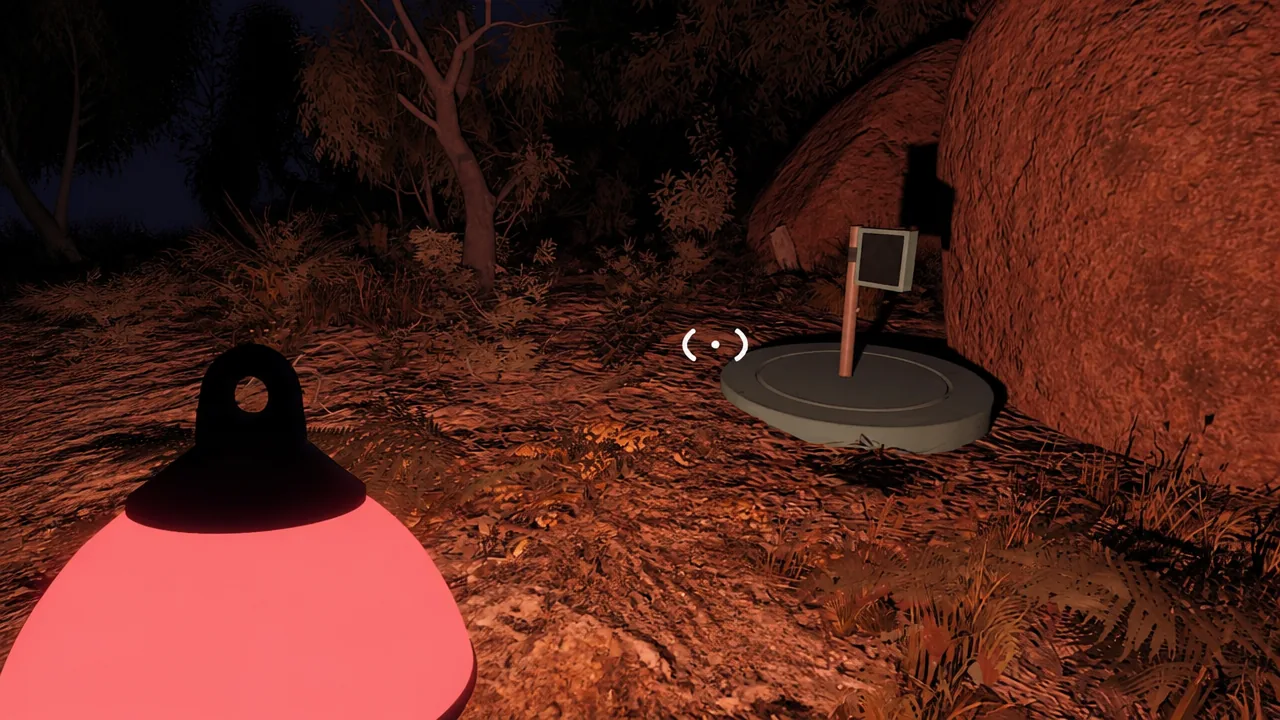
Big Walk: How to Solve the Green Chair Headphone Puzzle
Two players split across the island to open a hidden box and claim the Red Finger collectible.
-
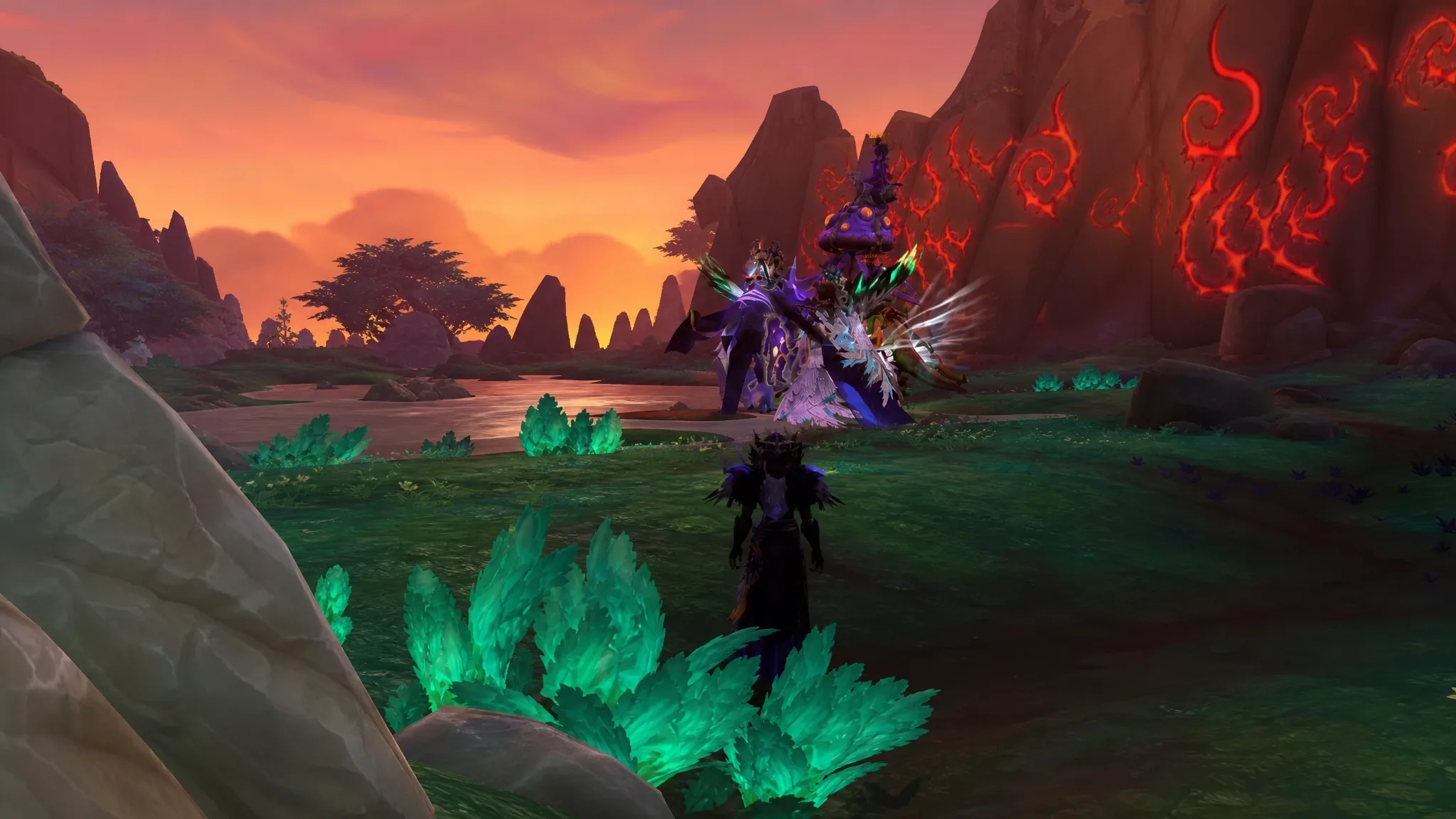
WoW Midnight: How to Start the Coiled Isle Season 2 Questline
Reach level 90, grab Hagar’s Invitation in Silvermoon City, and run the Legacy of the Amani chain before Season 2 opens.
-

Big Walk: How to Unlock the Black Tower and Reach the Ending
The exact condition for opening the Black Tower, solving its six puzzles, and reaching the black sphere for the first ending.
-
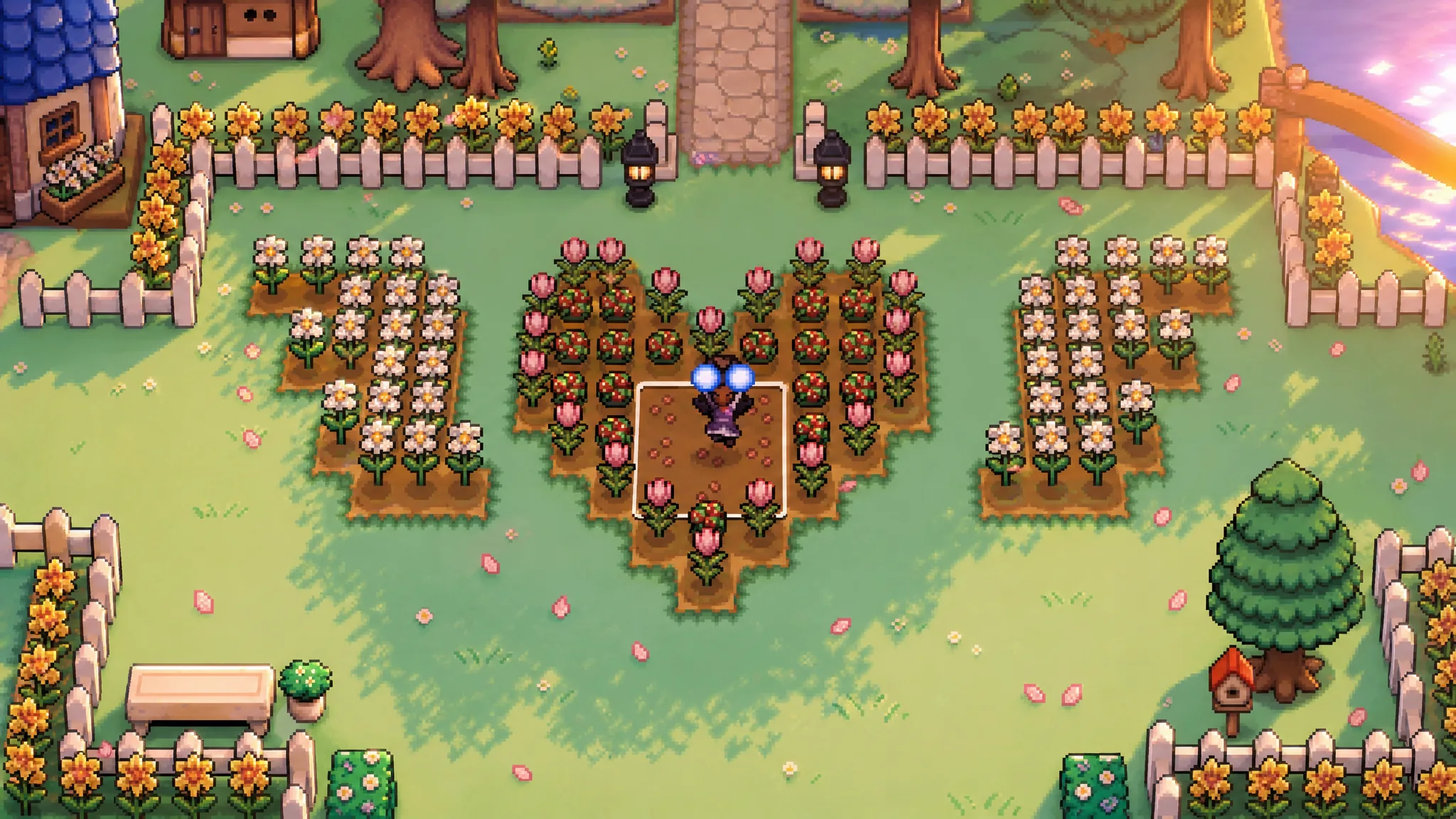
Fields of Mistria: Best Crops for Every Season
The fast starters, big single-harvest earners, and regrowable crops that pay off across all four 28-day seasons.
-
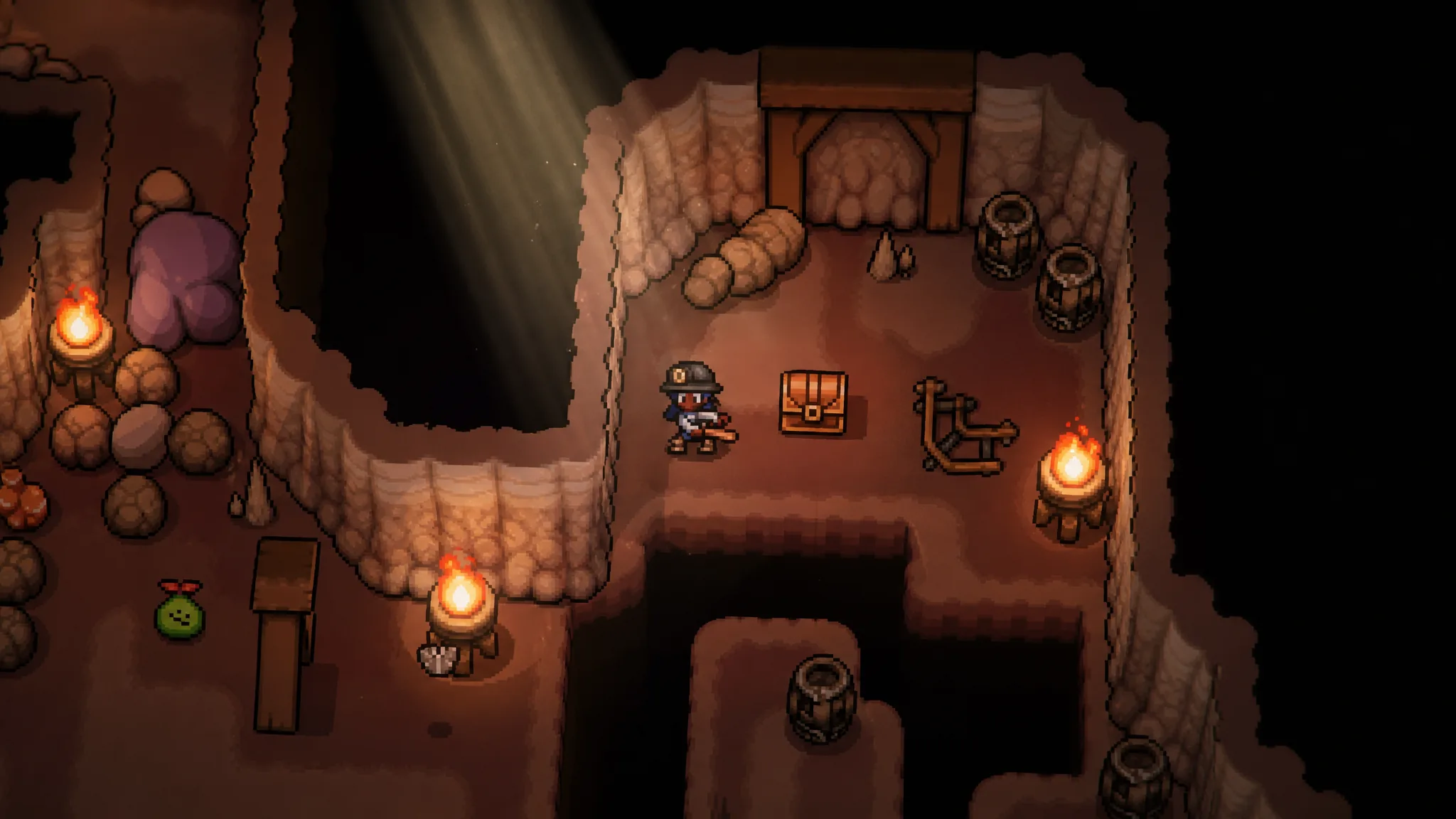
Fields of Mistria Museum: How to Donate, Every Wing, and Rewards
A full breakdown of the four museum wings, all collection sets, and what completing them gives you.
-
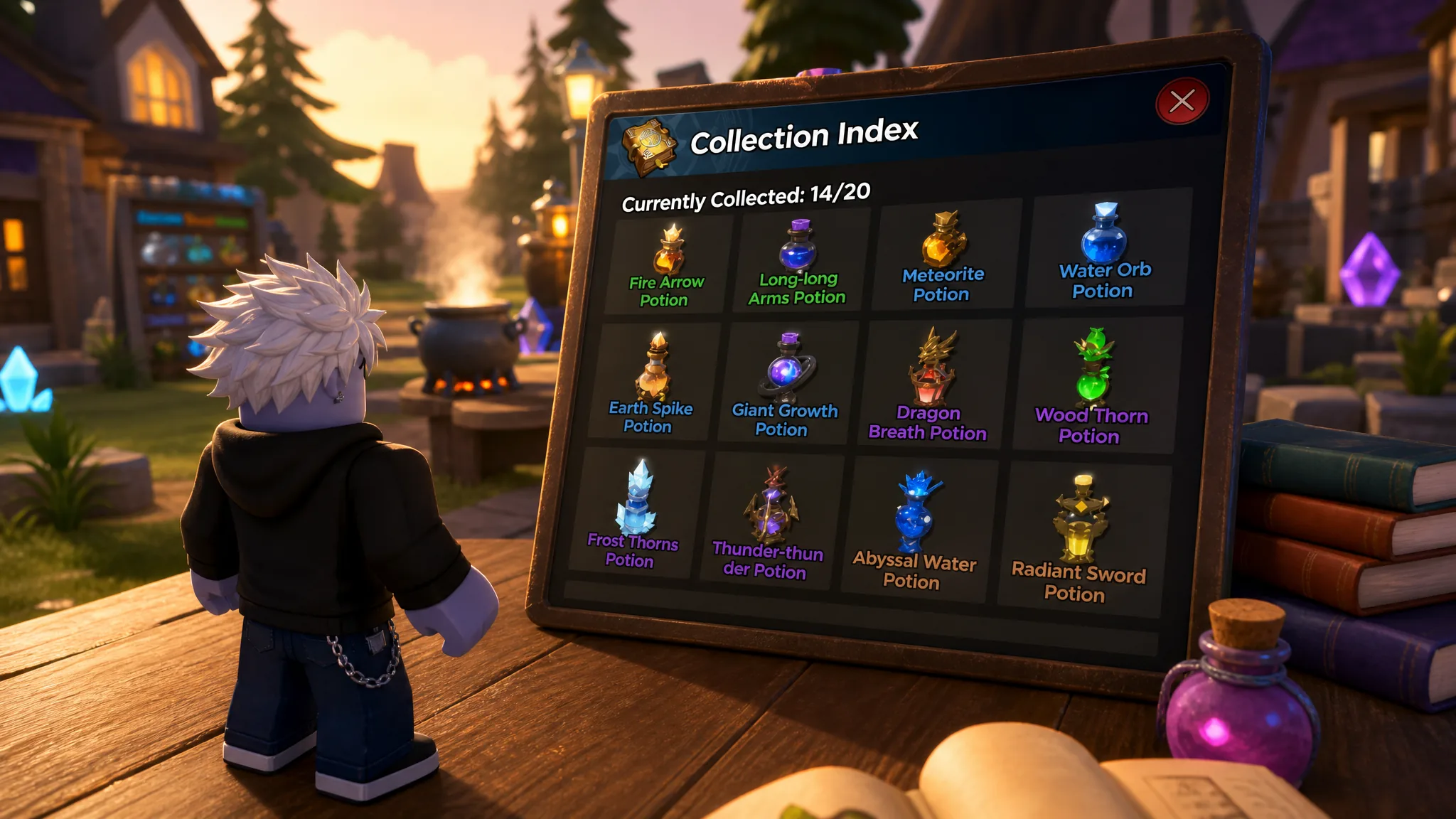
Magic Loot Beginner’s Guide: Best Potions and How to Farm Power
Which spells to brew at each stage, how to build Power fast, and how player-to-player gifting stands in for trading.
-
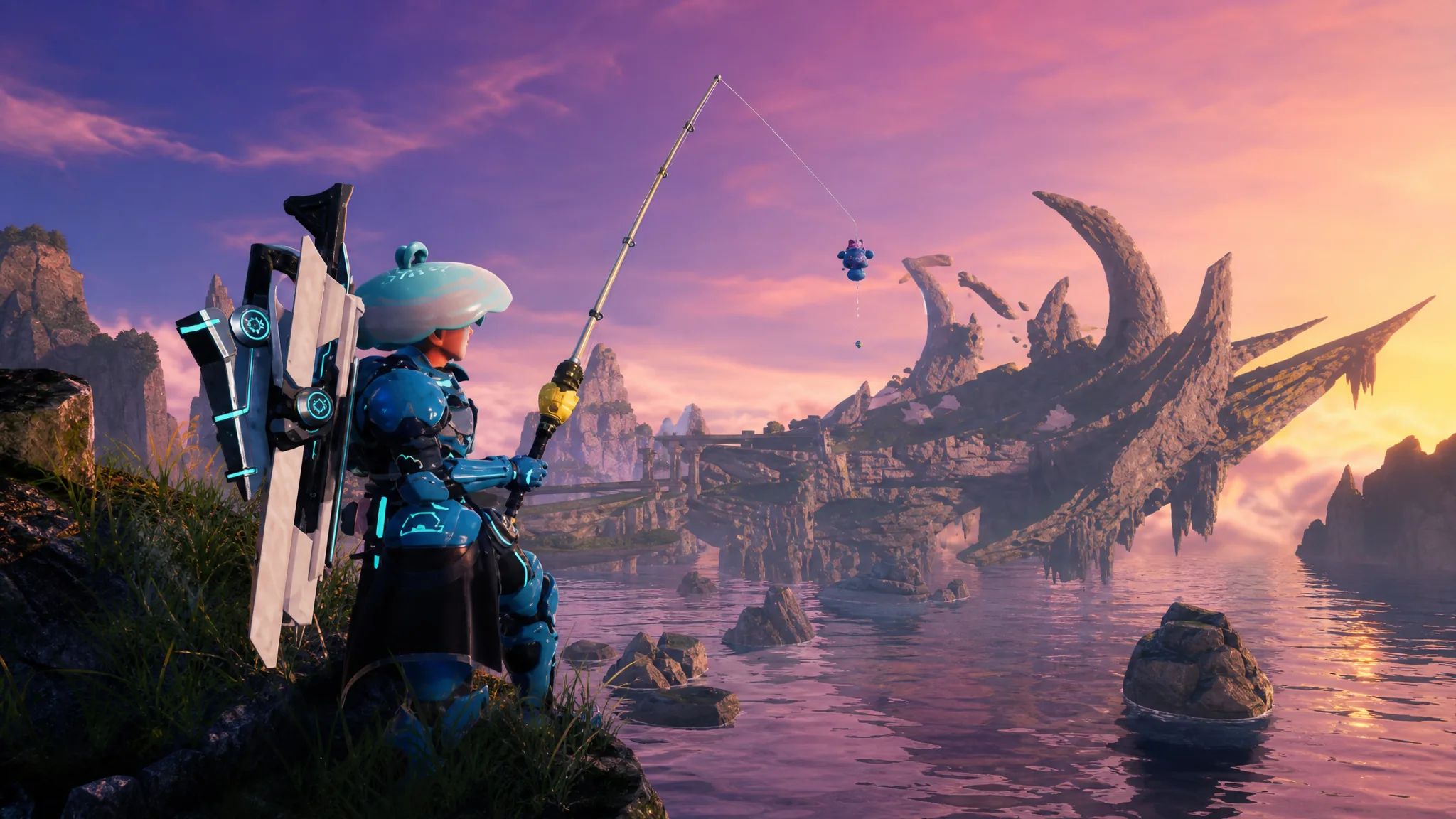
Palworld: How to Get the Intermediate Fishing Rod (Croajiro) and Its Stats
Fish the waters around Sakurajima to find the schematic, then craft this Rare rod for an easier catch minigame.
-

Palworld: How to Get the Advanced Fishing Rod (Depresso) and Its Stats
Everything you need to unlock the schematic, gather the crafting materials, and craft this Legendary fishing rod.
-

Palworld: How to Get the Beginner Fishing Rod (Gumoss) and Its Stats
The exact schematic source, full crafting recipe, workbench options, and stat block for the Gumoss rod.