
Instructional, step-by-step articles.
Content Type: How-To
-
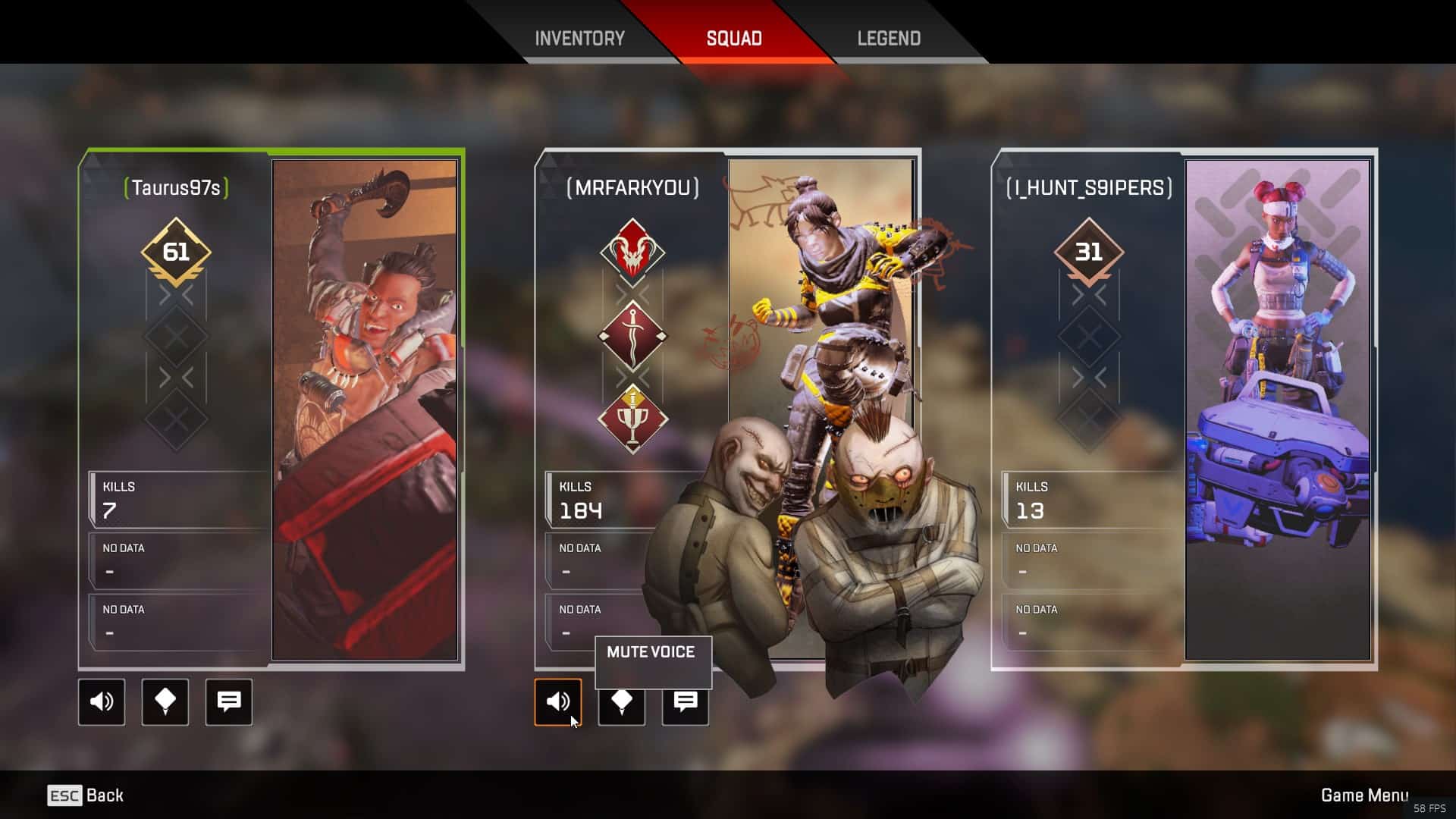
How to mute people in Apex Legends on PC, PS4, and Xbox One
One of the biggest annoyances of playing online games with random people on mic is that you have to deal with their breath, unnecessary…
-

How to fix Apex Legends stuck on “Retrieving Matchmaking Lists”
While Respawn is finding it hard to fix the crashing issues in Apex Legends, users are reporting another problem with the game where it…
-

How to fix Apex Legends “Crash to desktop” issue
Although Apex Legends is currently one of the most popular Battle Royal game for PC, it’s also the most bugged of all. Ever since…
-
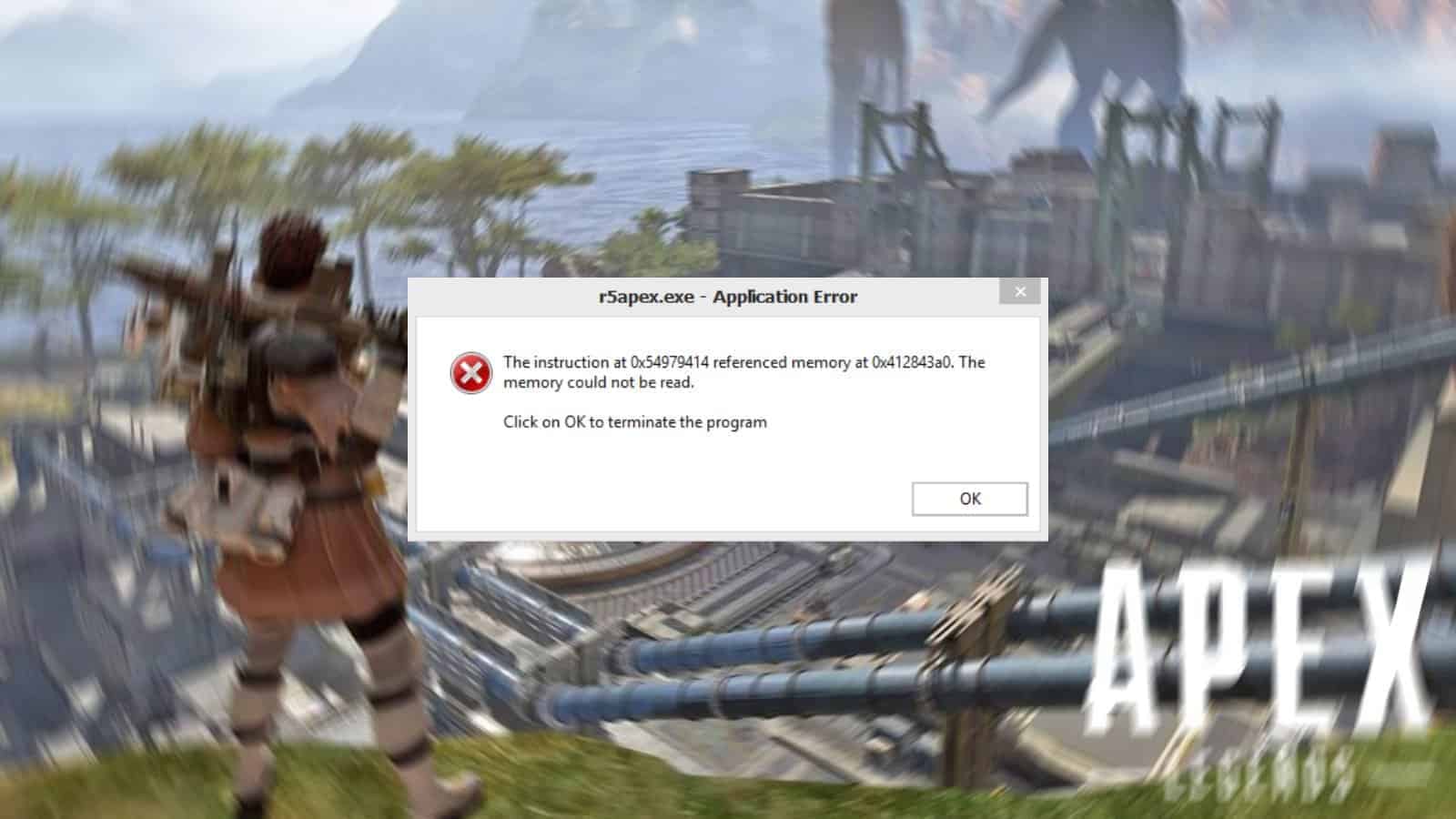
How to fix Apex Legends “Memory could not be read” Error
Apex Legends users on PC have been getting the “Memory could not be read” error since the launch of the game three weeks ago.…
-
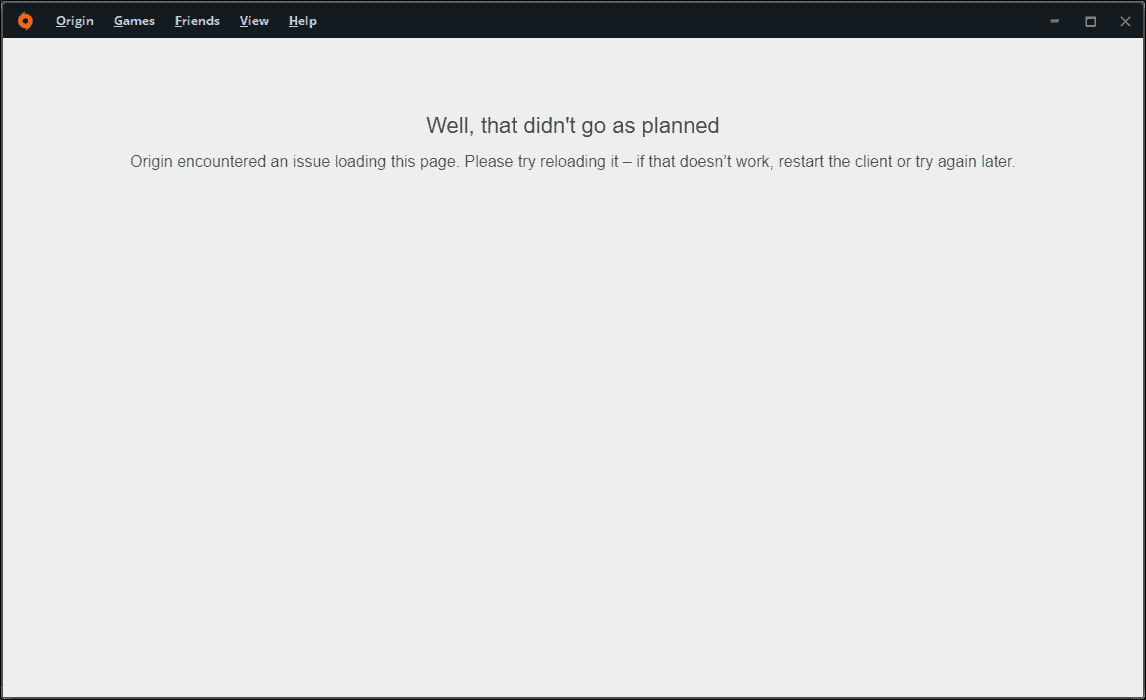
How to fix “Origin encountered an issue loading this page” error
Unable to play EA games installed on your PC because Origin isn’t loading up properly? We faced this error on our PC too when…
-
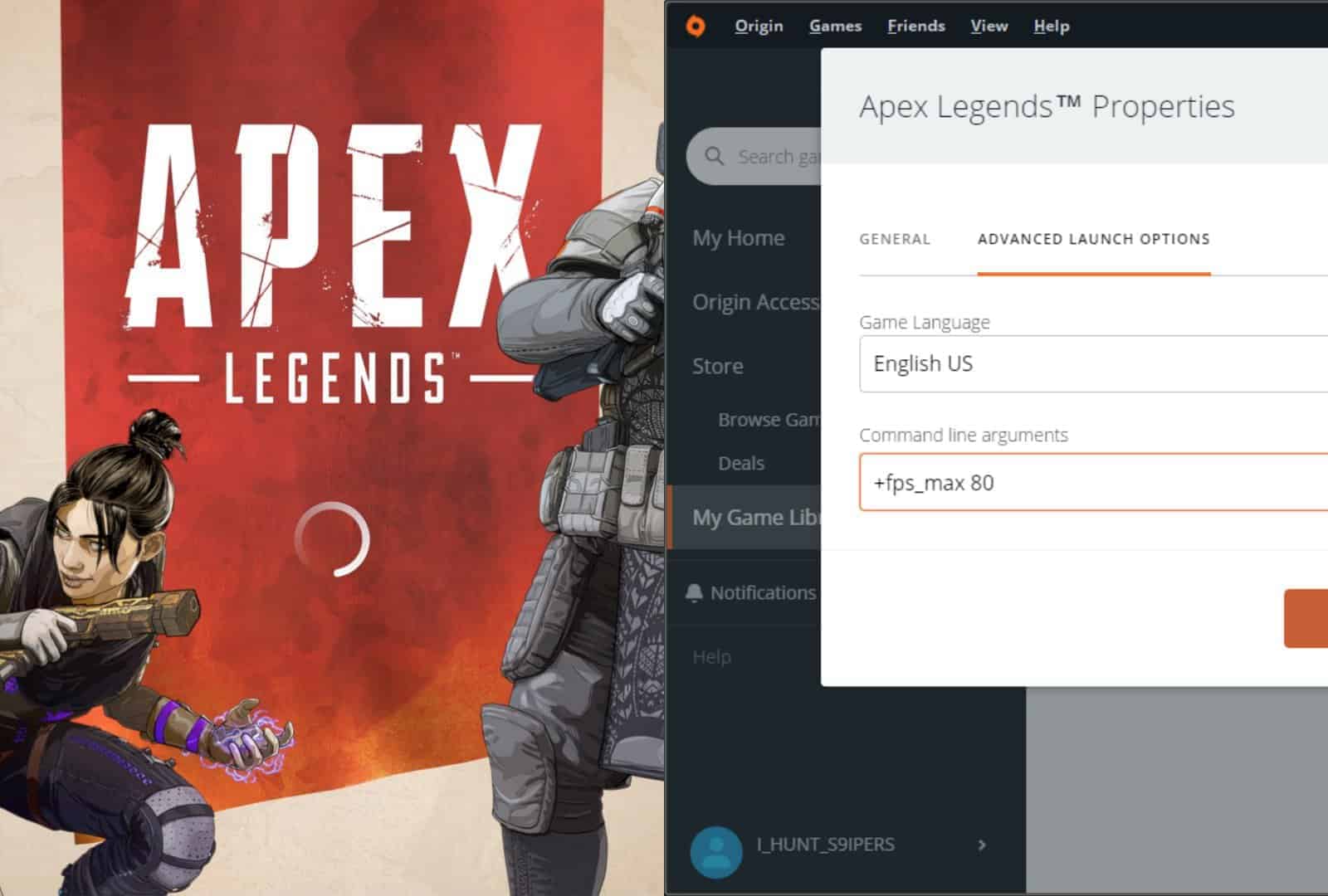
Apex Legends crashing without error on PC? Fix it by setting 80 FPS as maximum
Apex Legends has been crashing for many users since day 1 of its launch. While Respawn devs have fixed some of the common crash…
-

How to Jump in Apex Legends to Drop and Fly Further and Faster
Being a jumpmaster in Apex Legends is a big responsibility. Squad members by default follow the jumpmaster when dropping in at the Kings Canyon.…
-
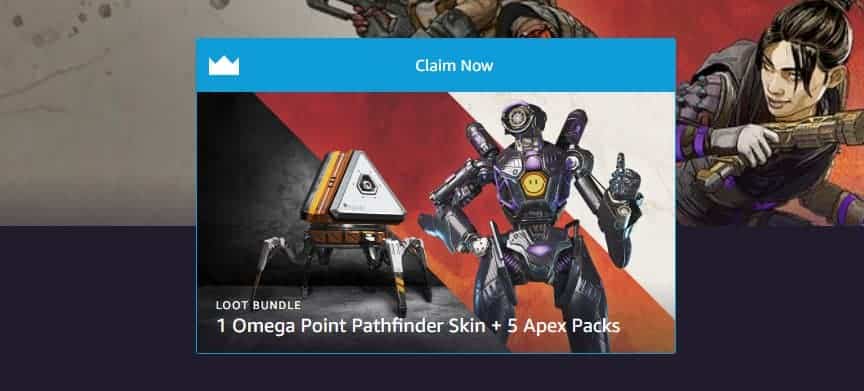
How to get Twitch Prime for free from any country to get Apex Legends Loot
Respawn and Twitch has partnered to give out free exclusive stuff to Apex Legends players with a Twitch Prime subscription. If you live in…
-
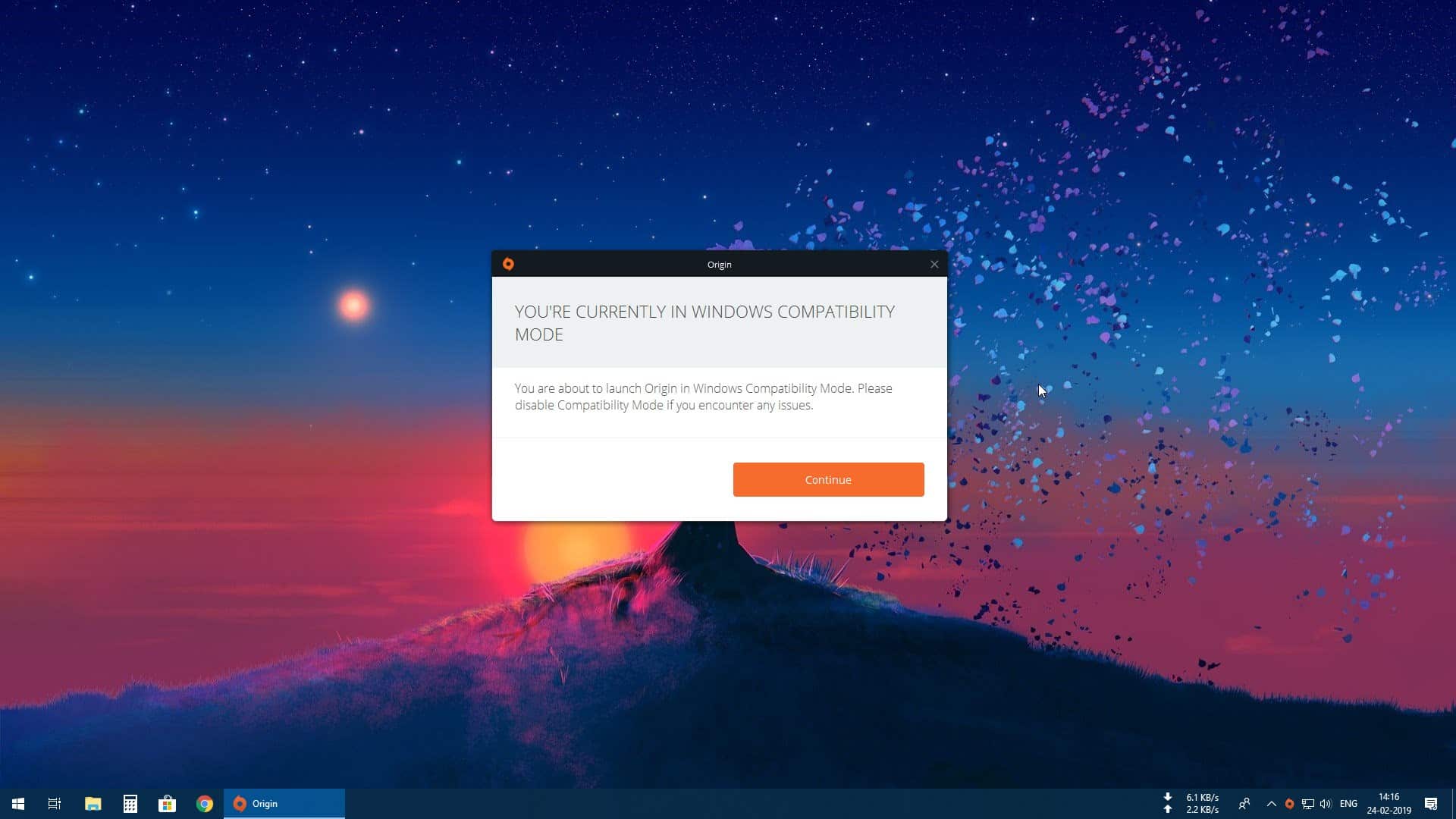
FIX: Origin “You’re currently in Windows Compatibility Mode” issue
Origin started running in a compatibility mode even you didn’t change any related setting on your PC? You’re not alone. This happened on our…
-
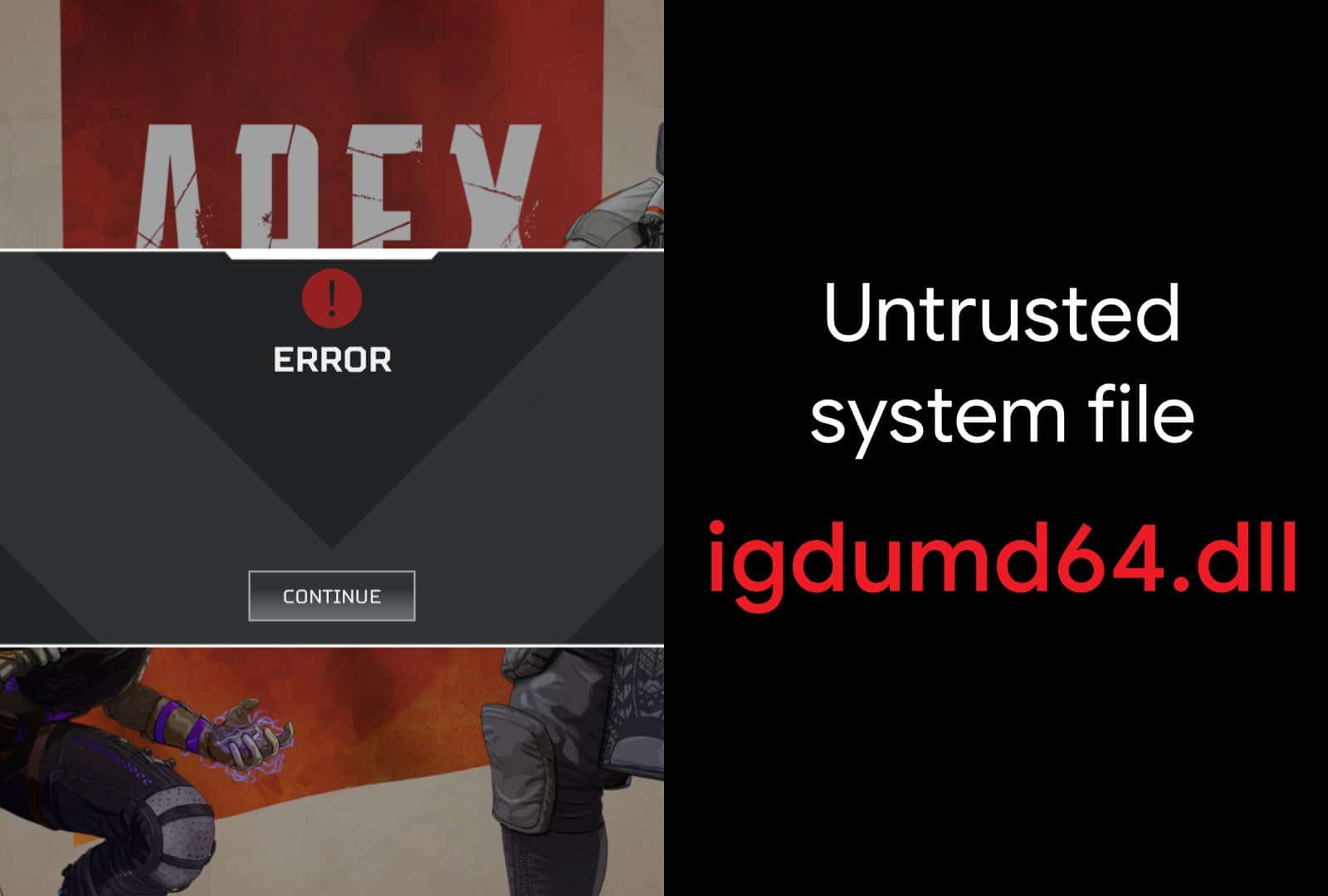
FIX: Apex Legends untrusted system file “igdumd64.dll” error
Some Apex Legends players on the PC might be getting a “untrusted system file” error for the igdumd64.dll file under the c:/windows/system32 directory. The…