
Instructional, step-by-step articles.
Content Type: How-To
-
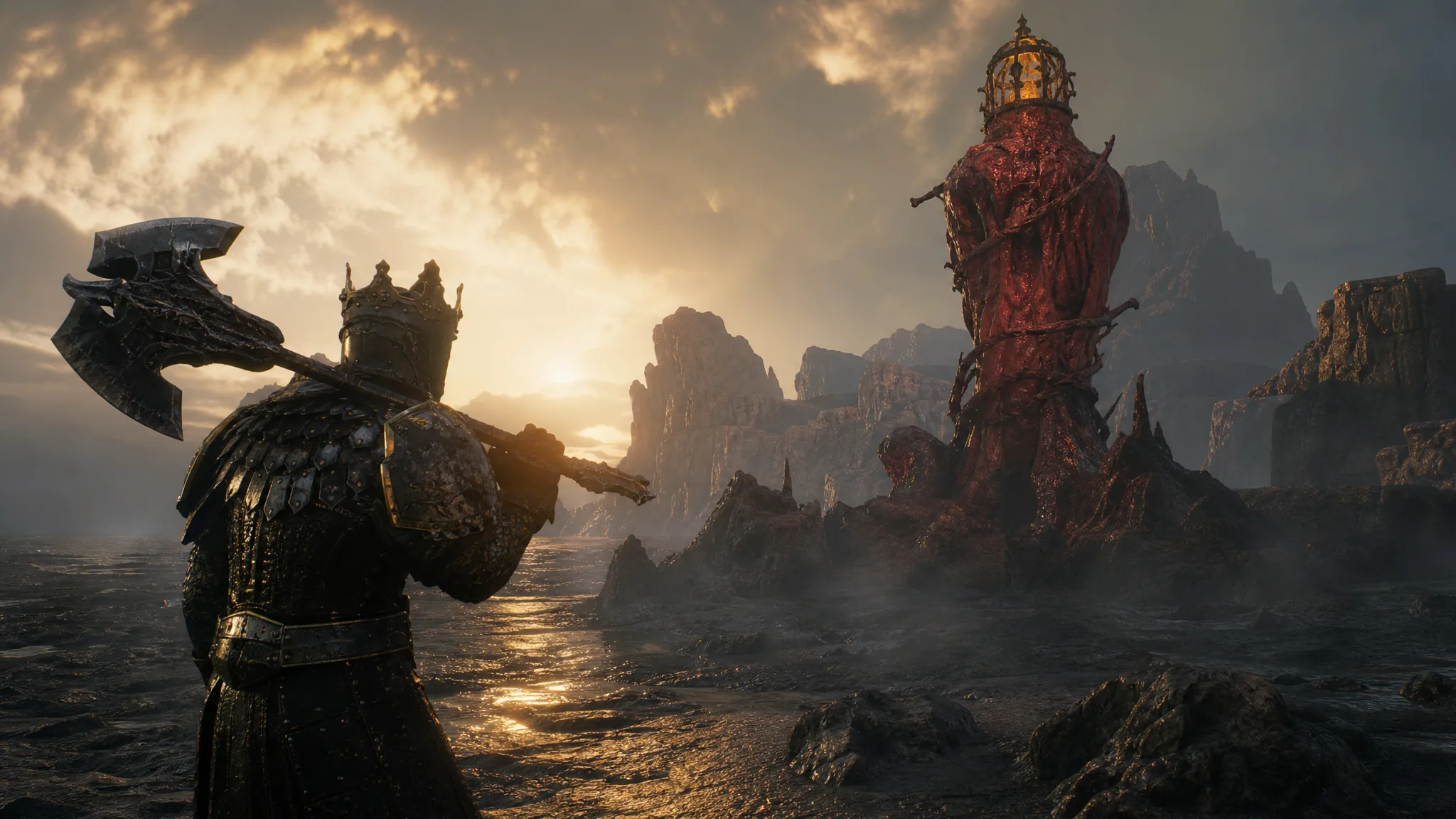
Mortal Shell 2: How to Cleanse the Sanguine Shoreline Beacon
Clear Hermit’s Pass, grab the Revered Gland, and claim the Ovum to finish this Sanguine Caverns beacon.
-

Rex Infernus: How to Get the Warden’s Hat
Ride Web Mothers at Pack-a-Punch until the well ejects the hat.
-

Steal an Egg: How to Get Bloom and Spirit Bloom (Sakura Incubator Guide)
Unlock the machine with a Crane, charge it with Sakura Crystals, then roll Bloom or Spirit Bloom.
-

How to Fish: How to Unlock the Handyman Achievement on the Mutated Bowhead Whale
The final blow on the Mutated Bowhead Whale must land with bare fists, not guns or brass knuckles.
-

How to Fish: How to Increase Inventory
Reach later islands and buy extra slots from each shop for $5 and $10.
-
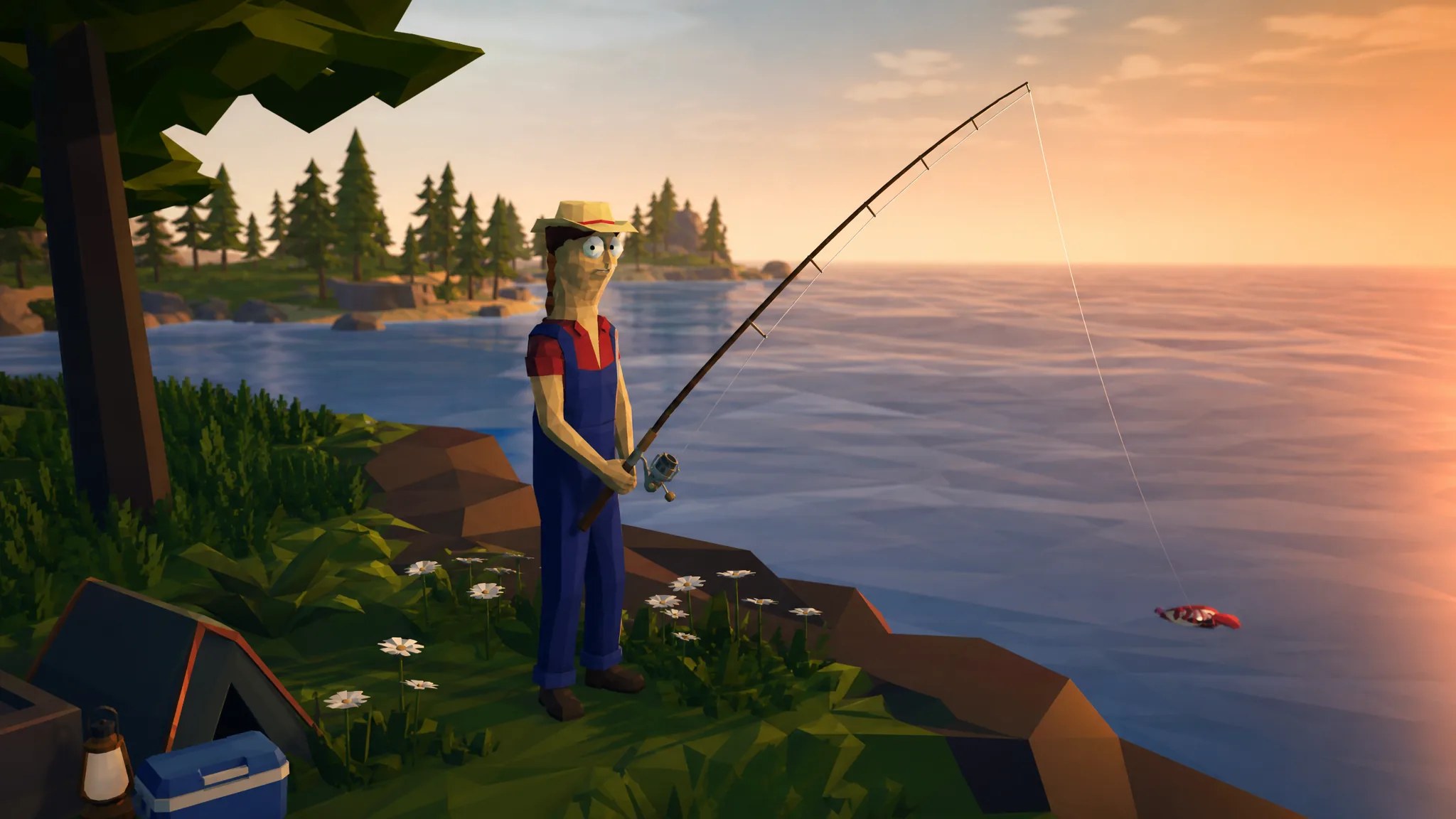
How to Fish Best Mods (For Cheats and Co-op Play)
From god-mode cheat menus to eight-player lobbies and a working day-night cycle, here are the mods worth adding first.
-
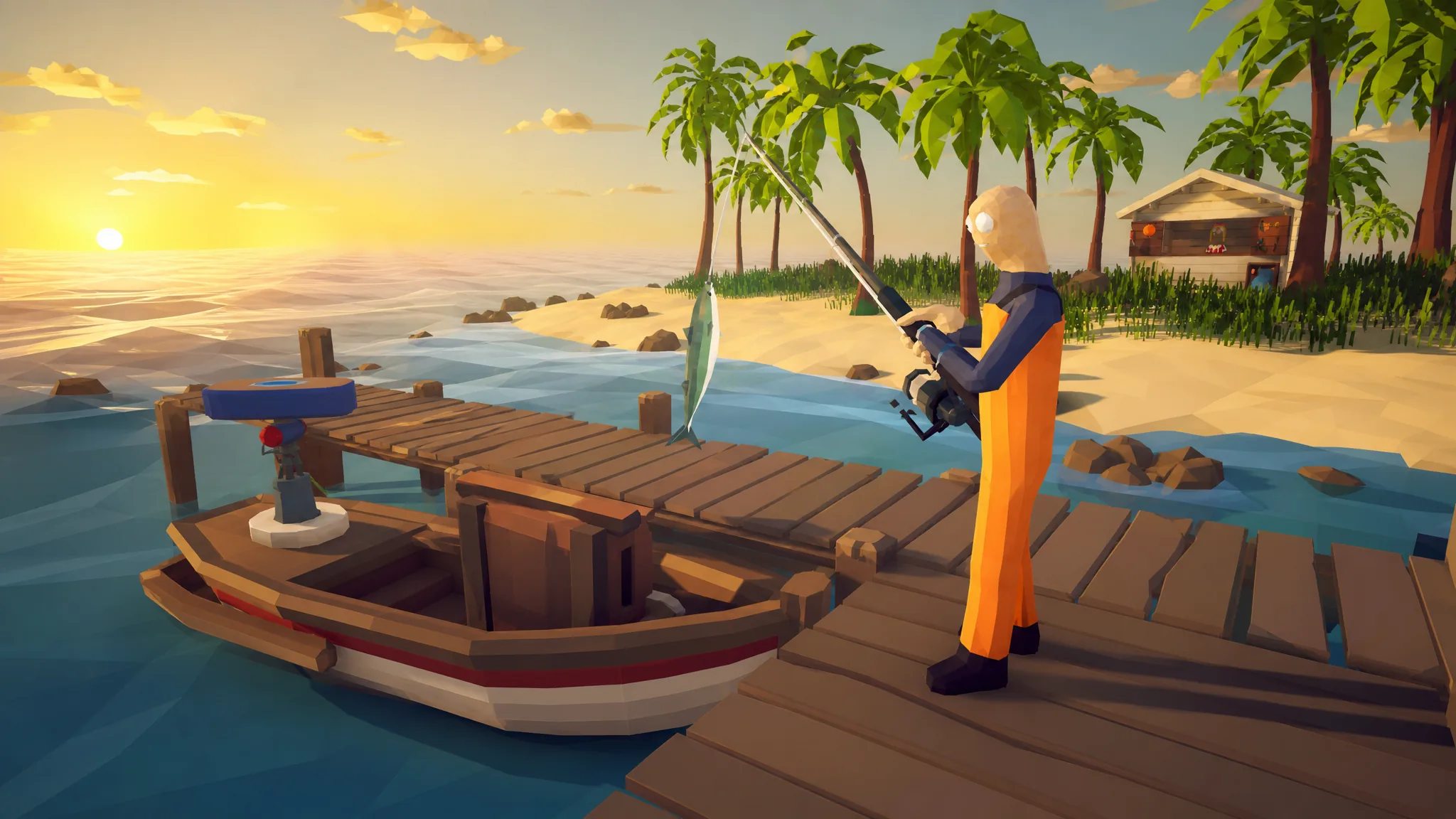
How to Fish: How to Upgrade Your Boat and Radar
Every boat and radar upgrade in How to Fish, from your first vessel to the mounted radar, engine boosts, and final military boat.
-

How to Fish: Which Items and Upgrades to Buy First
A spending order for the radar, weapons, lures, and boat engines when your money is tight.
-
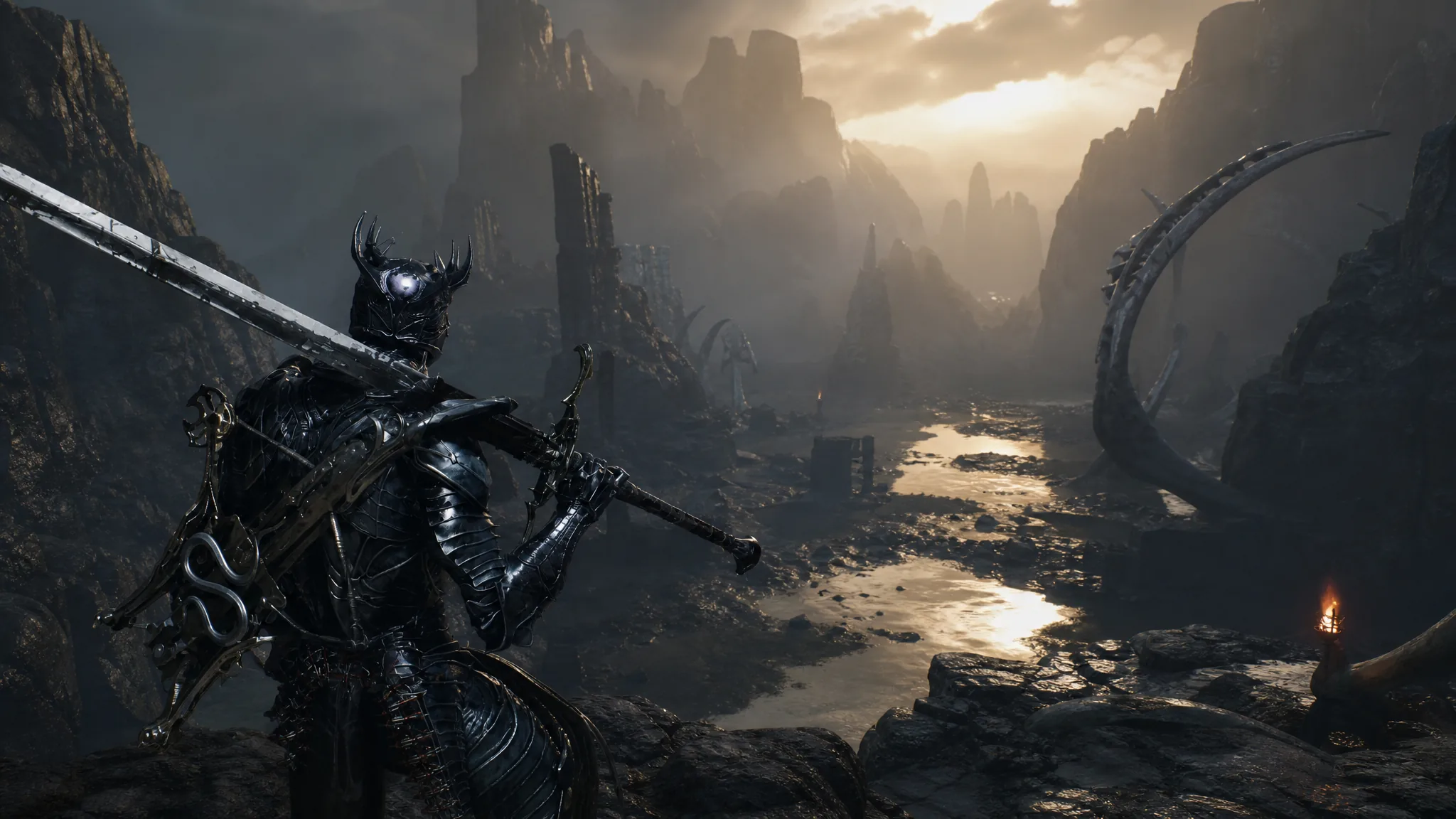
Mortal Shell 2: How to Cleanse the Ossinite Falls Beacon
Clear the Broodshell Nest, activate the corruption node, and claim the Ovum to turn Ossinite Falls into a working checkpoint in the Withered Shoals.
-
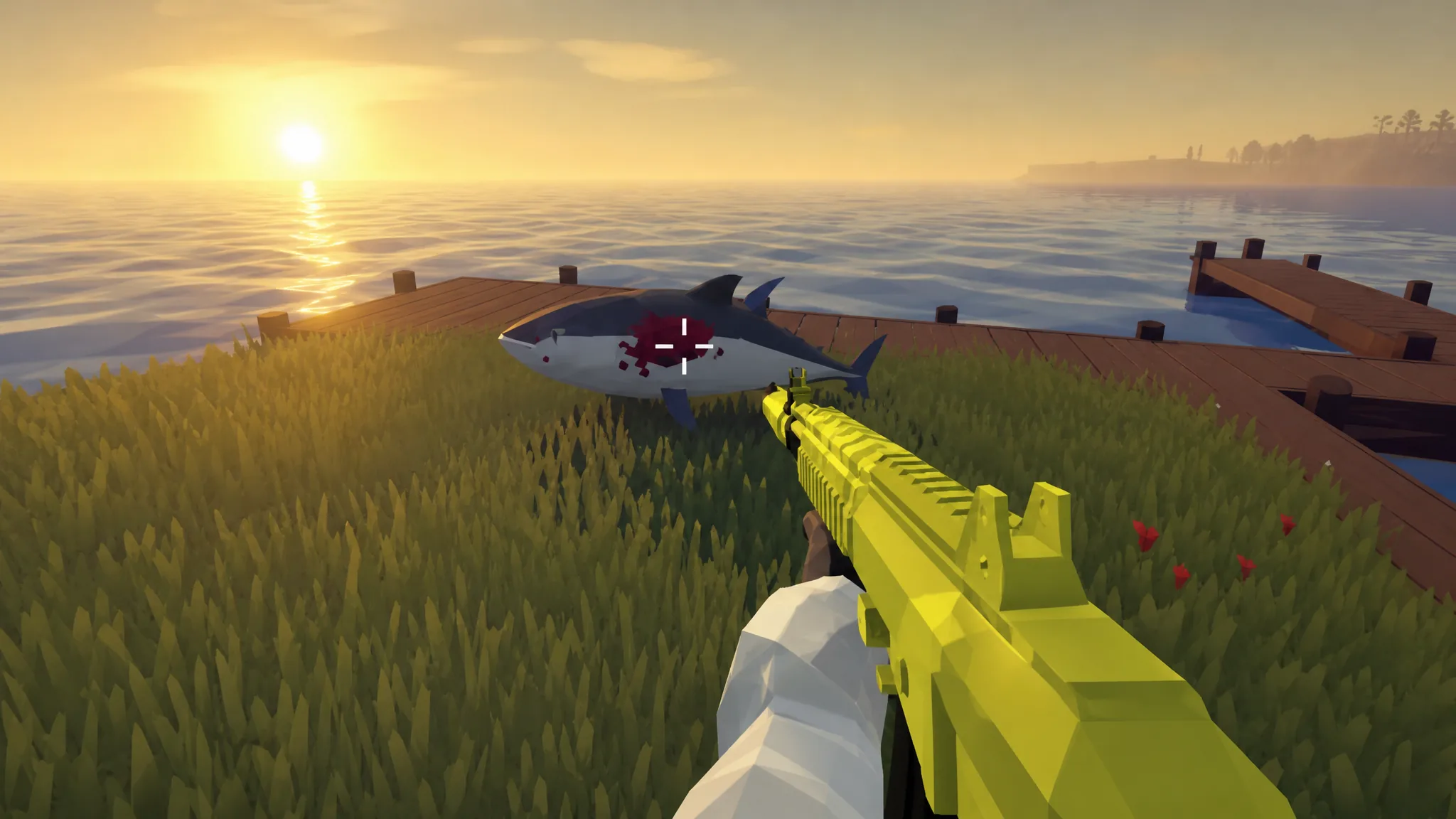
How to Fish: How to Beat the Tuna Mini-Boss on Island 4
Bait the fish into over-committing with a feint, then hit it during the opening you create.