
Instructional, step-by-step articles.
Content Type: How-To
-
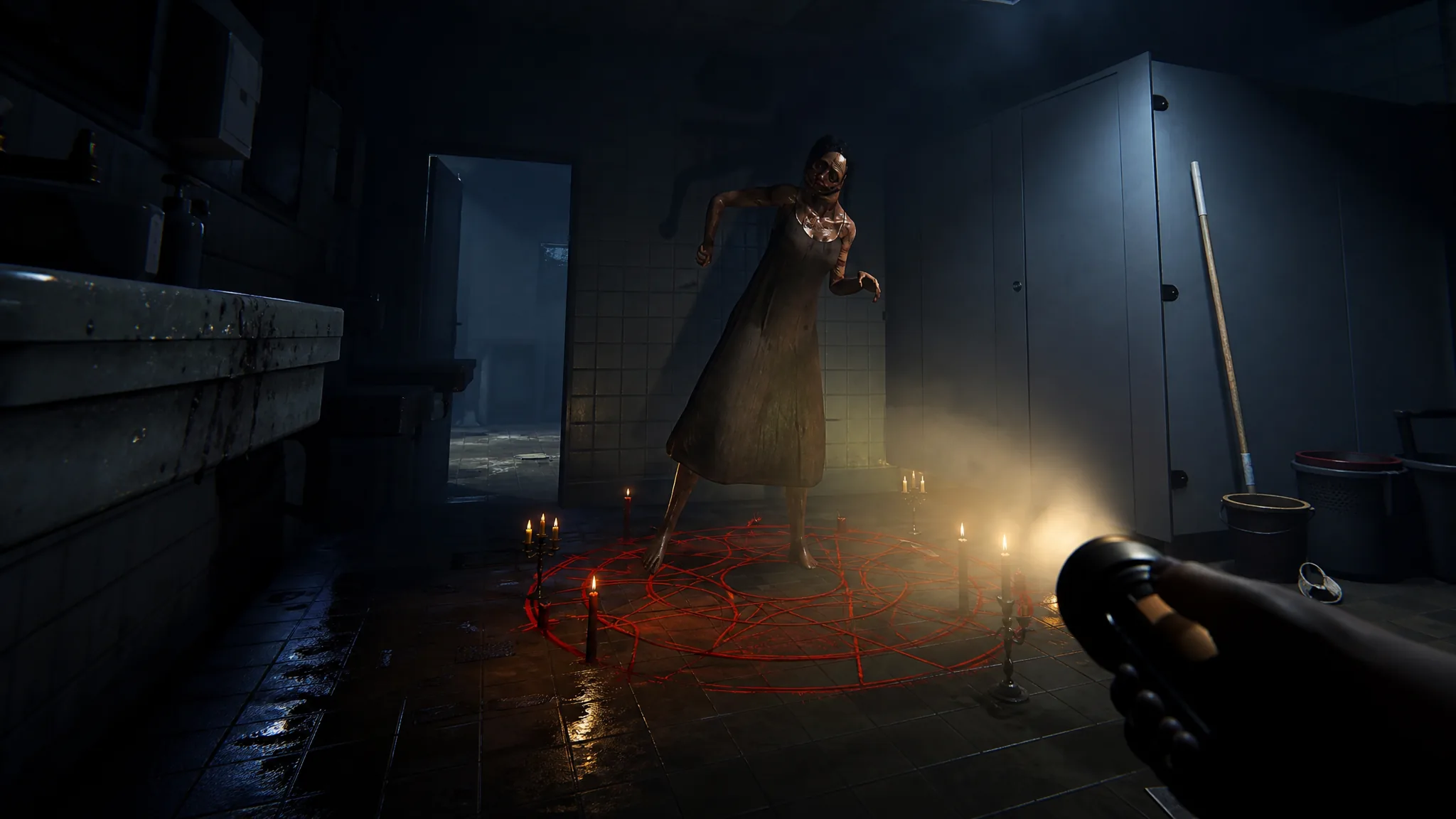
Phasmophobia: How to Choose the Ghost Type in Custom Matches
Force a specific ghost to spawn by setting up a Custom 1, 2, or 3 contract before you load in.
-
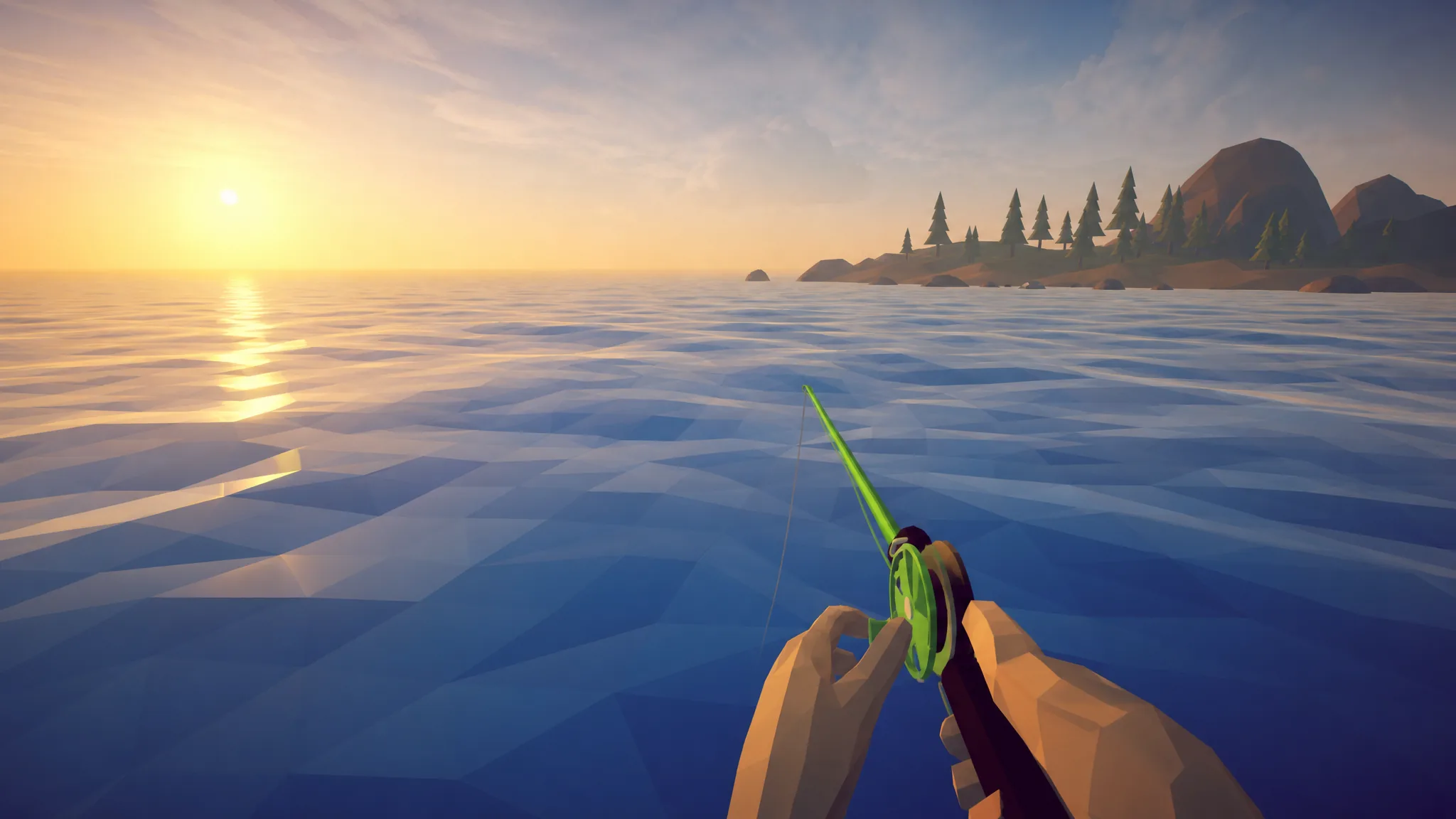
How to Fish: Which Lure Catches Every Fish and Boss
The full catch table for all 49 creatures, the exact bait each one needs, and where to fish them.
-

How to Unlock Every Runaways Class (Full List and Costs)
Every class in Runaways with its Credz or Robux price, starting loadout, stat bonuses, and the exact way to buy one.
-

Black Ops 7 Zombies: How to Get All Four Rex Infernus Masks
Every mask location, unlock condition, and special effect on the Rex Infernus map, from the Skull Mask to the Twins lightning mod.
-

Where Winds Meet: How to Get Both Mirkvale Antiques
Unlock the Xiaoba Meteor Link and Meteoric Revolving Pendant to finish Mirkvale’s Antiques collection at 2/2.
-
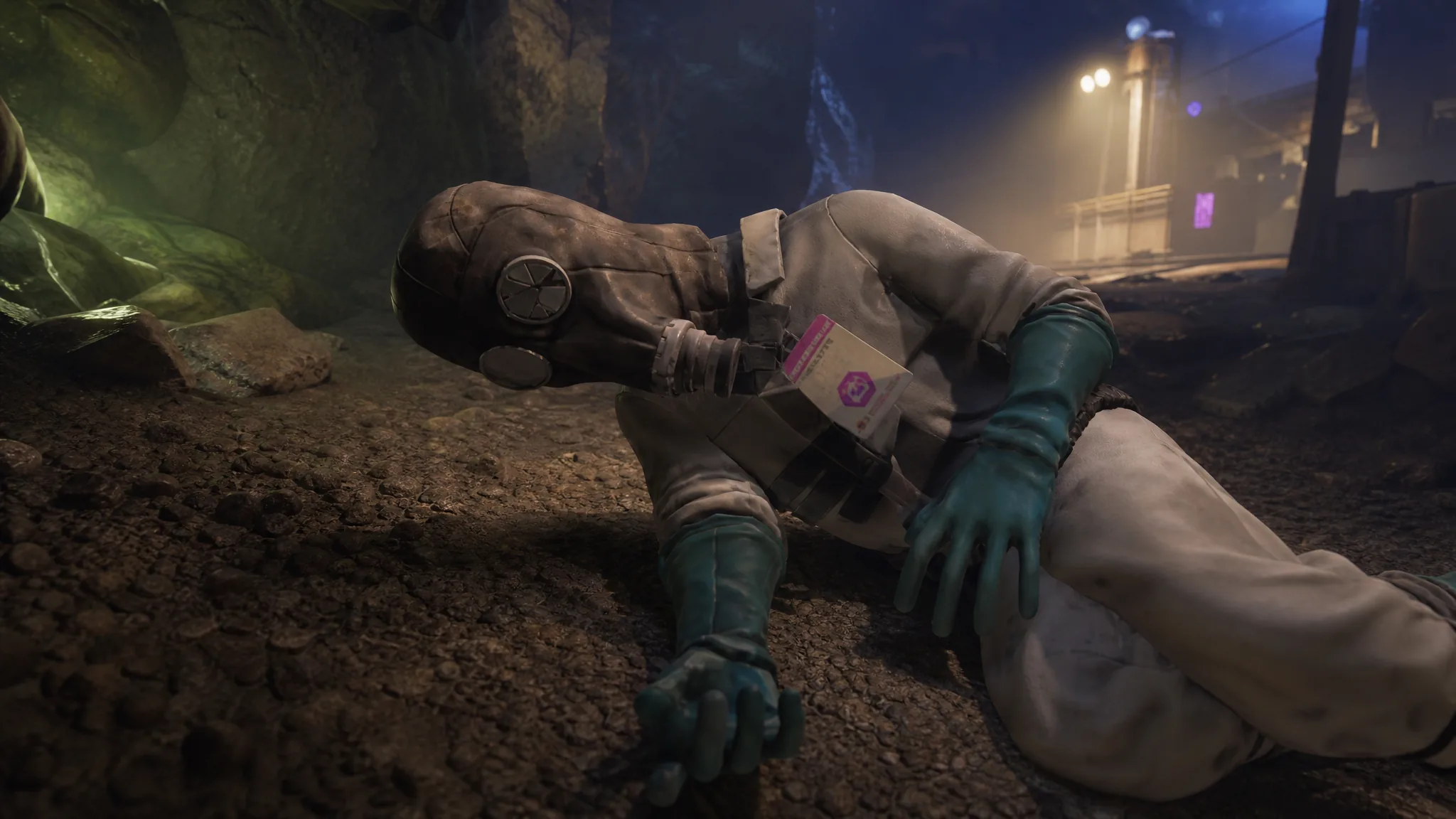
Grounded 2: How to Find the Toxicology Token in Into the Abyss
The exact spot on the south shore of Skunk Pond, plus what the trinket boosts and what it weakens.
-

How to Fish: Beginner Tips the Game Doesn’t Explain
The money loop, the radar, boss trophies, and the grill you need to unlock before selling raw fish.
-
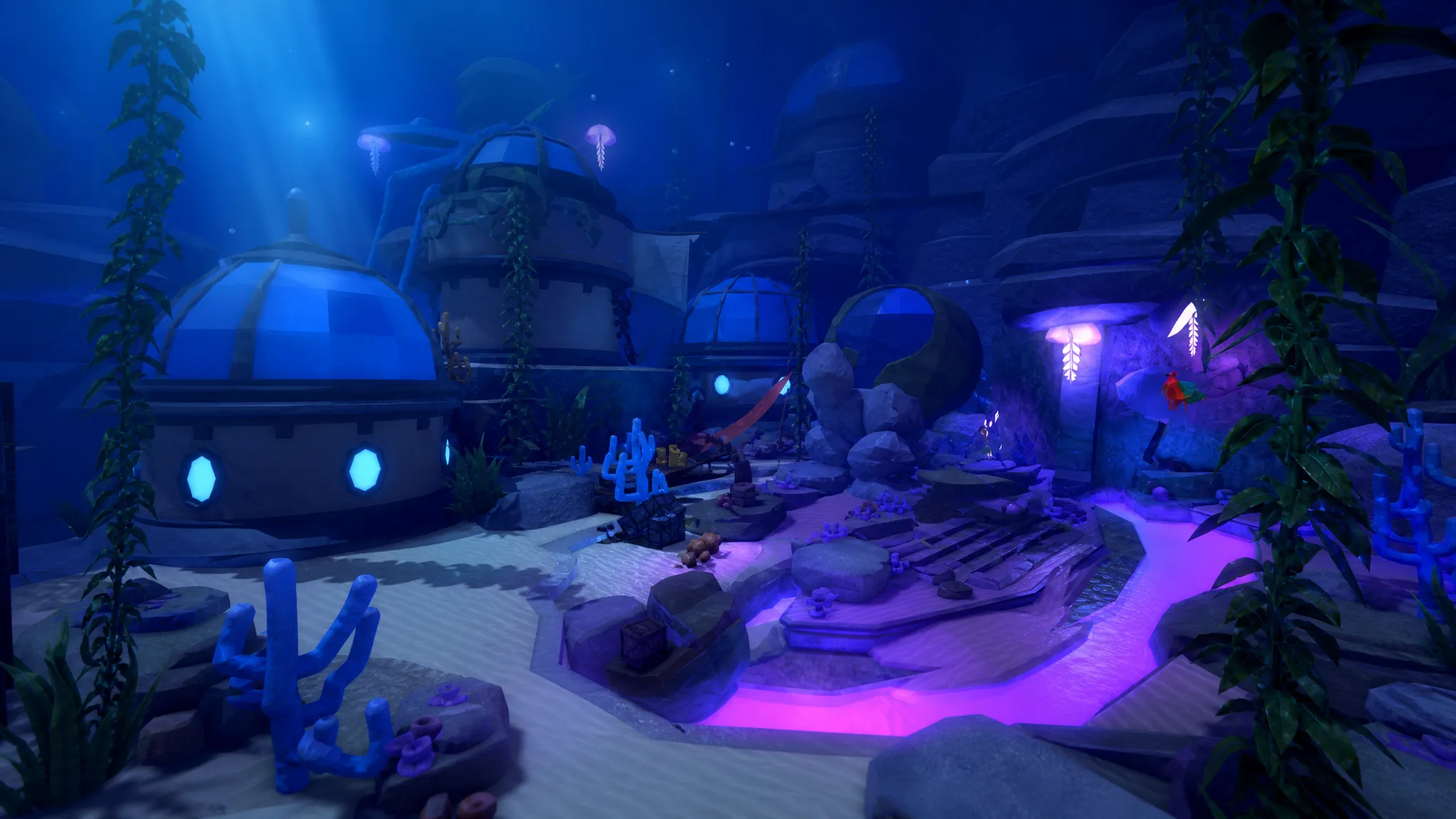
Fisch: How to Complete The Deep Update and Get the Survey Device MK I
Sail north from Moosewood, board the entrance ship, and repair the Survey Device to walk the seafloor.
-
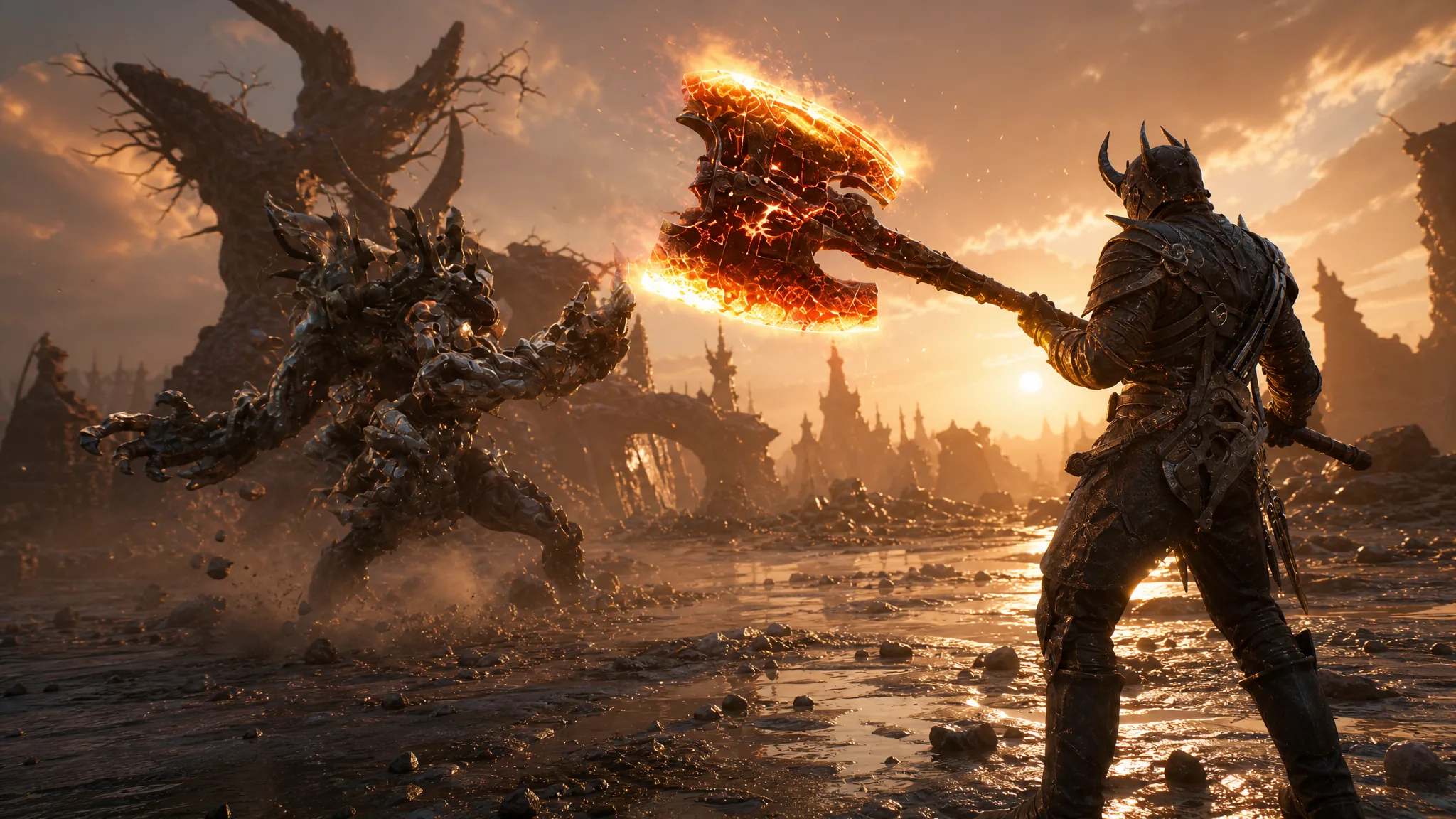
Mortal Shell 2: How to Get the Inflamed Clawstone Tarstone for Burn Damage
Clear the Rabid Grisha Pack in the Holding Cells to claim the burn infusion stone, then upgrade it to permanent at the Tarforge.
-
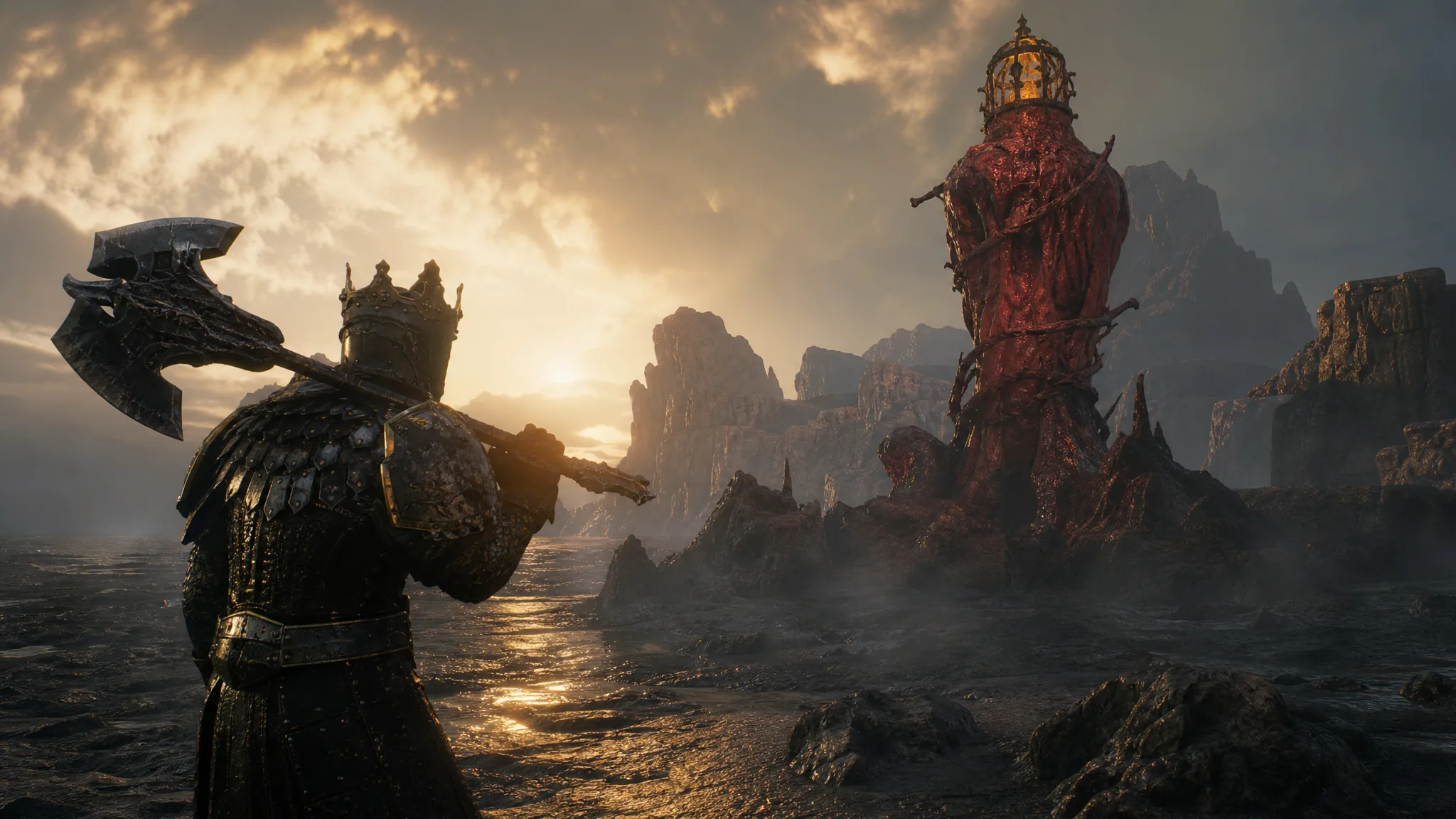
Mortal Shell 2: How to Cleanse the Sanguine Shoreline Beacon
Clear Hermit’s Pass, grab the Revered Gland, and claim the Ovum to finish this Sanguine Caverns beacon.