
Instructional, step-by-step articles.
Content Type: How-To
-
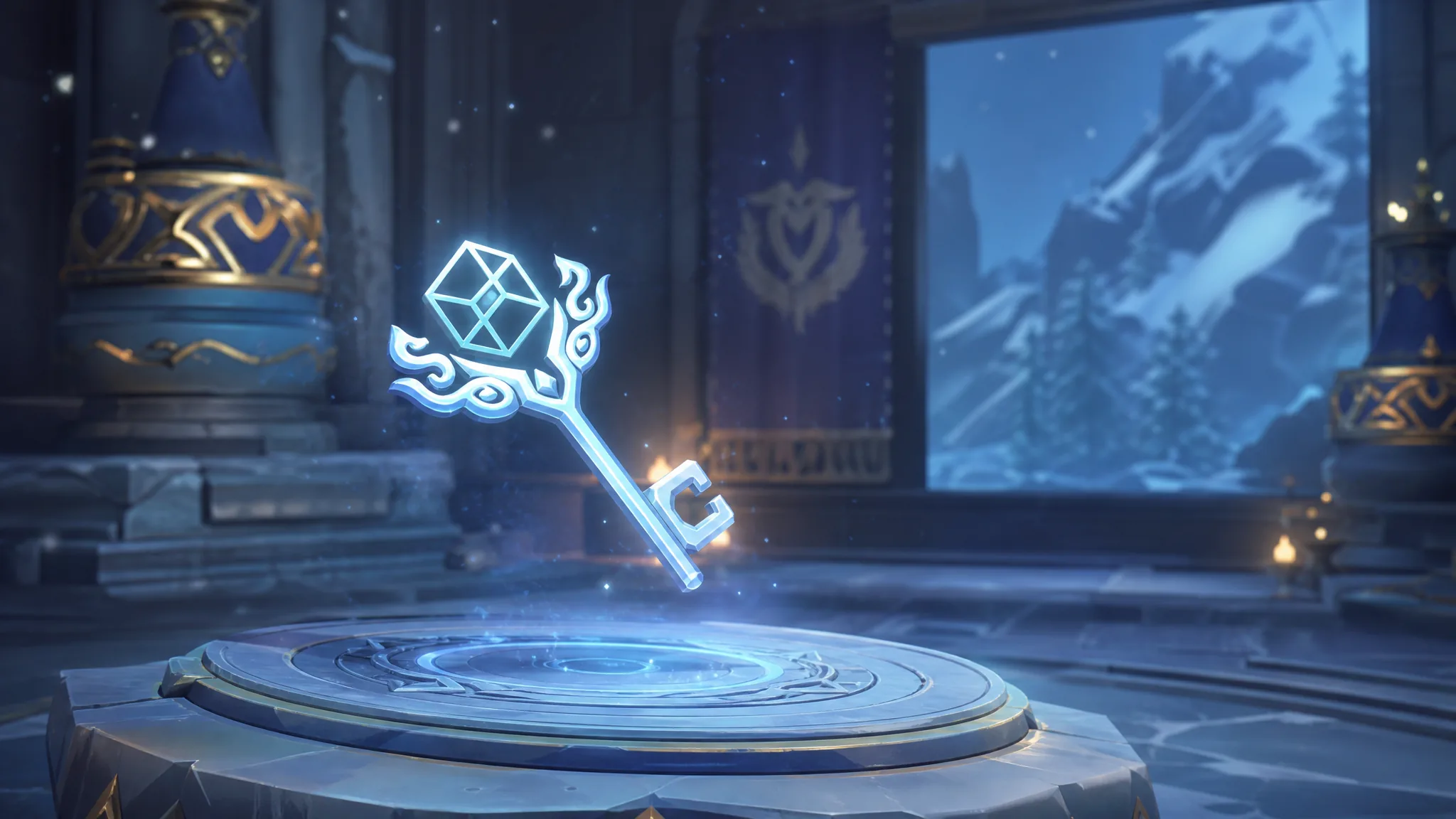
Genshin Impact: How to Get the Snezhnaya Shrine of Depths Keys
Both sources for the four Cryo nation keys, plus where every sealed shrine sits and the Luxurious Chest reward inside.
-

Fisch: How to Get the Cusk-Shot Harpoon Gun
Craft this weapon at the Harpoon Gun table inside the Ancient Archives using six material types from Ancient Isle.
-

Keep the Door Locked (Anomaly): How to Get the Escape Route Ending
Let the Katana Man wait in your room on Night 20, open the curtains, then flee through the shattered window.
-

Fisch: How to Get the Titanic Scalder Harpoon Gun
Craft this ranged fishing weapon inside the Ancient Archives with three materials and no merchant purchase.
-

How to Get the Dagon Clan and Disaster Tides in Roblox Kaizen
Everything needed to roll the Mythic Dagon clan, level Disaster Tides, unlock its Domain Expansion, and clear the Dagon Raid.
-

Piggy Roleplay PLUS: How to Get the In Your Dreams Badge
Everything you need to trigger the Khaleesi nightmare quest, light all five candles, and unlock the Mr. Stitchy and Lola morphs.
-

Fisch: How to Get The Deep Commissary Badge
Finish the GRIND HQ questlines and five bounties in the deep to earn a badge that sells your Deep fish for 25% more.
-

Madden 27: How to Turn Off Wear and Tear (Franchise Settings)
Disable the workload system through the game’s options, plus how to soften it with sliders if you keep it on.
-

GTA Online: How to Get the Free Declasse Hotring Sabre
Claim the Sports Car and its matching cosmetics from in-game menus before the Brand Wars event ends on August 26.
-

Keep the Door Locked (Anomaly): How to Get The Truth Ending
Refuse the manager’s key, open the door for the golden skeleton, and unlock the exit that awards the Ending 2 badge and 15,000 Cash.