
Instructional, step-by-step articles.
Content Type: How-To
-
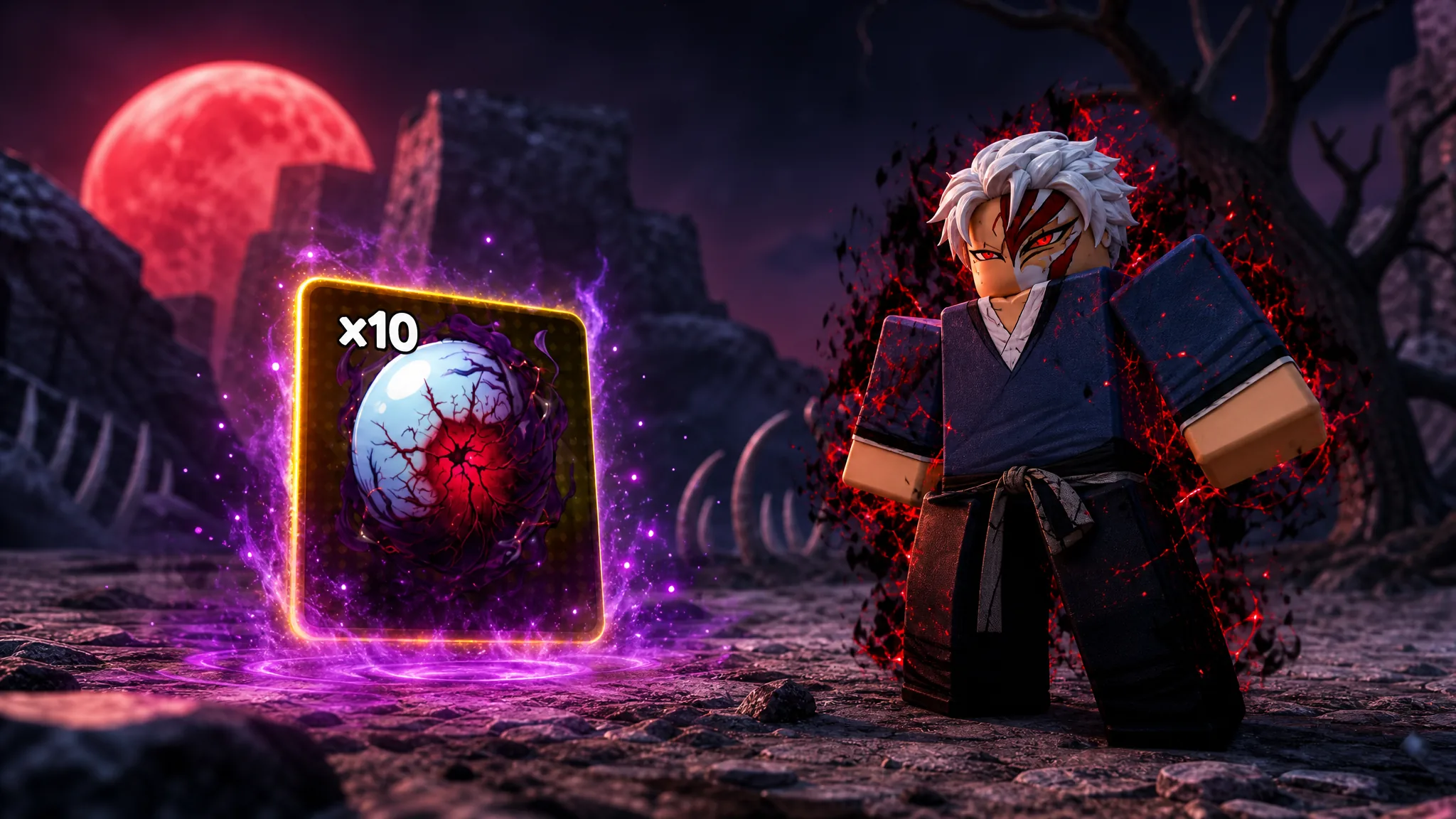
Lineage Piece: How to Get the Tainted Soul Pill Fast
The Tainted Soul Pill is a random drop from the Ichigo (Bankai) boss on Hueco Mundo Island.
-
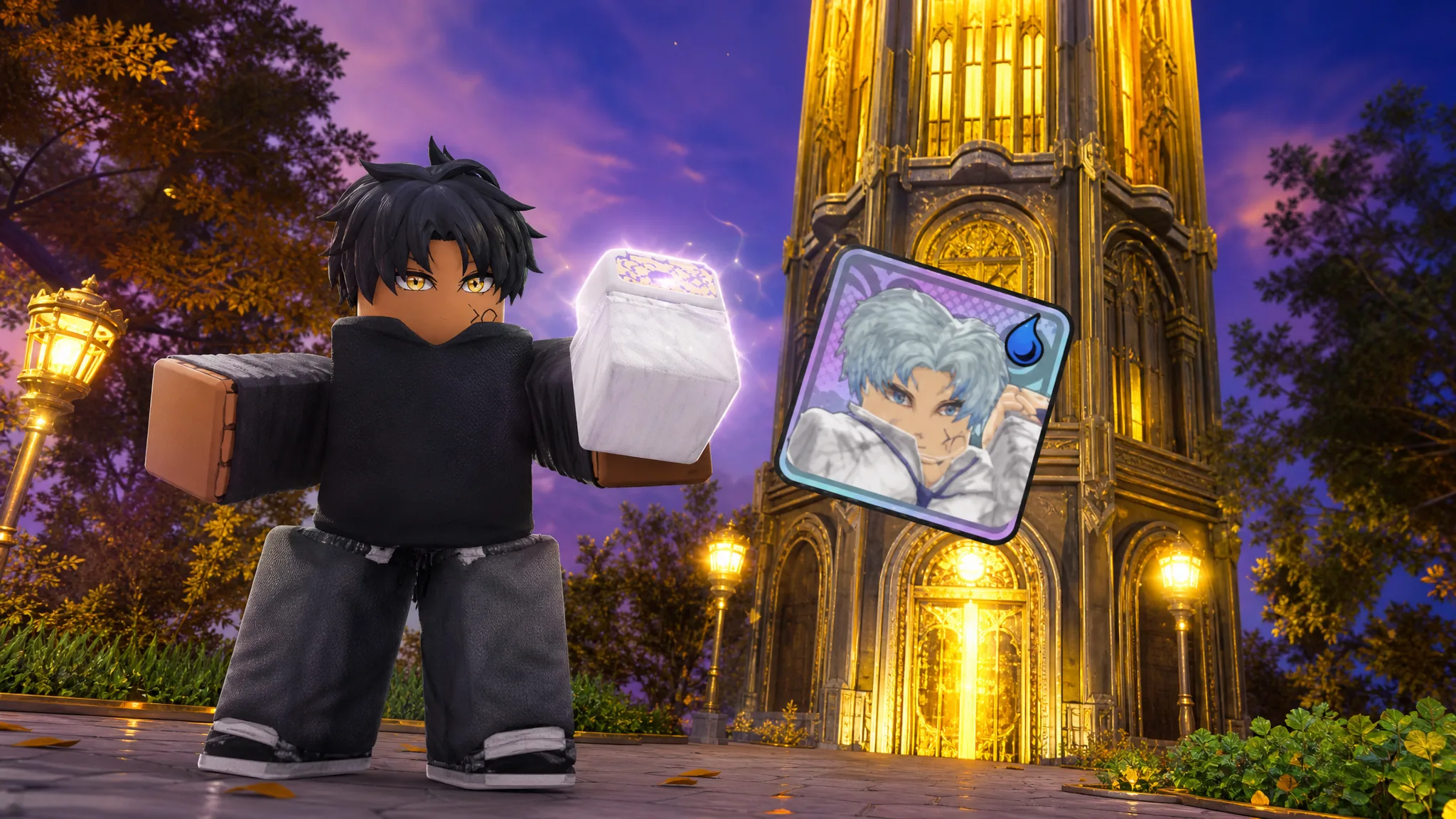
Anime Expeditions: How to Get Cubert by Clearing Tower Floor 50
Reach the 50th floor of Normal Tower before the season closes to claim the limited Hydro and Magical unit.
-

How to Unlock Prodigy (Rage) in Anime Expeditions – Warriors Saga
Every requirement to finish The Scholar’s Trial, claim Gohan, and evolve him into the Prodigy (Rage) Secret unit.
-

Lineage Piece: How to Get the Hollow Core
Finish the five-stage Hueco Mundo questline to unlock the rare drop from any defeated enemy.
-

3D Verity RP: How to Get All Badge Morphs (Roblox)
Exact locations and unlock conditions for the Whispy, Upside Down, Welcome, and Meet The Owner badge morphs.
-
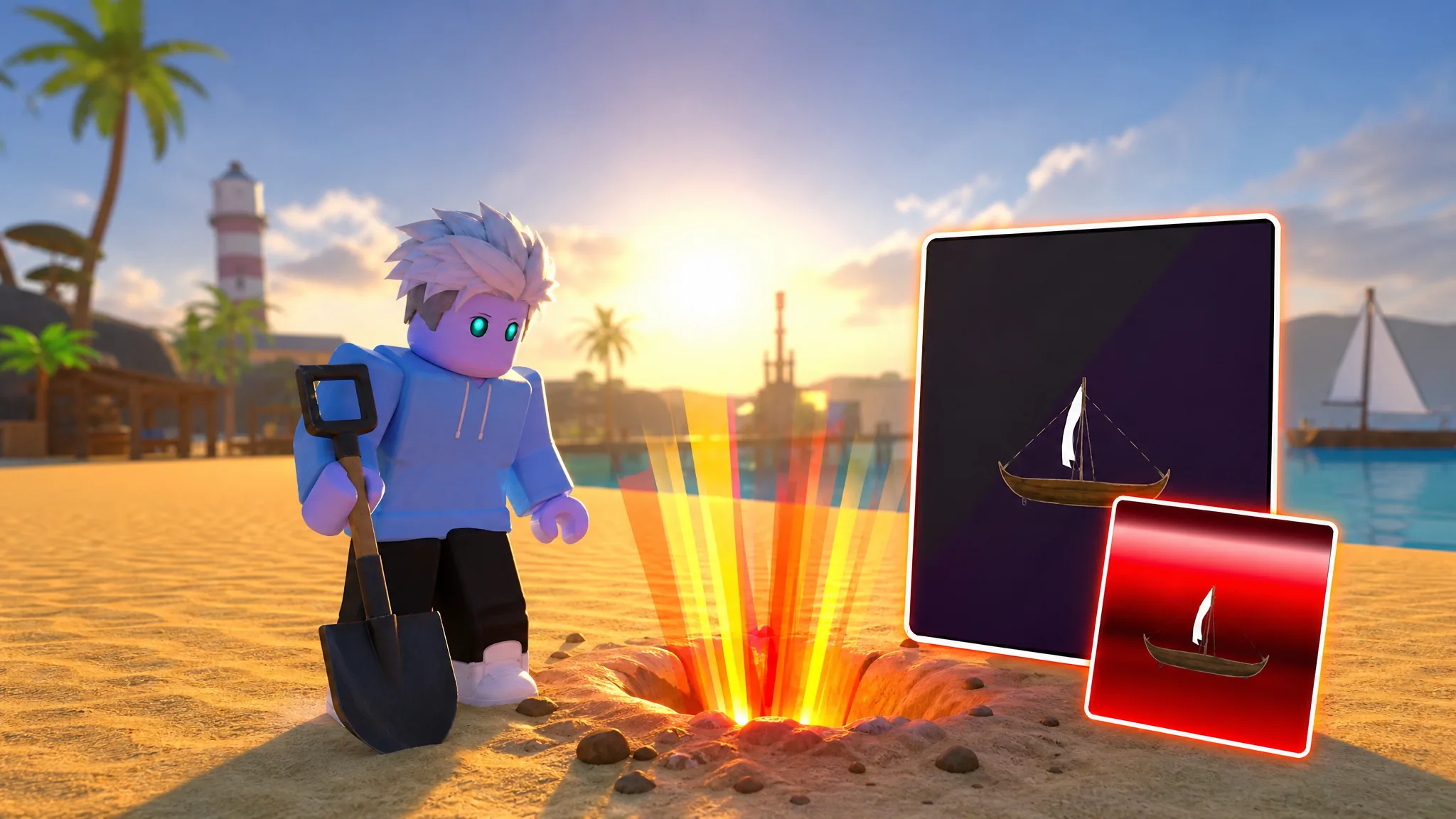
Dig & Clean: How to Get Omega Items Fast with SECRET10 and Luck Stacking
Stack the SECRET10 code with high-luck detectors and advanced islands to raise your Omega drop odds in Roblox Dig & Clean.
-

Fortnite Payday Crossover: What It Includes and How to Play the UEFN Map
The collaboration arrives as a creator-made heist map with a public code, not a set of playable characters.
-

Adopt Me Silverback Gorilla: How to Get the Legendary Pet
Hatch rates, Ticket costs, and the exact steps to unlock the Neon and Mega Neon forms.
-
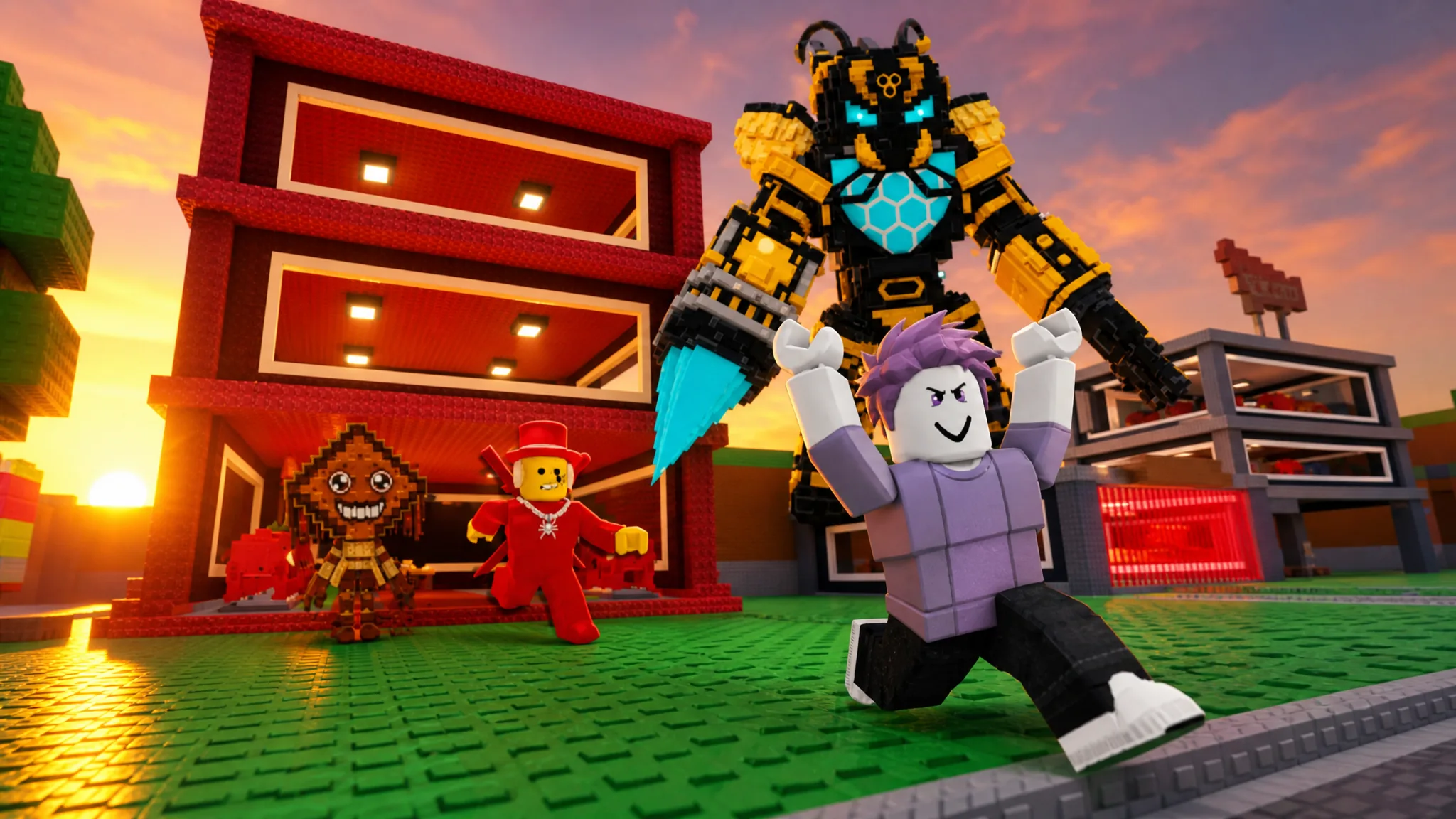
How to Get S’more Serat in Steal a Brainrot (Bee Shop Price)
The Secret dessert Brainrot costs 100 Honey or 4,999 Robux and pays out $85 million per second once it’s on your base.
-

San Diego Border Roleplay: How to Get Rich Fast With Police Printer Raids
Join the Police team, confirm a warrant, and confiscate money printers worth about $10,000 each.