
Instructional, step-by-step articles.
Content Type: How-To
-

Big Walk: How to Get the Map (Big Views Achievement)
Finish the Red Tower objectives, cut the key, and open the blue tunnel to unlock both maps and the Big Views trophy.
-
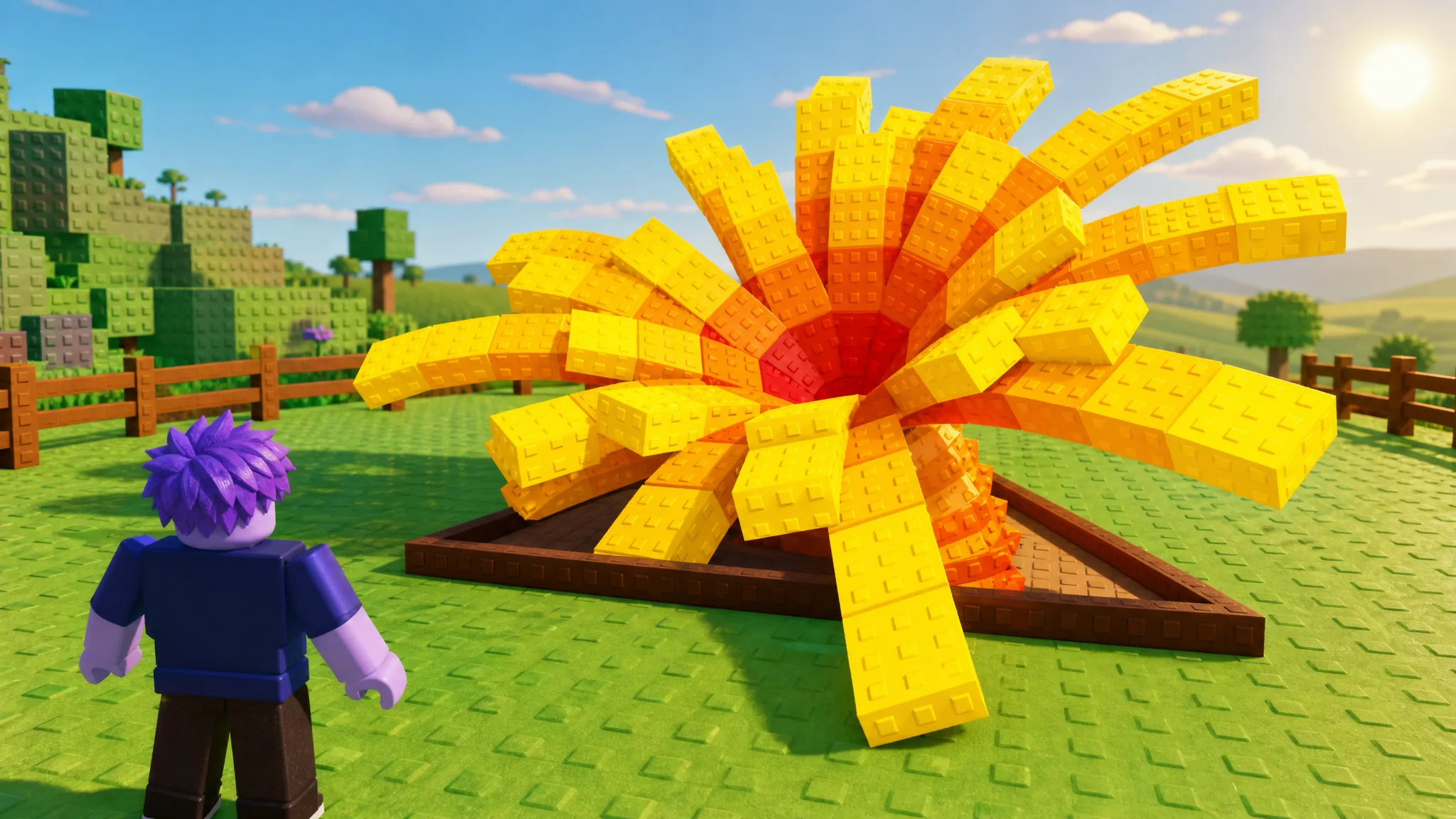
Grow a Garden: How to Get the Moongrain Meadow
The Transcendent Harvest Moon crop costs 2.5 trillion Sheckles and spreads Moonbeam mutations every 10 minutes.
-

How to Fix Chrome Not Remembering Your Last Download Folder
Why Chrome keeps defaulting to your Downloads folder, and the fixes that make it reuse your last-used location again.
-

Night Horse in Grow a Garden: How to Get It and What It Does
Everything about the Mythical Moon Egg pet, its Selenic Steed passive, and how to farm the Moon Coins you need.
-
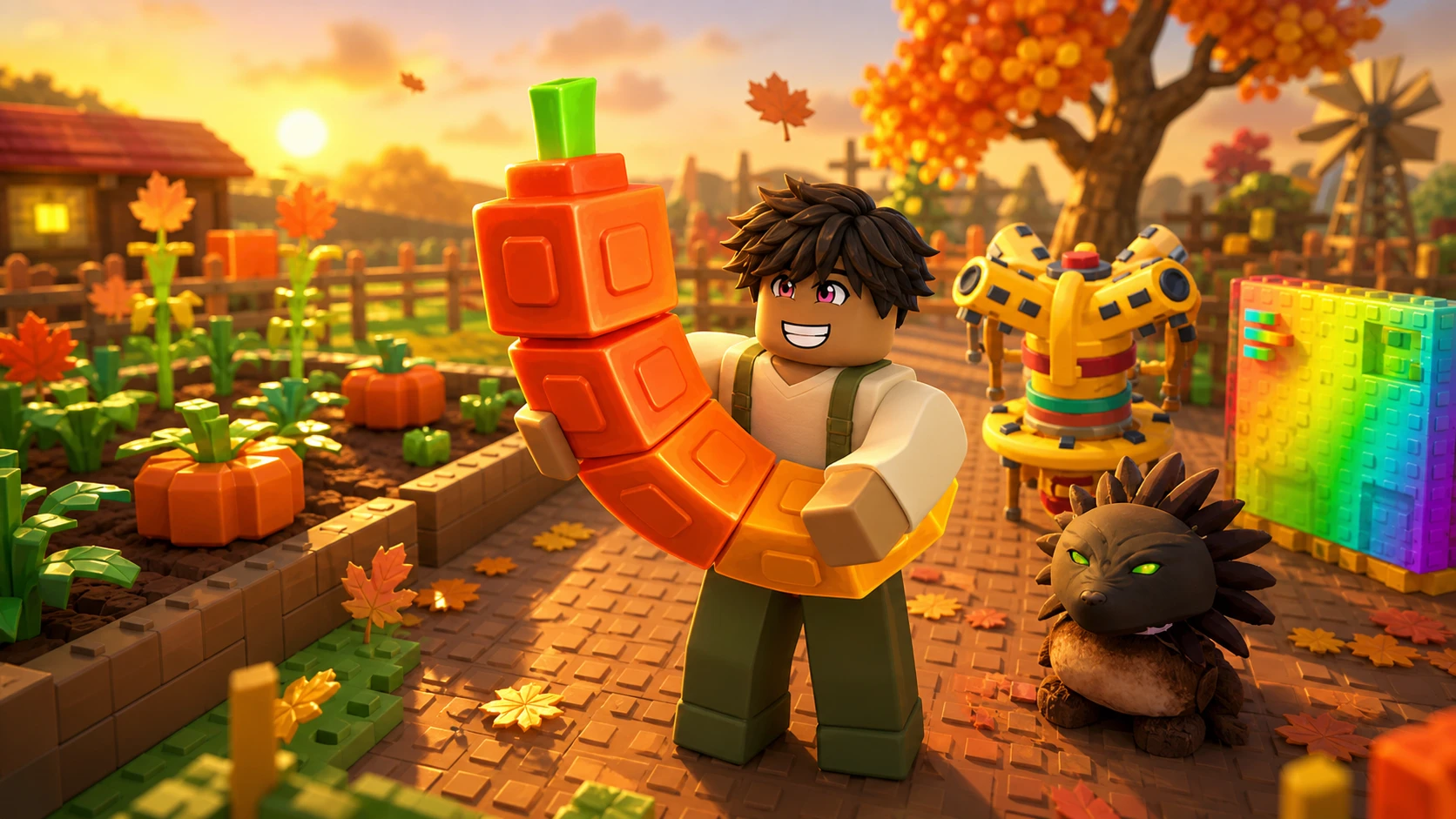
Grow a Garden 2 Fall Harvest: How to Start and Progress the Event World
A separate 60-day world with maple seeds, Cornucopia quests, nighttime Werewolf theft, and gear stacking for faster crops.
-
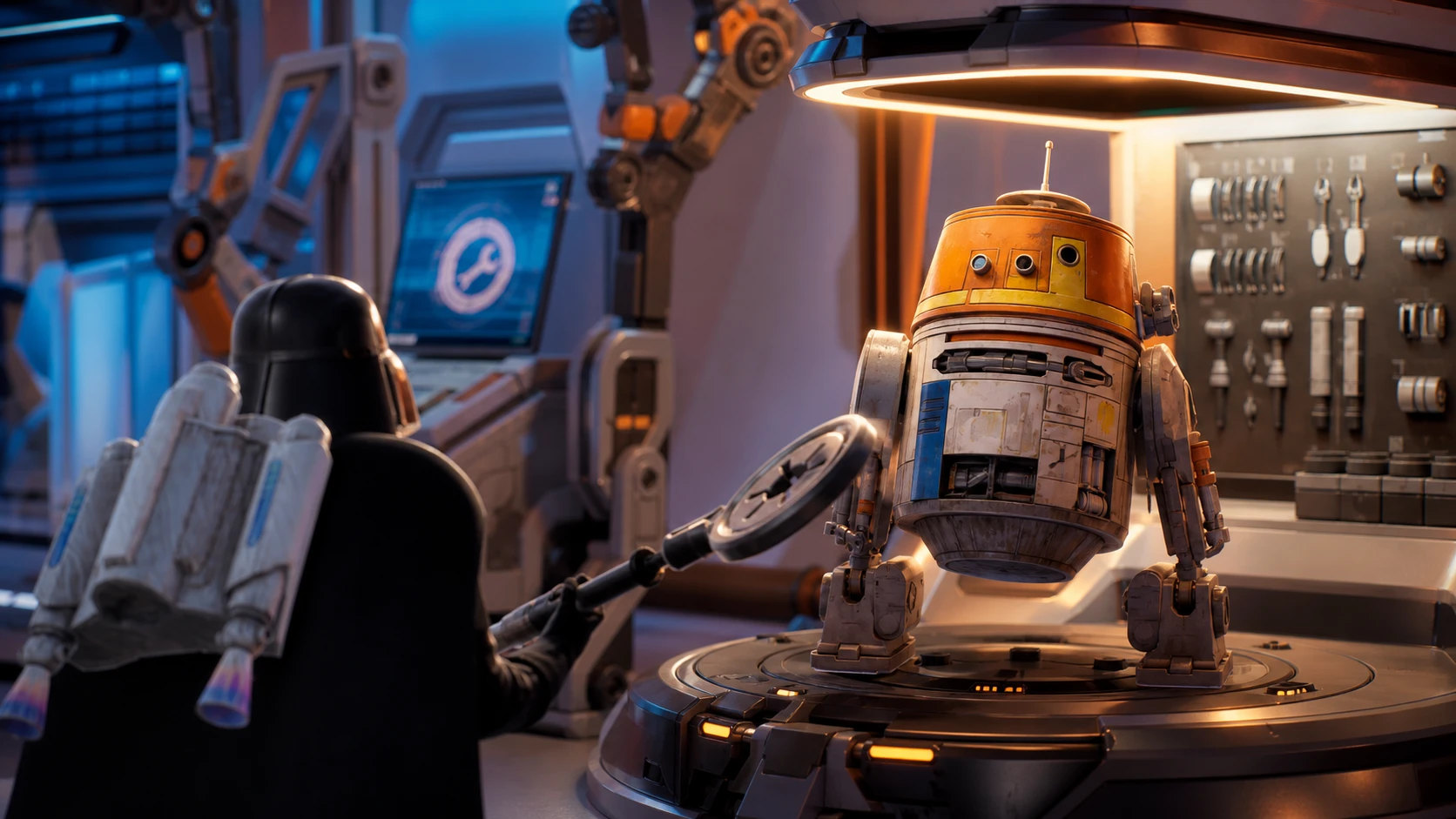
How to Unlock the Free Chopper Iconic Droid in Star Wars: Droid Tycoon
Return 75 pieces of junk to Chopper’s platform during the 24-hour event to claim the astromech and its +50% crit perk.
-
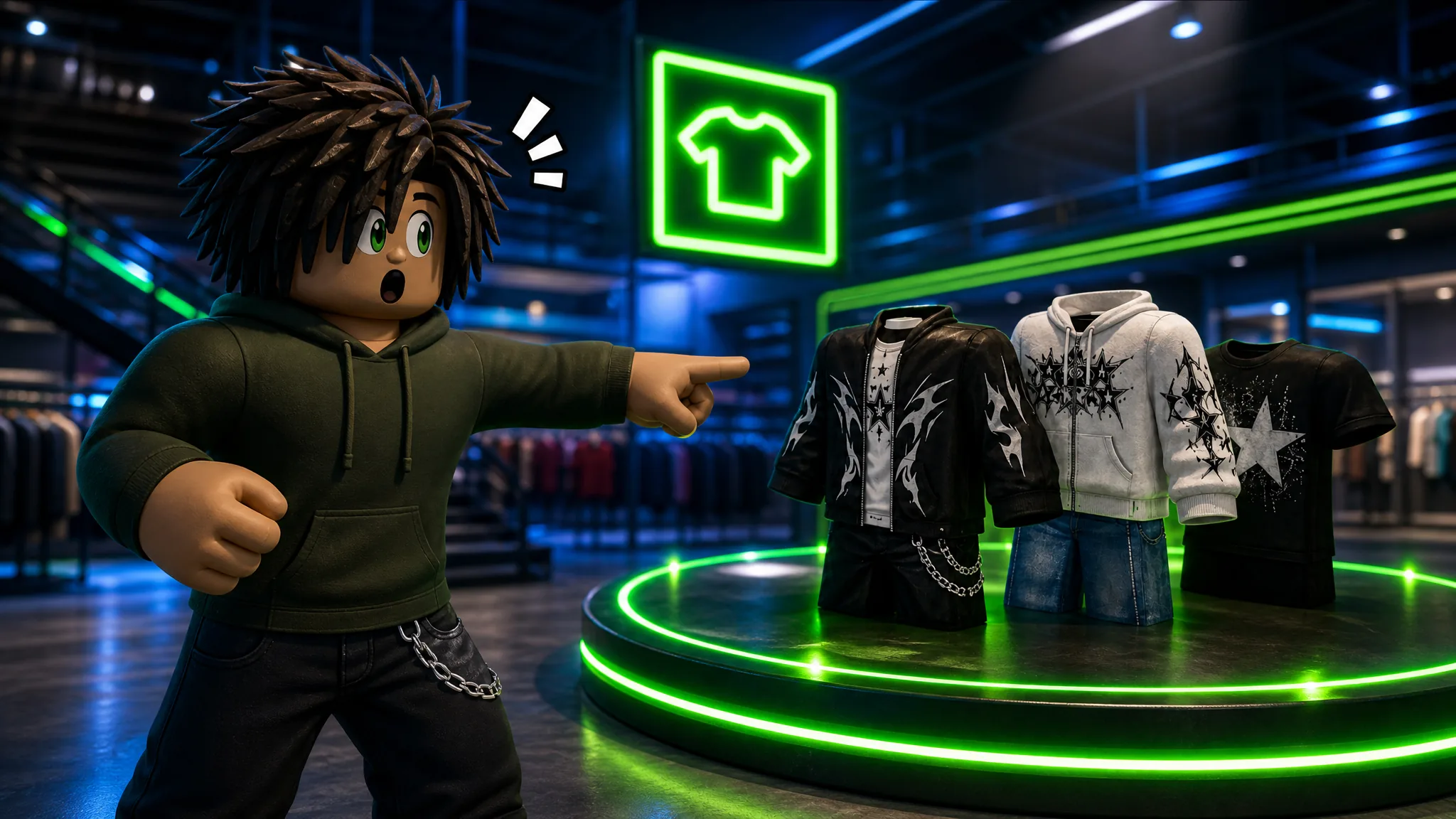
Practical Basketball: How to Get Clothes in the Plaza
Reach the Plaza server, find the NEW THREADS and TOO GOOD TO DYE shops, and spend in-game cash to dress your player.
-

Project Wheelie: How to Wheelie and Pull Tricks on Roblox
The exact keybinds for lifting the front wheel, holding the balance point, and chaining tricks in the early testing build.
-
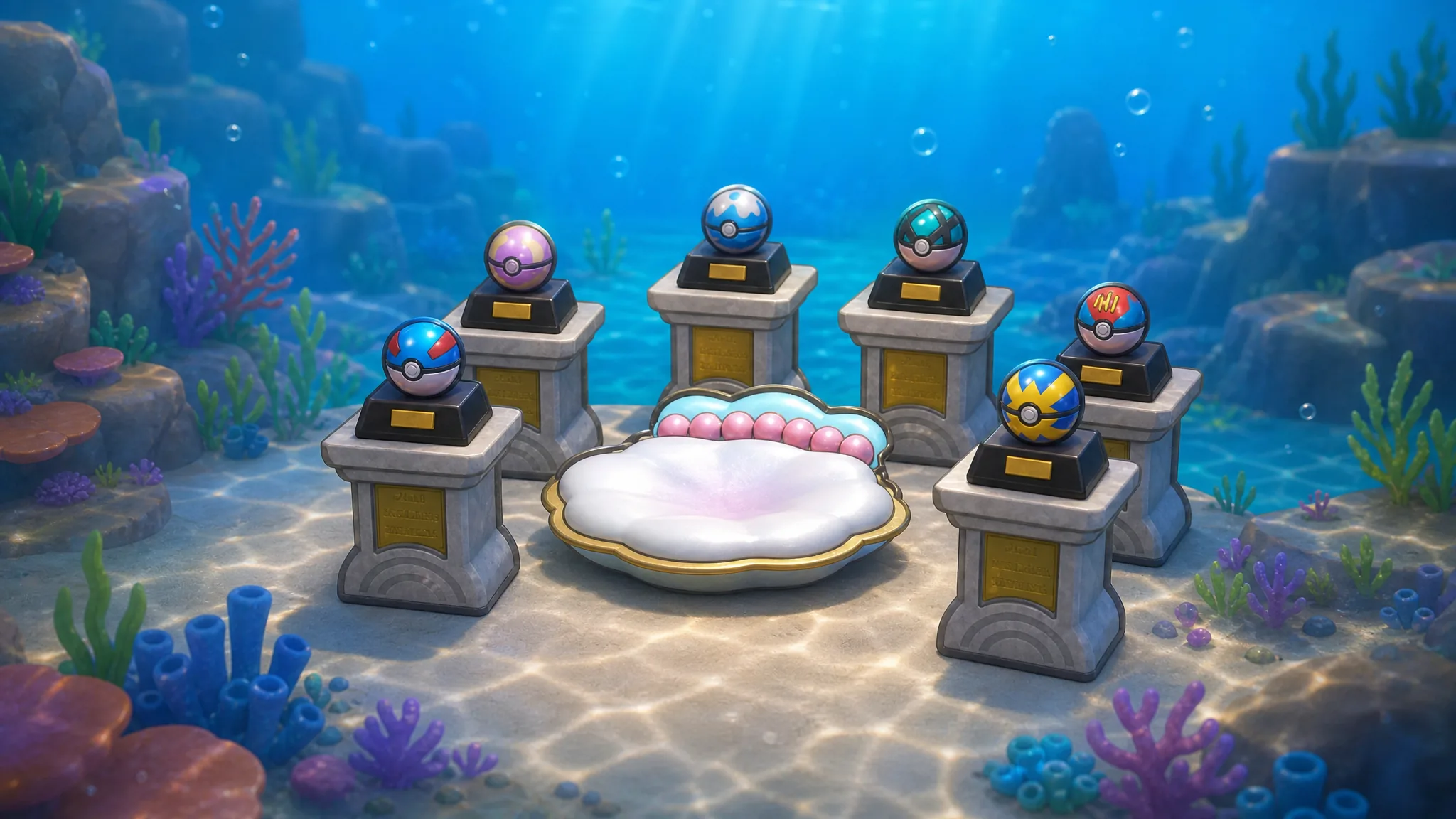
Pokémon Pokopia: How to Find the Decorative Dive Ball
The rare Poké Ball replica hides in a sealed room near Misty’s Gym and completes the Mermaid’s Gym habitat set.
-
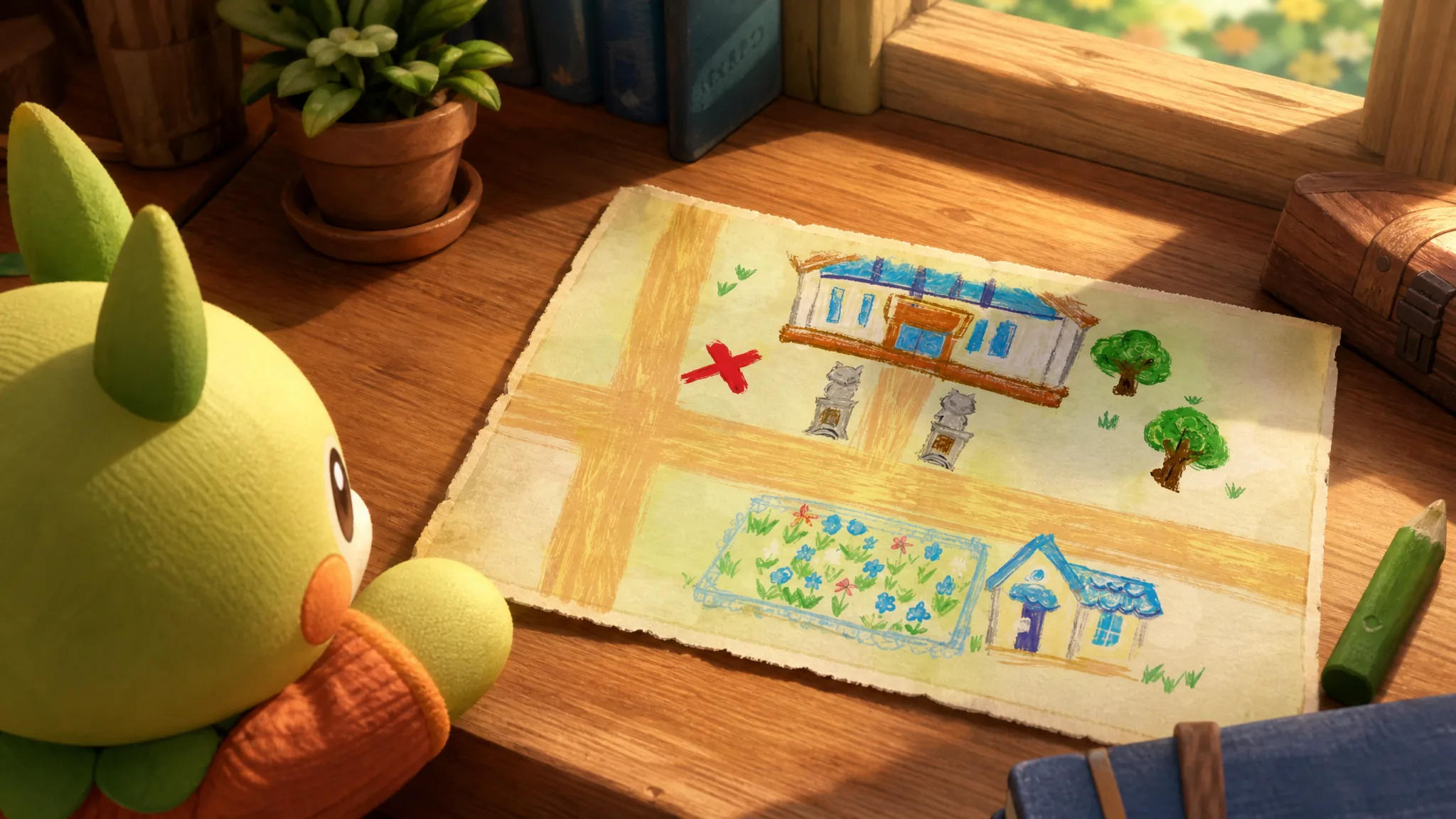
Pokopia Treasure Map 3: How to Find the Bubbly Basin Treasure
The chest sits behind a cracked wall by the gym statues, opened with a Rock Smash Pokémon.