
Instructional, step-by-step articles.
Content Type: How-To
-

Pokémon Pokopia: How to Get Netting
Craft it from Vine rope and Twine, or grab it free from a cracked-rock cave.
-
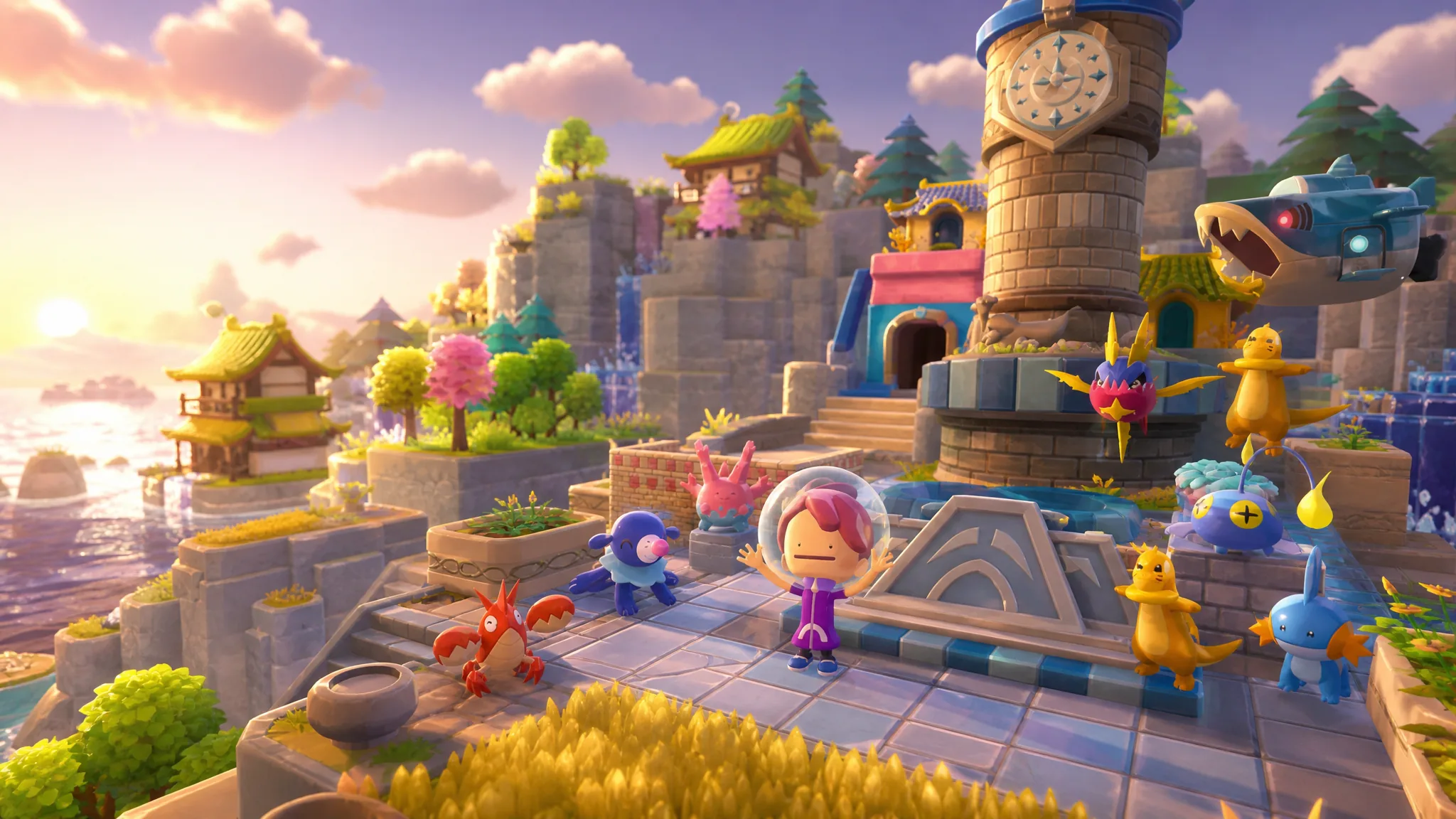
Pokémon Pokopia: How to Get the Ocean Door
Craft the two Ocean Doors the Ocean Temple needs using a single Star-spotted rock each at a nearby crafting table.
-

Pokopia: How to Get Shiny Pearls With Shellder
Turn Grubby Pearls into the Shiny Pearls you need for the Ocean Temple by setting up a Shellder habitat.
-
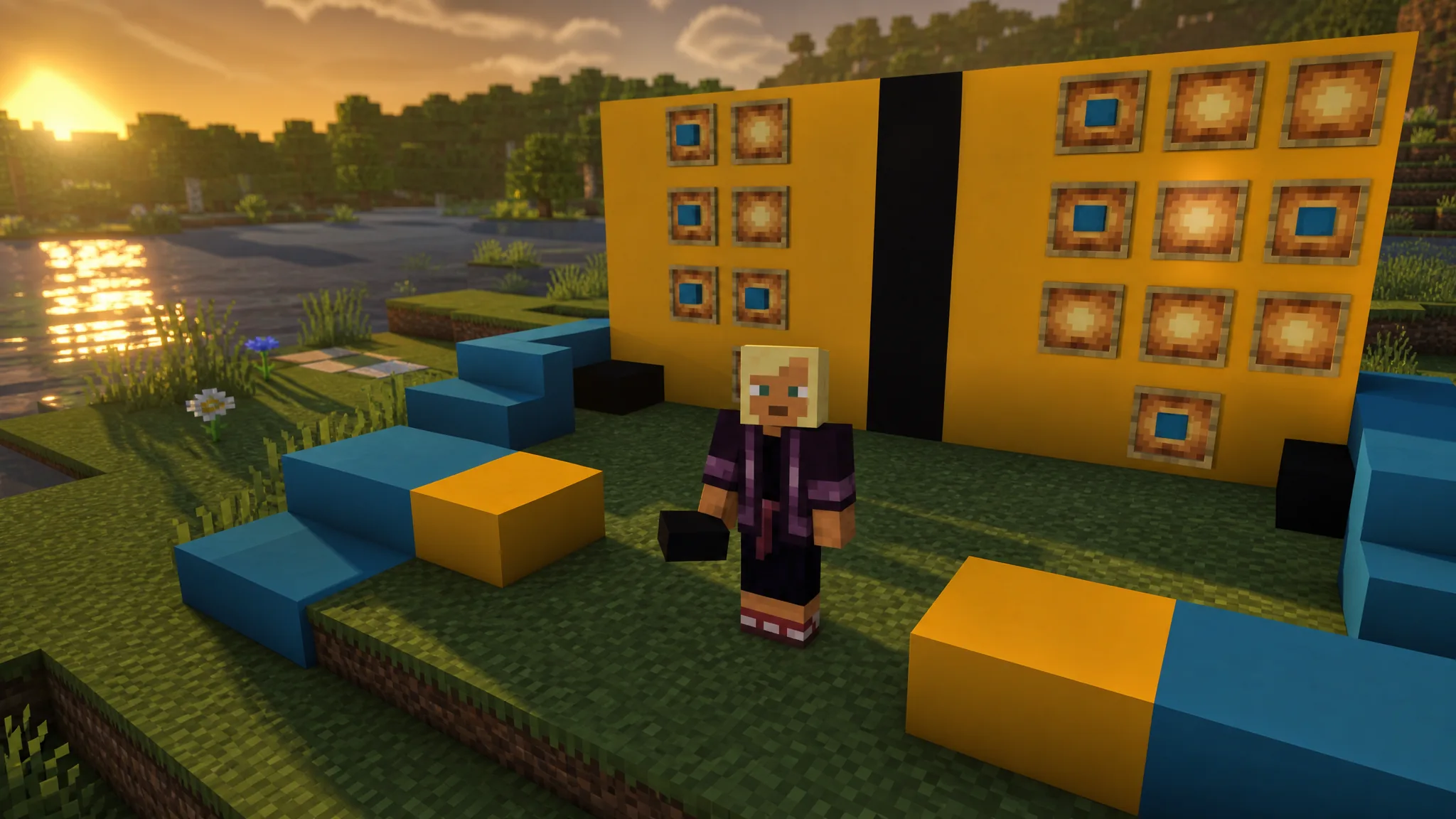
Minecraft: How to Craft Concrete Stairs and Slabs in All 16 Colors
The 26.3 update turns every colored concrete block into matching stairs and slabs at a crafting table.
-
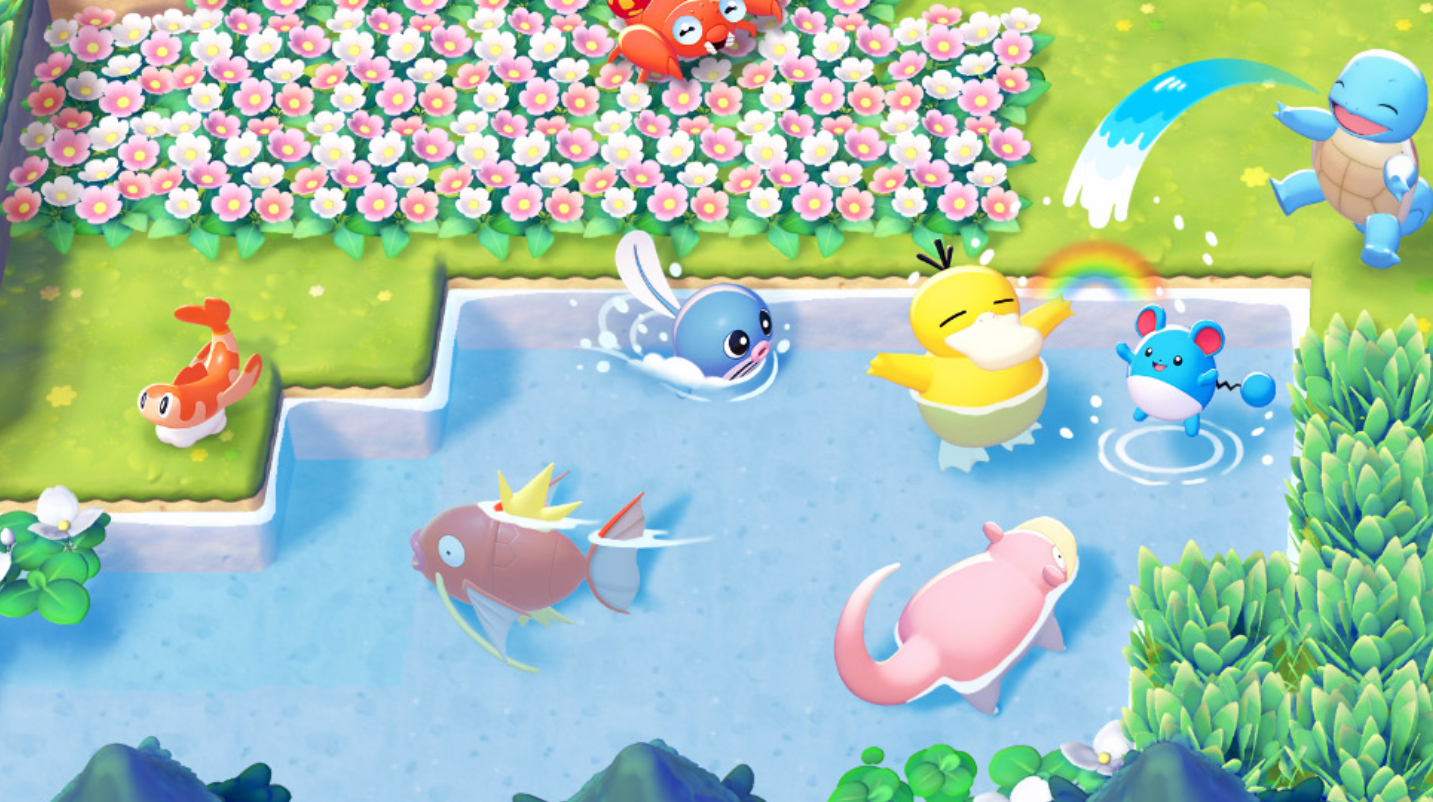
How to Find the Seashell Seat for Barboach in Pokopia’s Bubbly Basin
A dive into the Deep Sea retrieves the clam-shaped seat that unlocks the Ocean Rest Spot habitat.
-
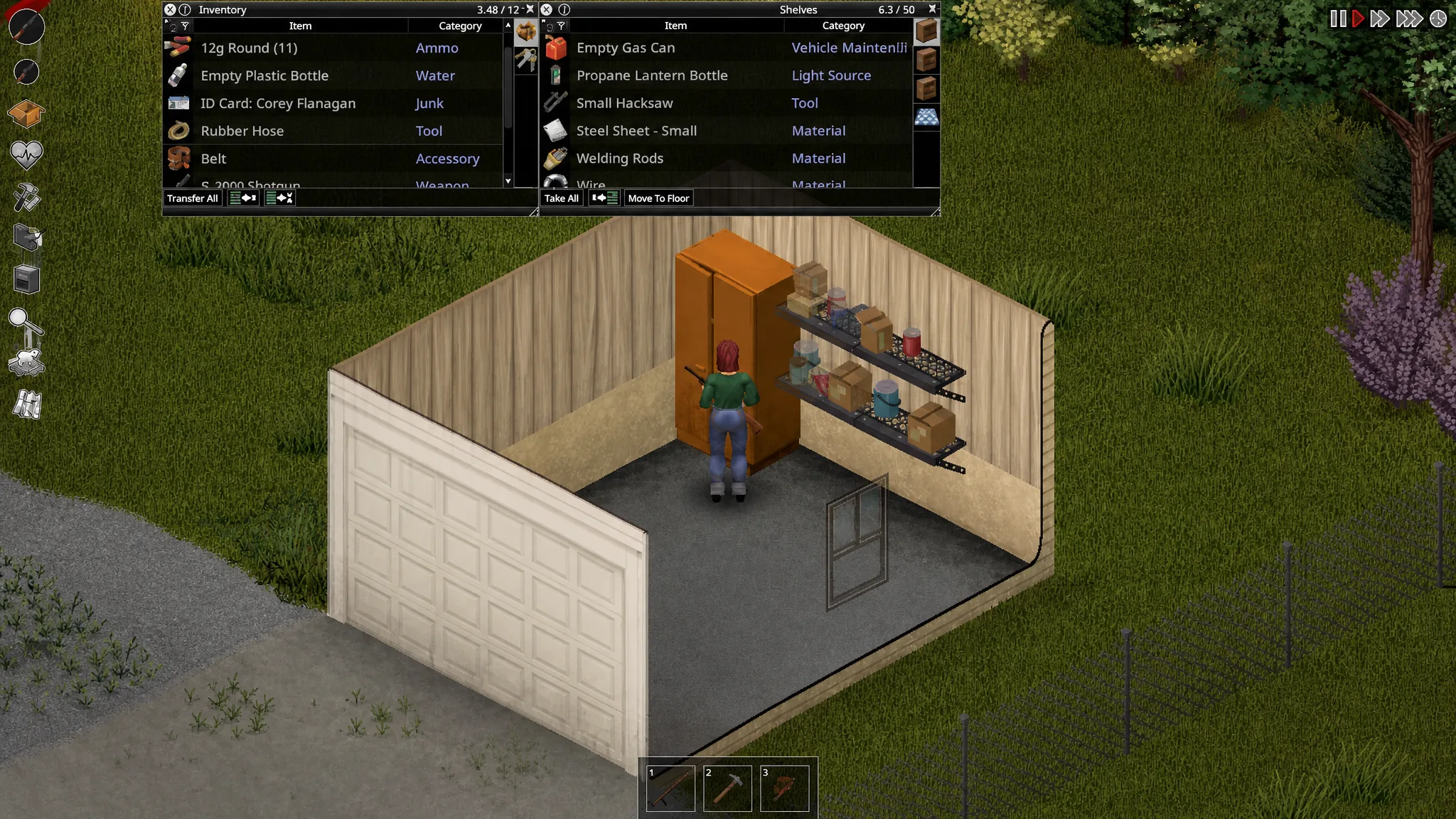
Project Zomboid: How to Get Gas
The containers, tools, and exact commands you need to siphon fuel from cars and pump it from gas stations.
-
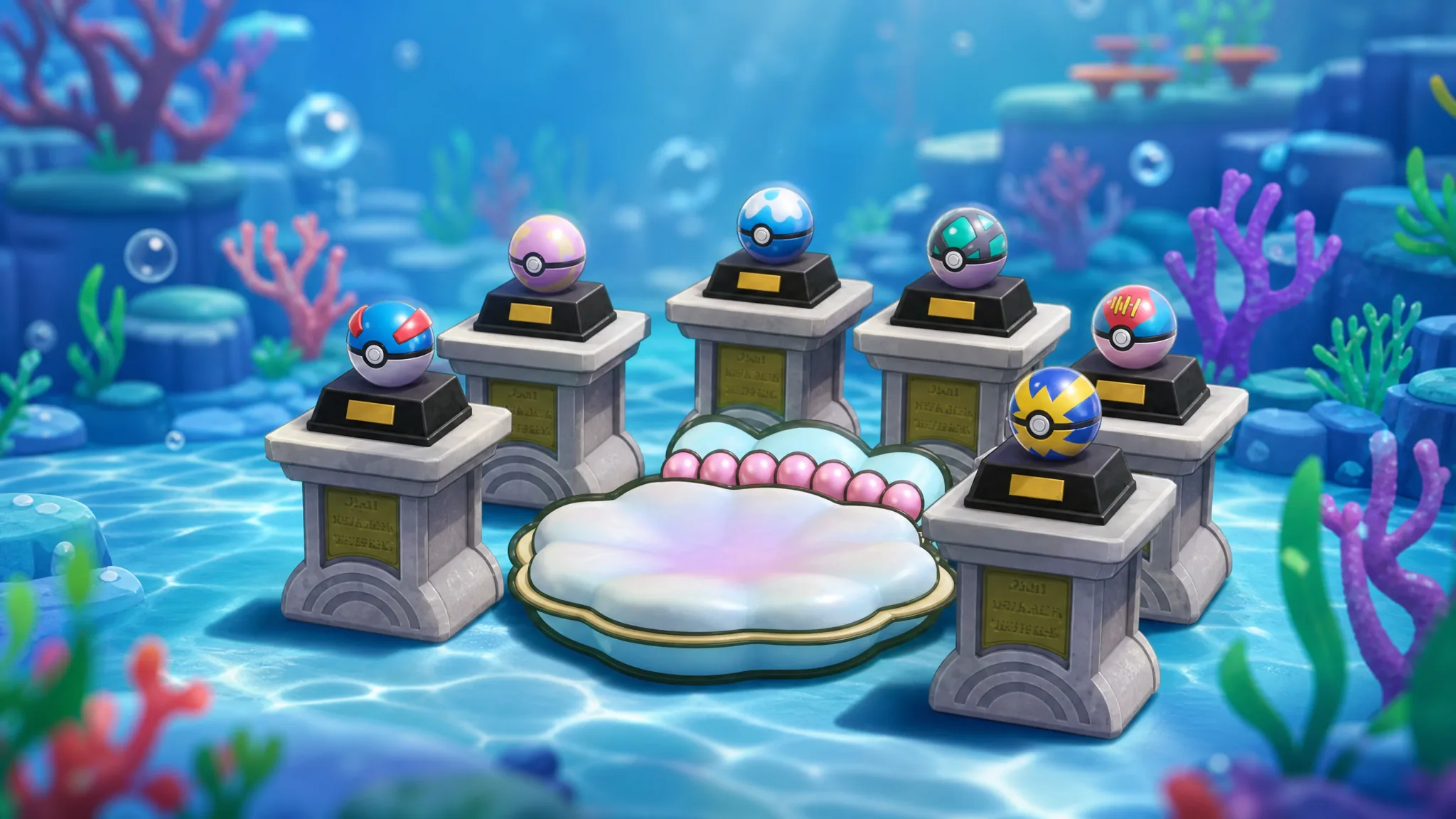
How to Find the Decorative Quick Ball in Pokémon Pokopia
The decorative Poké Ball sits on a pedestal inside a Bubbly Basin cave you can only reach after learning Dive.
-
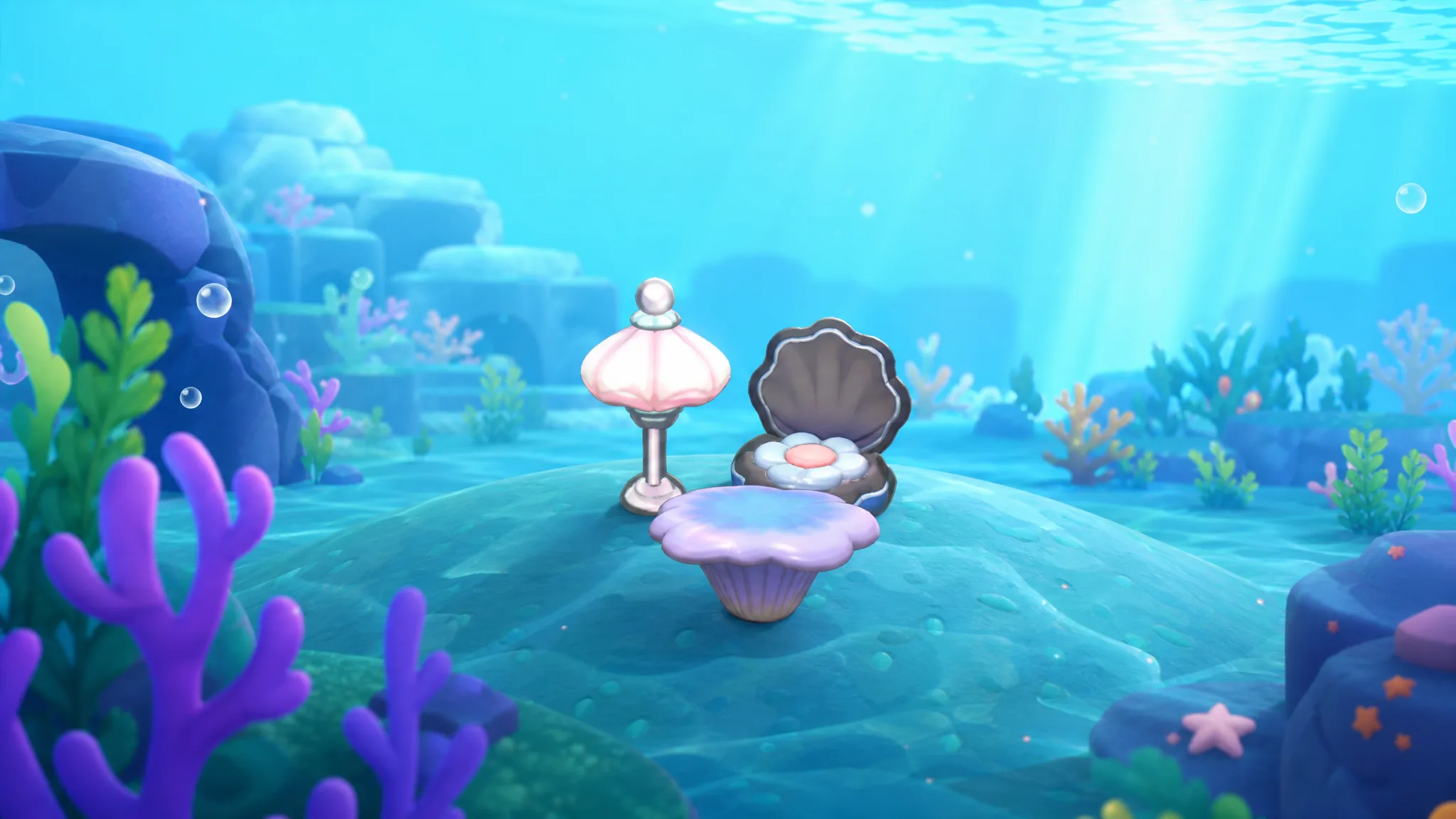
How to Build the Ocean Rest Spot Habitat in Pokopia (Barboach)
The three items you need and the exact order to place them so Barboach registers.
-

Anime Astral Simulator Commandments: How to Get, Level, and Equip Them
Everything that governs the Update 8 crystal system, from Lion Kingdom spawn timers to the full stat table and swap method.
-

Beast of Reincarnation: How to Get the Fire Arrows Manual
Unlock the bow, clear the guarded camp, and grab the manual that refills your Fire Arrows every time you rest.