
Instructional, step-by-step articles.
Content Type: How-To
-

Haze Seas: How to Max Out Buso Haki Fast
The Samurai clustering method uses a zero-damage sword and Logia immunity to farm thousands of Haki strikes without taking damage.
-

Meccha Chameleon Multiplayer: How to Host and Join Servers With Friends
Set up a private room, share the right details, and get your whole group into the same lobby.
-

Fortnite: How to Get the Gem Zero Point Sprite
The exact drop source, rarity, ability, and Sprite Dust cost for one of the rarest Zero Point variants in Runners.
-

Marvel Tōkon: How to Counter and Crossover
The same Light plus Assemble press becomes an Assemble Counter, Crossover, or Crossover Reflect depending on whether you are guarding.
-
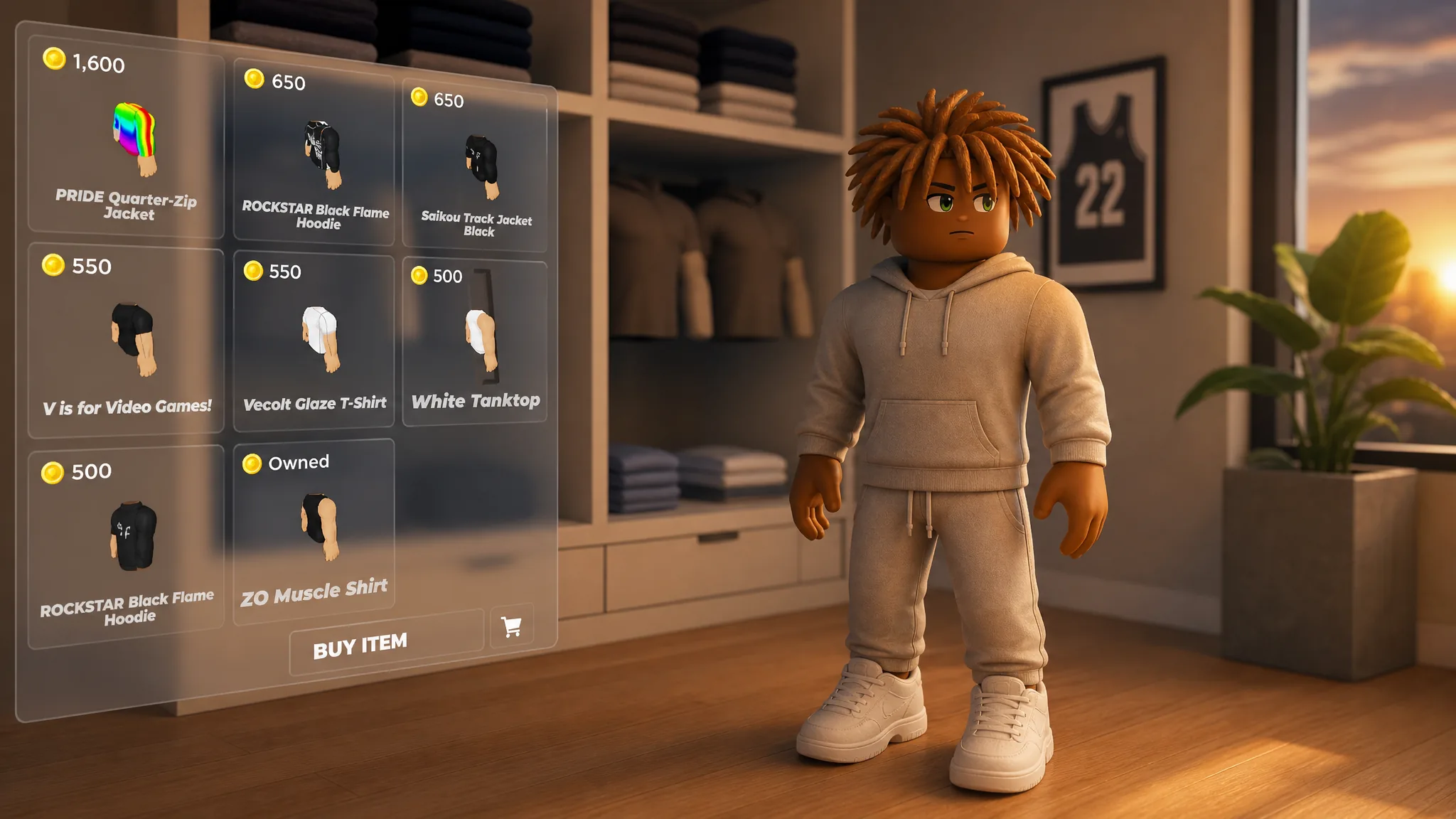
Practical Basketball: How to Change Your Clothes in the Plaza
Head to the Plaza and use New Threads and Too Good To Dye to buy outfits and recolor your look.
-

Ghost Recon Wildlands: How to Complete the Predator Mission (The Jungle Moved)
Track the cloaked hunter through Caimanes, survive its plasma attacks, and claim the Bio Mask and cloaking reward.
-
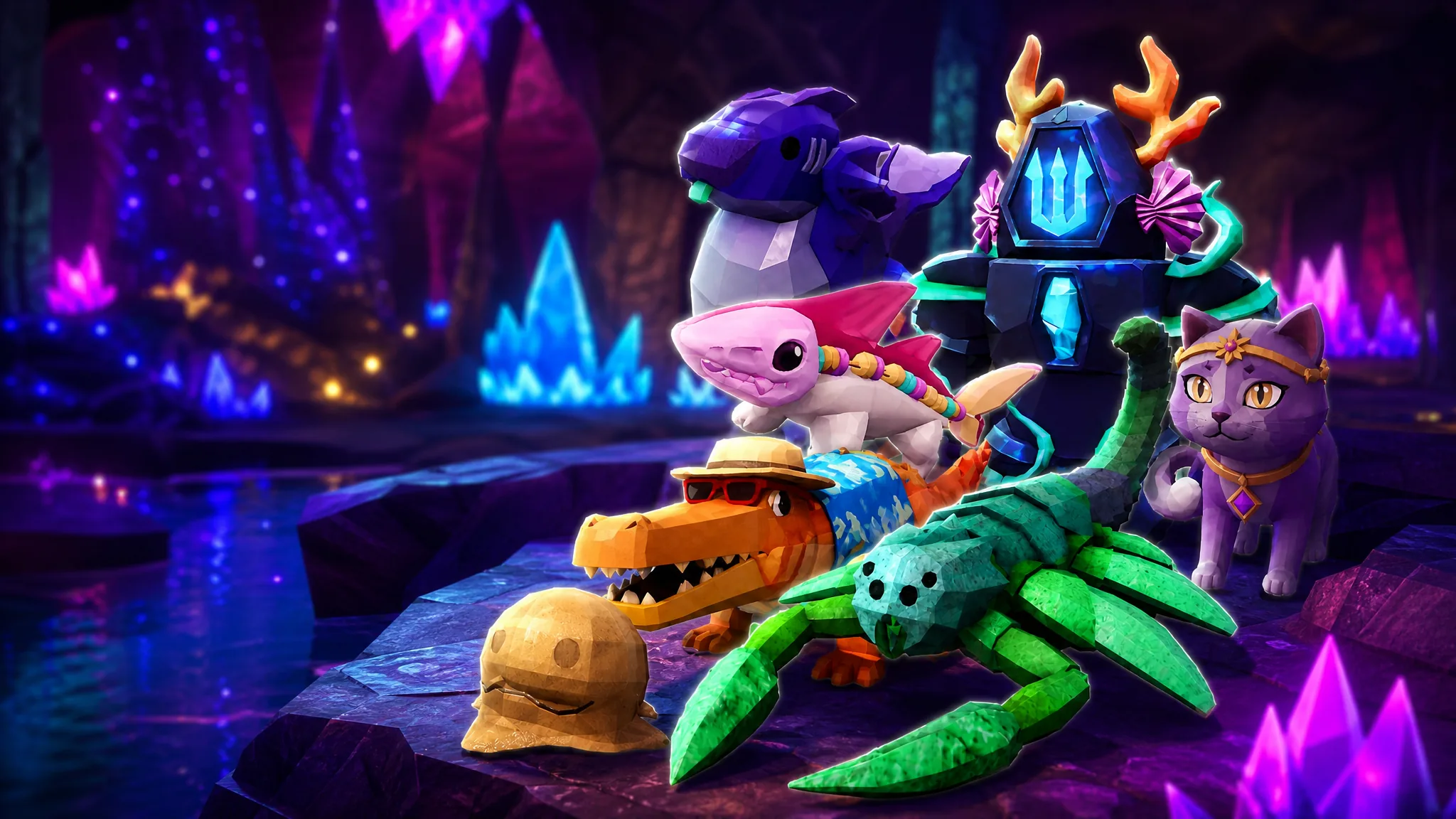
Fisch: How to Get and Level Up Companions, and Which to Get First
Reach Level 30 for the Companion Satchel, then unlock, feed, and grind each pet from Level 1 to 10.
-

Fields of Mistria: How to Marry and All 12 Marriage Candidates
Reach 10 hearts, craft the Engagement Ring from Elsie, and pick from a dozen single villagers in the 1.0 release.
-
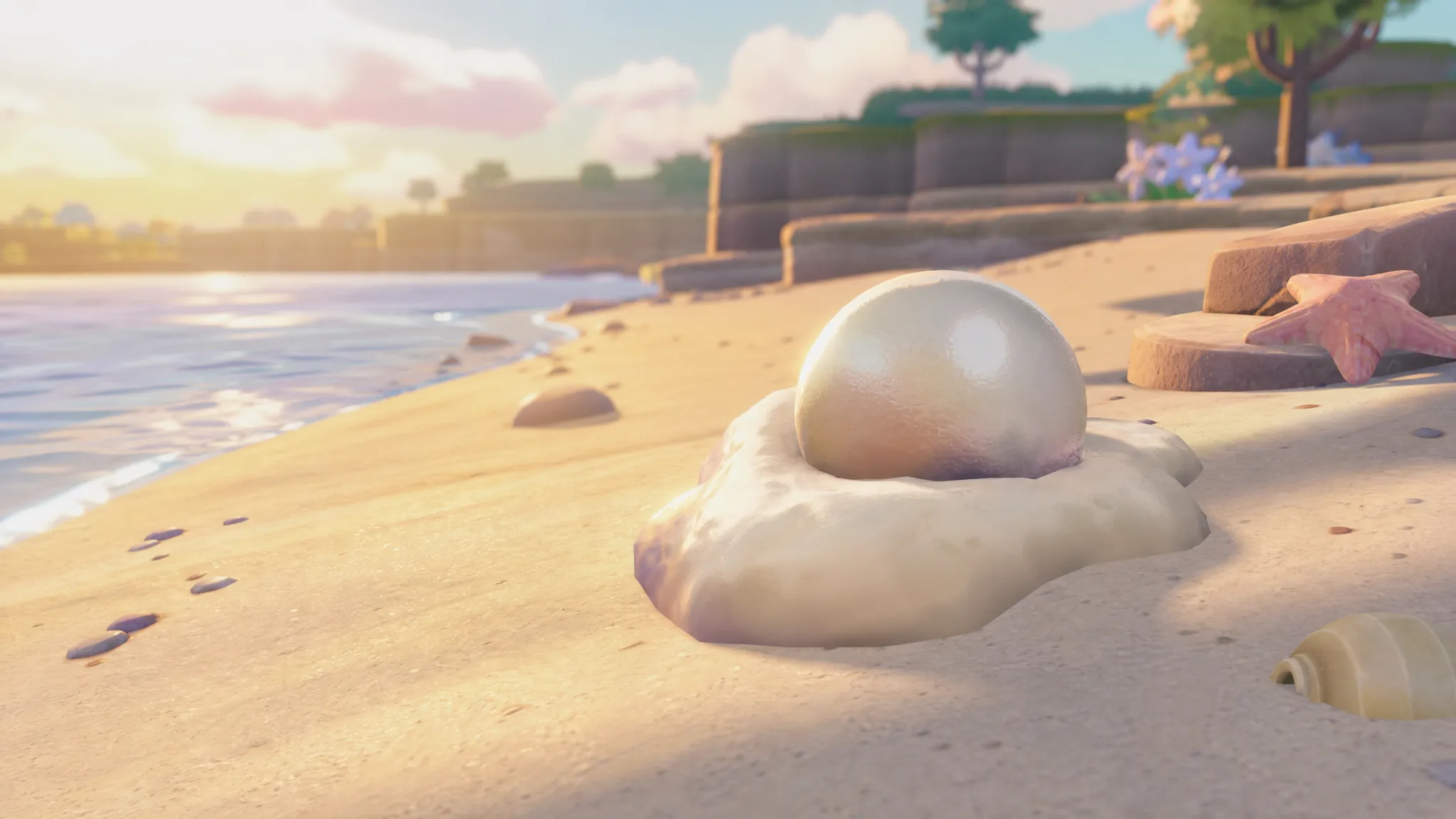
Pokémon Pokopia: How to Get Shiny Pearls in Bubbly Basin
Turn Grubby Pearls into Shiny Pearls by handing them to Scrub Speciality Pokémon like Shellder and Cloyster.
-
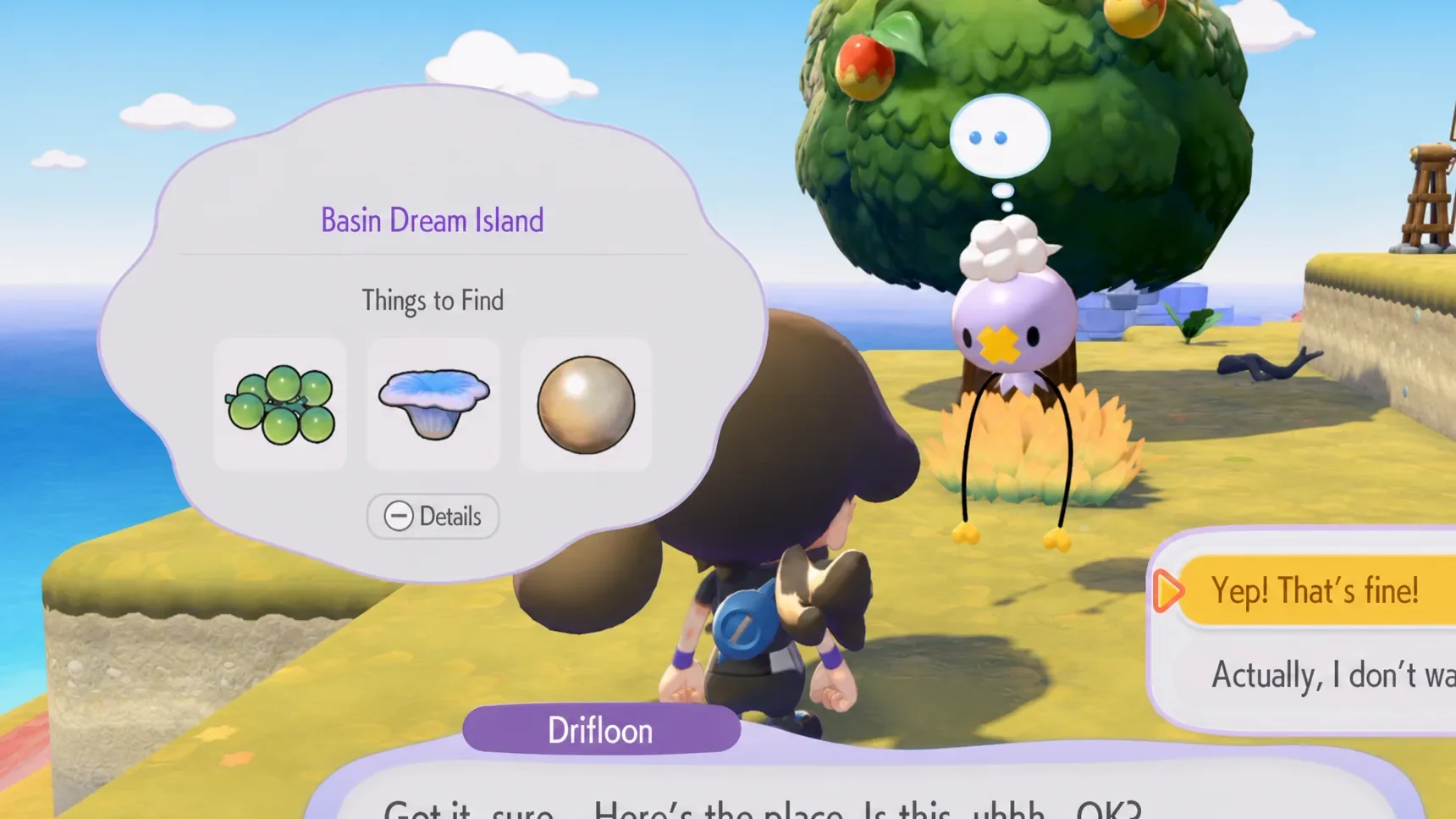
Pokémon Pokopia: How to Get Phione in Bubbly Basin
The Mythical sea drifter hides in an underwater cave on a Basin Dream Island, and here is how to reach it.