
Instructional, step-by-step articles.
Content Type: How-To
-
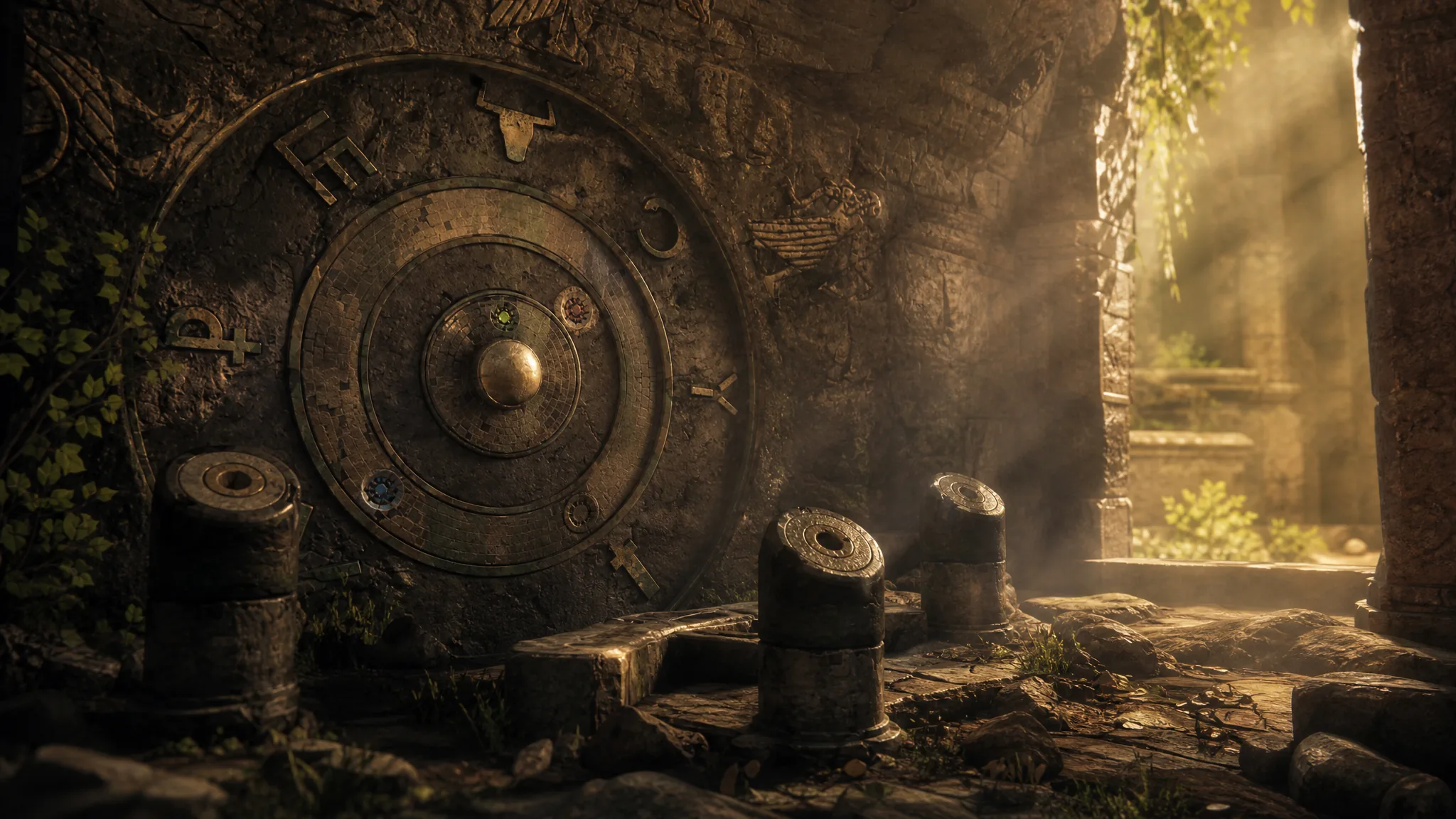
How to Solve the Chapter 10 Mountain Temple Puzzle in Resonance: A Plague Tale Legacy
The exact symbol matches and light steps that open the mountain temple door during Parallel Paths.
-
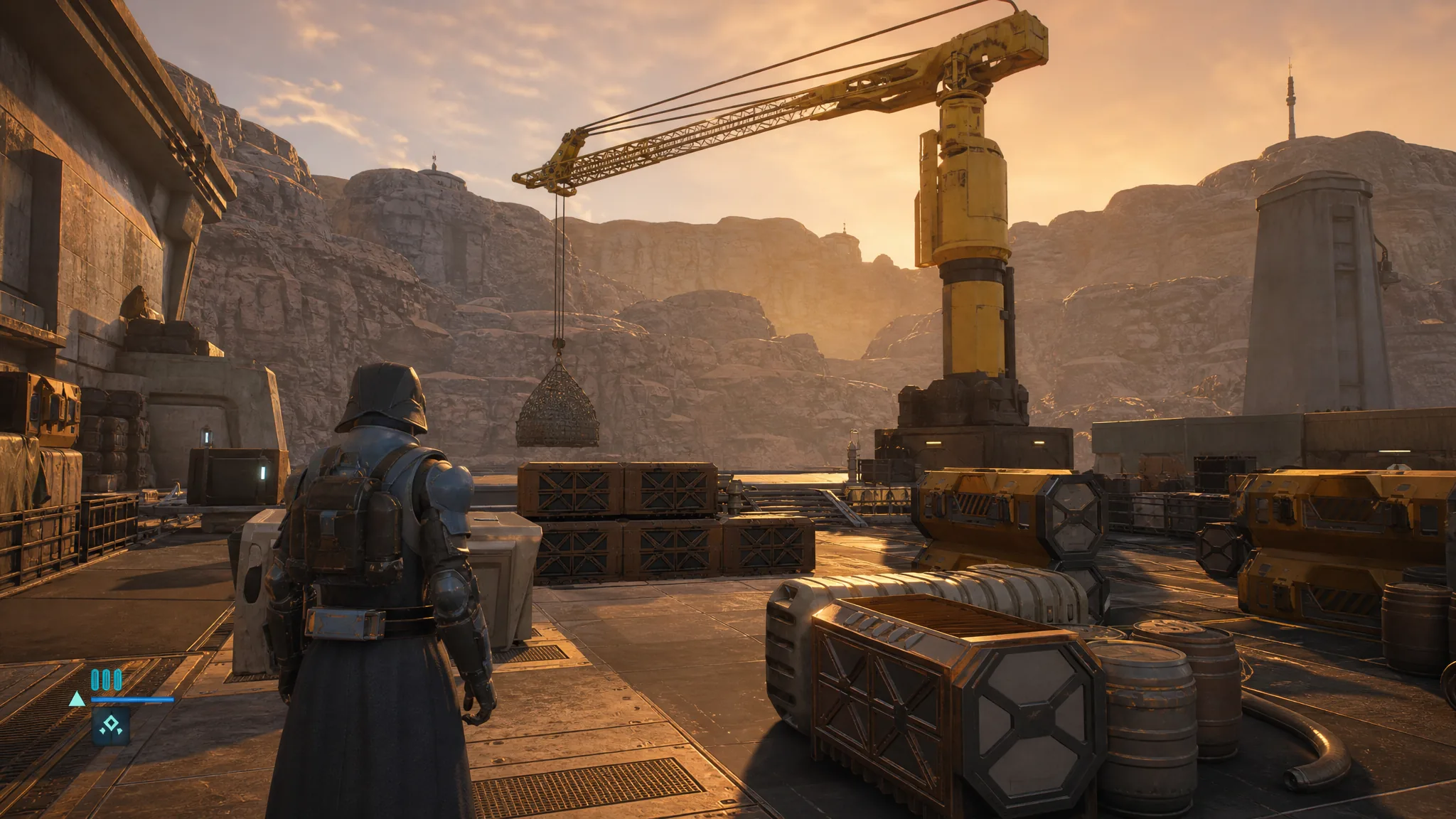
Star Wars Zero Company: How to Operate the Crane With Aurelio
The exact sequence to trigger the crane interaction, why the ambush happens, and how to recover with your next operative.
-

Star Wars Zero Company: How to Head to the Landing Pad
Clear the Separatist ambush with explosives, backup shots, and hazards, then climb to the landing pad to trigger the crane objective.
-
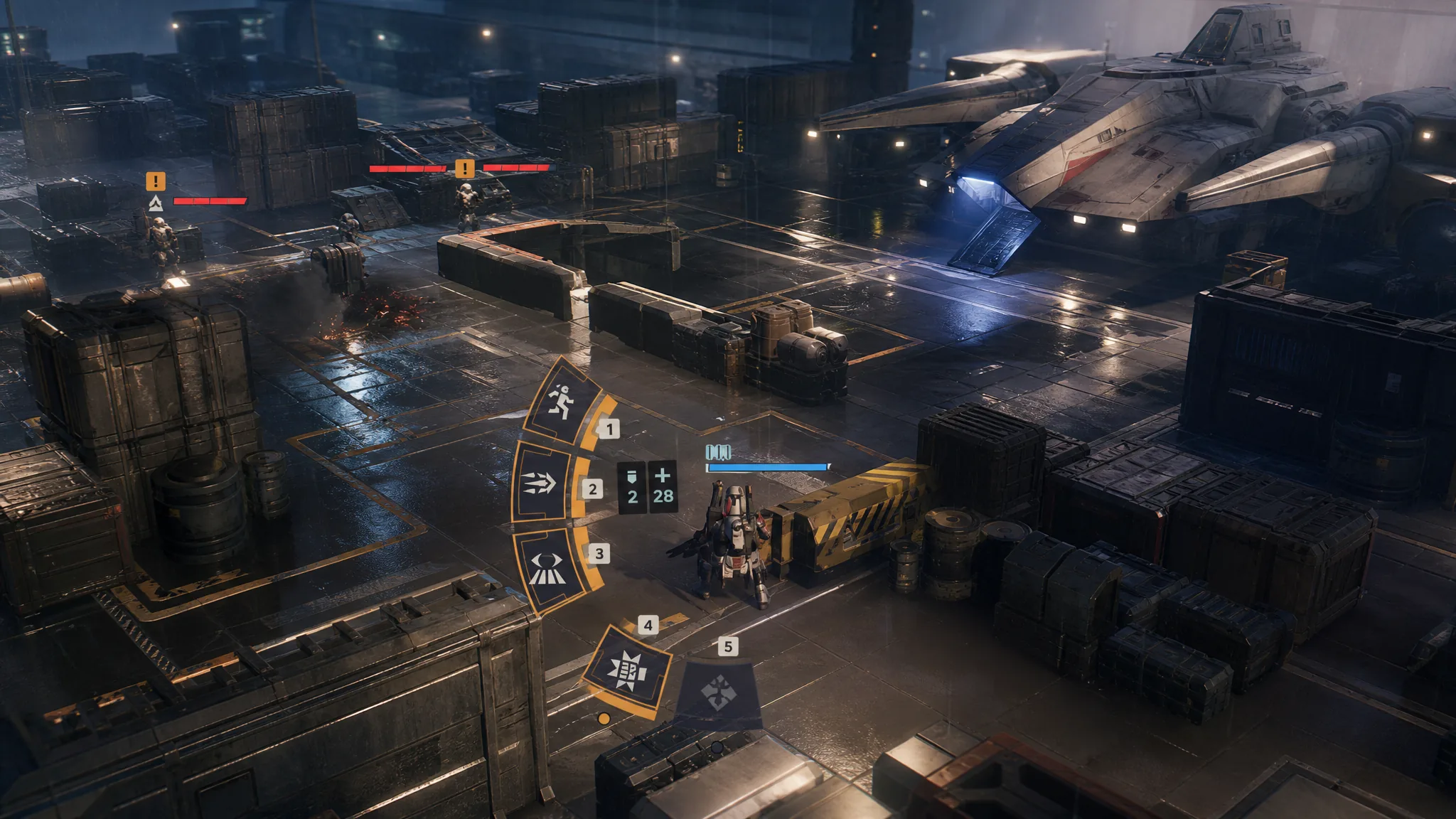
Star Wars Zero Company: How to Use Trick’s Rocket Strike
Spend 10 Advantage to fire Trick’s area-effect rocket that clears grouped enemies and blasts apart their cover.
-
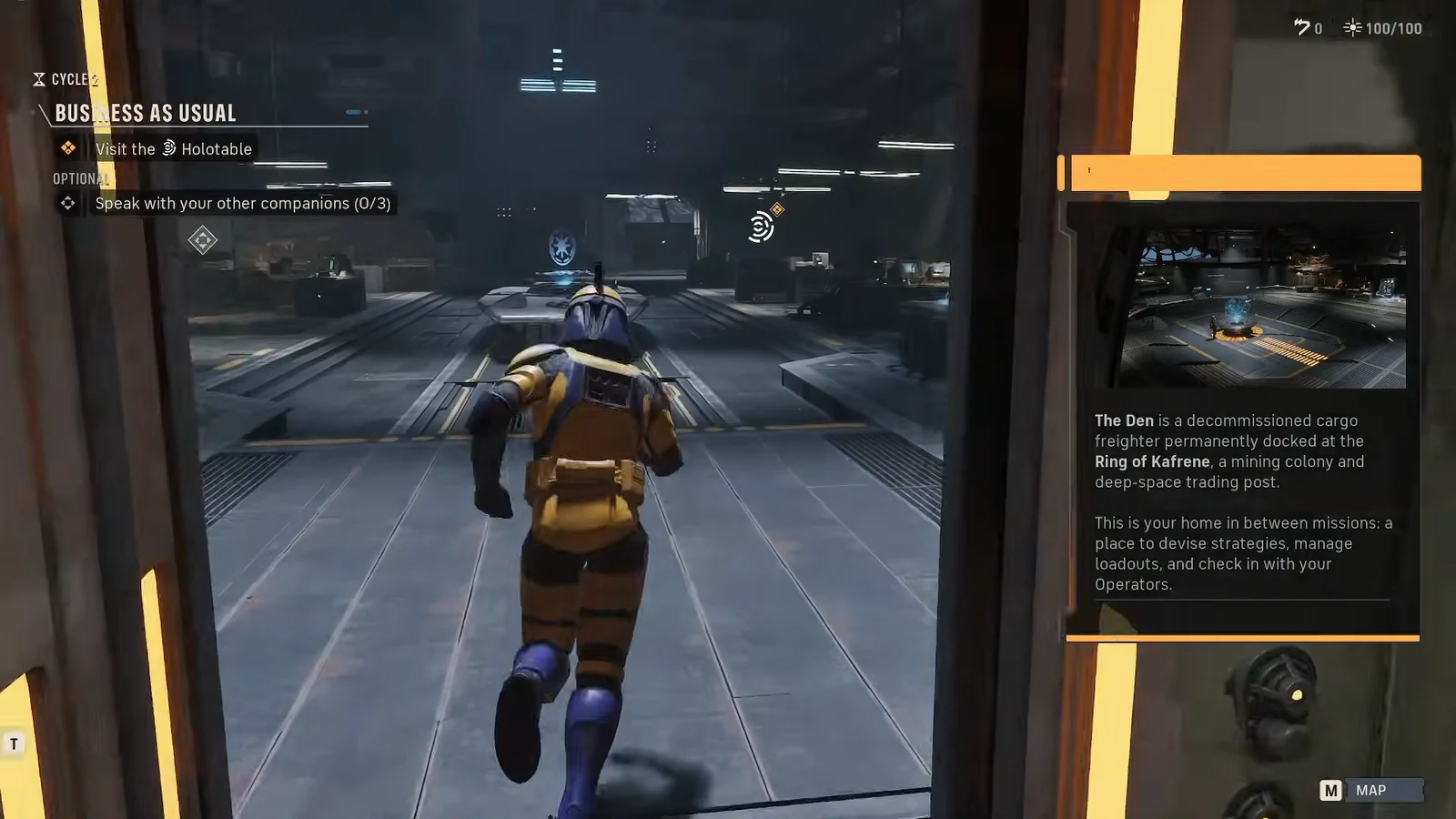
Star Wars Zero Company: How to Change Your Character Appearance
Head to the Customization Facility inside The Den to reshape Hawks and swap clone armor pieces at any time.
-
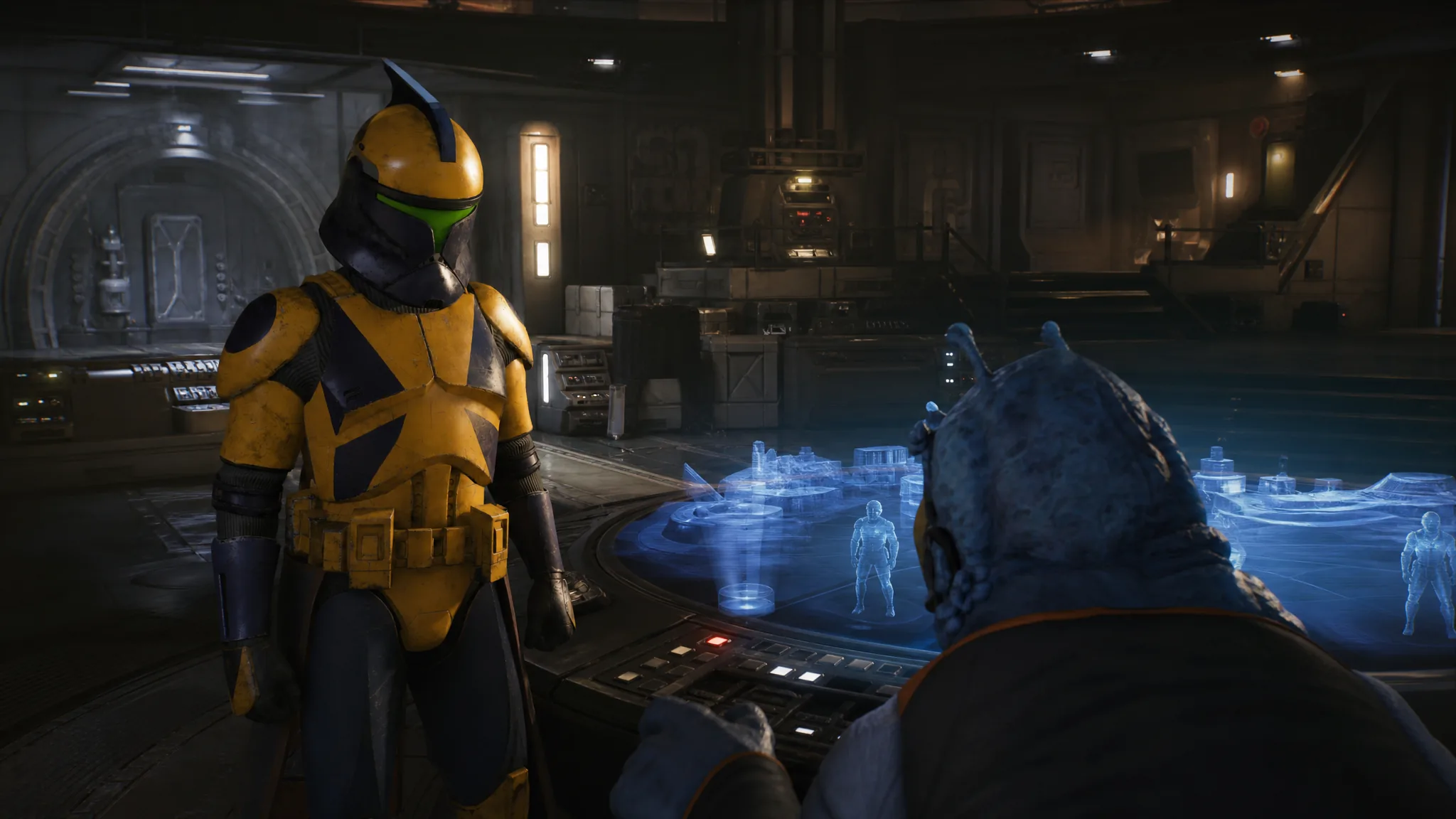
Star Wars Zero Company: How to Interact with the Holotable in Business as Usual
Reach the Command Center in the Den, trigger the Gorga cutscene, and open the Holotable to clear the objective.
-
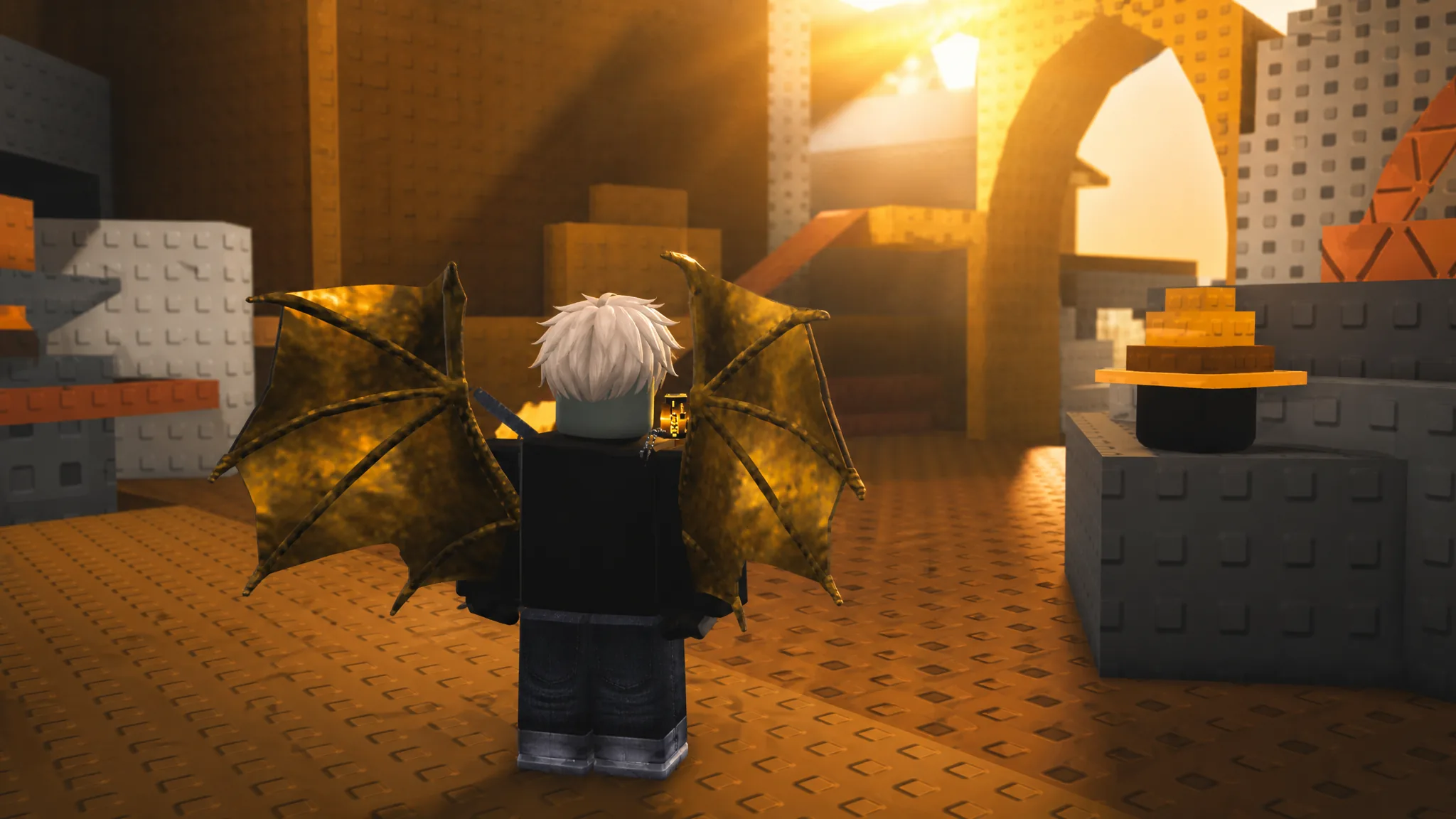
ZOO or OOF 2 Roblox: How to Play as an Animal or Zookeeper
Roles, controls, win conditions, and the taunt mechanic that pays you in-game currency.
-
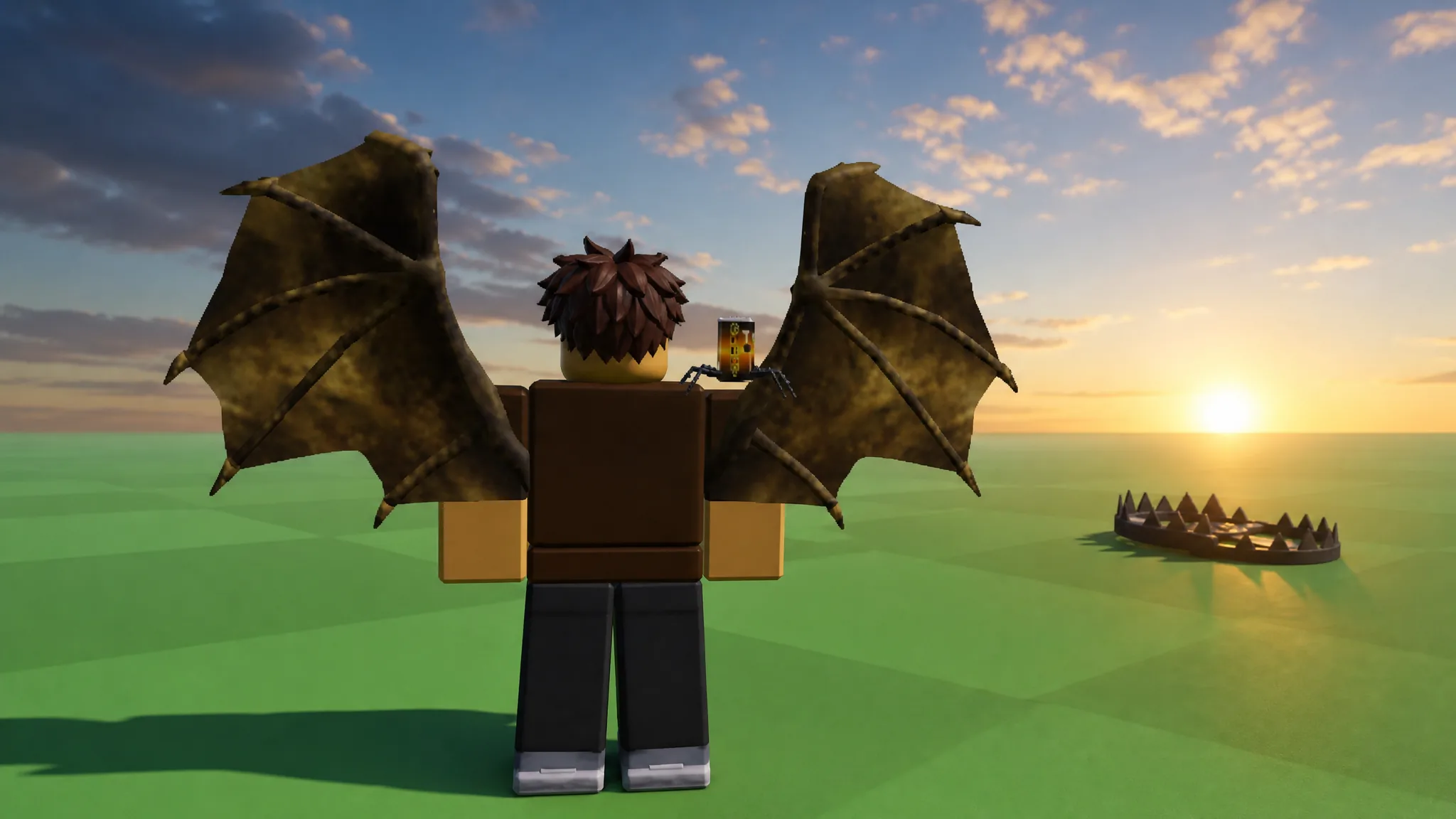
How to Use the Bat and Bear Traps in Steal An Egg (Roblox)
How baseball bats and bear traps force rival players to drop eggs, plus how the Pet Index upgrades your bat.
-
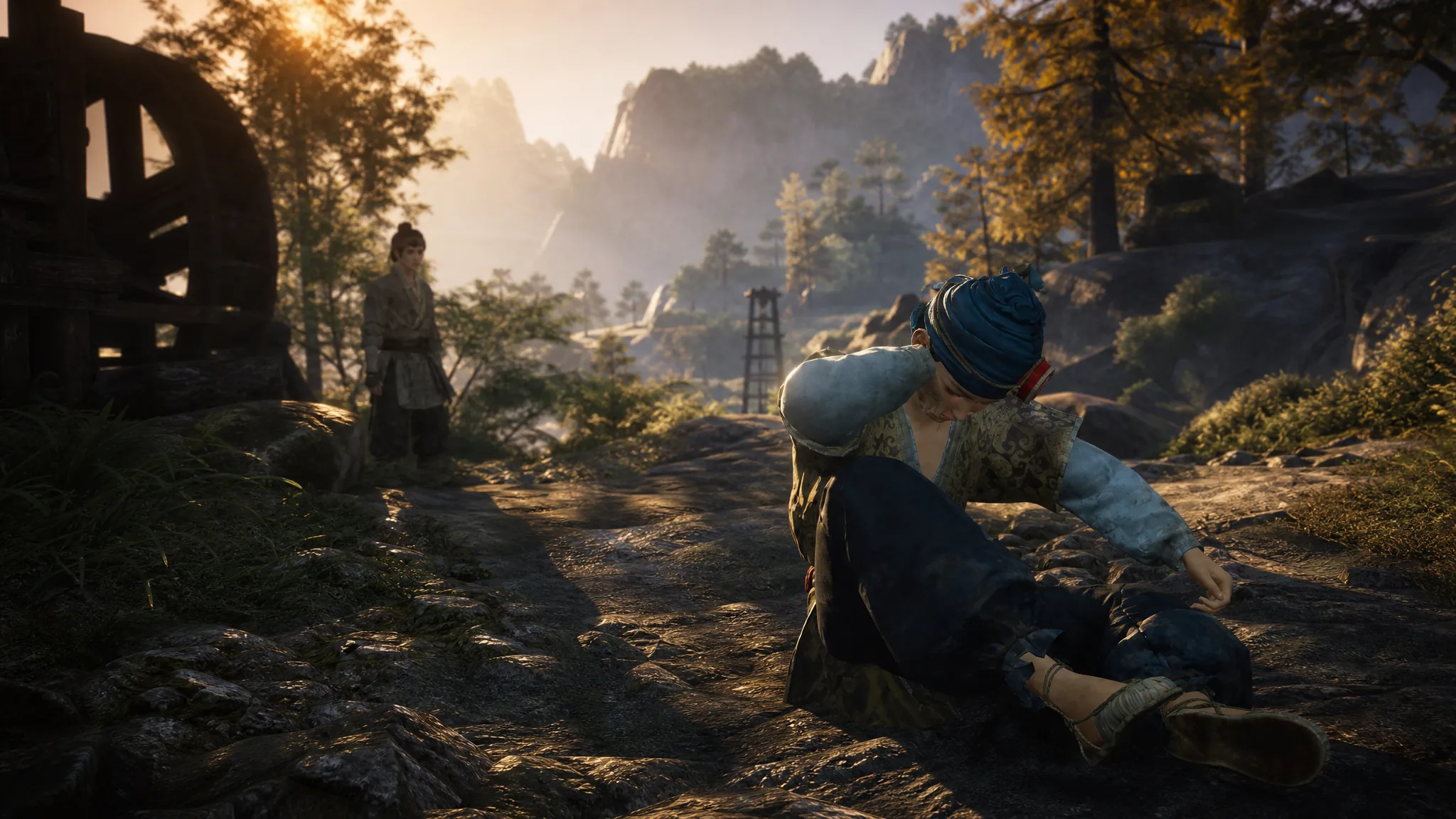
Where Winds Meet: How to Complete Scarab’s Rebirth in Mirkvale
Track down Xiaofang’s broken wooden scarab, pick your ending, and claim the full reward set.
-
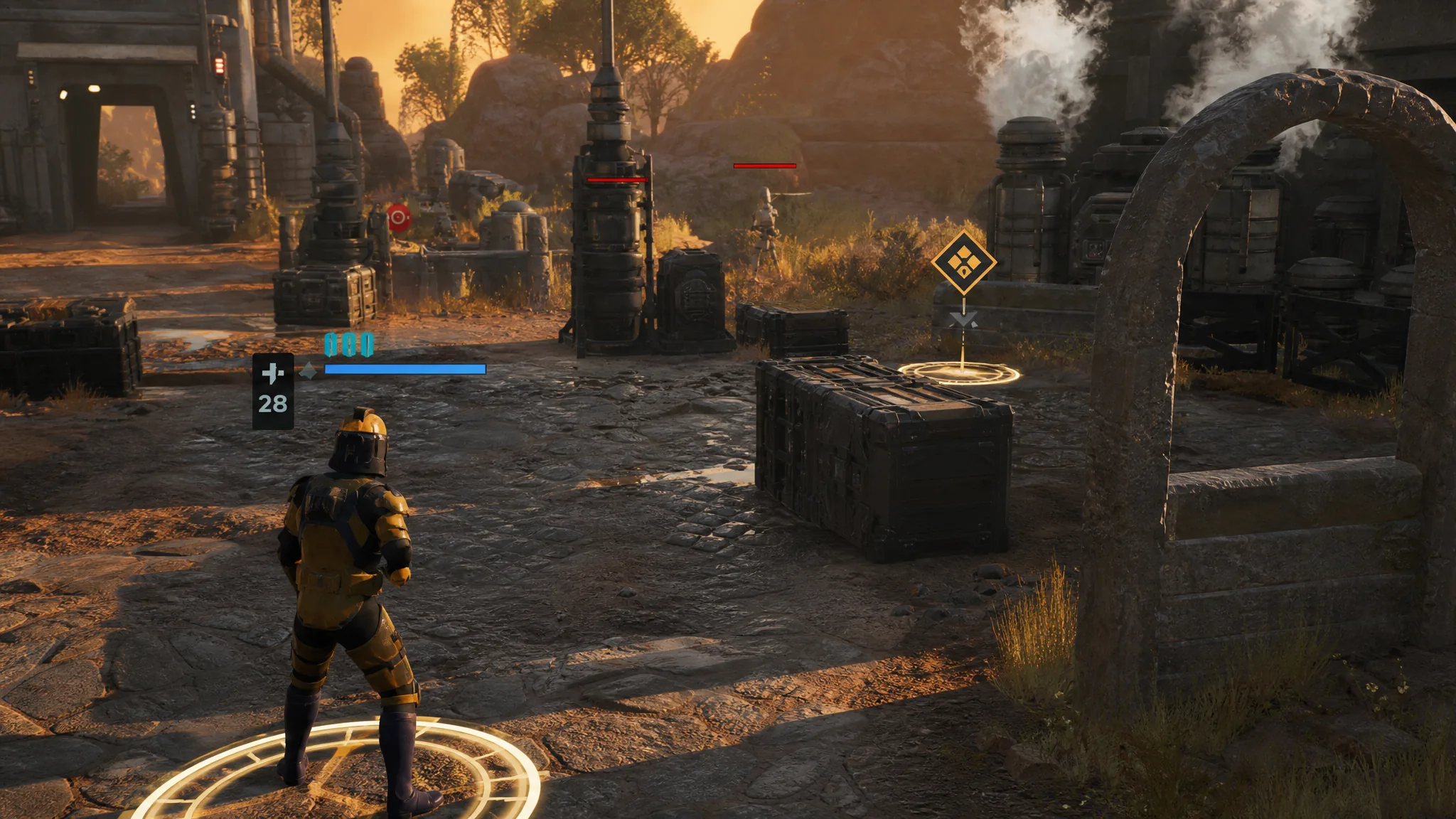
Star Wars Zero Company: How to End Your Turn
Hold the Spacebar to pass control to the enemy, whether or not your operators still have Action Points left.