
Instructional, step-by-step articles.
Content Type: How-To
-
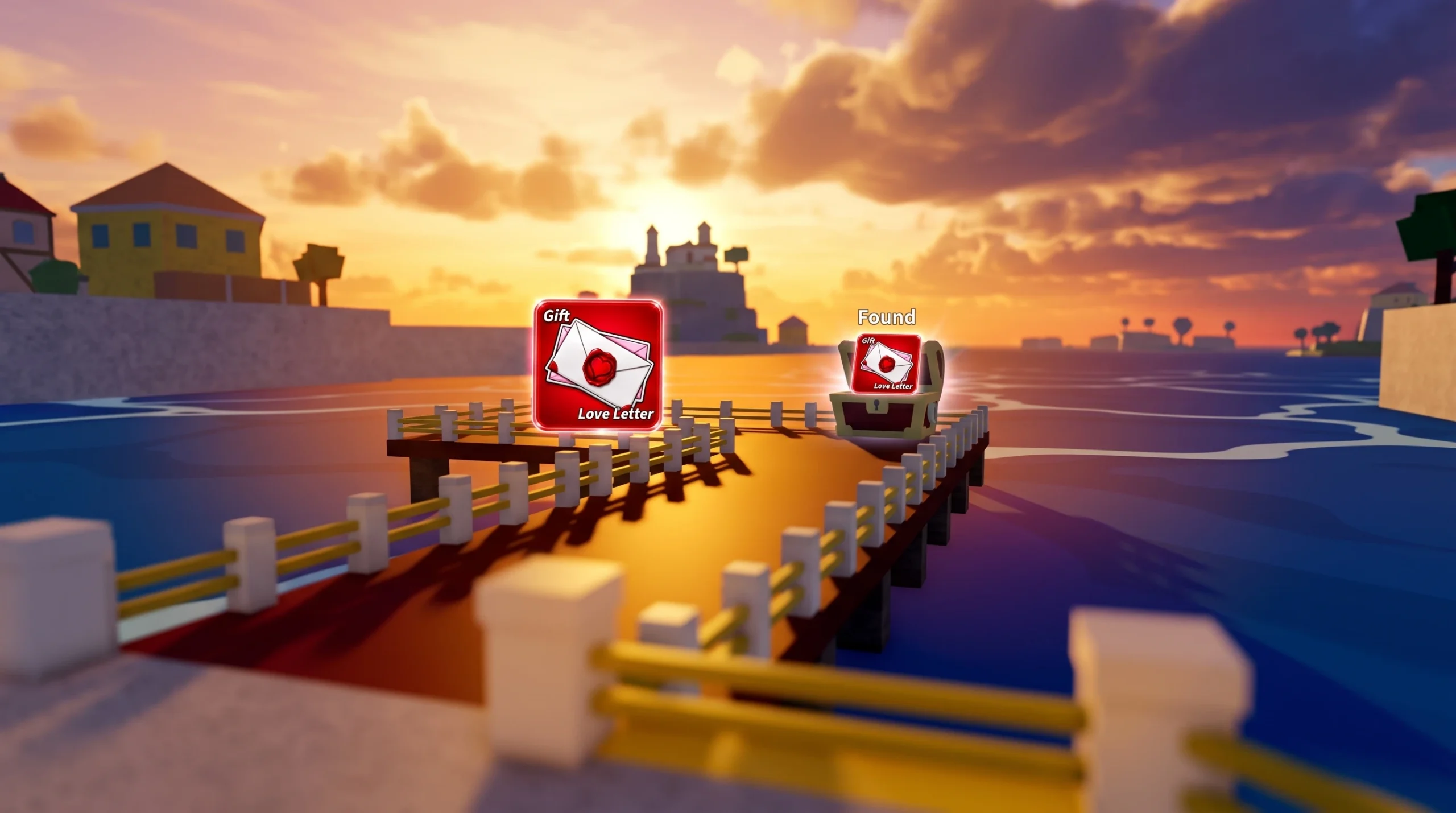
Blox Fruits: How to Get the Love Letters for Dark Blade V2
Every Love Letter location in the First Sea and the exact move you need to reach all three.
-
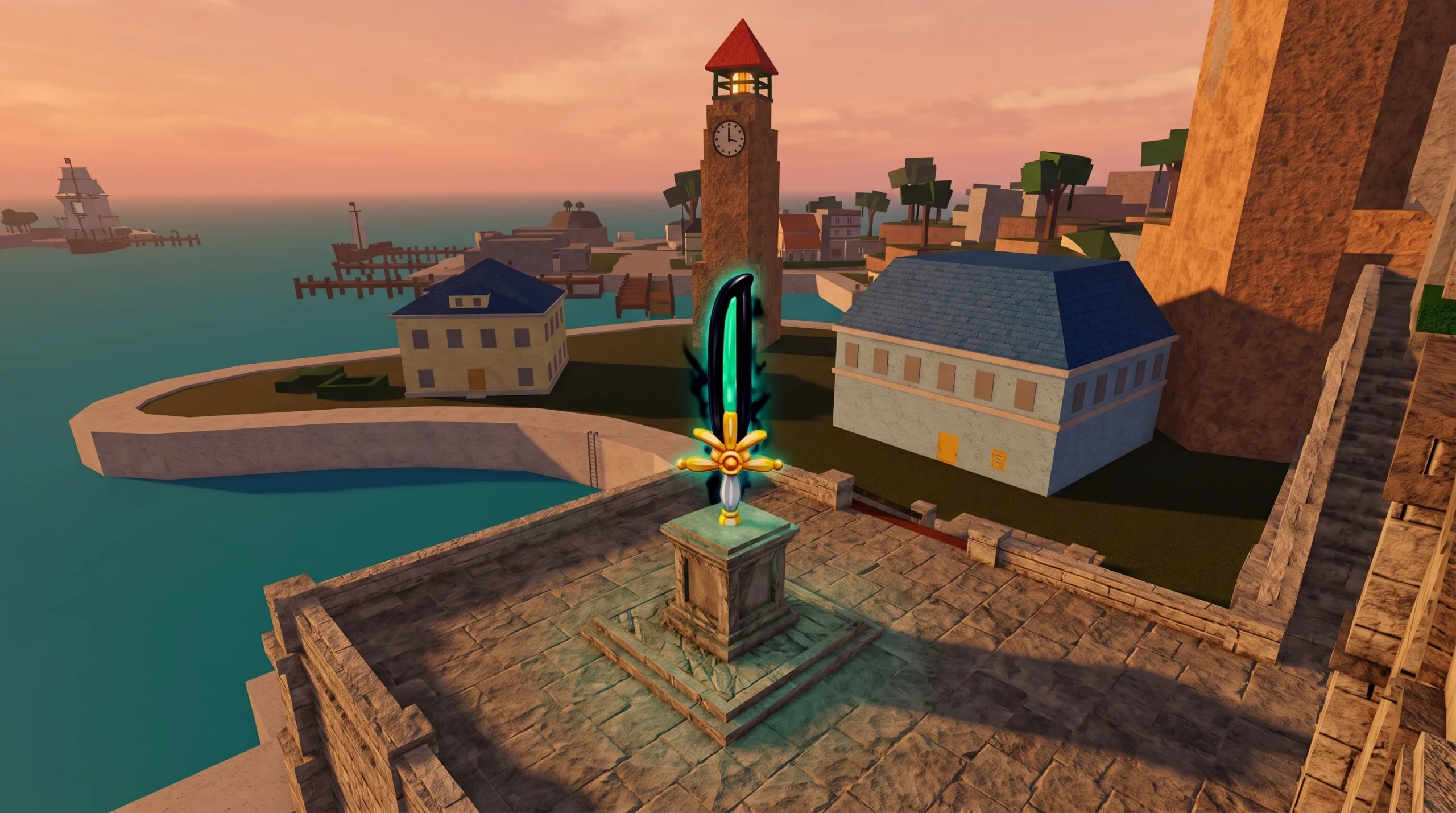
Blox Fruits: How to Get the Dark Blade and Its V2 and V3 Upgrades
Everything you need to buy the mythical sword and evolve it into the V2 and V3 variants.
-
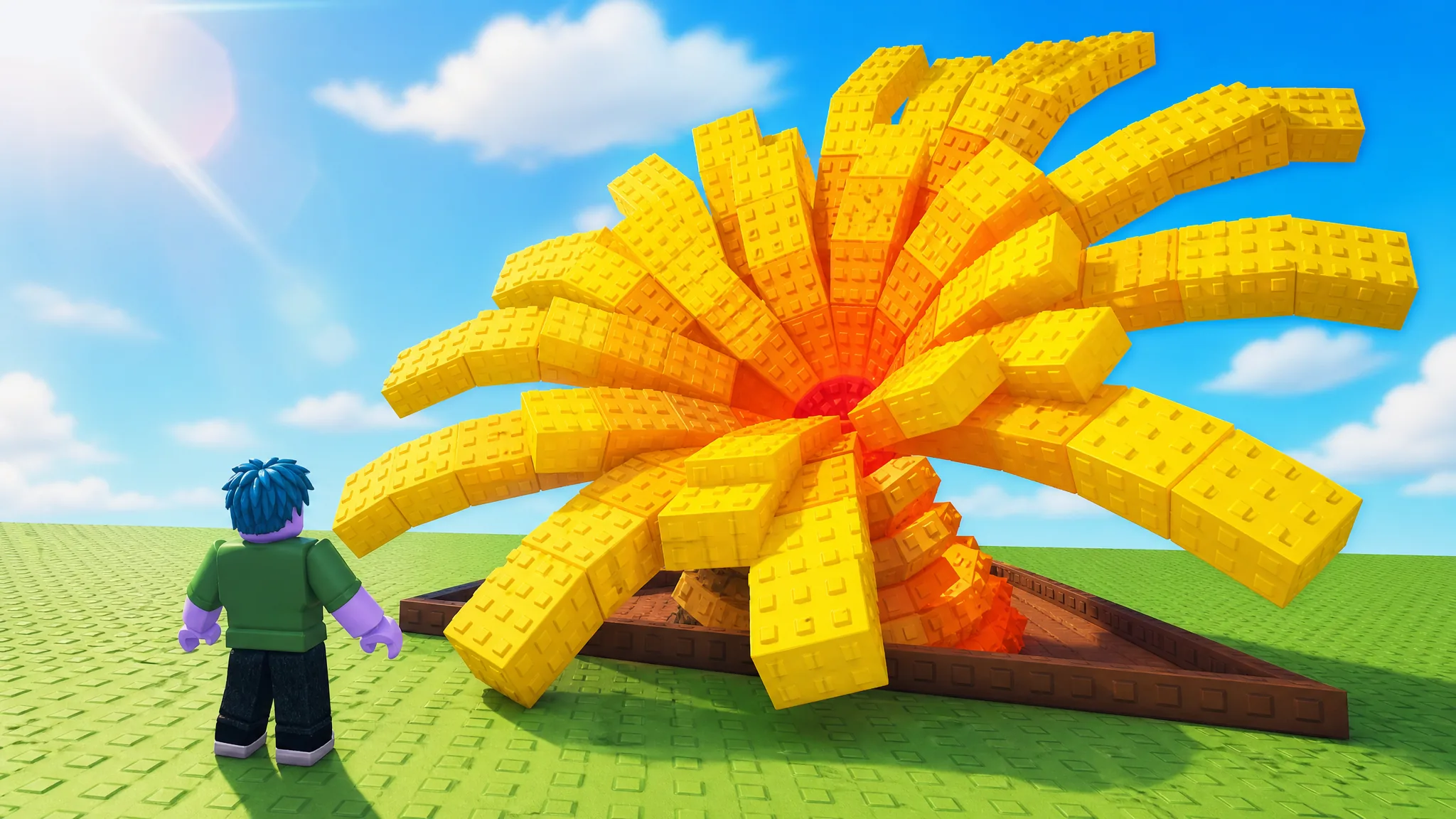
Grow a Garden: How to Get the Tidal Orchid Seed
Buy the Mythical Tidal Orchid Seed from the Tide Token Shop for 56 Tide Tokens before the High Tide Harvest Event ends.
-
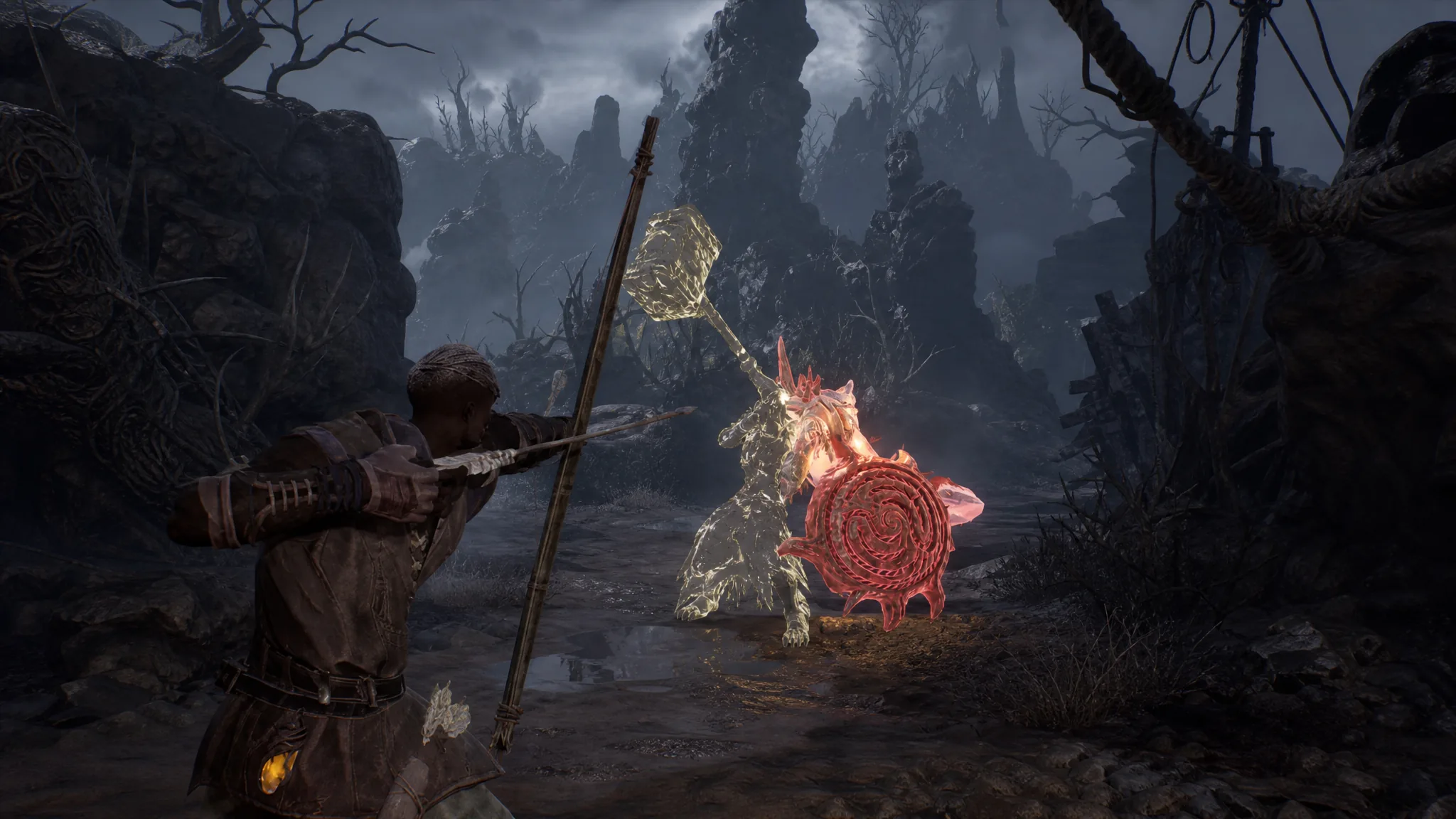
Mistfall Hunter: How to Level Up Fast
Farm elites, protect your loot in the secure pouch, and extract every run to bank the biggest XP gains.
-

Anime Expeditions: How to Get the Elven Battle Staff for Elf Mage (Unleashed)
Where the staff drops, its exact stats, and how the Arcane Spells passive reshapes Elf Mage’s attack loop.
-

Anime Expeditions: How to Get the Webbed Fruit for String Demon
Where the Webbed Fruit drops, its exact stats, and the Cocoon of Carnage passive that reshapes String Demon (Awakened).
-

Palworld: How to Get More Weapon and Food Slots
Craft Extra Weapon Holsters and Feed Bags through the Technology Tree to carry more guns and stock more food for auto-eating.
-

Grow a Garden: How to Get the Dolphin Pet
Everything you need to unlock the Mythical Dolphin, from its Tide Token cost to the Tidal Mutation its passive can trigger.
-
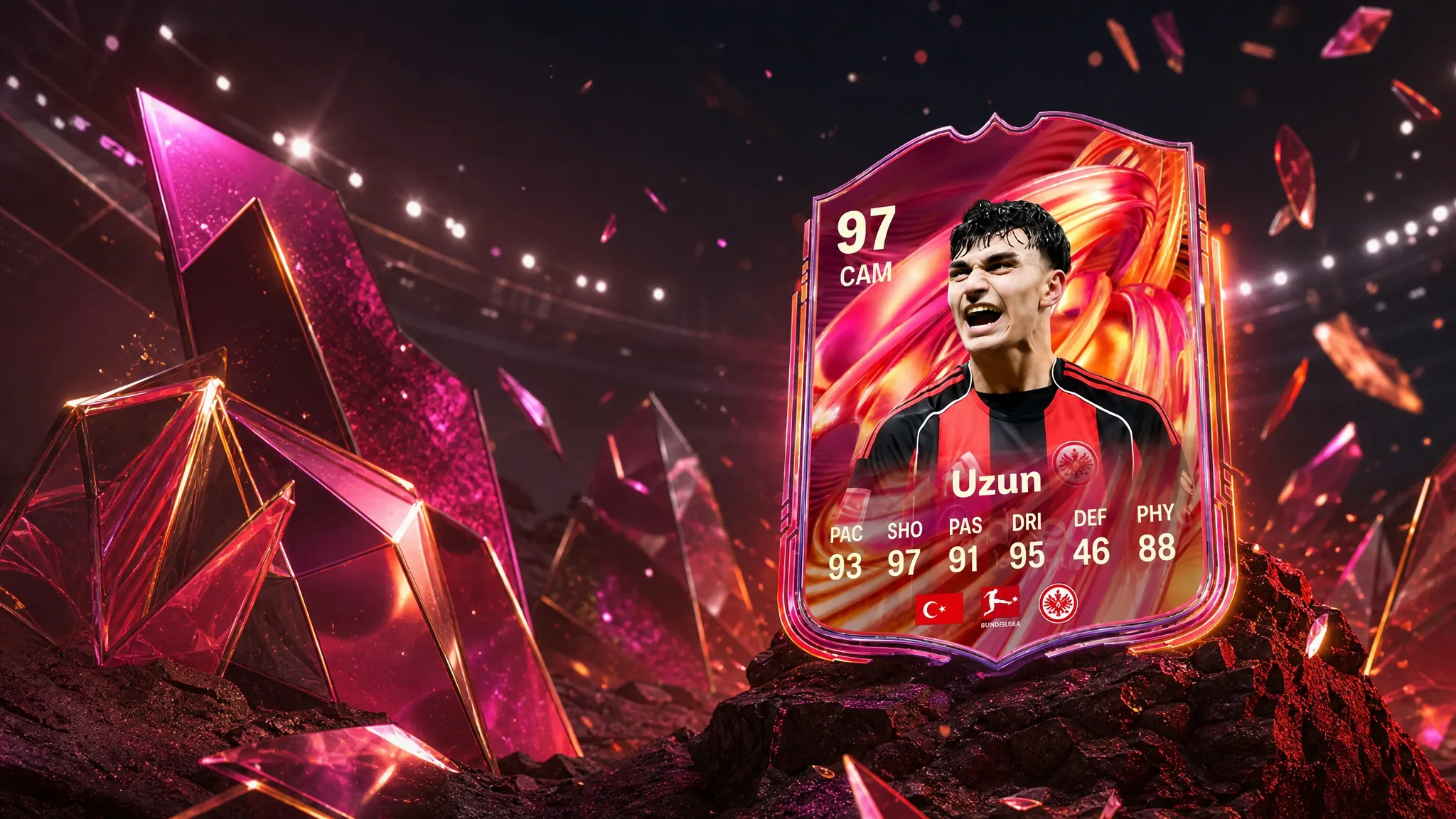
FC 26 FUTTIES Can Uzun Objective: How to Finish It in 10 Games
Build a single Bundesliga-and-Türkiye squad to clear every task and claim the free 97-rated card.
-

How to Beat Ultron Fast in Marvel Rivals’ Age of Ultron PvE Mode
Everything you need to drop Ultron across both boss fights, plus the one hero that makes it easiest.