
Instructional, step-by-step articles.
Content Type: How-To
-
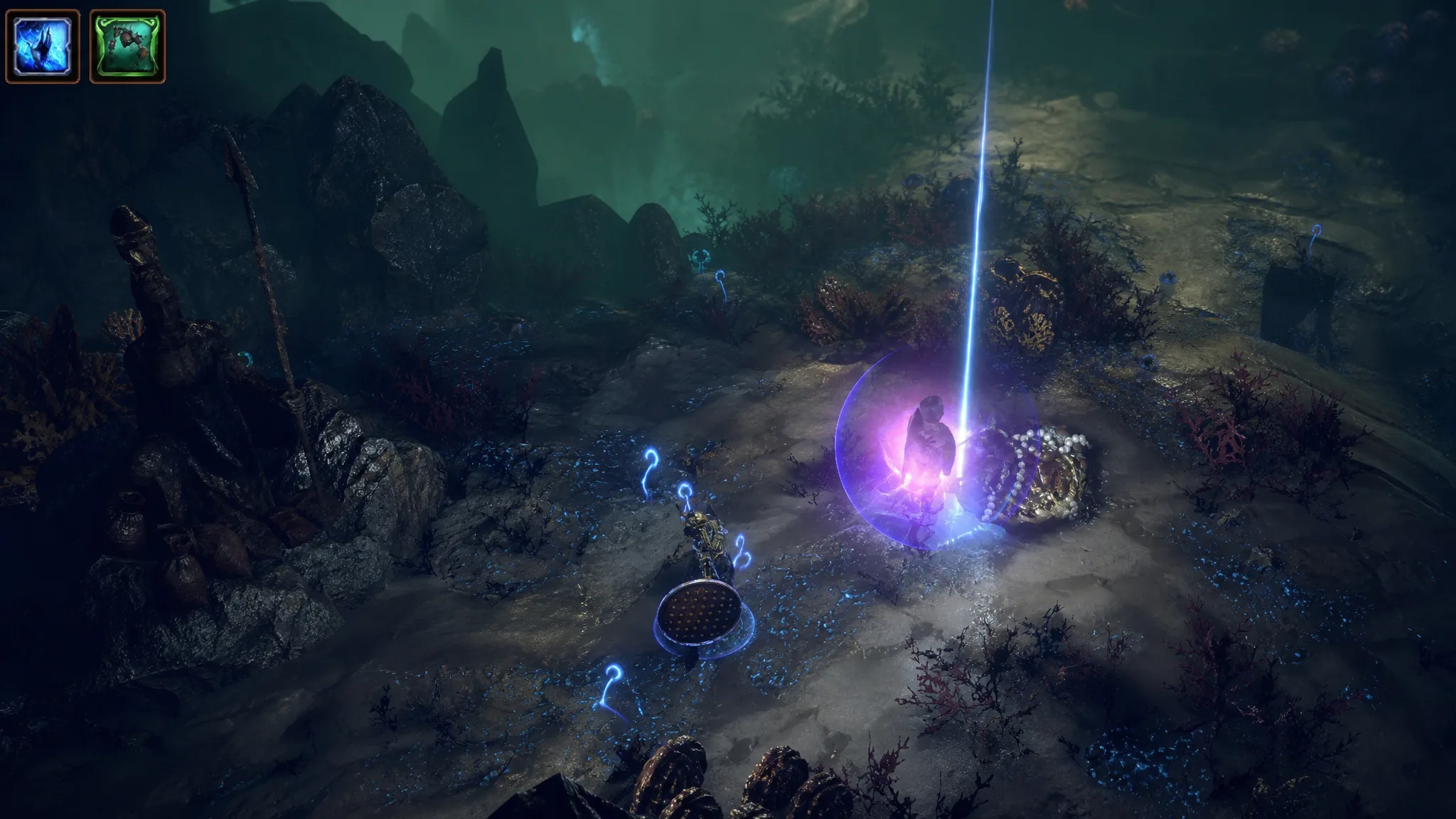
Path of Exile 3.29: How to Juice Voyage Plans for Better Loot
Combine Adjacent Modifiers, rerolled Area Modifiers, and smart Chart placement to pull higher-value loot from the Fathomless Depths.
-

Halo Campaign Evolved: How to Fly With the Acrophobia Skull
Grab one hidden Skull in The Silent Cartographer, switch it on before a mission, and Master Chief lifts off with the jump button.
-
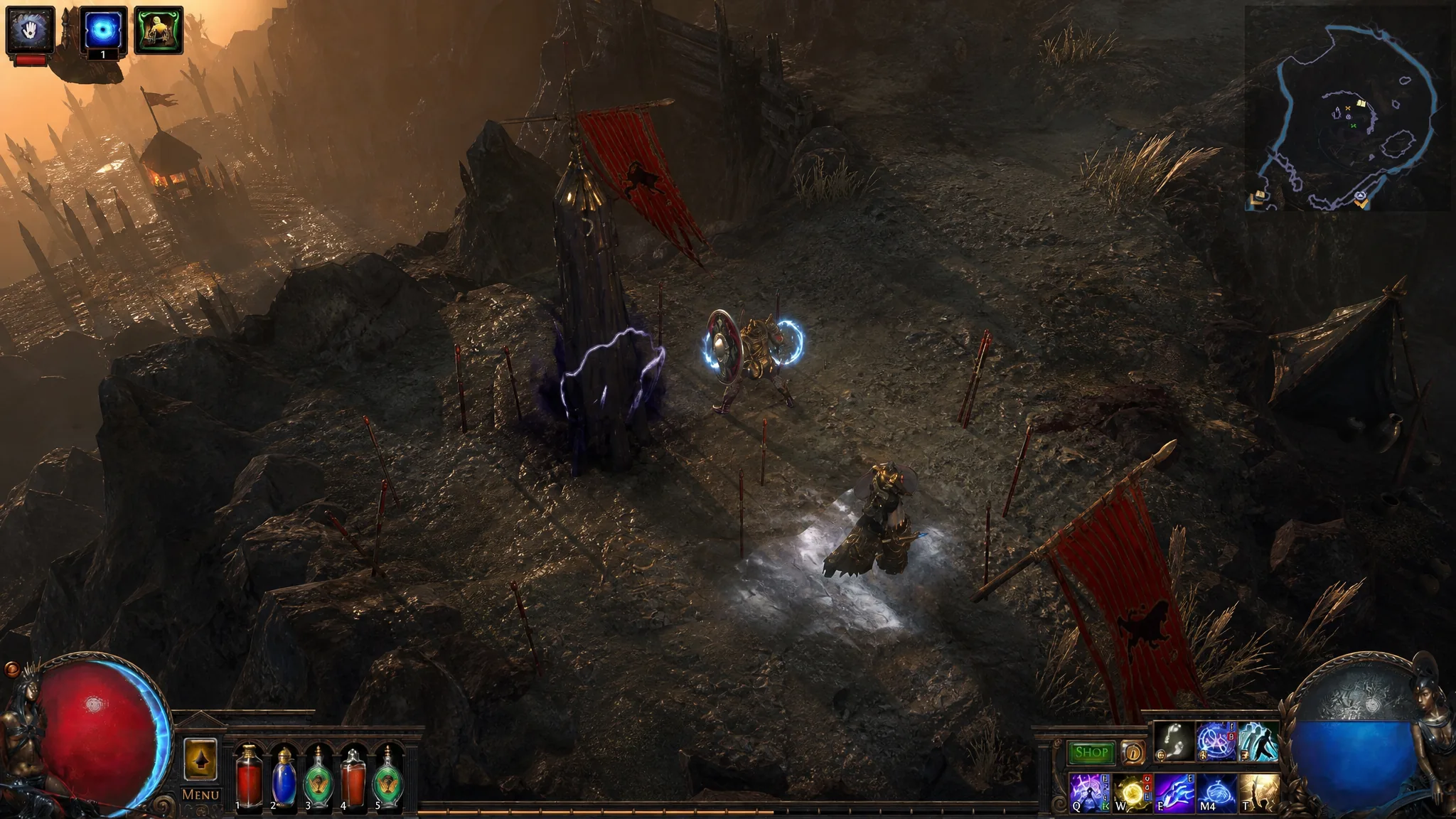
Path of Exile: How to Get and Use Enshrouding Crystals
Farm the right crystal from Legion, then use it to move a Unique’s power onto another item in the Domain of Timeless Conflict.
-
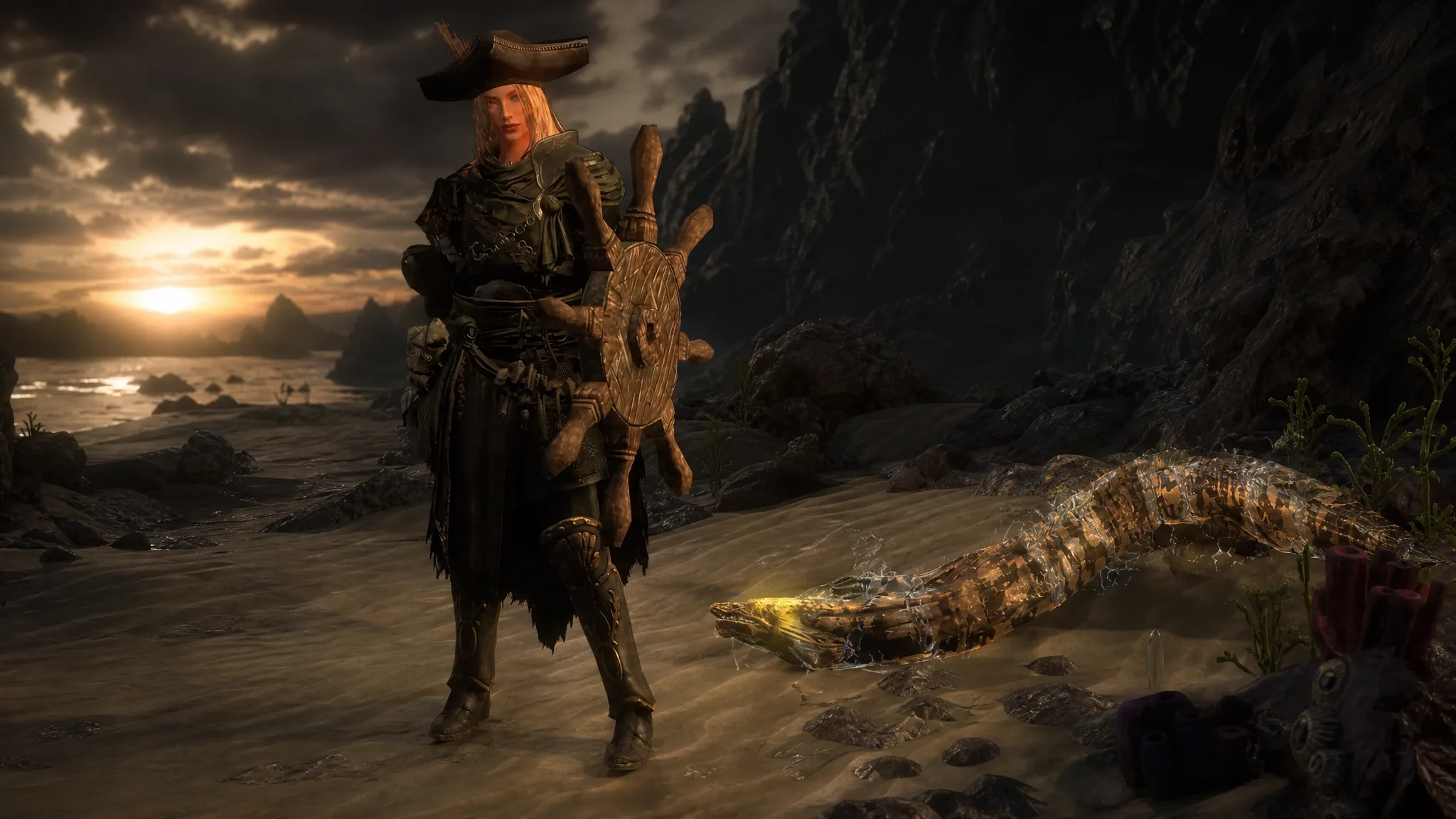
Path of Exile: Curse of the Allflame — All 40 League Challenges and How to Complete Them
A full reference to every Allflame challenge, its exact objective, and the cosmetic rewards tied to each milestone.
-

Shift At Midnight Pets: How to Keep Yours Alive Through All 13 Nights
Pick any companion you like, then bank enough personal funds to cover the $20, $40, and $250 medical bills before night 13.
-

Universal Tower Defense Z: How to Get and Evolve Demonic Footballer
Everything needed to pull the Mythic Blue Lock unit, evolve his Freedom form, and read his charge-based passives.
-

How to Get Scrap Metal in Fisch (All Locations)
Scrap Metal is a Trash-tier catch found during the day across The Depths, Crowned Ruins, and several other spots, with two crafting uses.
-

How to Open the Secret Bunker on Birch Cay in Fisch (Roblox)
Exact coordinates, the fastest route, and the single prompt that unlocks the hatch on Birch Cay.
-
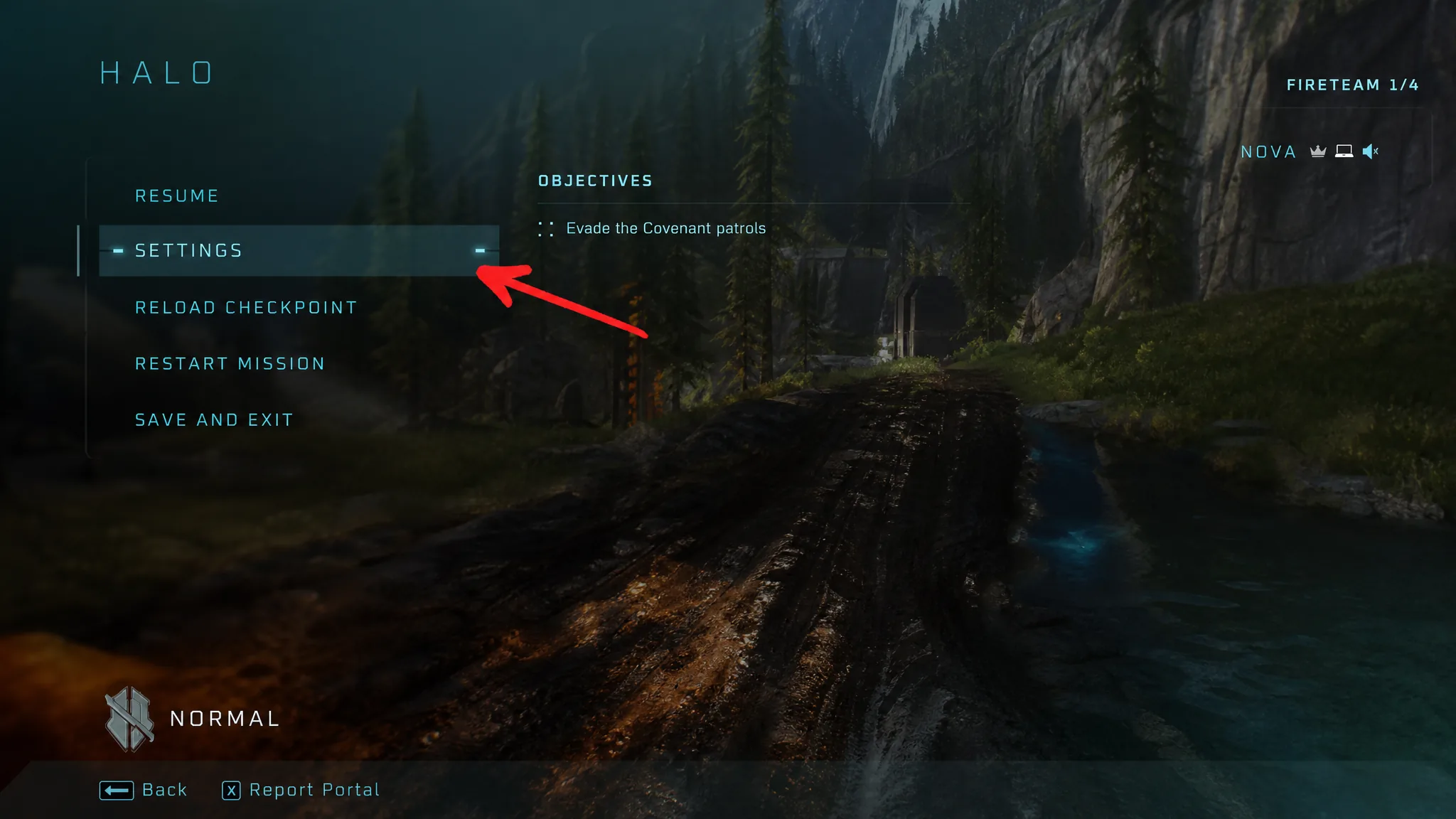
Halo: Campaign Evolved – How to Turn On Machinima Mode and Free Cam
The exact button inputs to detach the camera, plus the Drop Weapon rebind you need to stop tossing your gun.
-

Steal a Brainrot: How to Get Chicleteira Champeona
The Spain Event drop rate, cost, income, and the stealing route for this Secret Brainrot.