
Instructional, step-by-step articles.
Content Type: How-To
-
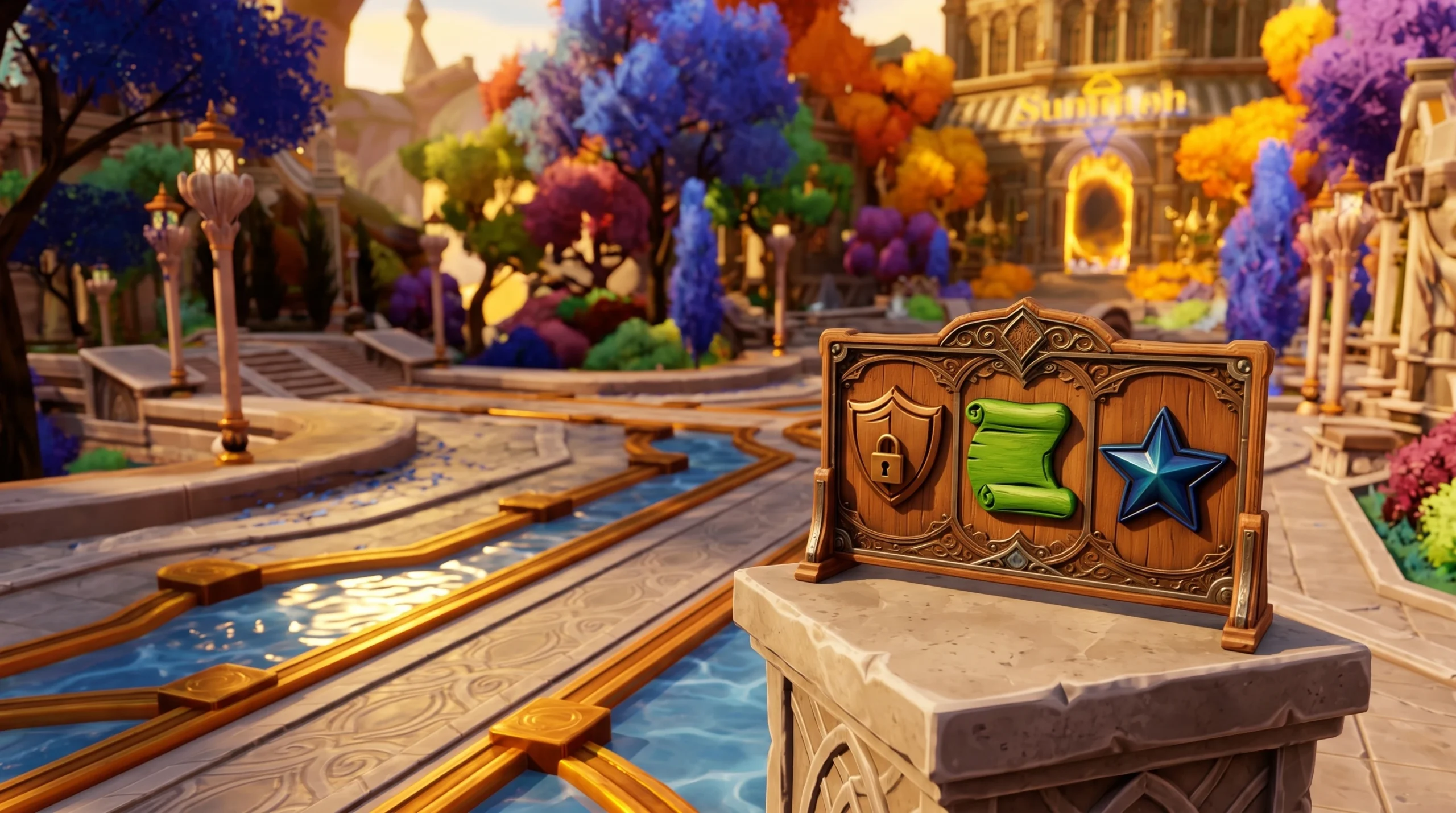
Anime Expeditions: How to Create a Guild and Get an Image ID
Reach the level requirement, open the Guild menu, and upload a Roblox decal to set a custom guild icon.
-
Palworld: How to Get the Legendary Cold-Resistant Ancient Armor Schematic
Where the Schematic 4 drops, the exact craft cost, and how its stats compare across every rarity tier.
-

Fight on a Baseplate: How to Win More Fights on Roblox
Weaving, movement, and angle control are the mechanics that decide who lands combos and who gets slammed.
-

Meccha Chameleon: How to Use the New Poses (June 2026 Update)
Everything you need to activate the latest pose wheel, plus the poses worth learning for tricky hiding spots.
-
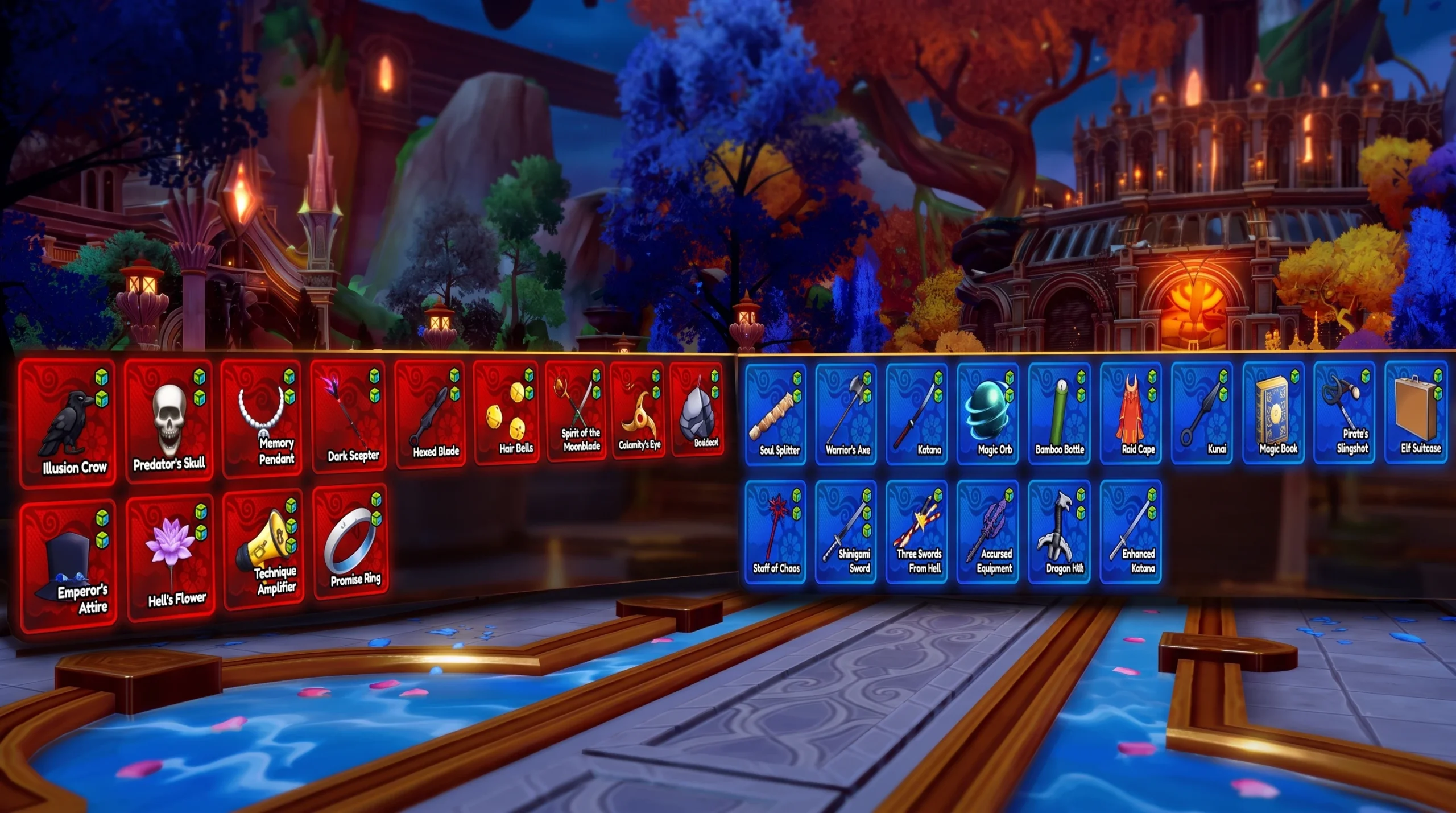
Anime Expeditions: How to Get All Equipment (Full Equipment Guide)
Every unit-specific and standard piece, its passive, where it drops, and how to reroll stats in Anime Expeditions.
-

Minecraft: How to Allocate More RAM Across Java Launchers
Raise the -Xmx value in your launcher to stop out-of-memory crashes on modded and large-world setups.
-
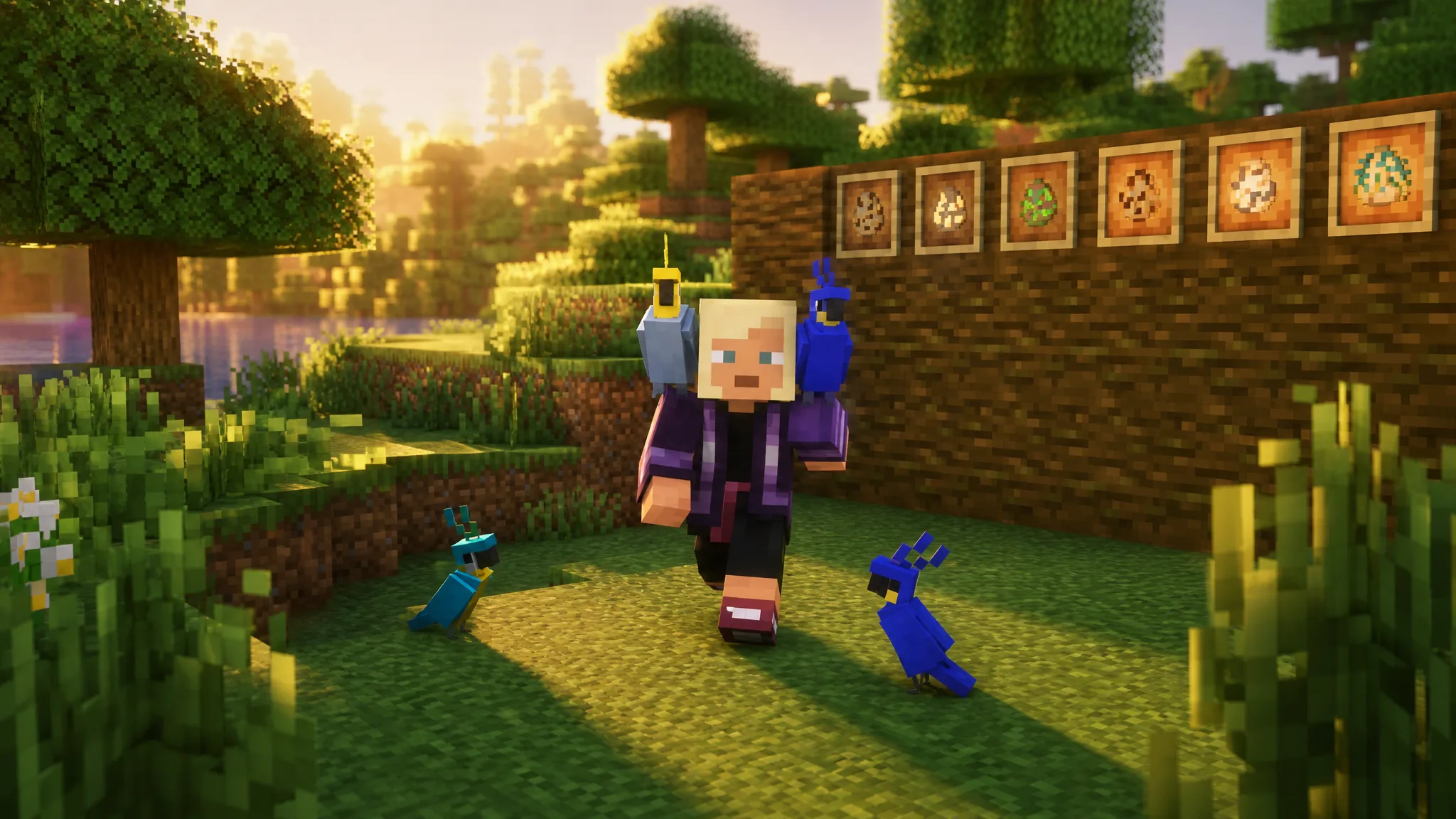
Minecraft: How to Tame a Parrot with Seeds
What seeds to feed, the exact taming odds, the shoulder-perch trick, and the one food that instantly kills your bird.
-

Experience Abstraction: How to Abstract and Reach Caine and the Cellar
The three conditions that trigger transformation, plus how to unlock the Caine sequence and enter the Cellar without breaking the chain.
-
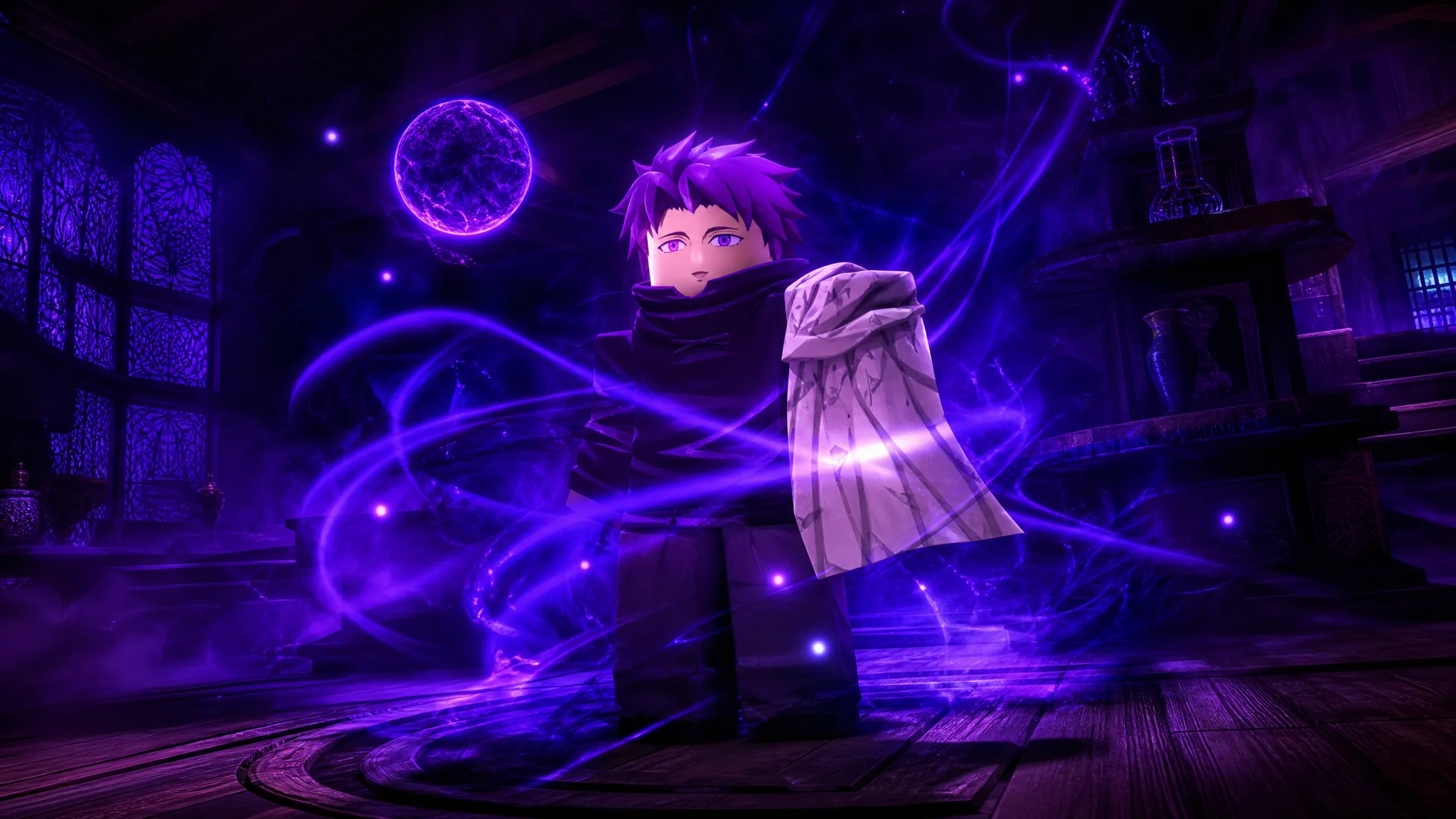
How to Get and Evolve Cursed Immortal (Zeref) in Anime Expeditions
Pull the Zeref-inspired Mythic from the Villain Banner, farm its evolution materials, and read its Black Magic state swap.
-
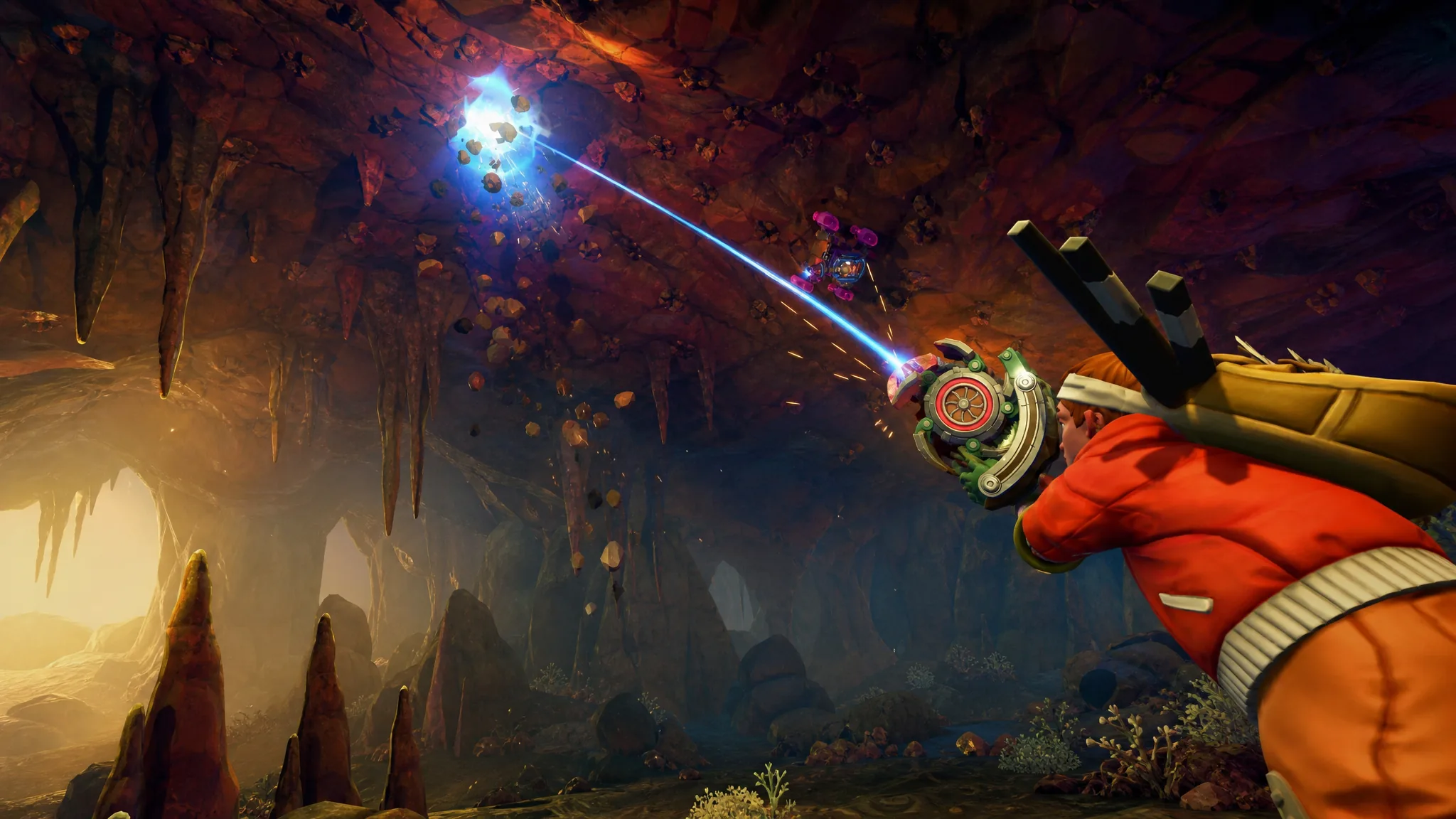
Scrap Mechanic: How to Get the Spud Gun
The exact trade the Farmer Merchant wants, plus the crafted Scrap version and the potatoes it runs on.