
Instructional, step-by-step articles.
Content Type: How-To
-

Universal Tower Defense Z: How to Get and Evolve Demonic Footballer
Everything needed to pull the Mythic Blue Lock unit, evolve his Freedom form, and read his charge-based passives.
-
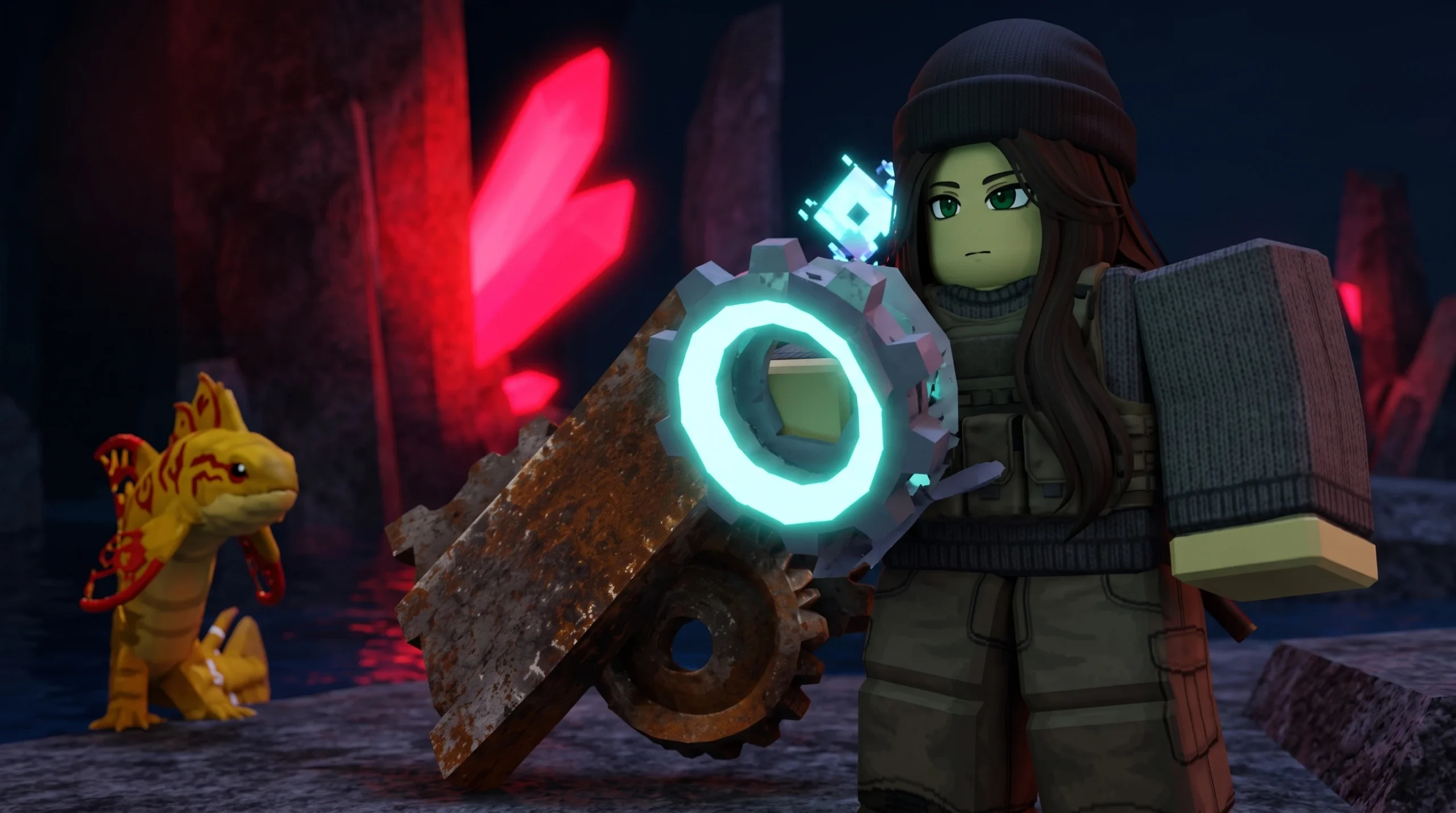
How to Get Scrap Metal in Fisch (All Locations)
Scrap Metal is a Trash-tier catch found during the day across The Depths, Crowned Ruins, and several other spots, with two crafting uses.
-
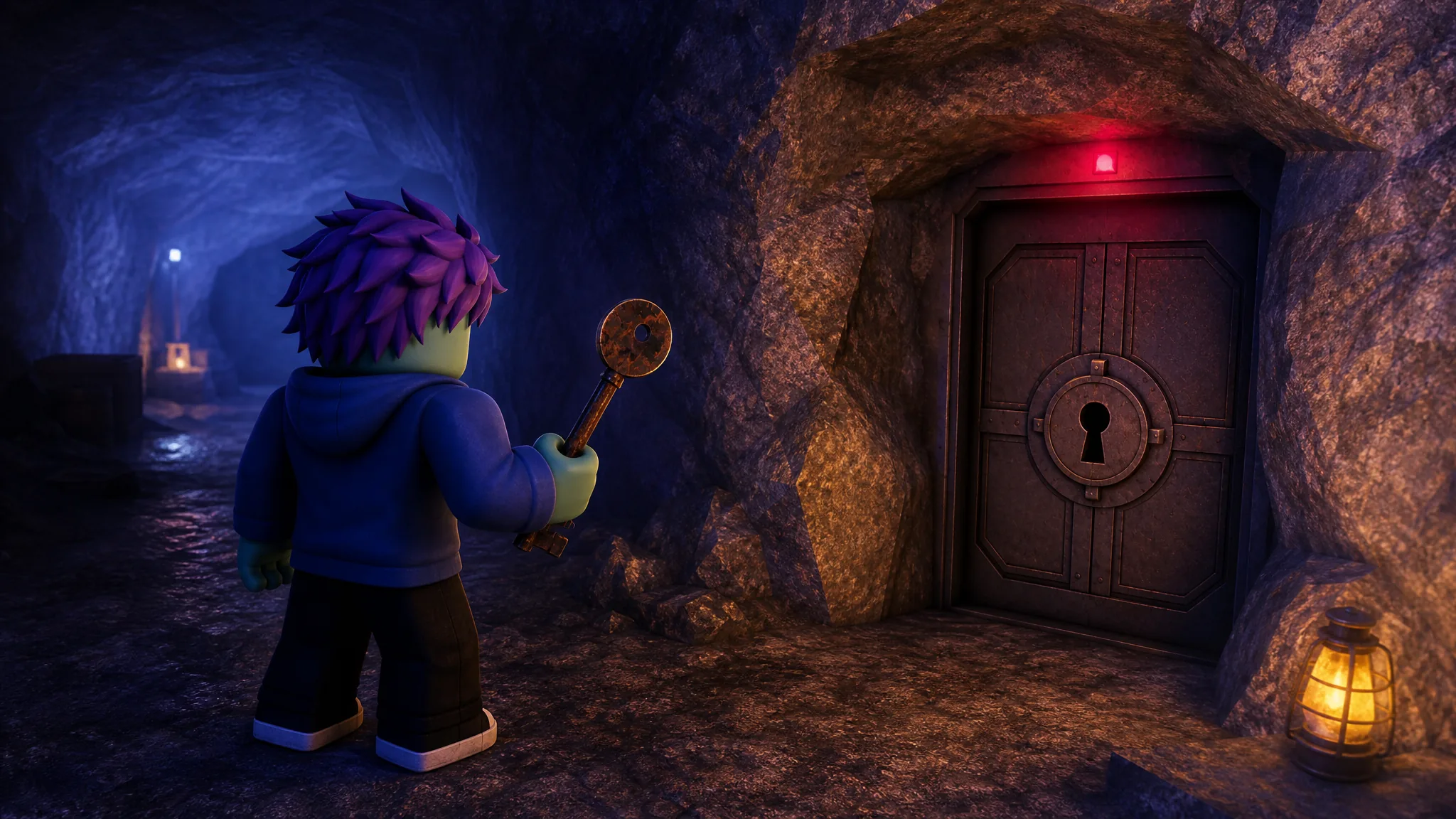
How to Open the Secret Bunker on Birch Cay in Fisch (Roblox)
Exact coordinates, the fastest route, and the single prompt that unlocks the hatch on Birch Cay.
-
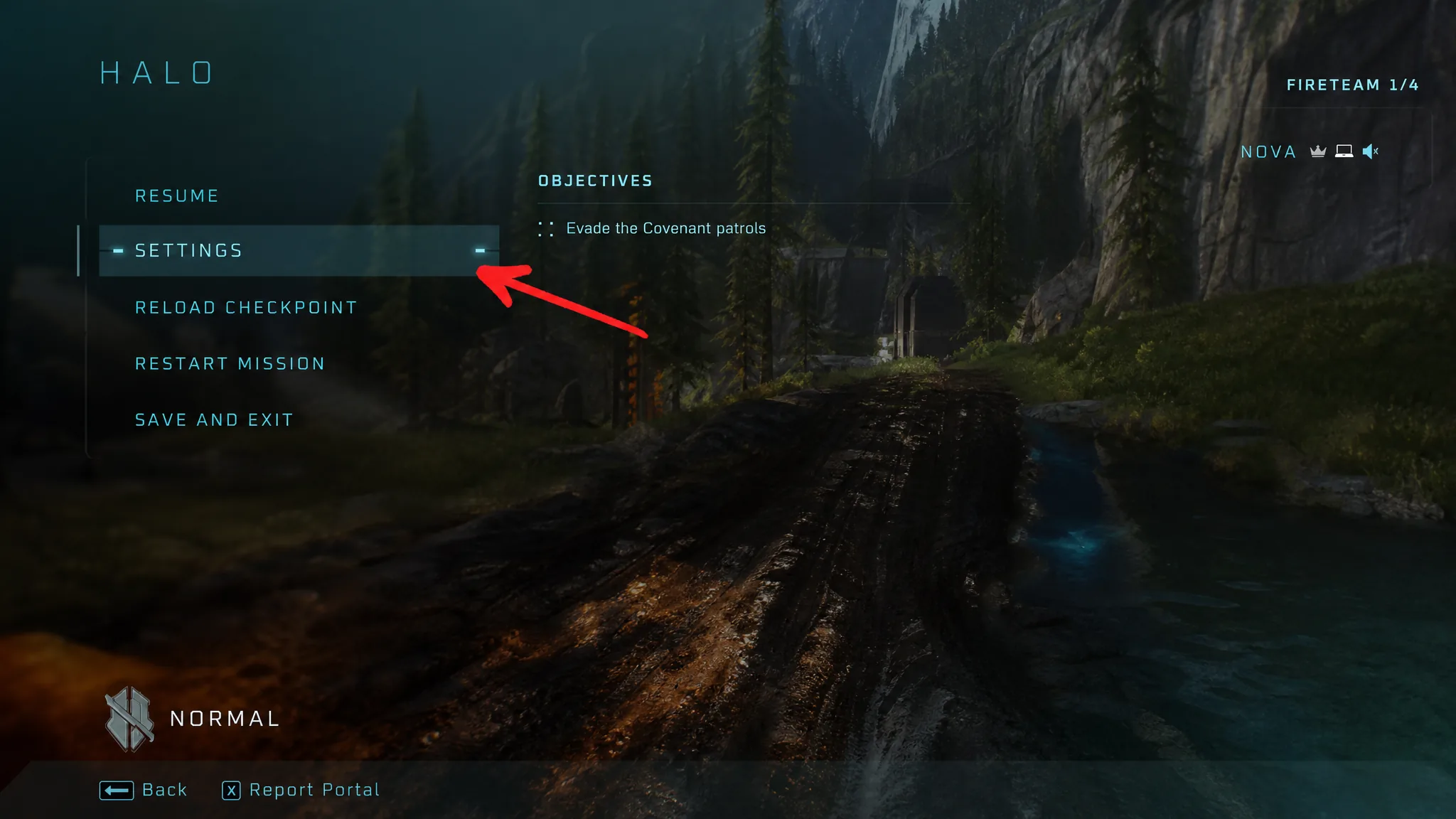
Halo: Campaign Evolved – How to Turn On Machinima Mode and Free Cam
The exact button inputs to detach the camera, plus the Drop Weapon rebind you need to stop tossing your gun.
-

Steal a Brainrot: How to Get Chicleteira Champeona
The Spain Event drop rate, cost, income, and the stealing route for this Secret Brainrot.
-
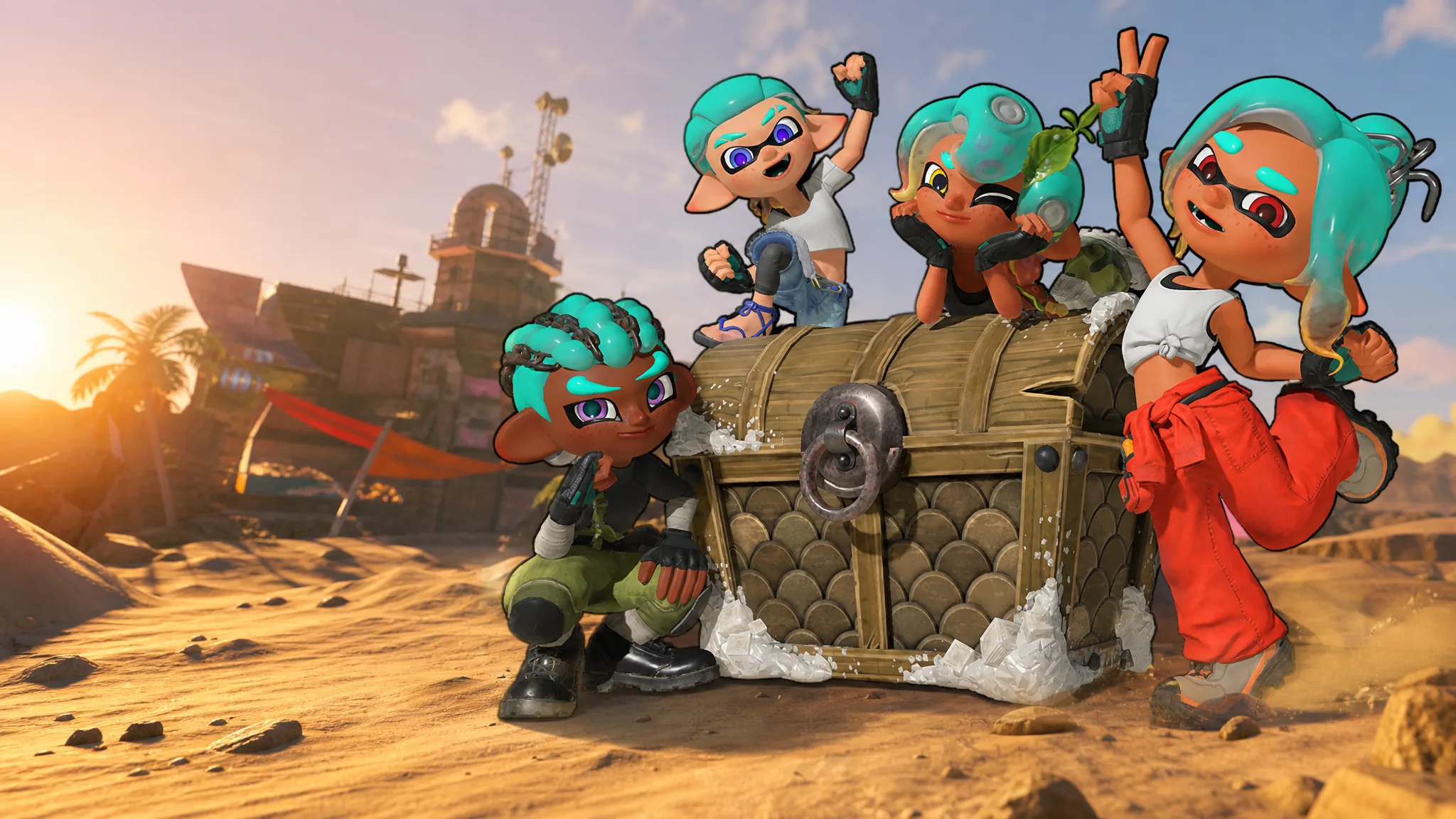
Splatoon Raiders: All Hairstyles and How to Change Your Hair
All 14 cuts, which two are locked behind the ending, and why your hair color keeps changing on its own.
-

How to Get Gem Sprites in Fortnite (Release Time and Locations)
Gem Sprites arrive Thursday, July 30th, with seven confirmed variants, fixed spawn spots, and a shared 30% fall damage perk.
-
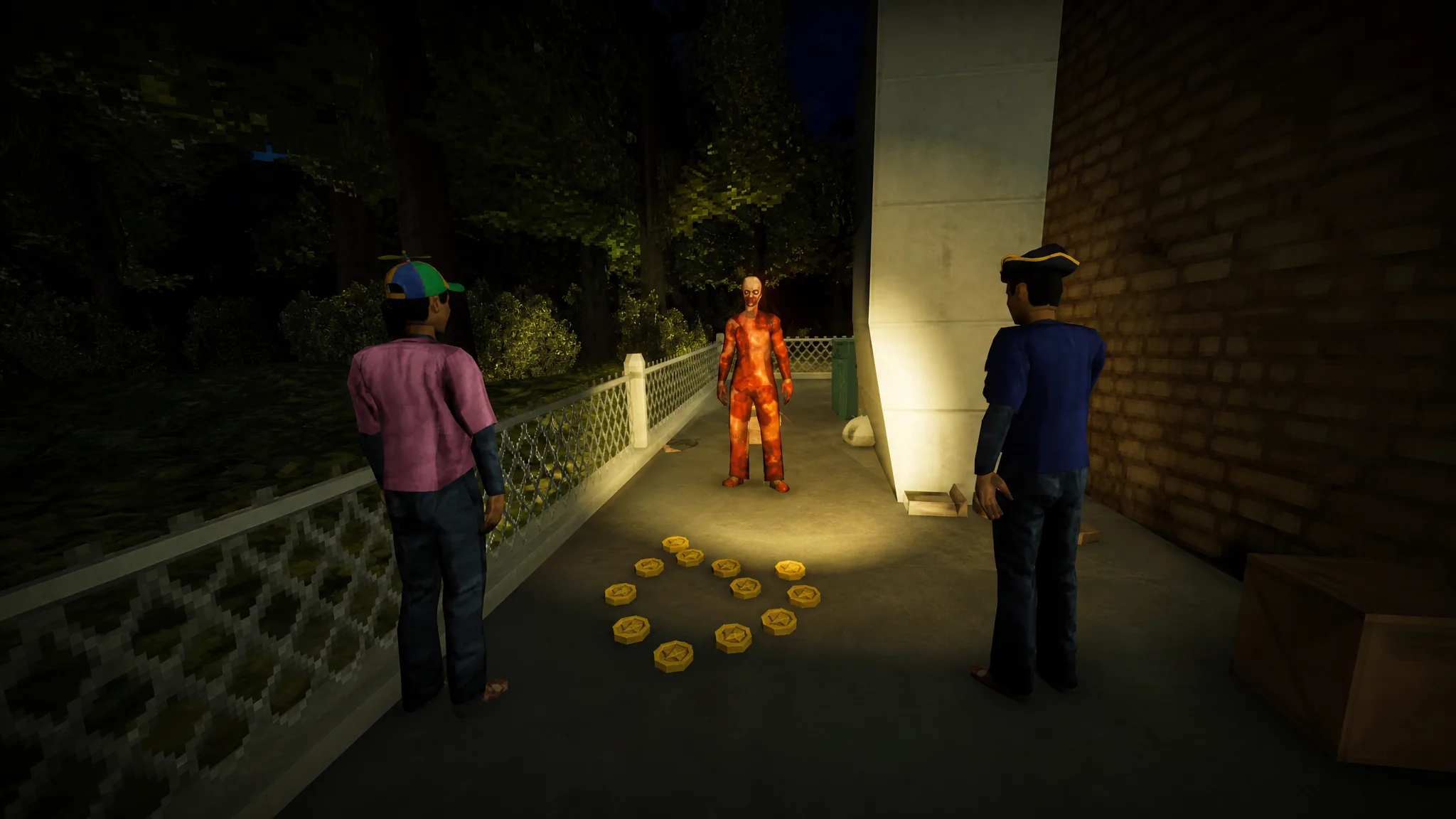
Shift at Midnight: How to Cure Your Pet and Keep It Alive
The $310 across 13 nights that pays for medicine and surgery, plus every pet you can adopt.
-
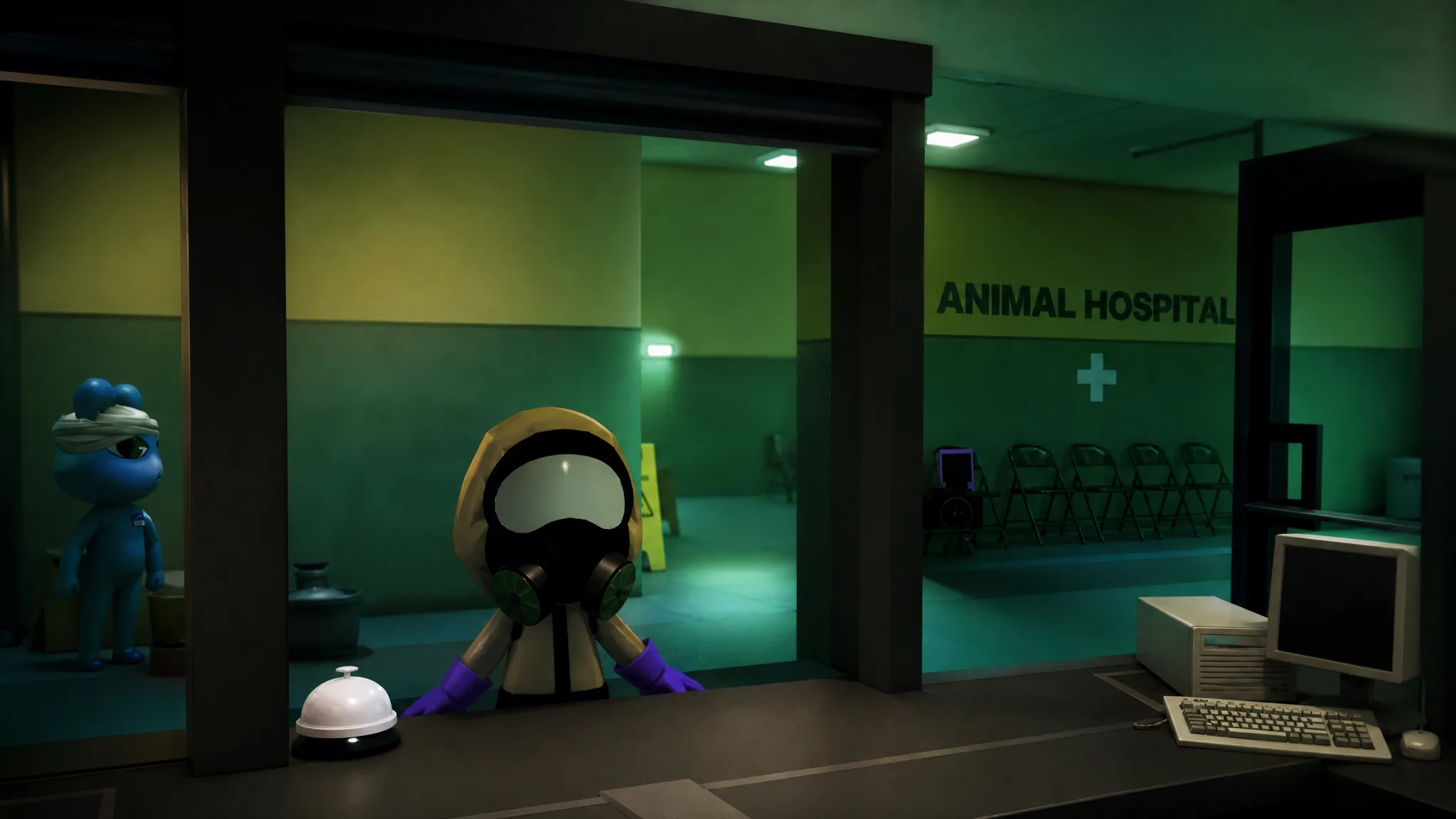
Animal Hospital: How to Clear the Hazmat Team Special Shift
The exact trigger window, how to handle Slimebert, and the fastest way to finish the slime-covered shift.
-
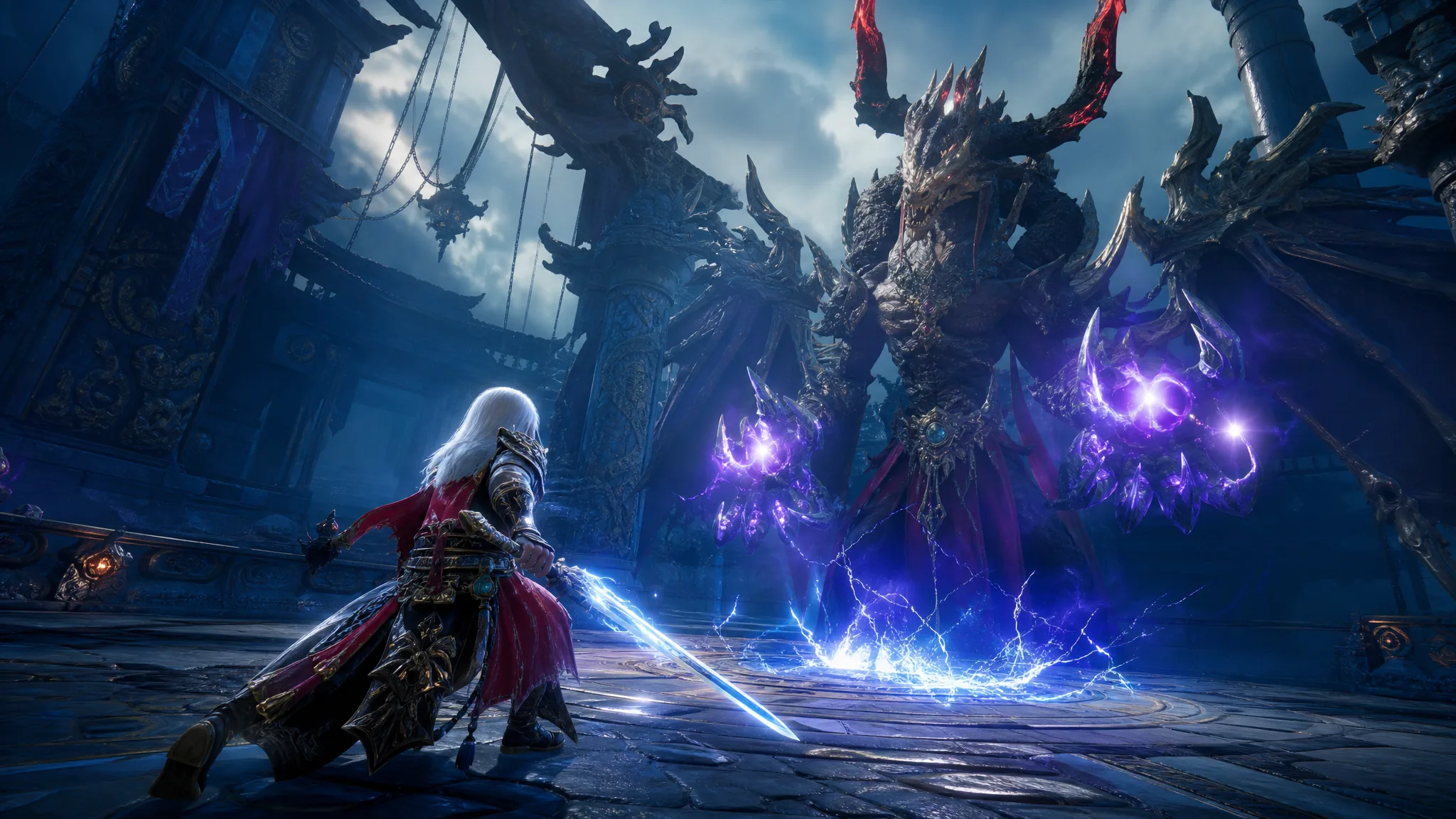
DragonSword: Awakening – How to Progress Fast as a Beginner
Lock your main story path, daily boss farming, hero unlocks, and gear priorities to build a working team in Orbis.