
Instructional, step-by-step articles.
Content Type: How-To
-

Anime Expeditions: How to Get and Evolve Vegetable (Prince)
Everything you need to summon, evolve, and deploy the Mythic Vegeta unit, including its full passive kit.
-

Grow a Garden: How to Get Luna Bloom
Luna Bloom is a Divine multi-harvest crop with a 0.5% pull from Moon Chests earned through the Harvest Moon Owl.
-

Genshin Impact x Crunchyroll: How to Claim the Free Neo Terminal Gadget Pet
Eligible Crunchyroll members in the Americas can grab the Aranara-style pet, 40 Primogems, and character materials before September 22.
-

ARC Raiders Trials: How to Get Three Stars in Season 5 Week 6 (August 11-18, 2026)
Every challenge this week caps at 4,000 points, and here are the maps, loadouts, and routes that get you there.
-
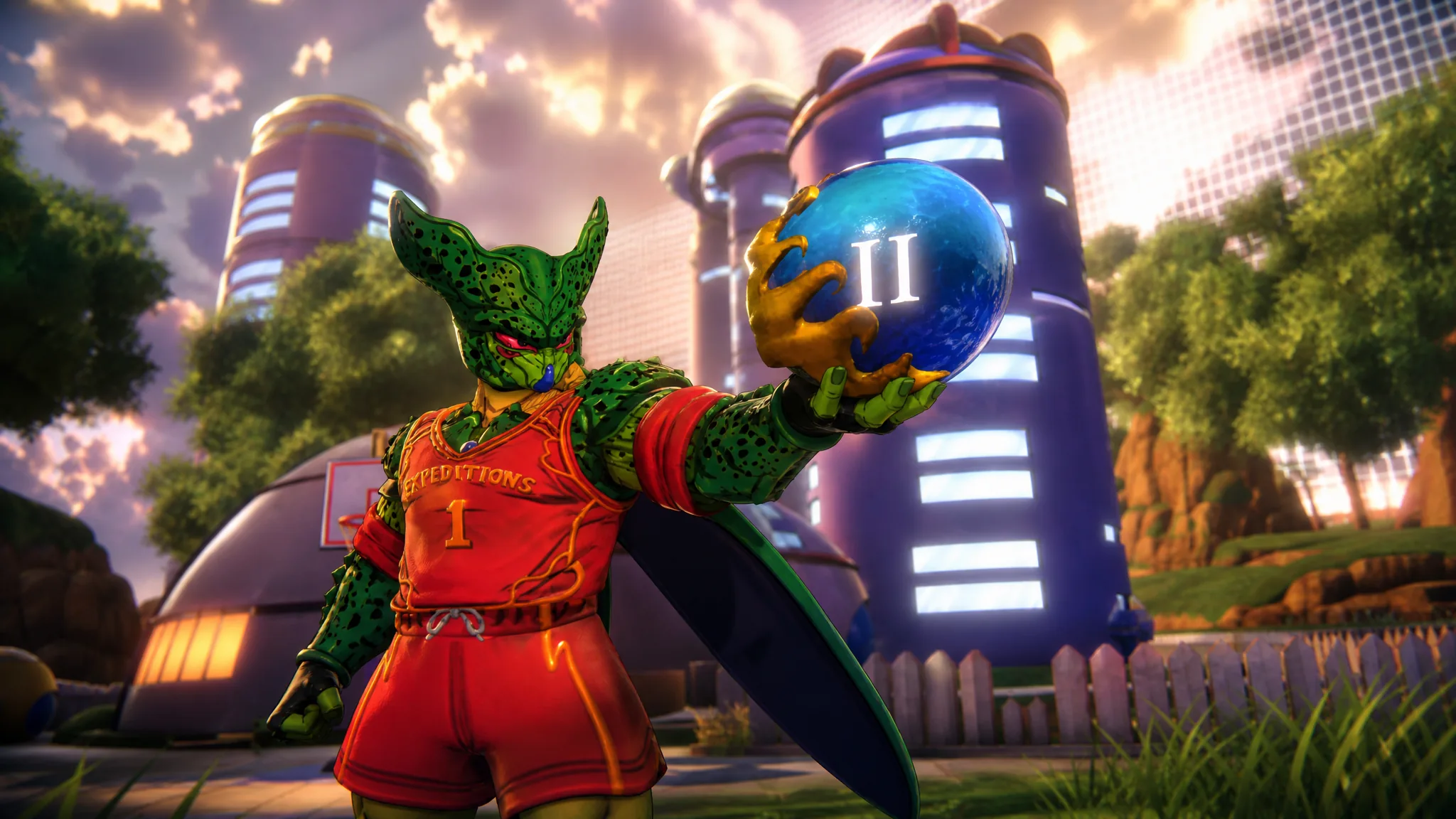
Anime Expeditions: How to Get Wish Orb 2 in Dragon’s Wish
The second orb is a quest reward on the Dragon’s Wish event page, not a spot you hunt for on the map.
-

Anime Expeditions: How to Get and Evolve Carrot (Goku)
Where Carrot drops, the exact evolution materials, and how his Fighting Spirit transformation works after clearing the trial.
-

Disney Dreamlight Valley: How to Complete Summer Sizzle: Potions
Ursula’s daily potions quest only asks you to gather a few marshmallows or hydrangeas, and here is exactly what each version wants.
-
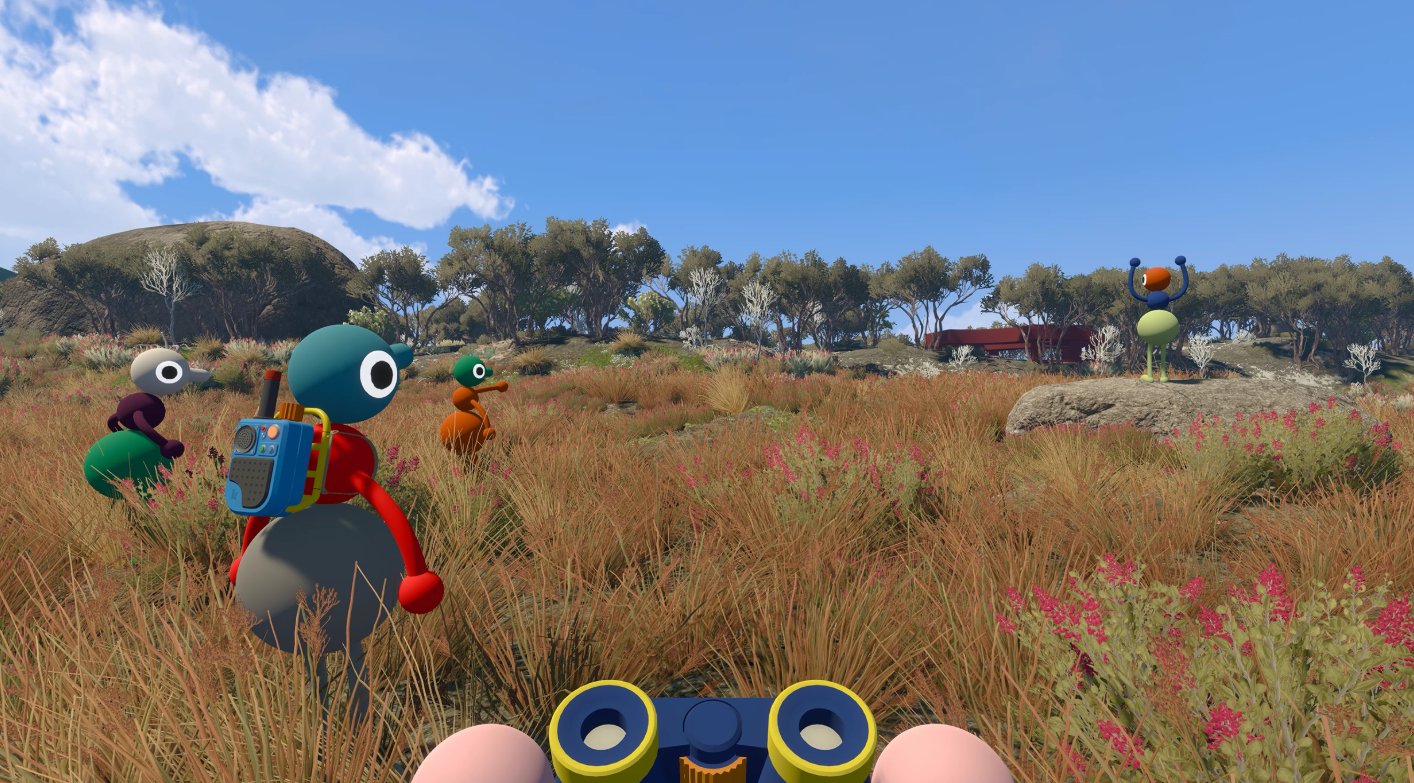
Big Walk Connection Errors: How to Rejoin Your Friends
Fix “connection to host timed out” and Session Unavailable errors by checking the host, game version, Join Code, and system clock.
-
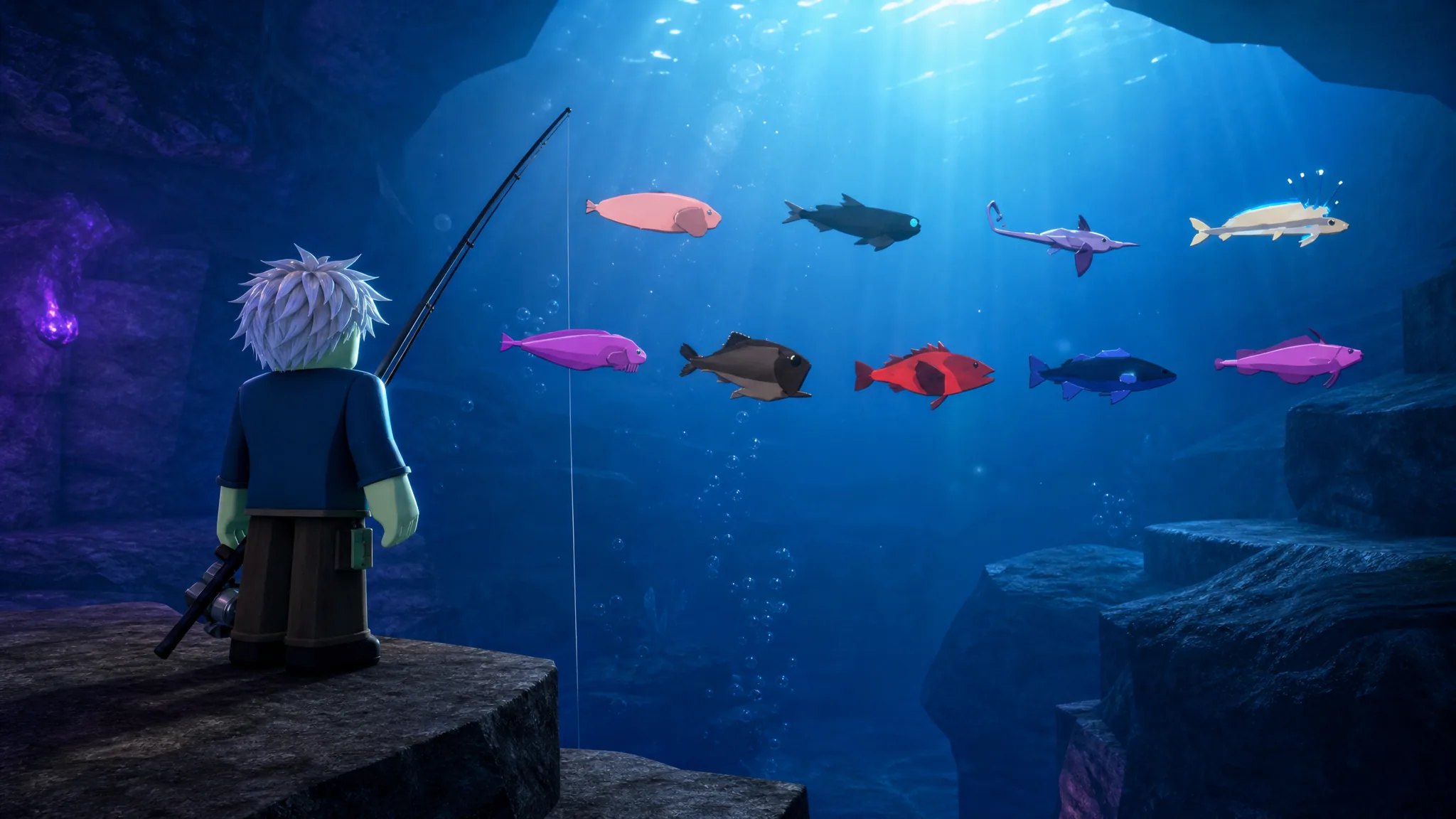
Fisch Gloomy Crevice Bestiary: How to Catch All 21 Fish
Where to dive, which harpoon guns to bring, and the exact hunt steps for the Monstrous Cusk.
-
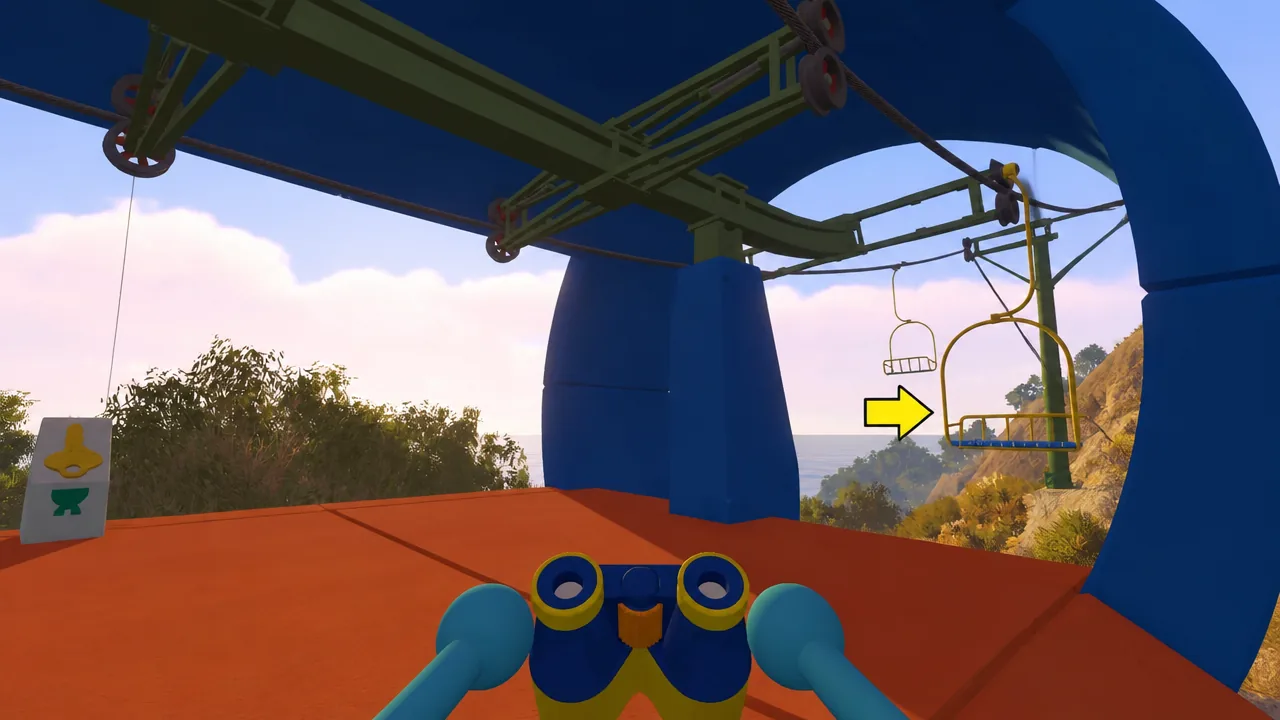
How to Unlock Big Climb in Big Walk (Reach the Highest Point)
Board the western chairlift from the Green Tower, then climb the marked path to the summit to pop Big Climb.