
Instructional, step-by-step articles.
Content Type: How-To
-
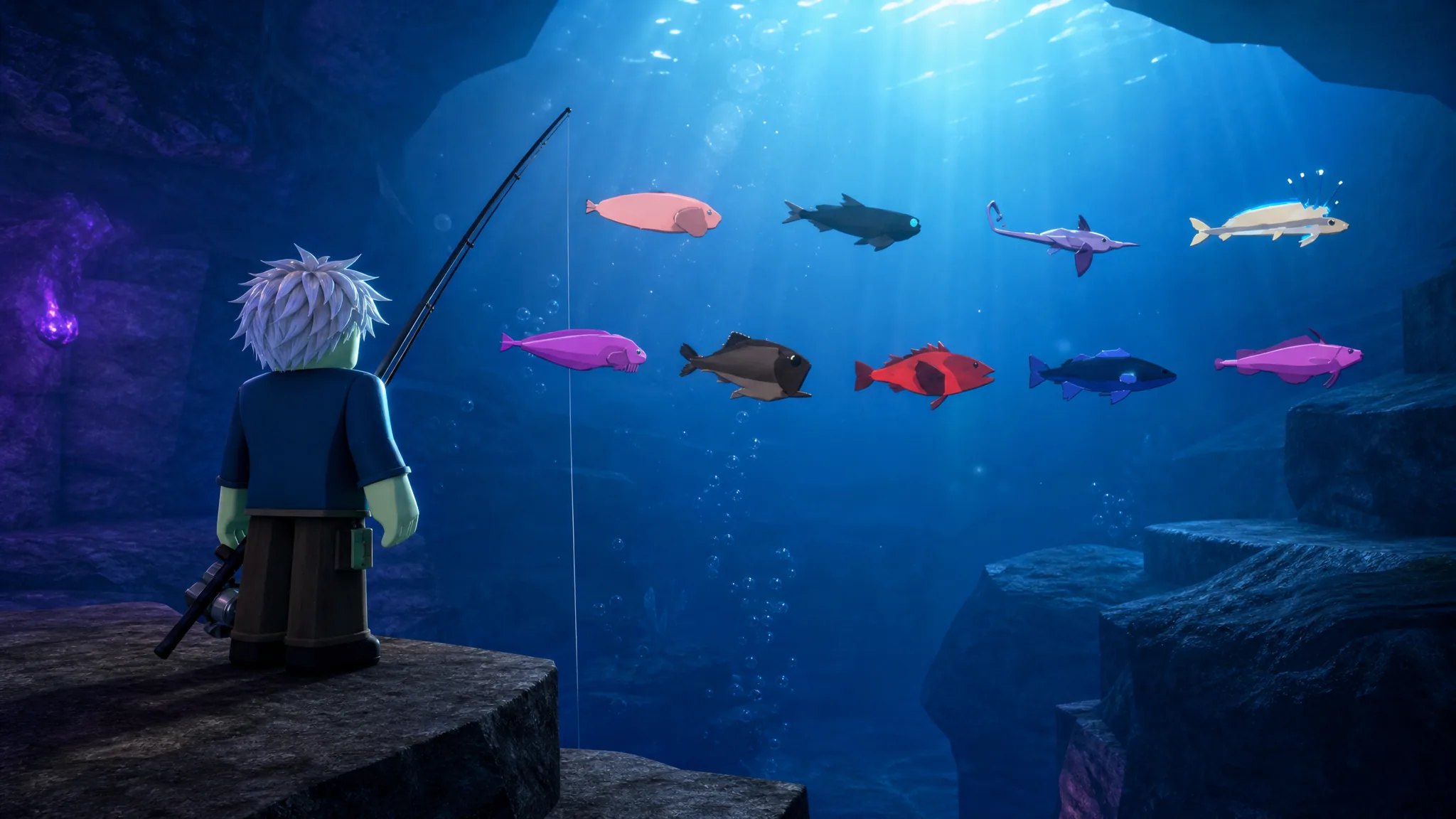
Fisch Gloomy Crevice Bestiary: How to Catch All 21 Fish
Where to dive, which harpoon guns to bring, and the exact hunt steps for the Monstrous Cusk.
-
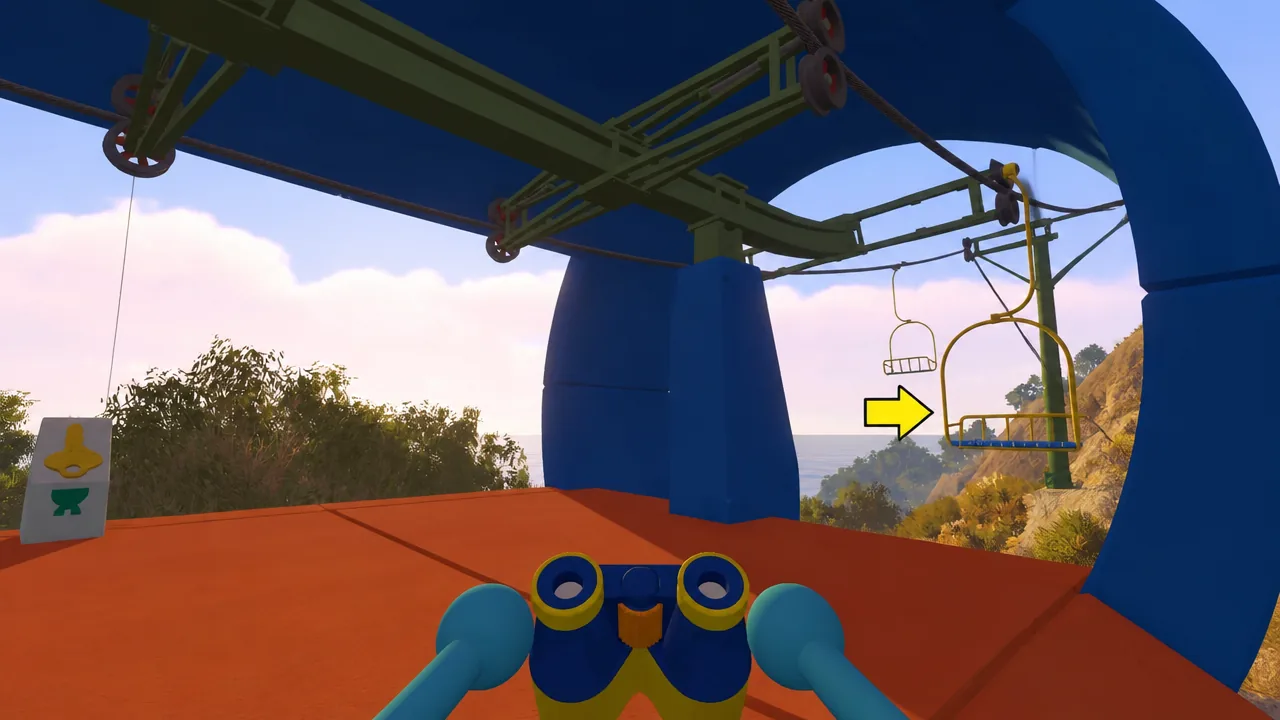
How to Unlock Big Climb in Big Walk (Reach the Highest Point)
Board the western chairlift from the Green Tower, then climb the marked path to the summit to pop Big Climb.
-

Steal a Brainrot: How to Get Queen Bee
Queen Bee is a Secret Brainrot from the Bee Shop that you buy with 50 Honey or 2,499 Robux, or steal from another base.
-
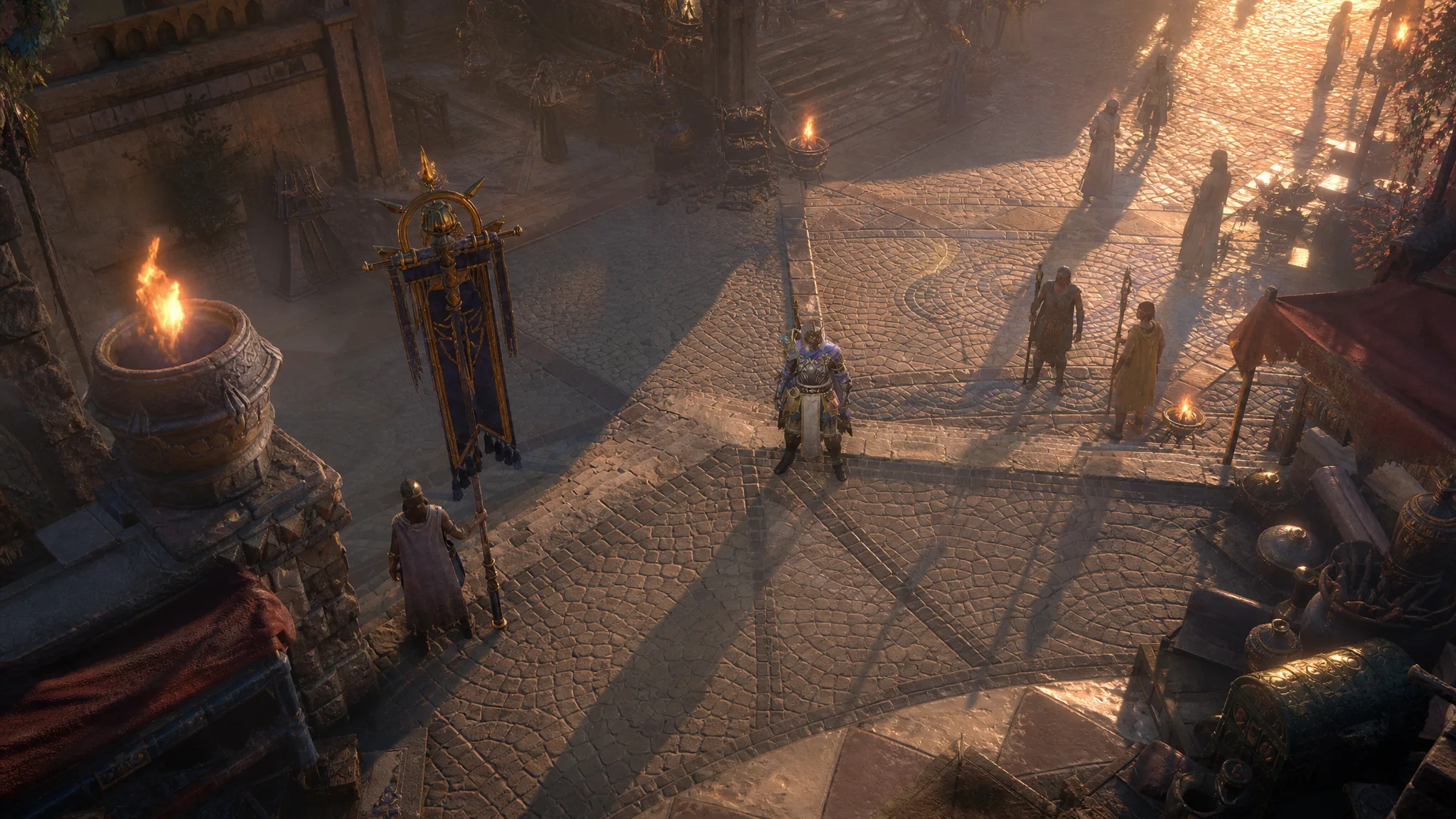
Diablo 4 Season 15 Mythic Charms: Best Picks and How to Get Them
The strongest Talisman Charms in Season 15, why they only drop, and where to farm them.
-

+1 Speed Keyboard Escape: How to Level Up Fast
The fastest leveling in the game happens during Admin Abuse events, with everything else serving as preparation for those windows.
-

How to Get Vasto Lorde (Ichigo) in Lineage Piece
Every quest step, material, and summon cost needed to unlock the Vasto Lorde weapon on Hueco Mundo.
-
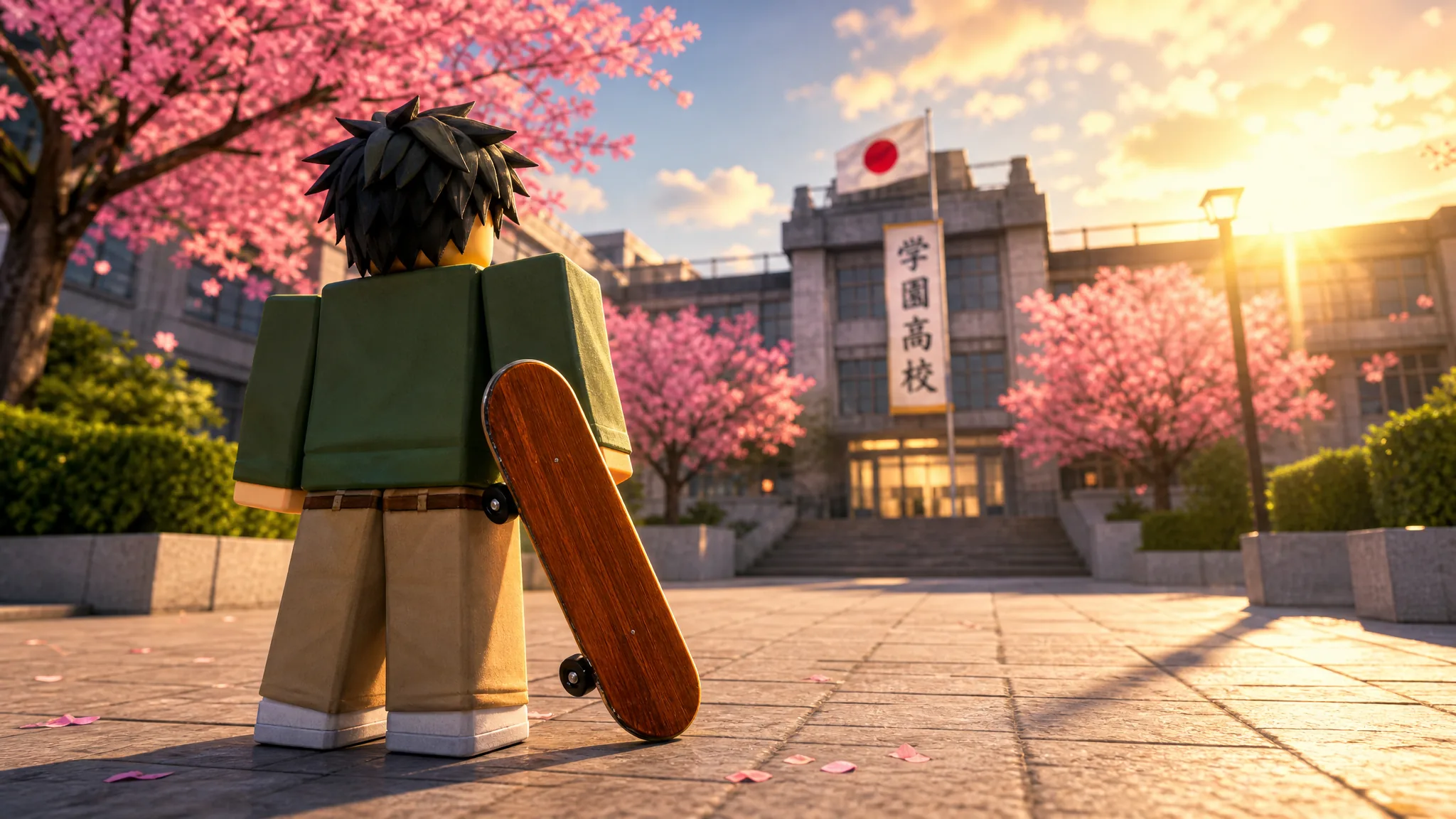
Gakuran: How to Get the Skateboard (800 Robux)
The Skateboard is a straight Robux buy from a display by the school entrance, no quests or Yen involved.
-
Unscathed: How to Increase Luck Fast by Stacking Bonuses
Combine skill tree points, gems, biome matching, food, and potions to push your luck as high as possible before a roll.
-
Anime Expeditions: How to Get Free Unbound in the Dragon’s Wish Event
Collect all seven Wish Orbs to claim the +350% damage Unbound trait and the Fierce Dragon mount before Update 2 lands.
-
Lineage Piece: How to Get the Tainted Soul Pill Fast
The Tainted Soul Pill is a random drop from the Ichigo (Bankai) boss on Hueco Mundo Island.