
Instructional, step-by-step articles.
Content Type: How-To
-

How to Fix the ARC Raiders Outdated Game Client Error
A version mismatch is blocking your connection — here’s how to resolve it on every platform.
-
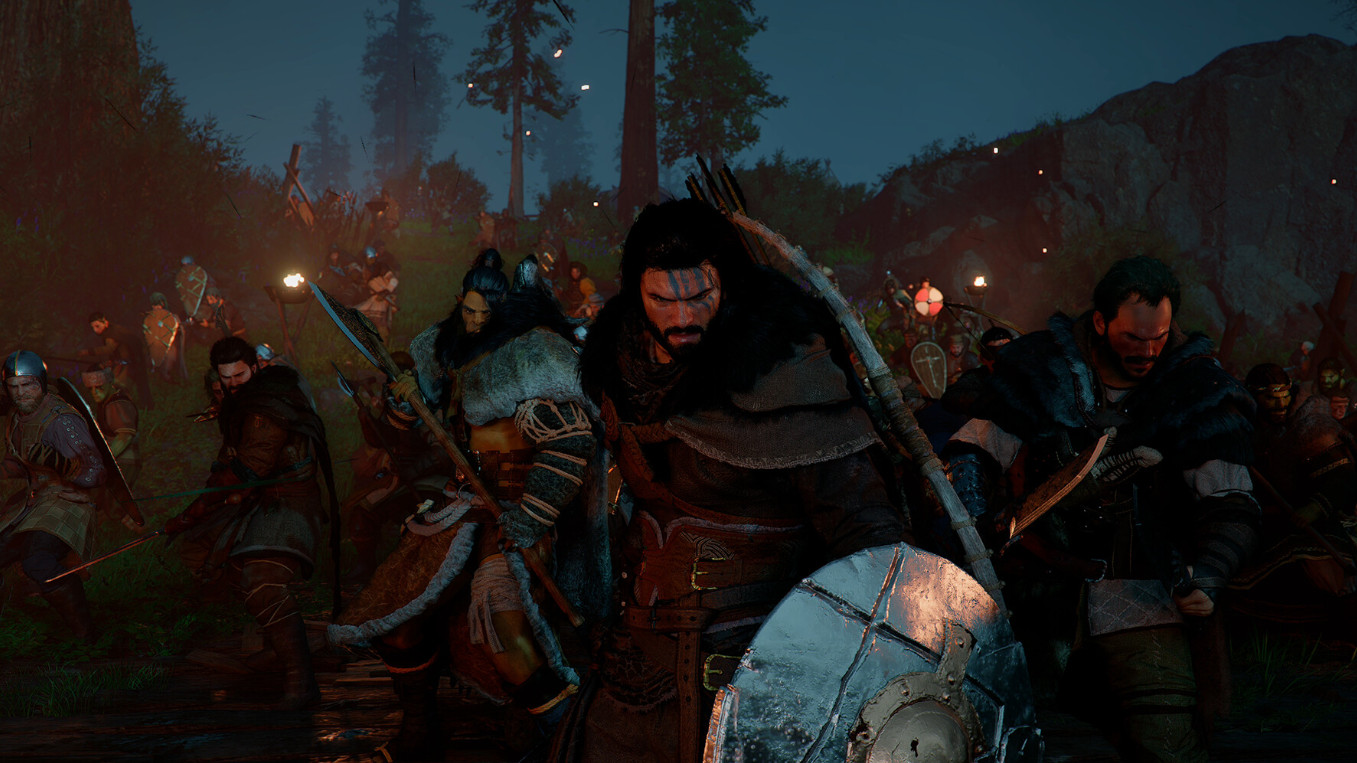
Crimson Desert Patrick Bounty — Where to Find Him and How to Capture Him
Patrick is one of the easiest bounties in the game, but you need to reach Pailune first.
-
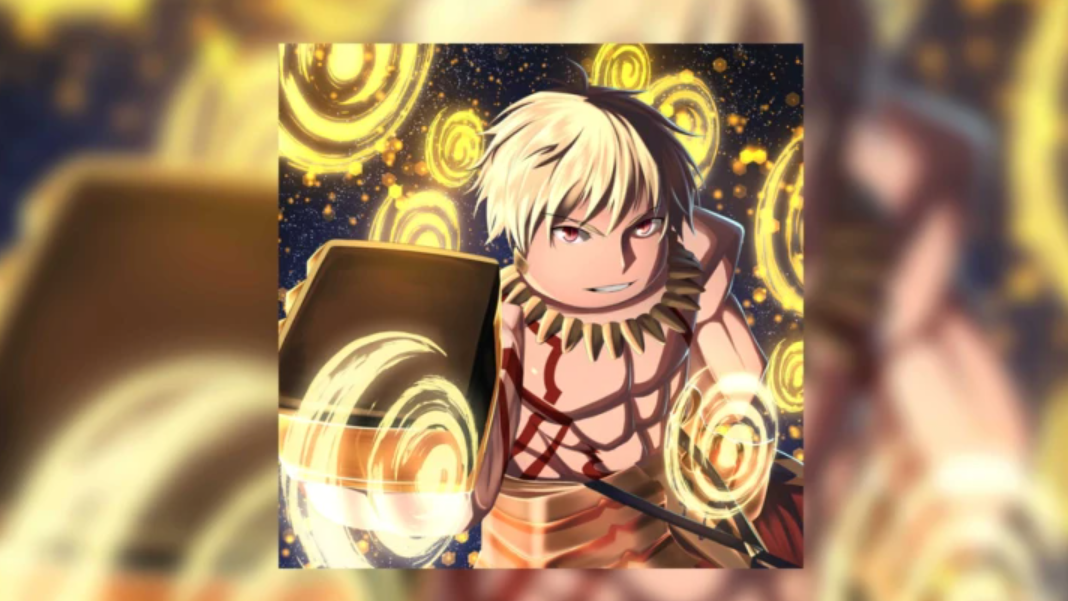
Sailor Piece Moon Outfit – How to Farm It From the Moon Slayer Boss
This rare accessory offers massive defense and damage buffs, but its 0.81% drop rate demands serious grinding.
-
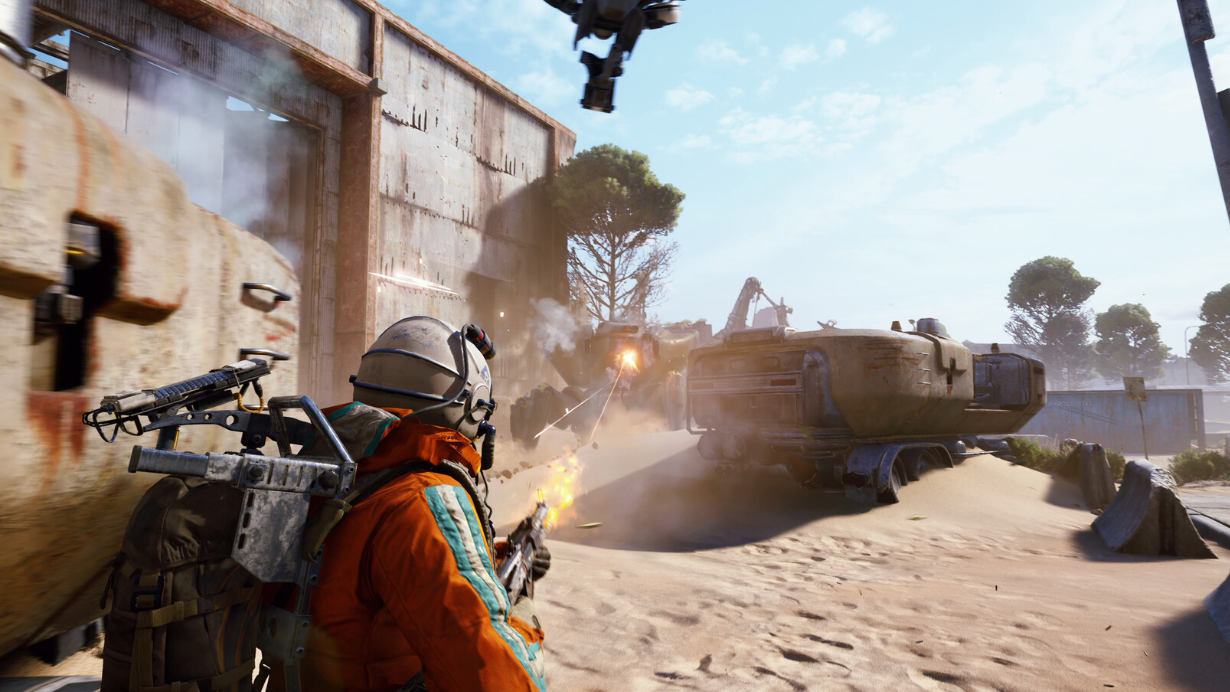
How to Find Vaporizers and Farm Vaporizer Regulators in ARC Raiders
These heavily armored aerial ARC only appear during one specific map condition, and killing them is no small feat.
-
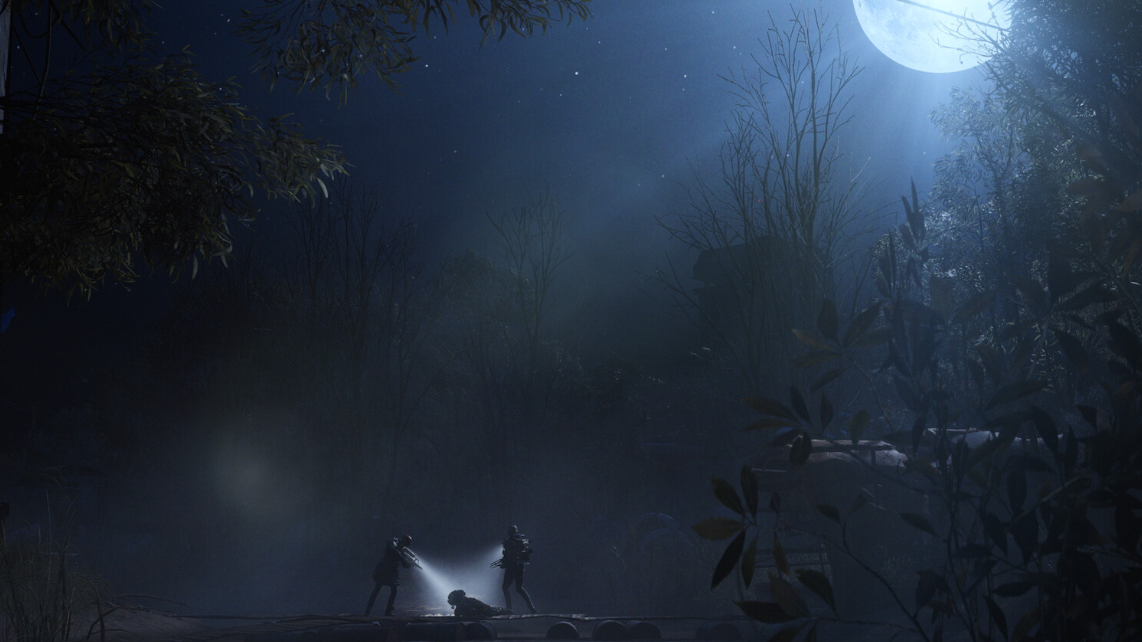
How to Find and Loot Assessors in Arc Raiders’ Close Scrutiny ARC Operation
The Flashpoint update’s endgame map condition drops rare blueprints and crafting materials behind walls of Vaporizers.
-
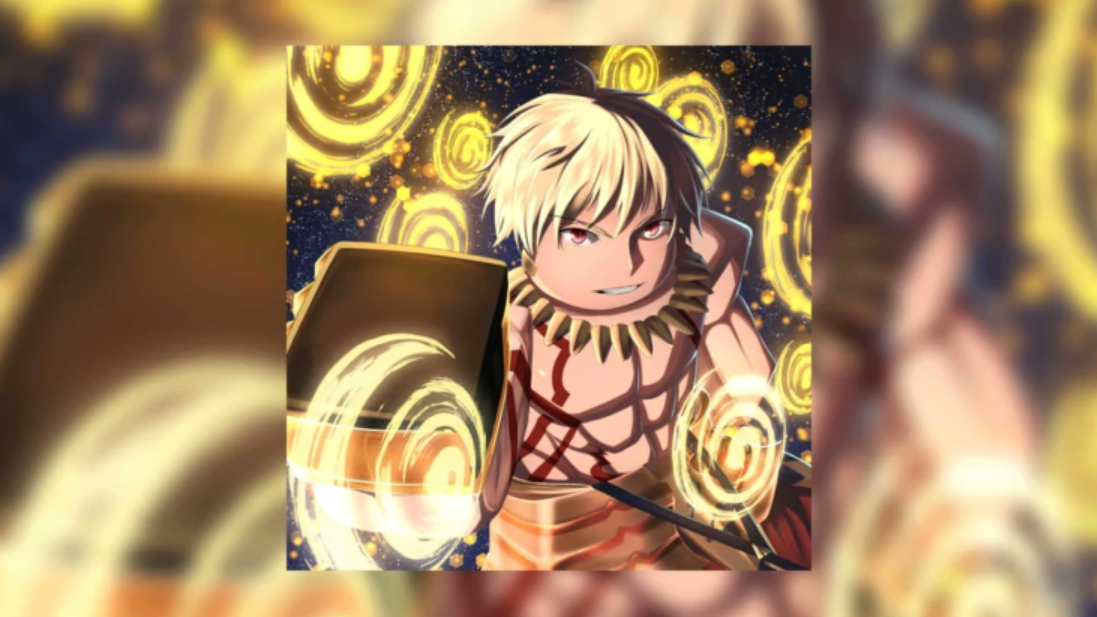
How to Unlock and Roll Spec Passives in Sailor Piece
Every Spec Passive ranked by rarity, plus how to farm Passive Shards and pick the right buff for your build.
-
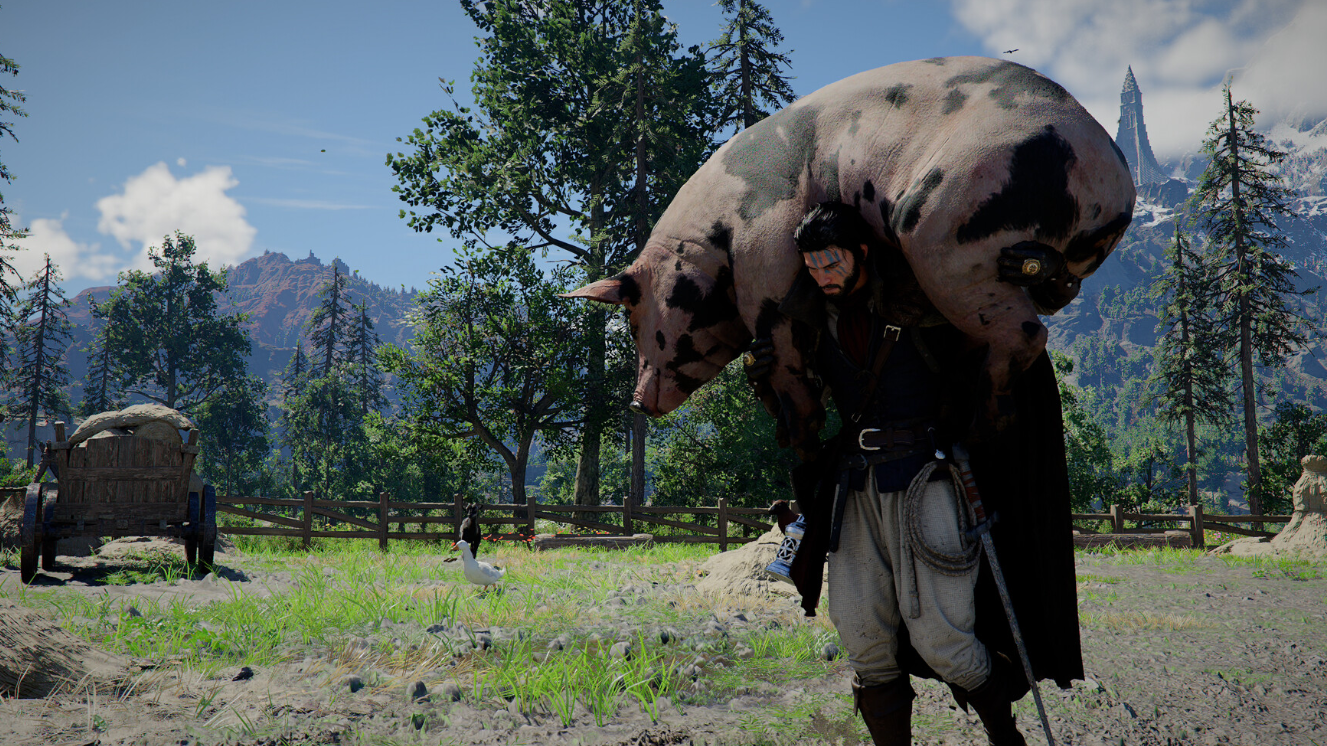
Crimson Desert’s Kuku Rocket Pack — How to Get Oongka’s Jetpack Before It’s Gone
The Kuku Rocket Pack is entirely missable, so here’s every step to unlock and craft it in Chapter 8.
-
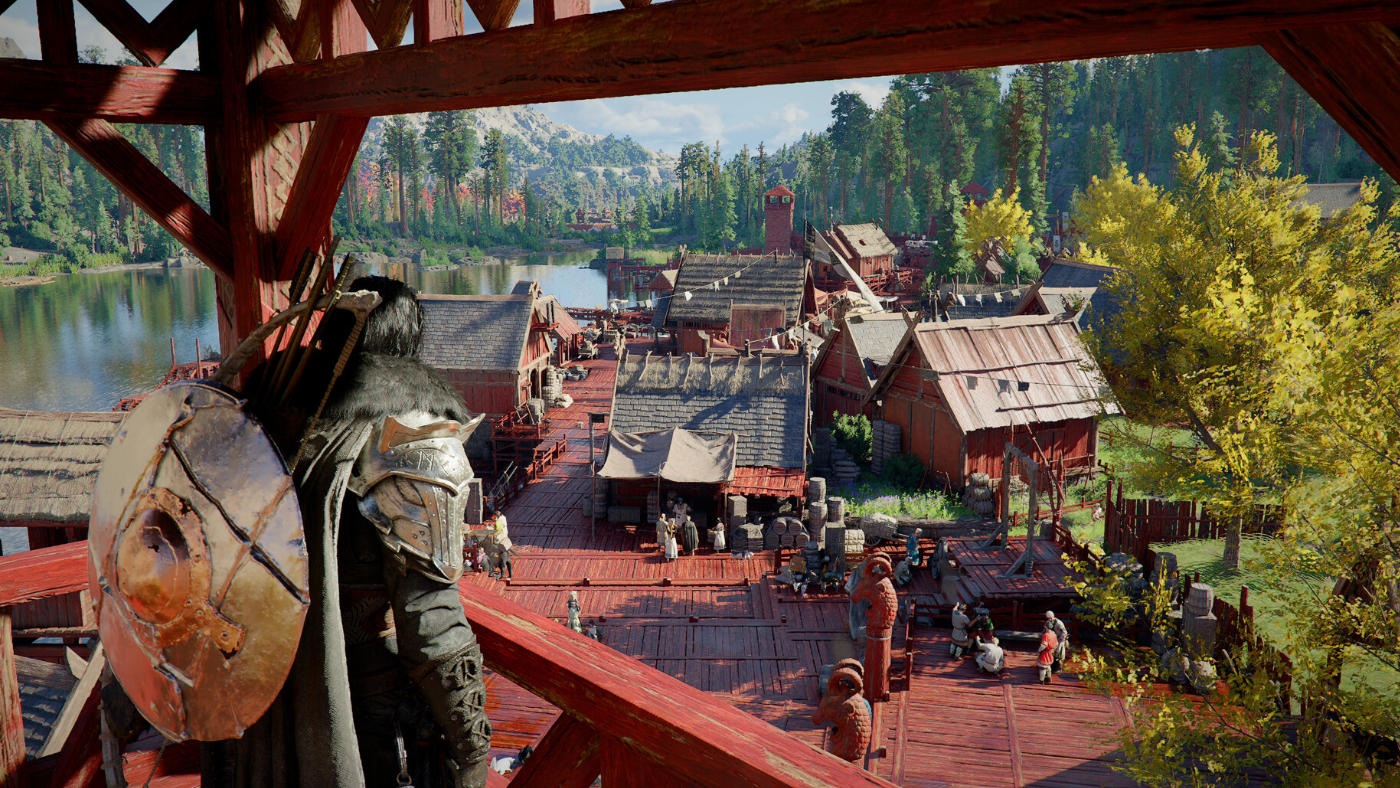
Crimson Desert Eavesdropping — How to Trigger the Prompt and Complete Bared Fang
Precise positioning and the right dialogue choices are all that stand between you and the Blue Fangs’ underground base.
-
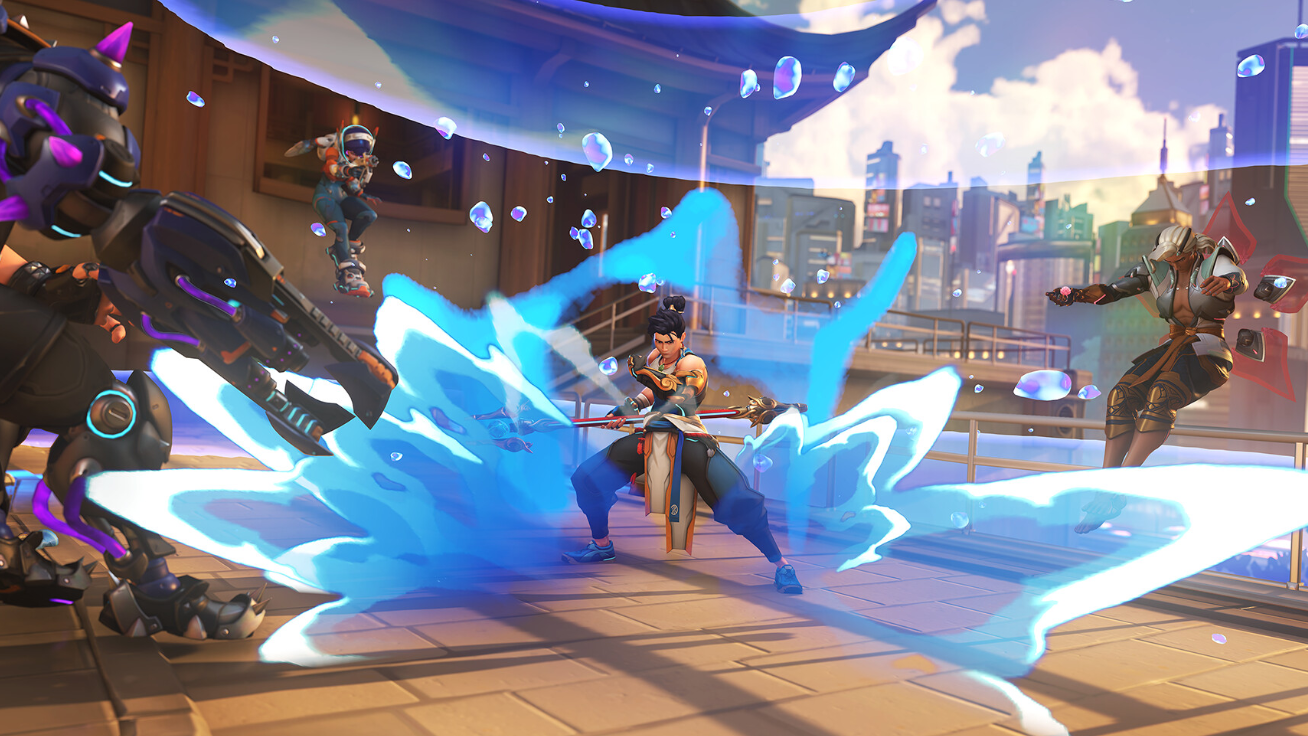
Overwatch’s Junkrat Loot Hunt — How to Earn All Nine Free Loot Boxes Before March 30
Play matches, stack double-progress bonuses, and claim up to nine Loot Boxes in a low-effort weekend event.
-

Fortnite’s Disney Hercules Skins Drop March 28 — Prices, Bundle, and How to Buy
Hercules, Meg, and Hades arrive in the Item Shop with themed cosmetics and a discounted bundle.