
Instructional, step-by-step articles.
Content Type: How-To
-

Black Ops 7 packet burst fixes that actually help
How to cut down packet burst and packet loss in Black Ops 7 on PC, PlayStation, and Xbox with practical settings changes.
-

Rumors about Tech in Arknights: Endfield – where it fits and how to approach it
See how the Rumors about Tech side mission fits into Valley IV, what it expects from you, and how to prepare.
-
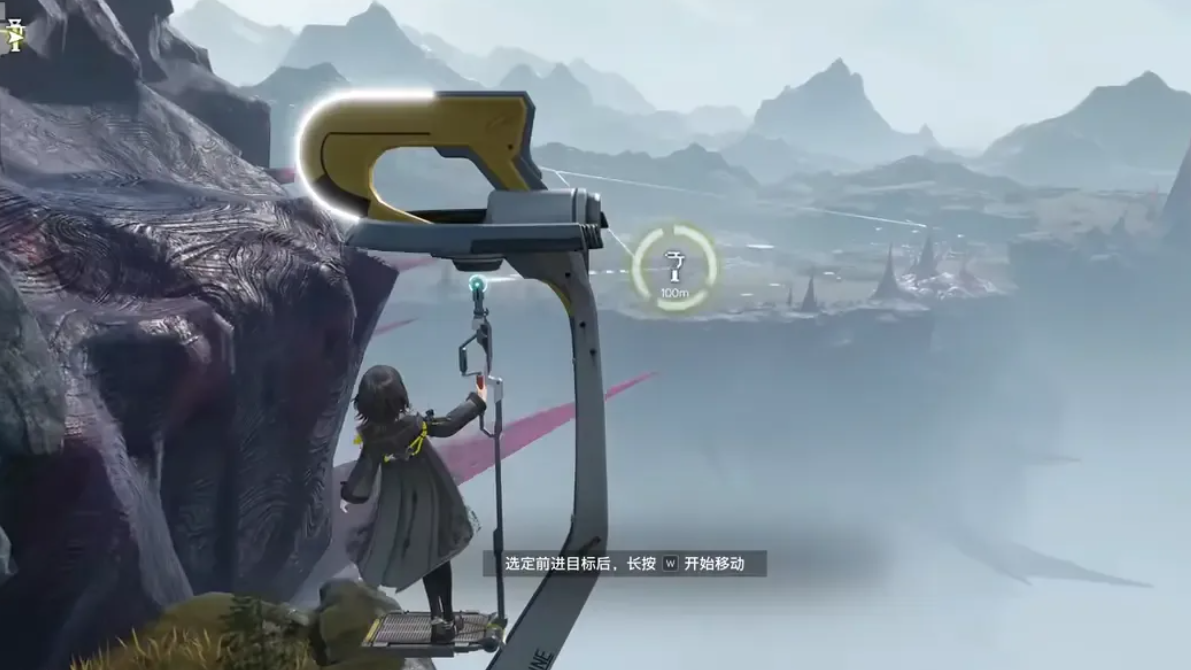
Cog in the Wheel in Arknights Endfield: where it sits and how to unlock it
How the Cog in the Wheel side mission fits into Valley IV’s quest flow and what you must clear before it appears.
-
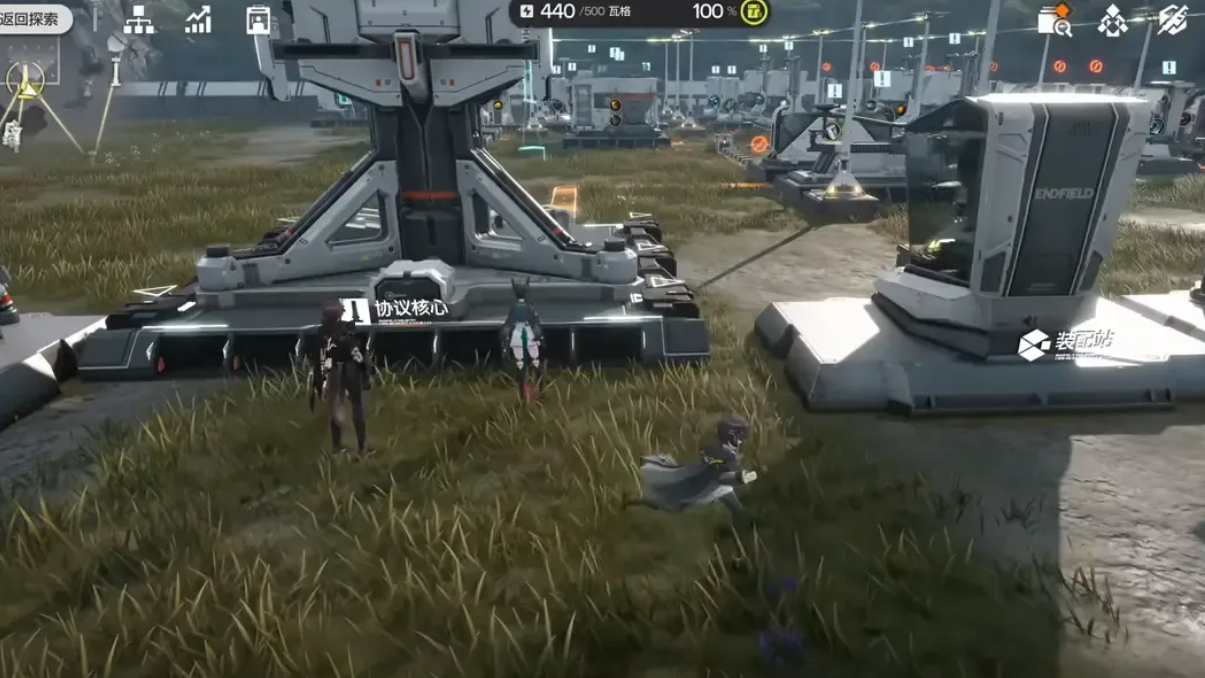
How to Craft Industrial Explosives in Arknights: Endfield
Turn Aketine and Amethyst Parts into Industrial Explosives so you can clear Blight, open blocked paths, and finish key quests.
-

How to clear Cost of Hope I in Arknights: Endfield
Where to find the quest, what the game asks you to do, and how it fits into the early Valley IV side content.
-

How to add bots to Call of Duty: Black Ops 7 multiplayer matches
Set up bot lobbies in Black Ops 7 to practice, test loadouts, or play casually in private and custom games.
-
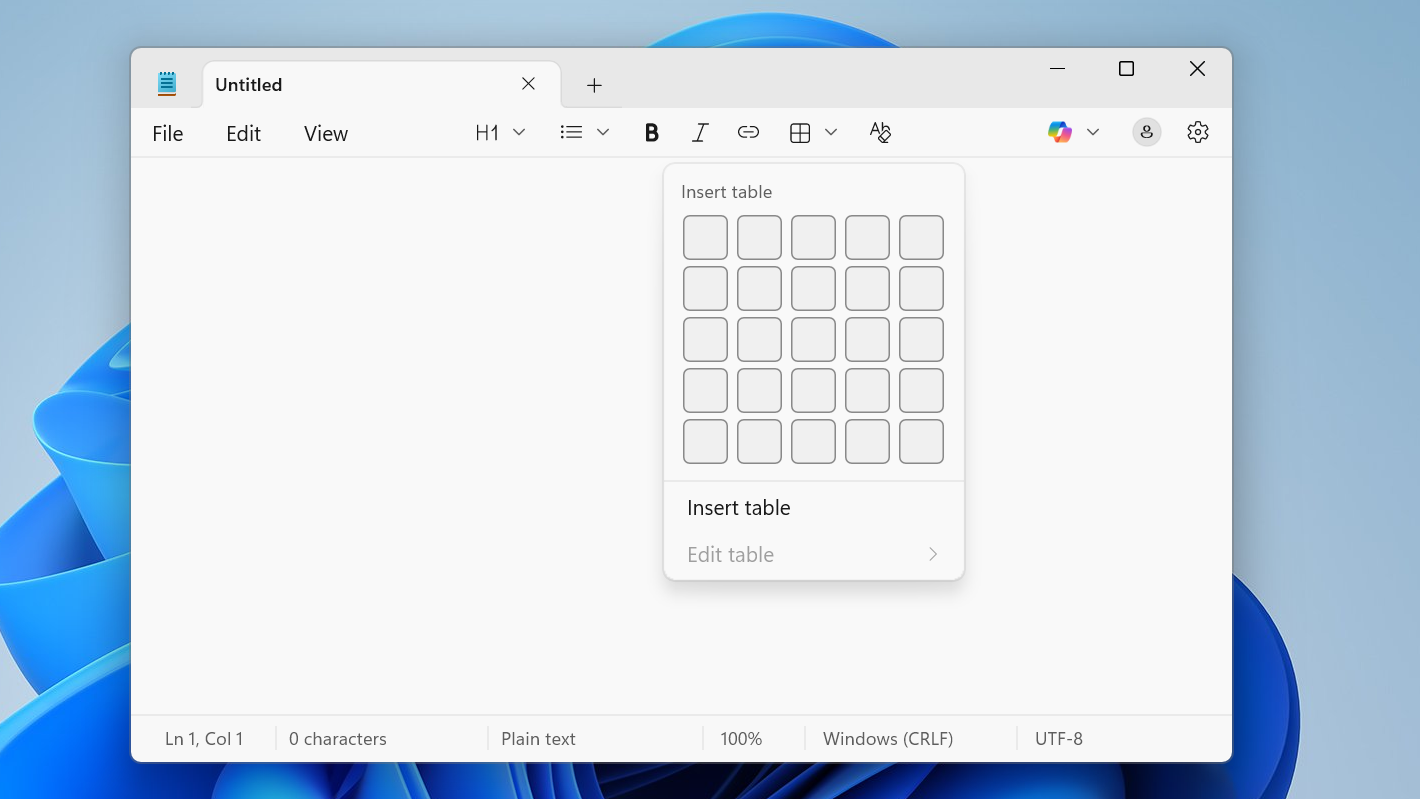
Notepad on Windows 11 can do tables — here’s how to use them
Learn how to create, edit, and manage tables in the new Notepad for Windows 11, including Markdown-style layouts.
-
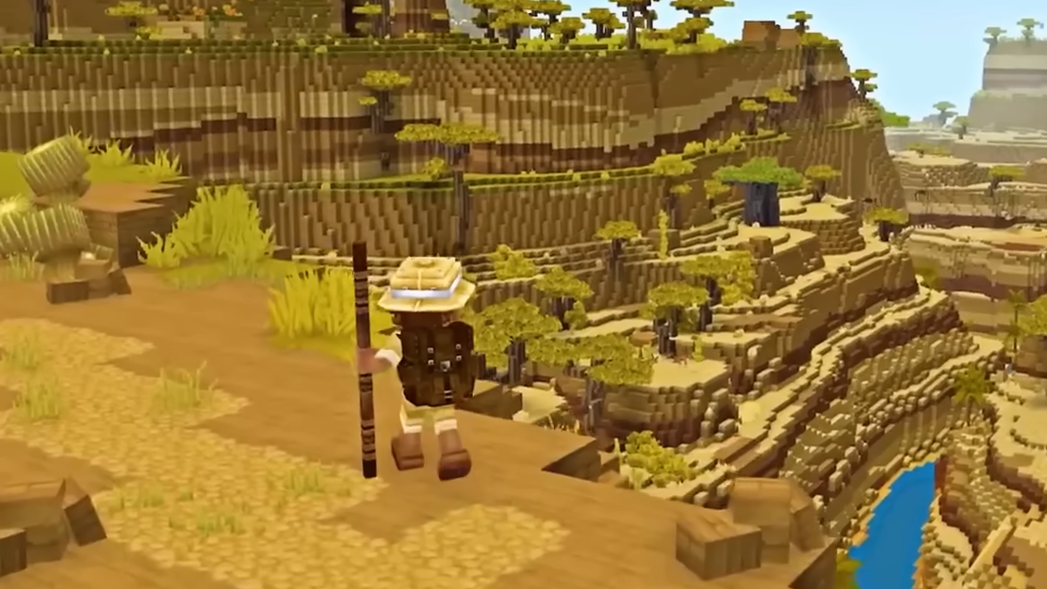
How to Use Emotes in Hytale (And Fix Permissions Issues)
Learn the exact command, how to unlock permissions, and what to do when emotes refuse to play on a server.
-
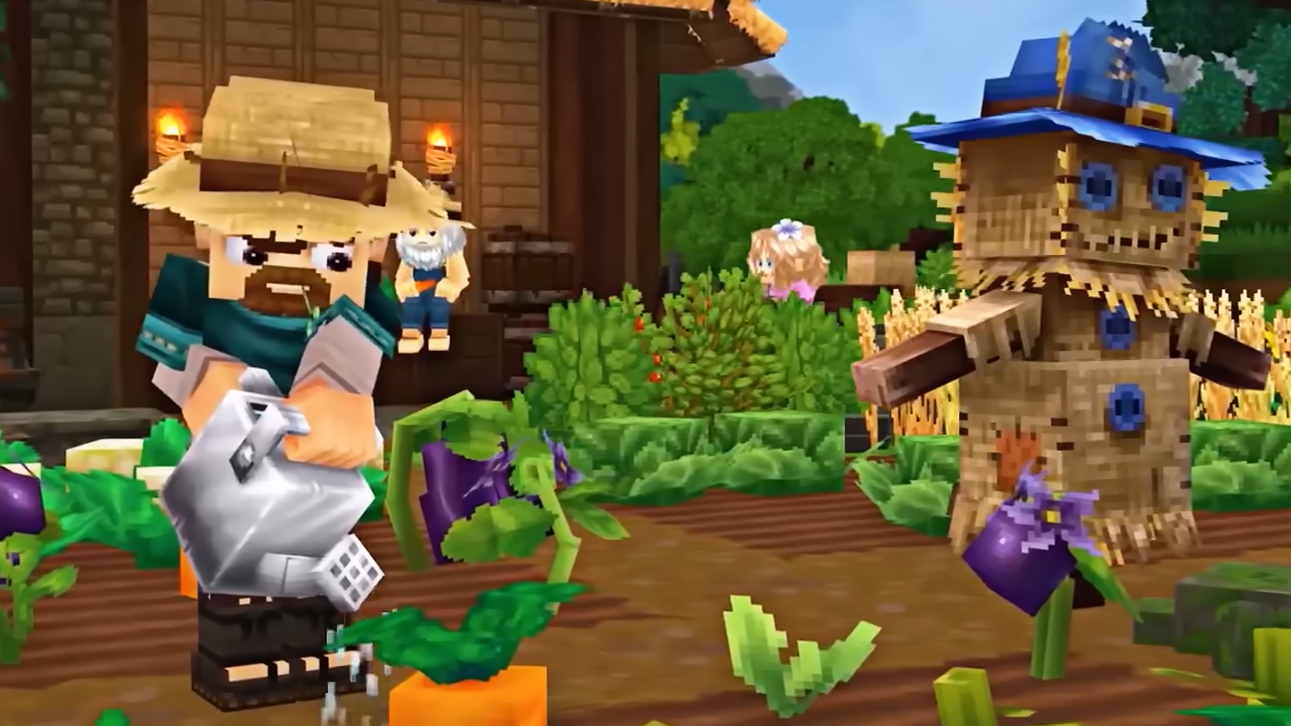
How to craft a wooden door in Hytale
Collect basic materials, build a Builder’s Workbench, and use the right wood type to turn raw logs into a Simple Wooden Door.
-

How to Restore Grass in Hytale’s Terraforming‑Scarred Worlds
Learn why grass doesn’t regrow on its own in Hytale and the practical ways to bring it back after digging or terraforming.