
Instructional, step-by-step articles.
Content Type: How-To
-

Arc Raiders Market Correction quest: How to find and sabotage the Marano Station cache
Track down Tian Wen’s target cache at Marano Station in Buried City, sabotage it, and secure your attachment rewards.
-

How to complete Return to Sender in Genshin Impact (Luna IV)
Learn how to reach the bunker, clear both Research Zones, and defeat Ultimate Calamity to finish Return to Sender.
-
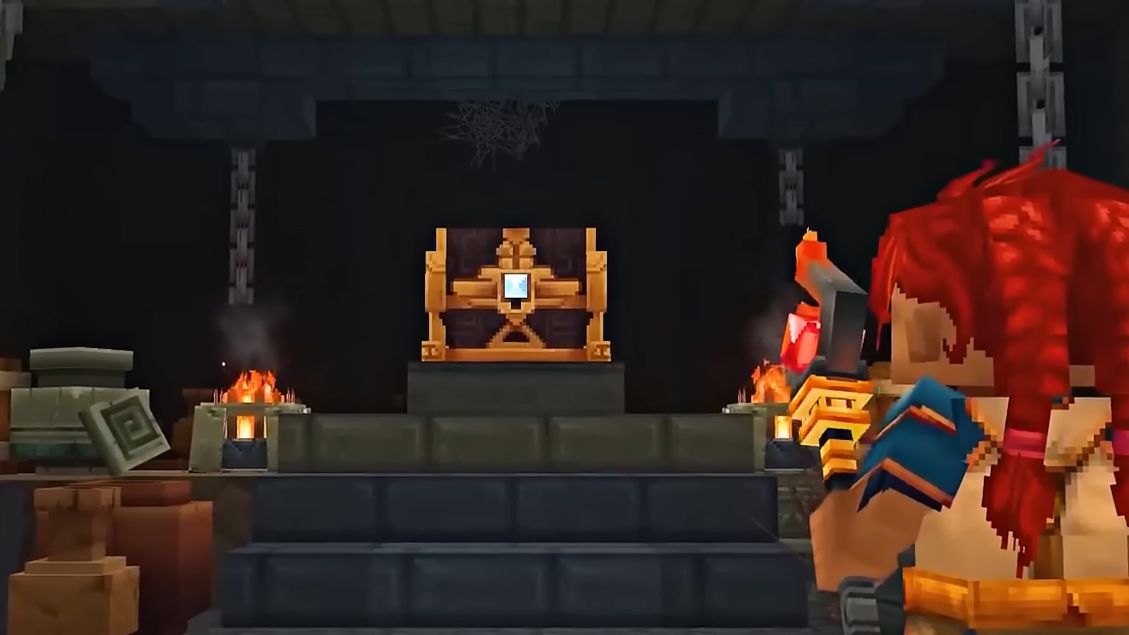
How to craft and use Teleporters in Hytale
Learn how to unlock, build, and link Teleporters so you can fast travel across Orbis and expand safely.
-

How to find and use cobalt in Hytale
Track down the blue ore in snowy zones, turn it into ingots, and decide when cobalt gear is worth the trip.
-

How to use chicken coops in Hytale
Learn how to find chickens, move them into coops, and collect eggs with the limited farming systems available right now.
-

Escape Tsunami for Brainrots Admin Abuse times, rewards, and how to be ready
Weekly admin abuse events in Escape Tsunami for Brainrots are short, fixed-time windows packed with secret Brainrots, mutations, and progression boosts.
-
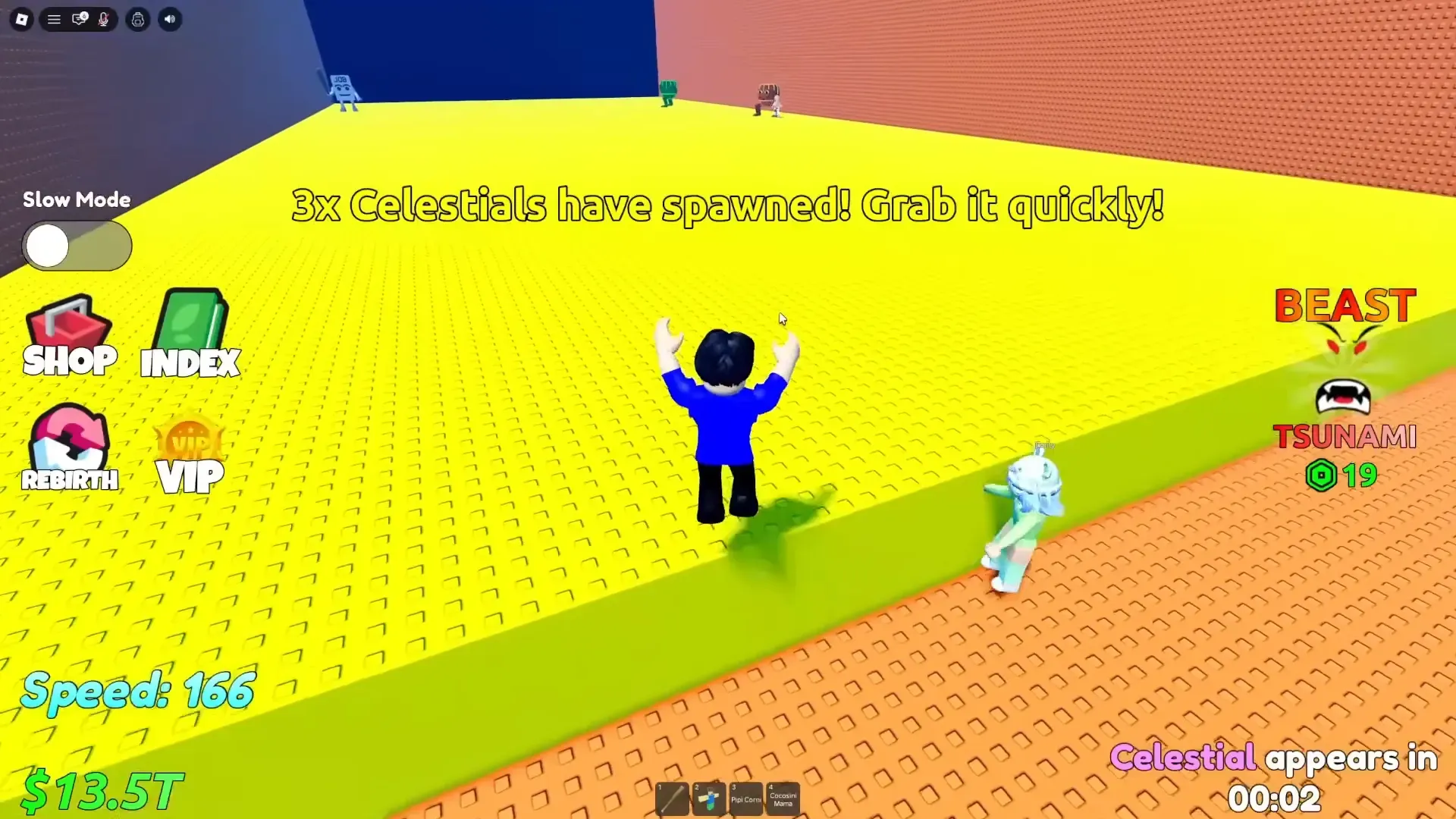
Next Wave Wednesday in Escape Tsunami for Brainrots (How to Prepare)
Find when the next Wave Wednesday falls and set up your Brainrots base to make the most of long wave sessions.
-

Hytale Alchemist’s Workbench potions and how to unlock them
Every combat, morph, and bomb potion you can brew at the Alchemist’s Workbench in Hytale, plus how to build and upgrade it.
-

Marvel Rivals Whac-a-Jeff event: How to unlock Jeff’s free 8‑Bit Bash skin
When the Season 6 arcade event starts, you can grind chimichangas to earn a low‑res Jeff costume and other free cosmetics.
-

Hytale Arcanist’s Workbench recipes and how to unlock them
Every portal, staff, and totem you can craft at the Arcanist’s Workbench, plus how to build the bench in the first place.