
Instructional, step-by-step articles.
Content Type: How-To
-
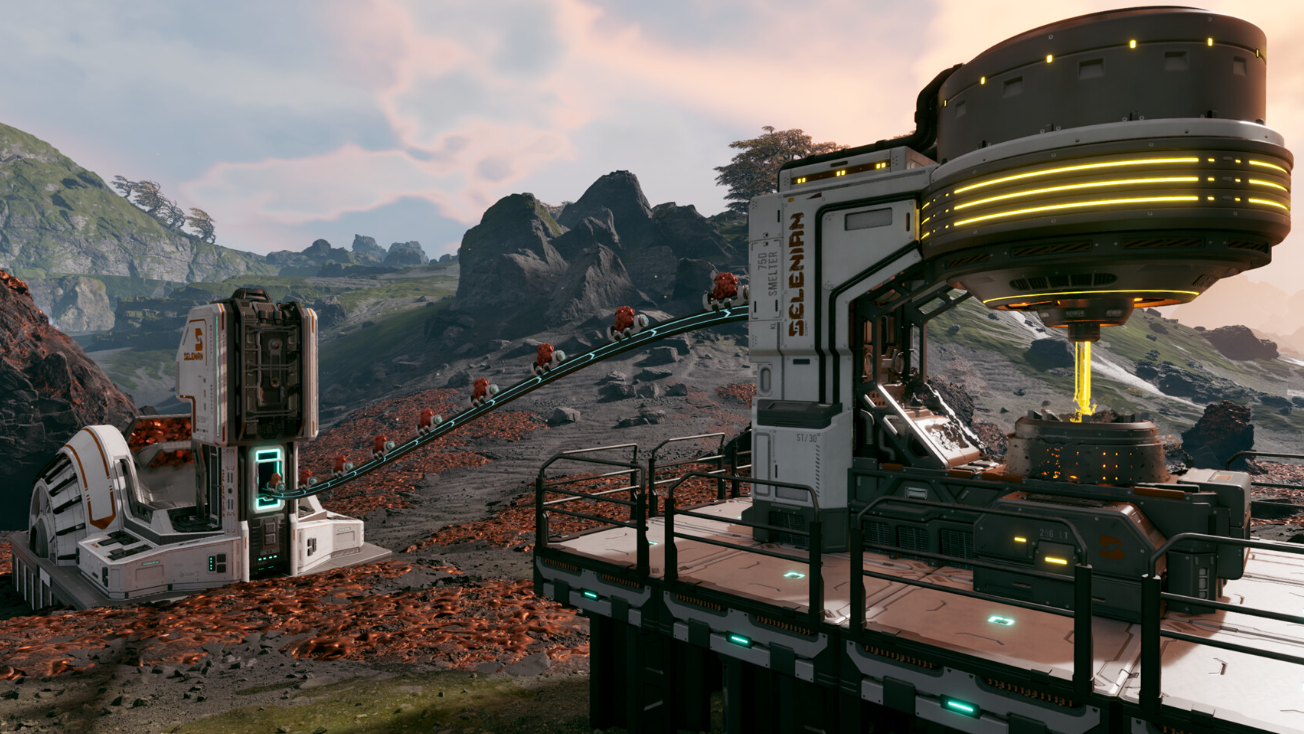
How to unlock the Tube Blueprint in StarRupture
Learn how to reach the Selenian’s mining base in the northwest, survive the swarms, and grab the Tube Blueprint early.
-
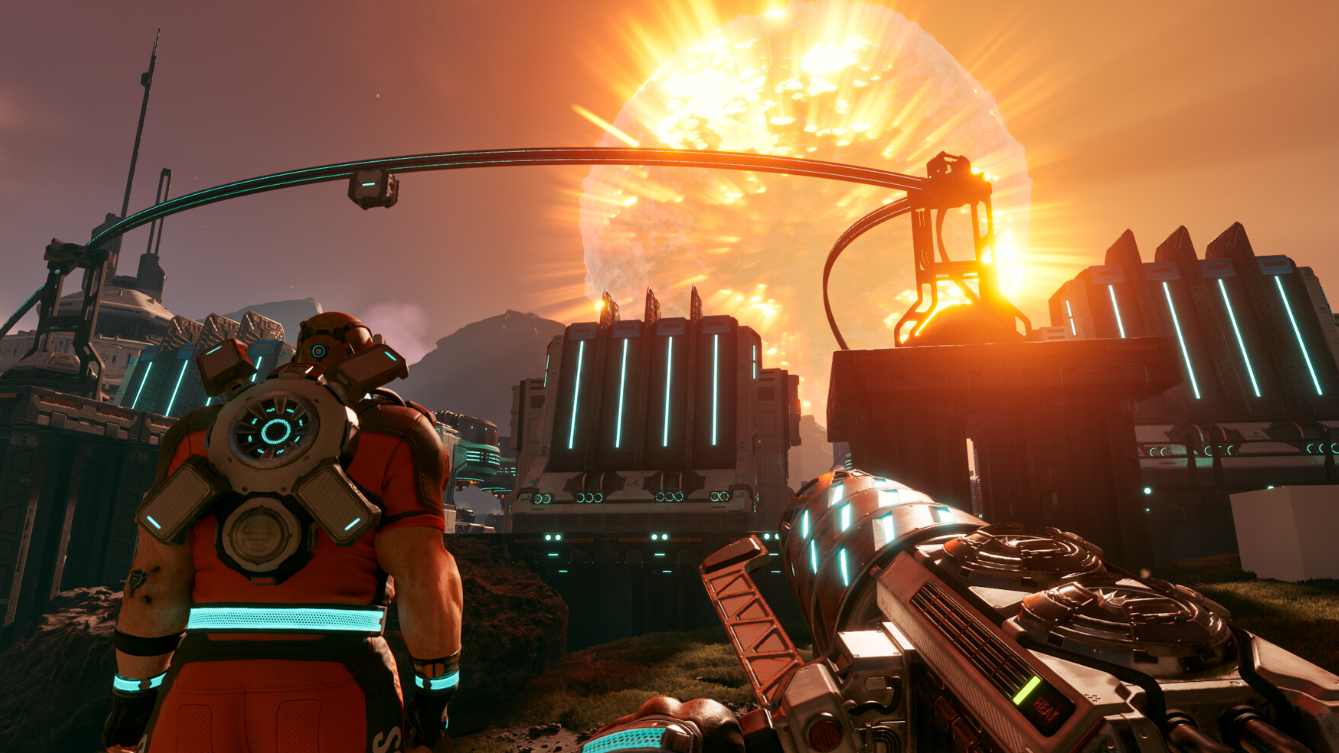
StarRupture Calcium Ore: How to Spot Veins and Set Up an Automated Mine
Identify Calcium plateaus near the lander and turn them into a dedicated mining outpost instead of grinding meteorites.
-

DLSS 4.5 in Battlefield 6: Why Your FPS Might Drop and How to Tune It
DLSS 4.5 promises cleaner images and new frame generation tricks, but Battlefield 6 players are finding real performance tradeoffs.
-
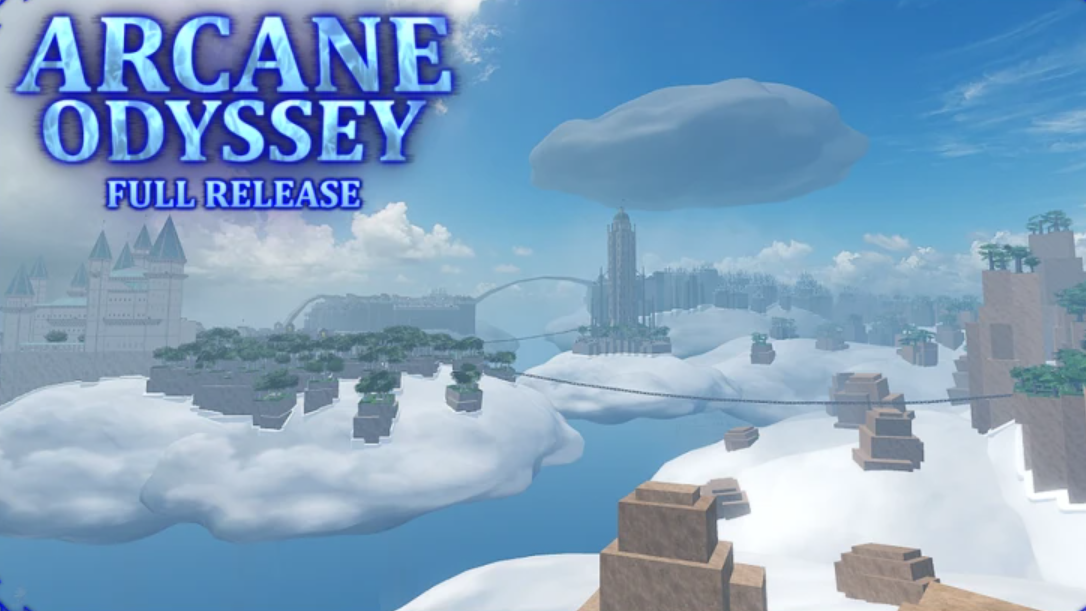
How to Build and Run Fleets in Arcane Odyssey
Unlock fleets, capture ships, set the right tasks, and keep Strength, Food, and Supplies high so your armada pays for itself.
-
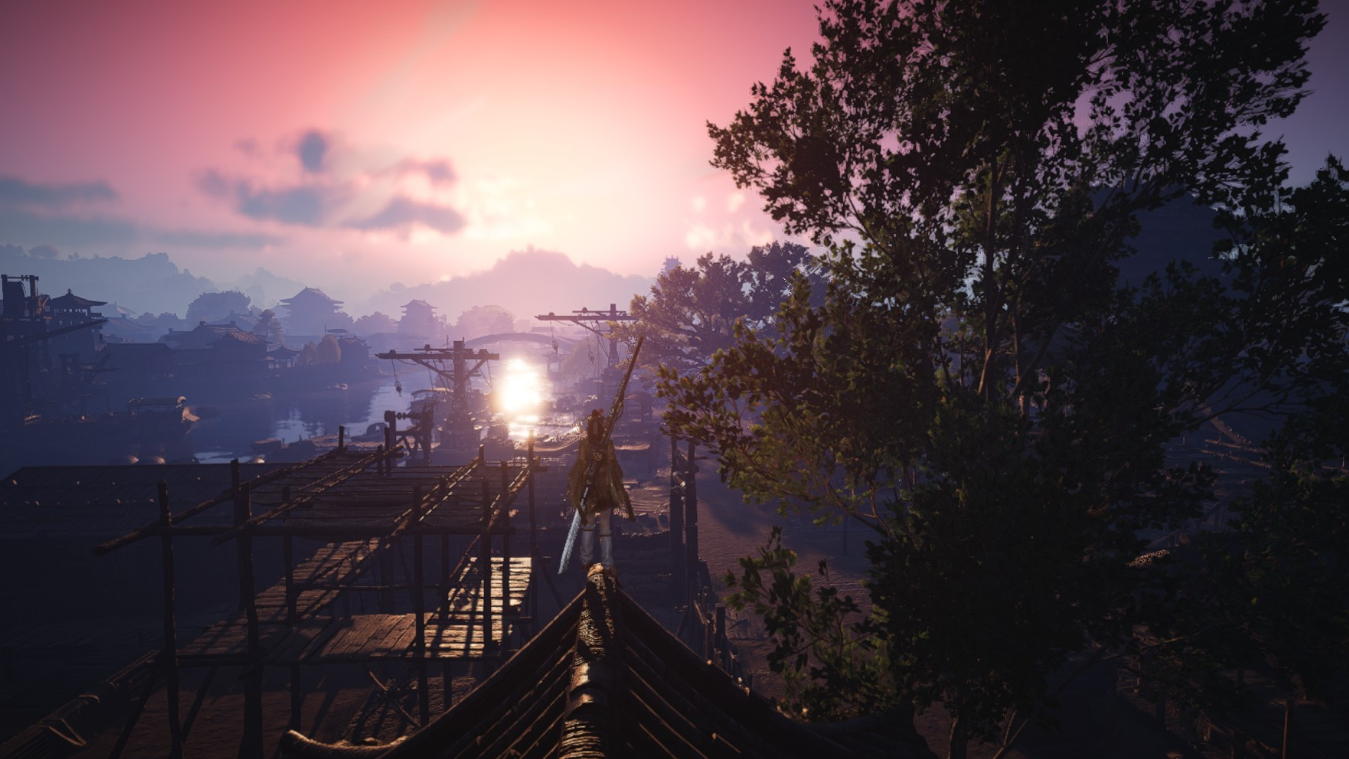
How to Befriend Wang Duobao’s AI Chatbot in Where Winds Meet
Learn where to find Wang Duobao, how his AI chat works, and the conversation themes that reliably raise his affection.
-
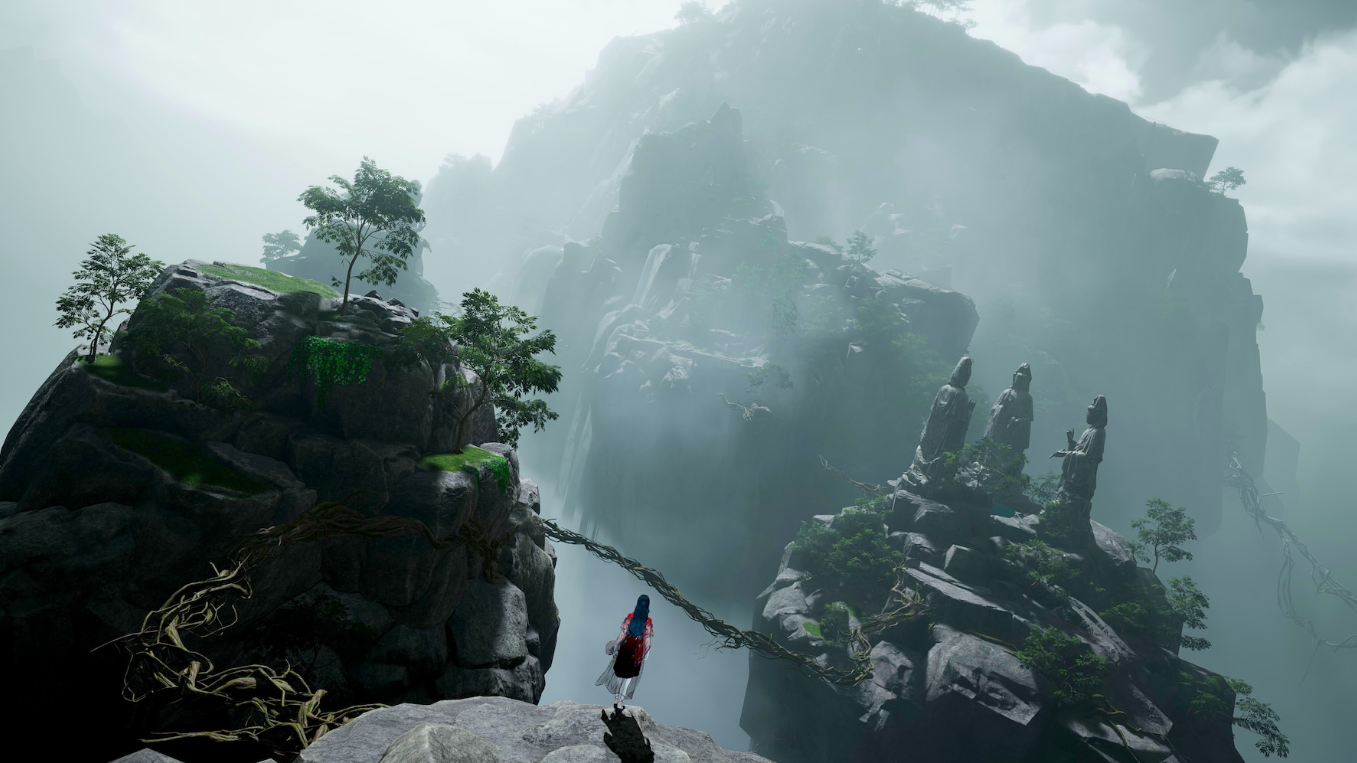
How to prepare for Breakthrough 10 in Where Winds Meet
Level 70 players can set up gear, currencies, and activities now to hit Tier 71 content running when Breakthrough 10 goes live.
-
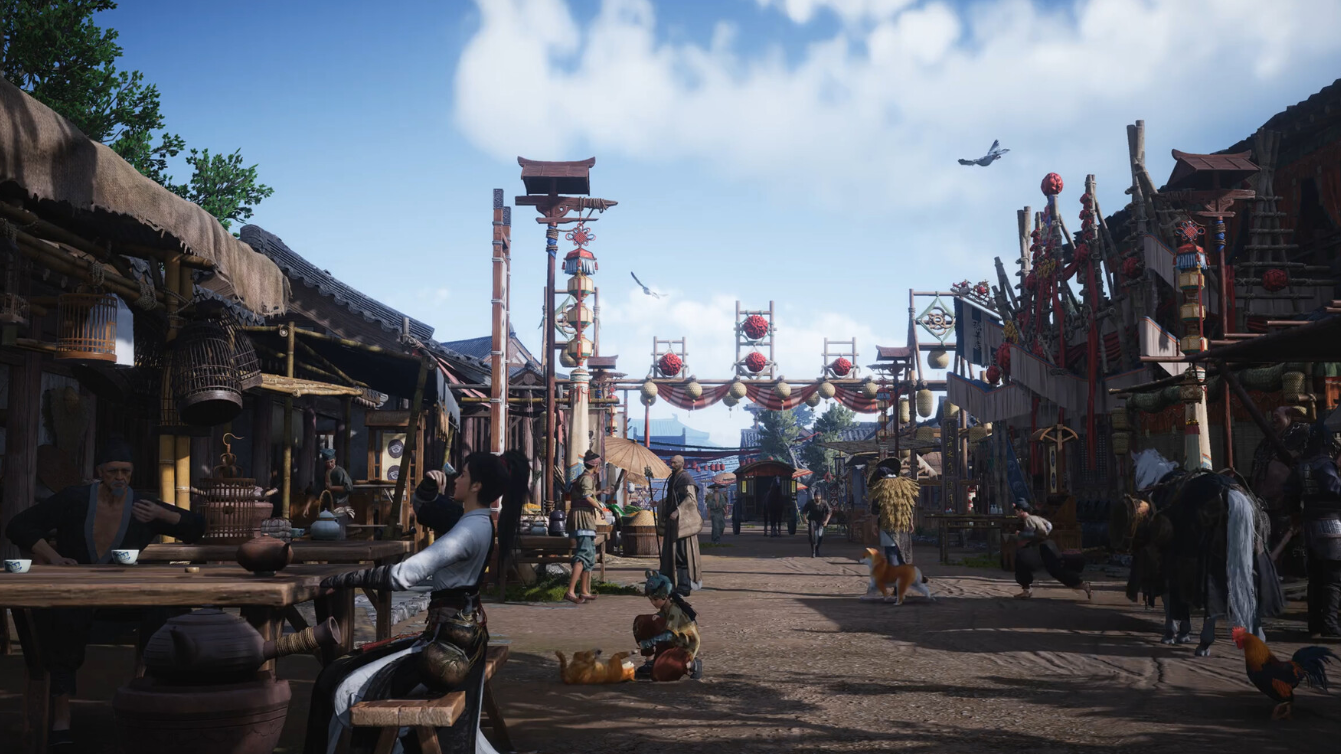
Where Winds Meet: How to Reach Aureate Pavilion in Mistveil Forest
Learn where Aureate Pavilion is, how to approach the outpost, and where to grab the Mistveil Forest Cure hidden inside.
-

How to Finish the Cult Quest in The Forge and Unlock Dragon Head
Learn where to find Auron, Mjelatkhan, and Morveth, how to farm their hearts, and what you gain for clearing the questline.
-
How to Finish Raven Quests and Unlock the Red Cave in The Forge
Learn every Raven quest, how to access the Red Cave, and what you gain from finishing this late‑game Frostspire Expanse line.
-

Raven Cave in The Forge: How to Reach It and Get the Red Cave Key
Reach Island 3, clear both Raven quests, and secure the Red Cave Key to enter this late‑game Frostspire Expanse area.