
Instructional, step-by-step articles.
Content Type: How-To
-
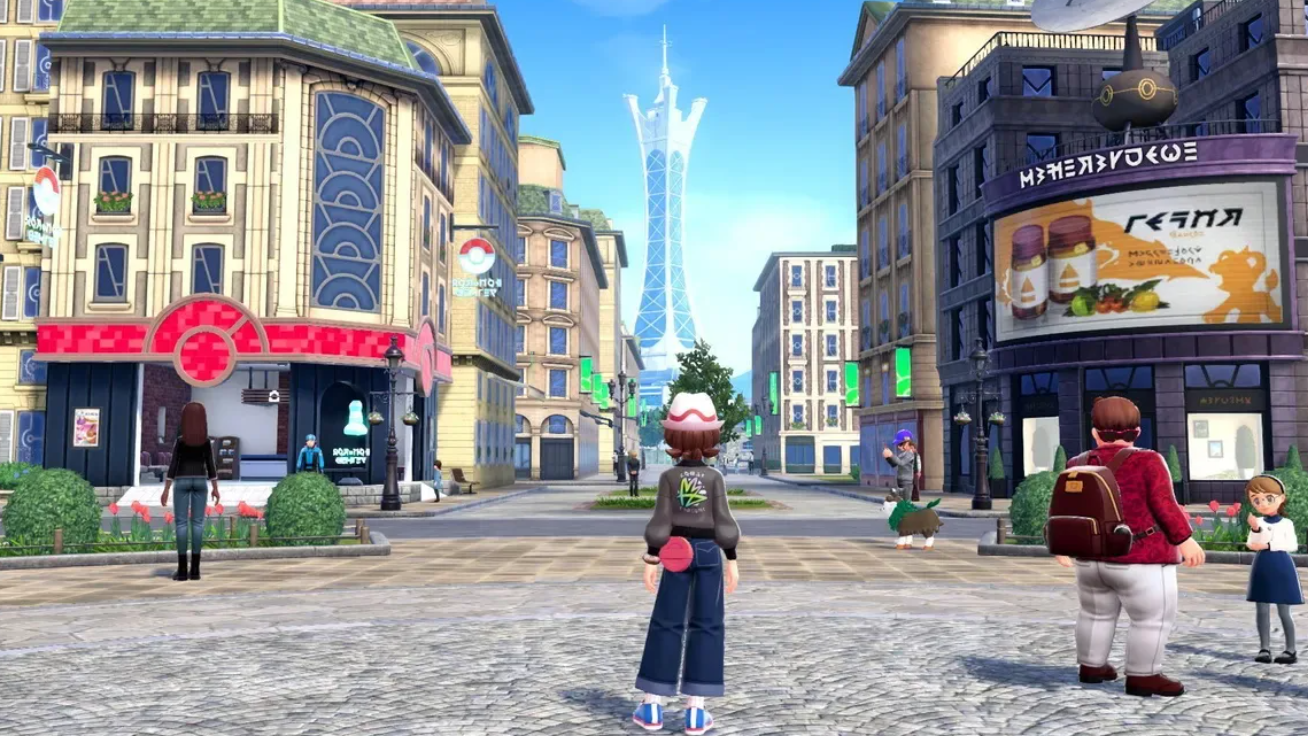
How to Complete Sylveon the Soother (Side Mission 67) in Pokémon Legends: Z-A
Unlock Calma’s mission, track down all five quarrels in Coulant Waterway, and secure your Shell Bell and Hondew Berries.
-
![How to join the official StarRupture Discord server [Links]](https://static.allthings.how/wp-content/uploads/ghost-featured/2026/01/CreepyJar-StarRupture-Keyart_NO_LOGO_1920x1080.png)
How to join the official StarRupture Discord server [Links]
Where to find the real StarRupture community, how the invite links work, and what to expect once you’re in.
-
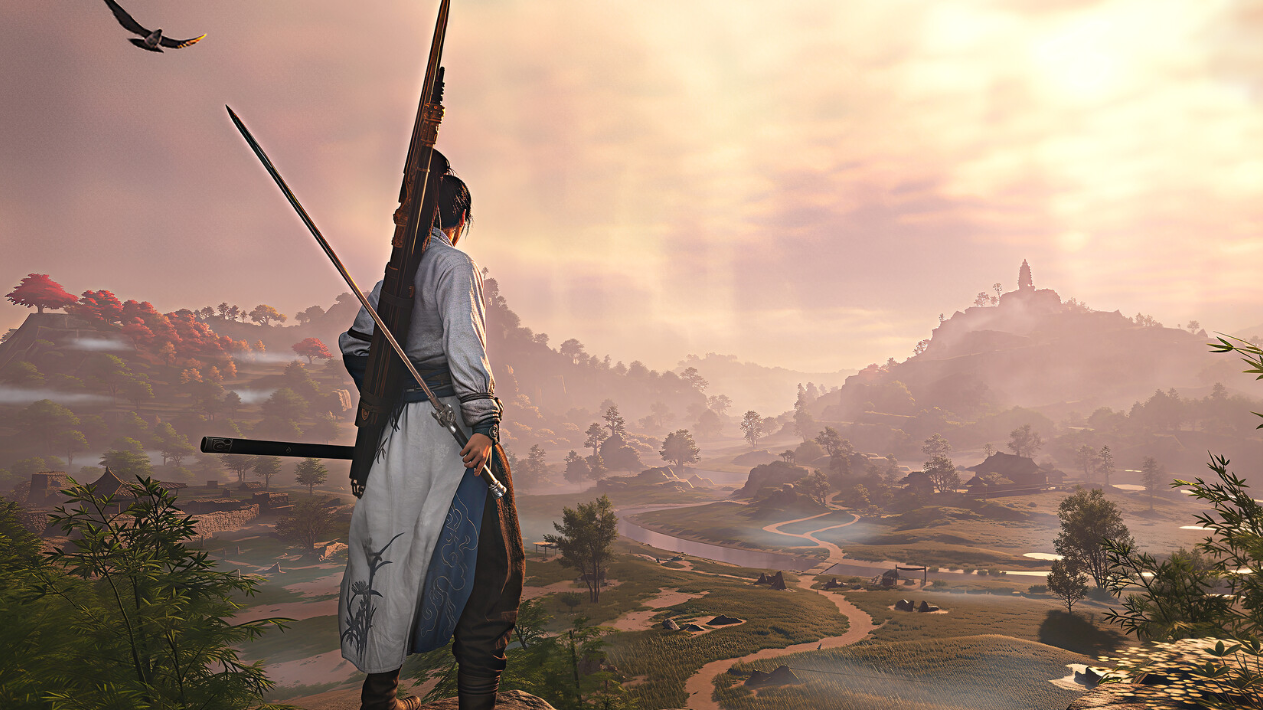
Where Winds Meet connection errors: Why you can’t log in and what to do
How to tell if it’s a server-side outage or a problem on your PC or network when Where Winds Meet refuses to connect.
-
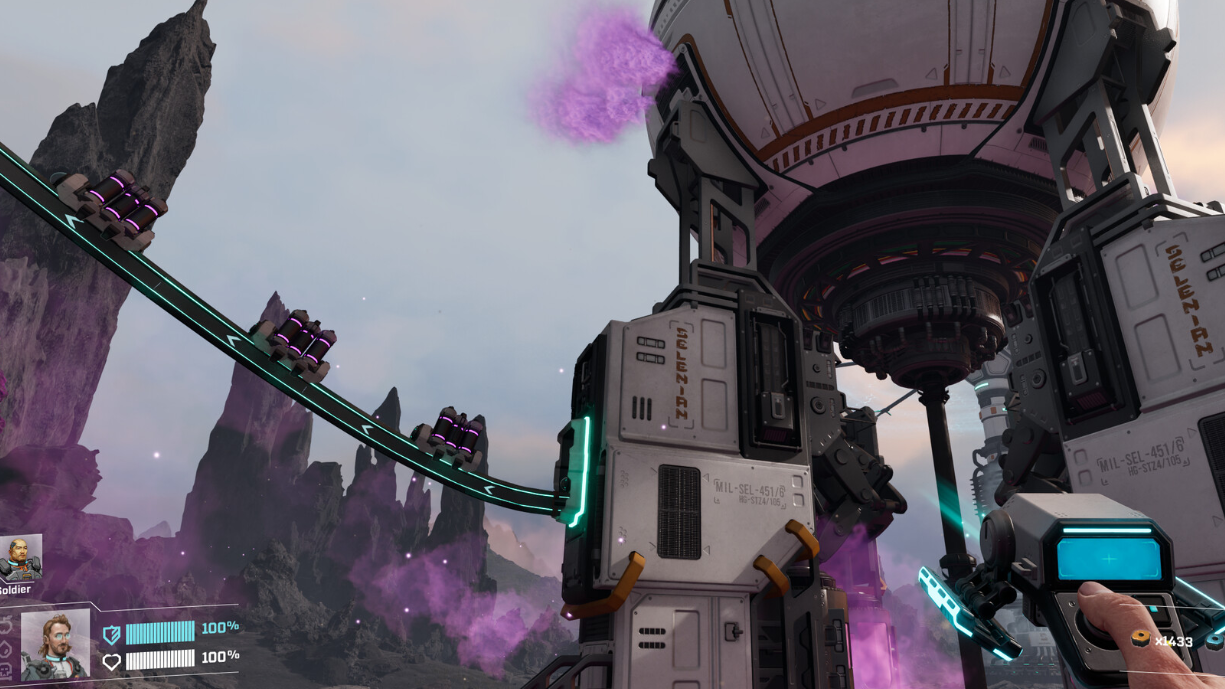
StarRupture underground caves: How to find, enter, and escape
Learn how Rupture Waves expose Arcadia‑7’s hidden caves, what you can loot inside, and how to avoid being sealed in.
-
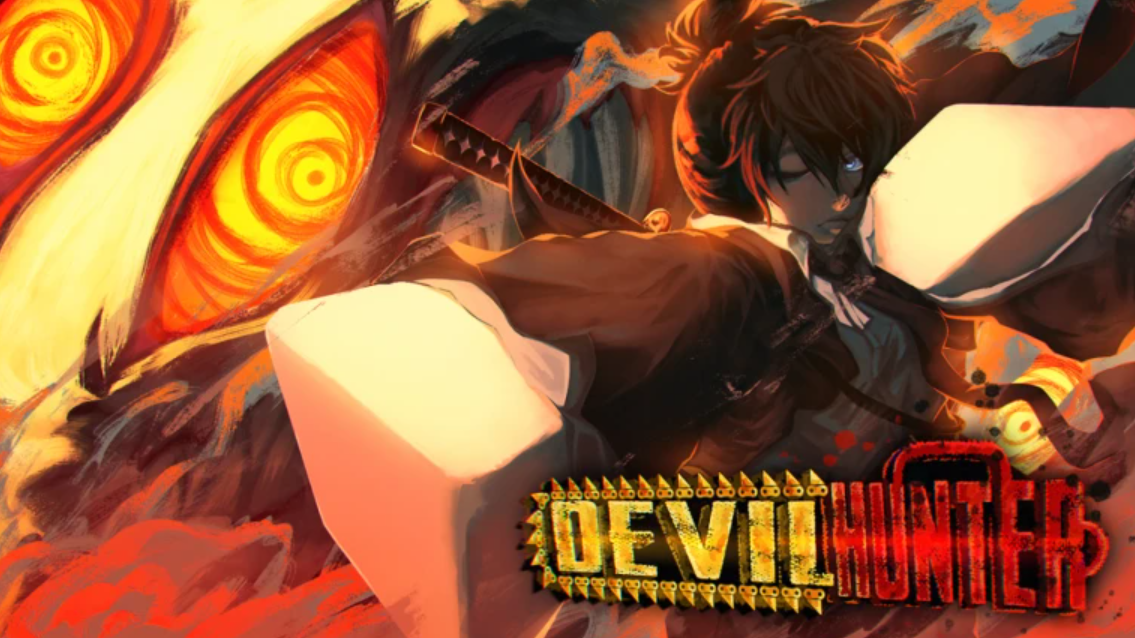
Devil Hunter materials in Roblox and how to farm them efficiently
Where key Devil Hunter materials come from, how drops work, and the fastest ways to build up your inventory.
-
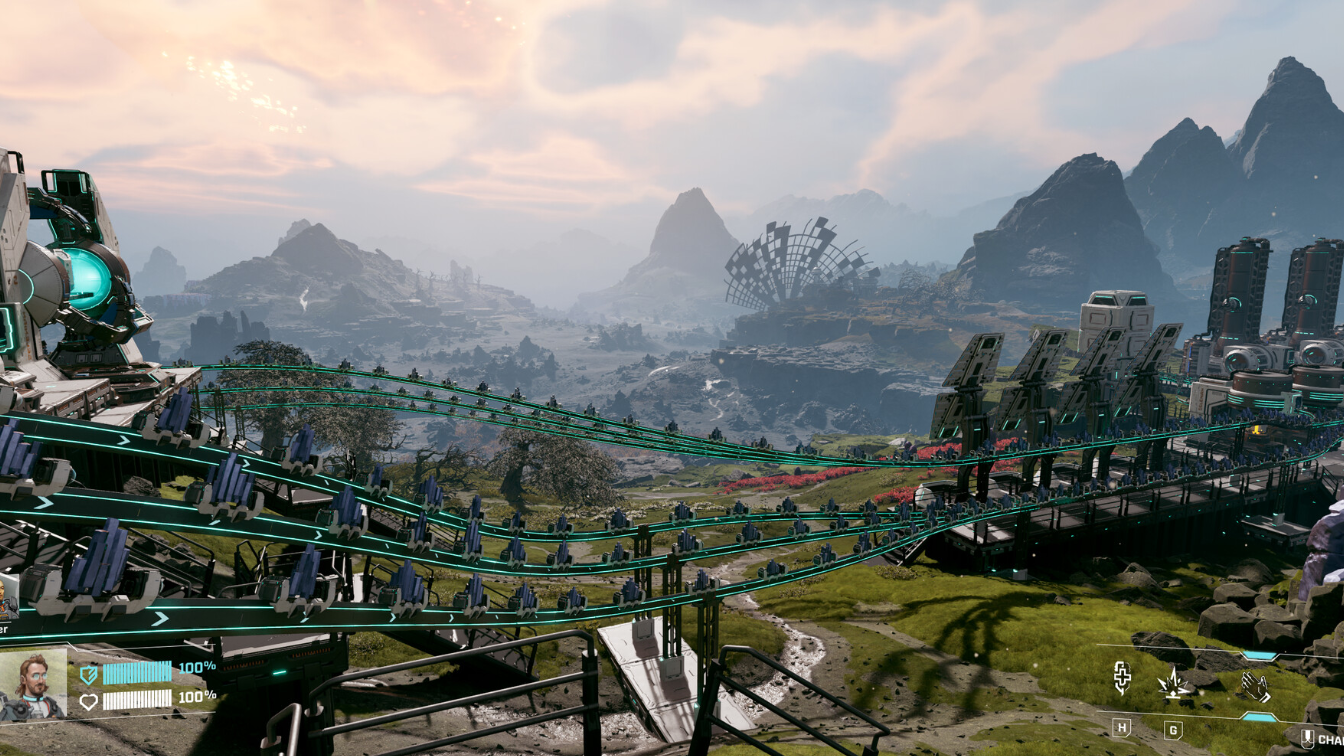
StarRupture Stabilizer Blueprint locations and how to reach them
Learn where the Stabilizer Blueprint spawns on Arcadia‑7, how to reach Claywood’s tower, and why some players grab it twice.
-
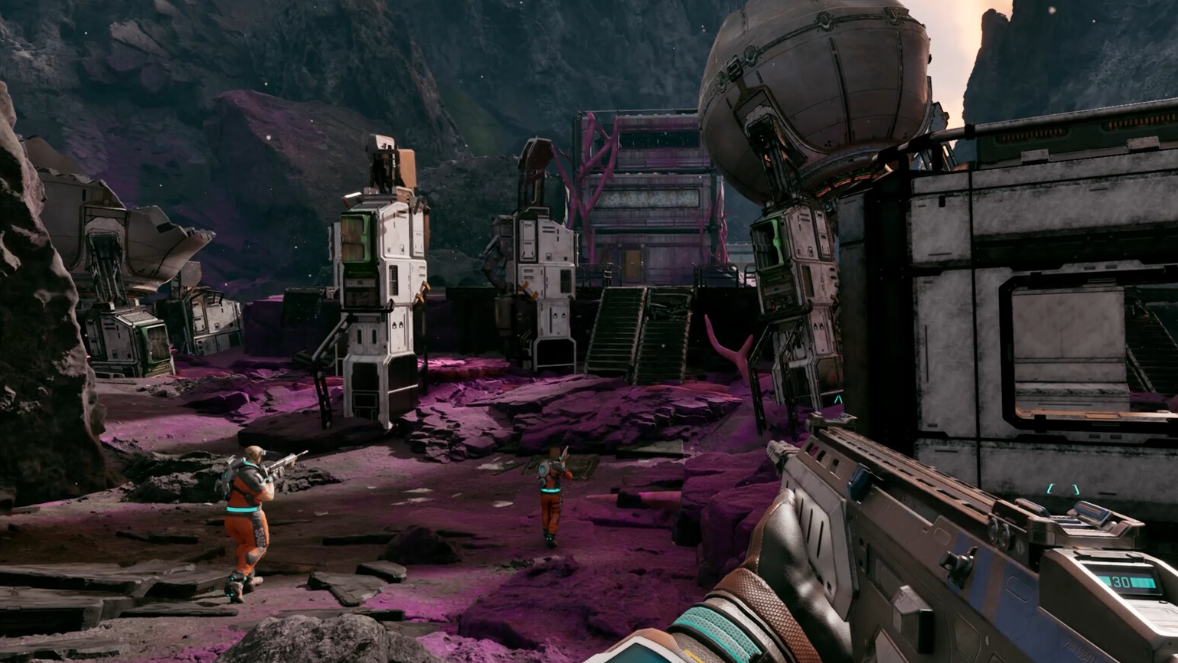
StarRupture Helium-3 locations and how to start extracting it
Learn how to spot Helium-3 in the wild, where its main nodes are, and what you need to automate production.
-

StarRupture infected Base Cores: How the mechanic works and how to reclaim them
Learn what happens when bugs corrupt a Base Core, how infection zones behave through a rupture cycle, and how to cleanse and save your…
-
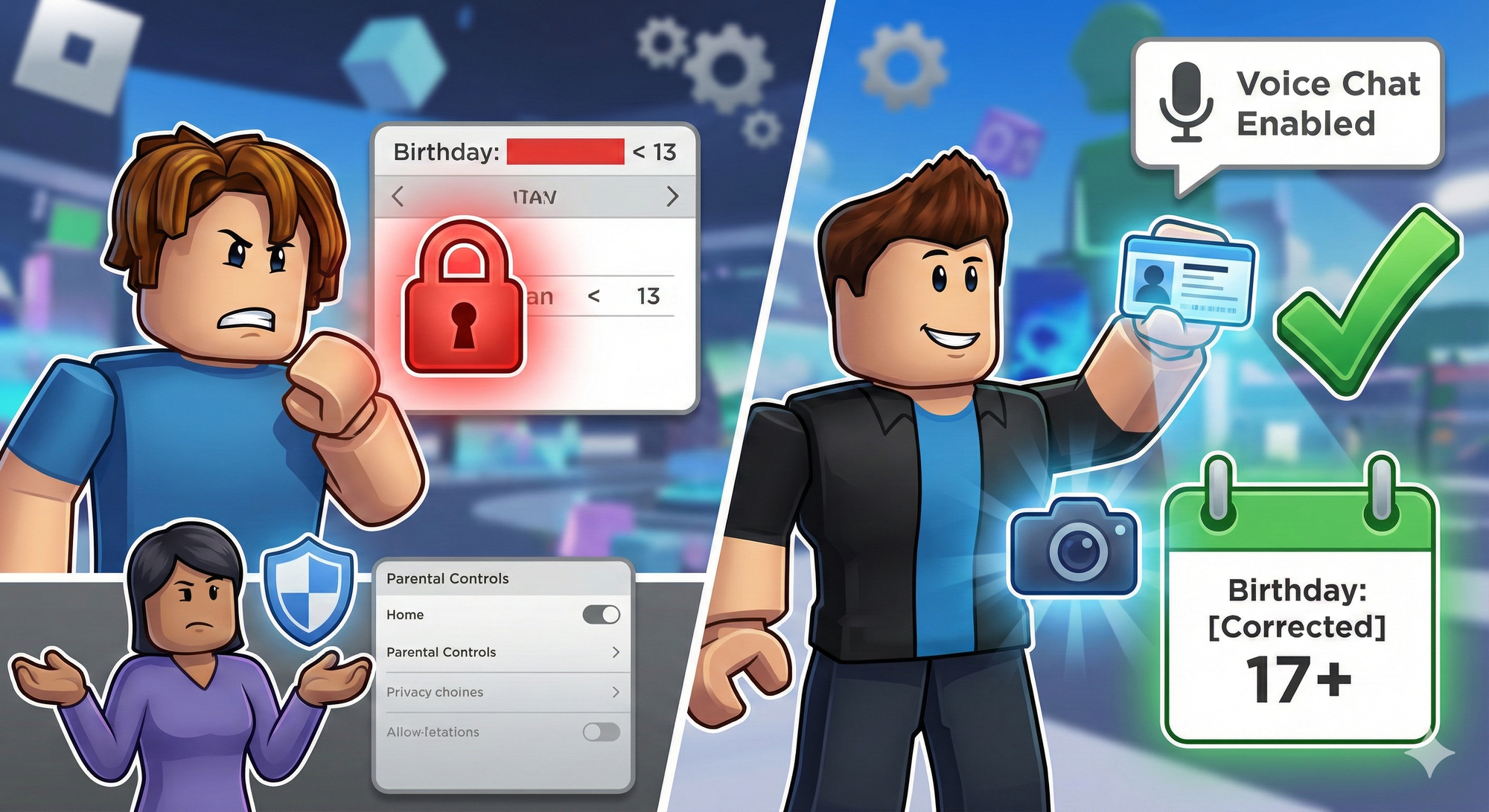
Changing Your Age on Roblox (And What To Do If It’s Wrong)
How birthday edits work on Roblox, when you need a parent or ID, and why under‑13 accounts are so tightly locked.
-
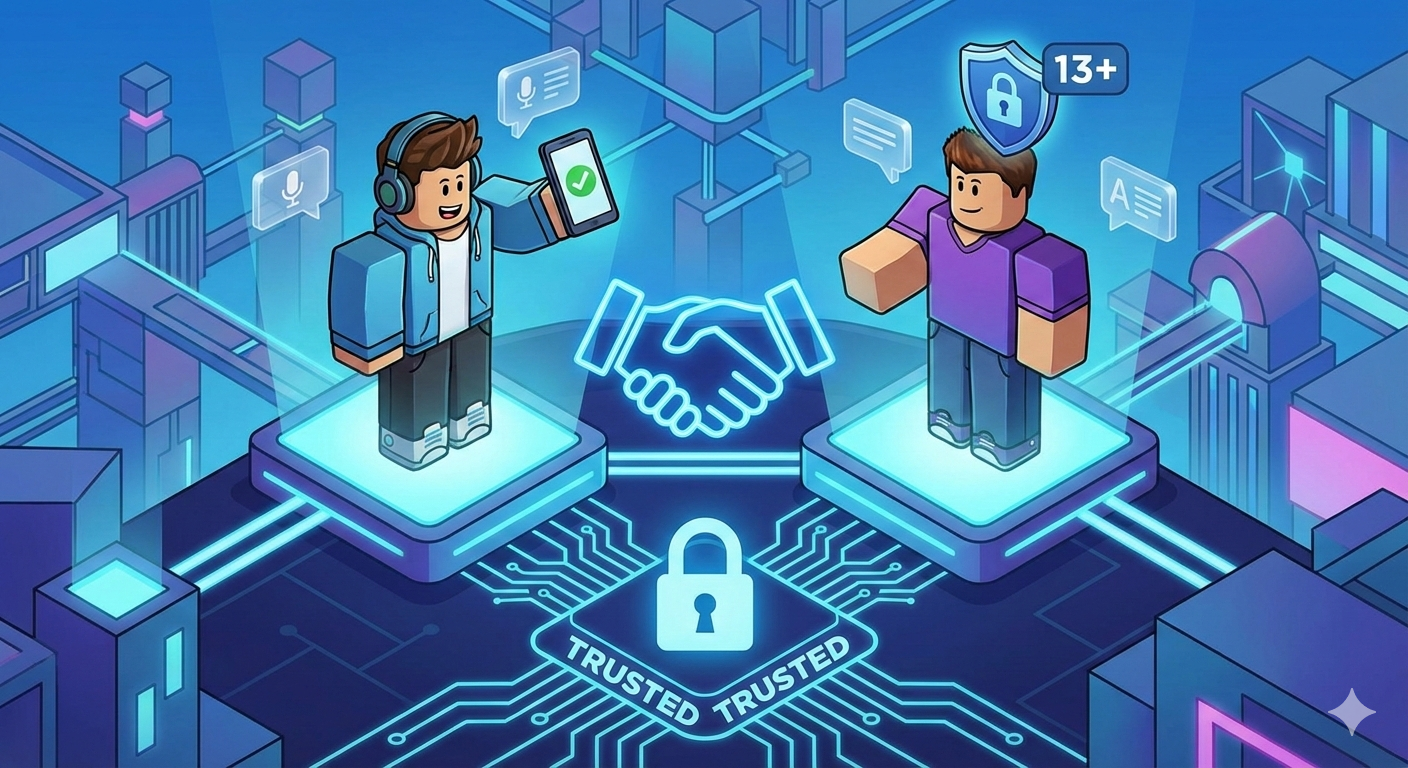
How Trusted Connections Work on Roblox (and How to Add Them)
Age checks, QR codes, and contact importing now gate who can unlock Party Voice and chat without filters on Roblox.