
Instructional, step-by-step articles.
Content Type: How-To
-

How to use The Great Faceologist event in Where Winds Meet
Learn how the limited-time face customization contest works and how to correctly tag and upload entries to the gallery.
-
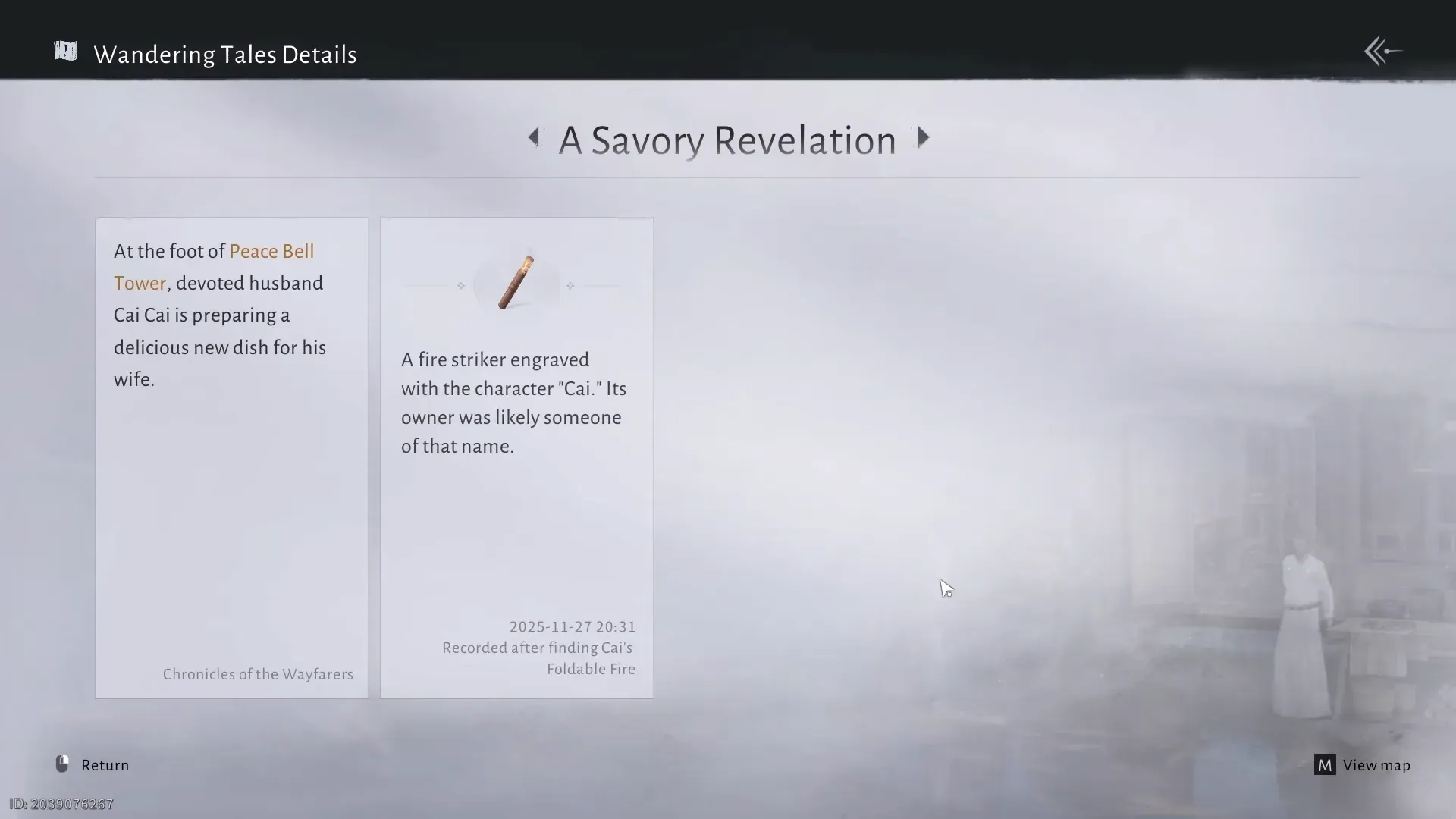
How to complete A Savory Revelation in Where Winds Meet
Track down Cai Cai’s ingredients at Peace Bell Tower, find the hidden Fresh Mushrooms, and claim your Echo Jade and exploration rewards.
-

Where Leapers Spawn in Arc Raiders and How to Farm Them Safely
Learn where Leapers most reliably appear and how to set up fights that you can survive and repeat for farming.
-
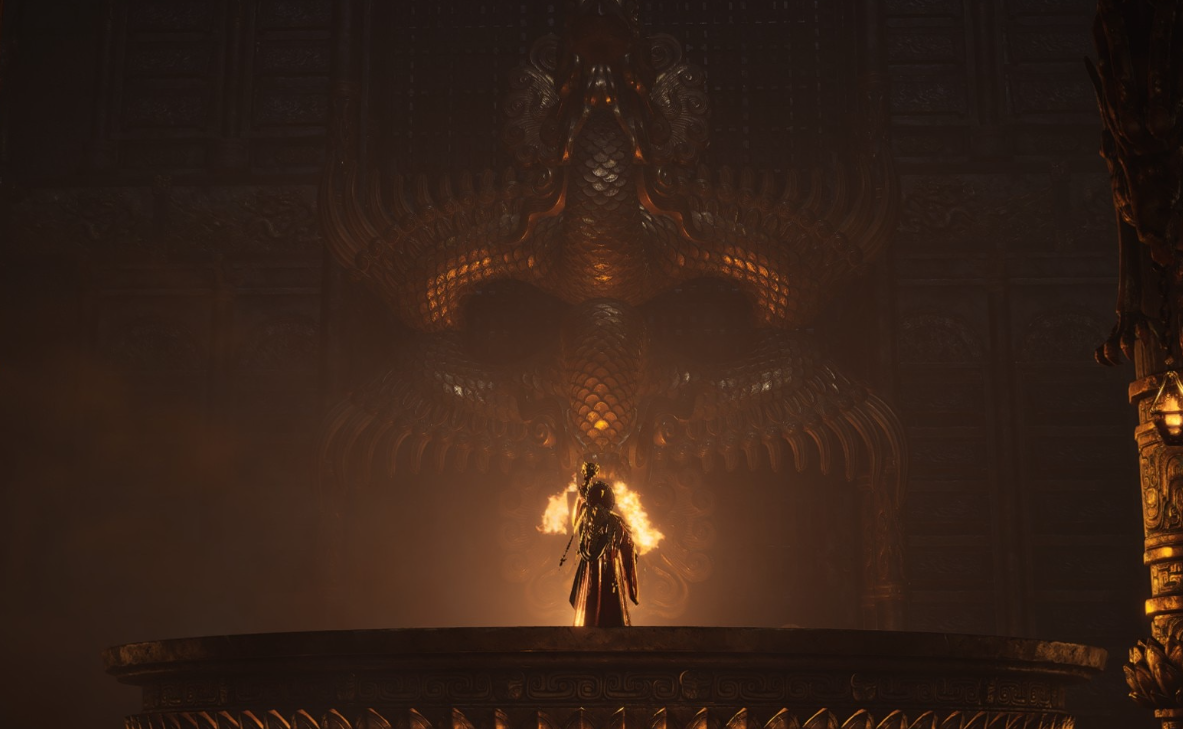
How to Unlock and Use Trapped Beast in Where Winds Meet
Learn how the Trapped Beast Inner Way works, how to get its tome in March of the Dead, and what each tier upgrade adds.
-

How to get Leaper Pulse Units in ARC Raiders
Where Leapers spawn, how to kill them safely, and what to do with the Leaper Pulse Units once you have them.
-

How to clear “Quell the Stone Coffin’s Wrath” in Where Winds Meet
Activate all three Deer Shadows, solve the hidden water platform puzzle, and unlock the Stone Coffin in the Gleaming Abyss campaign.
-

Where Winds Meet: How to Finish “A Cure for Hollow Joy” (Wandering Tale)
Start the Wandering Tale near Crimson Cliff, track down all three missing vials, and secure every reward without wasting time.
-

Where Winds Meet: How to Finish the Charm Pouch Wandering Tale
Track down Aunt Guo’s three missing coin bags around Halo Peak and secure the full reward without wandering in circles.
-

How to Put a Car on the Mansion Podium in GTA Online
Learn the requirements and in‑game steps to display a vehicle on the interior podium in GTA Online mansions.
-
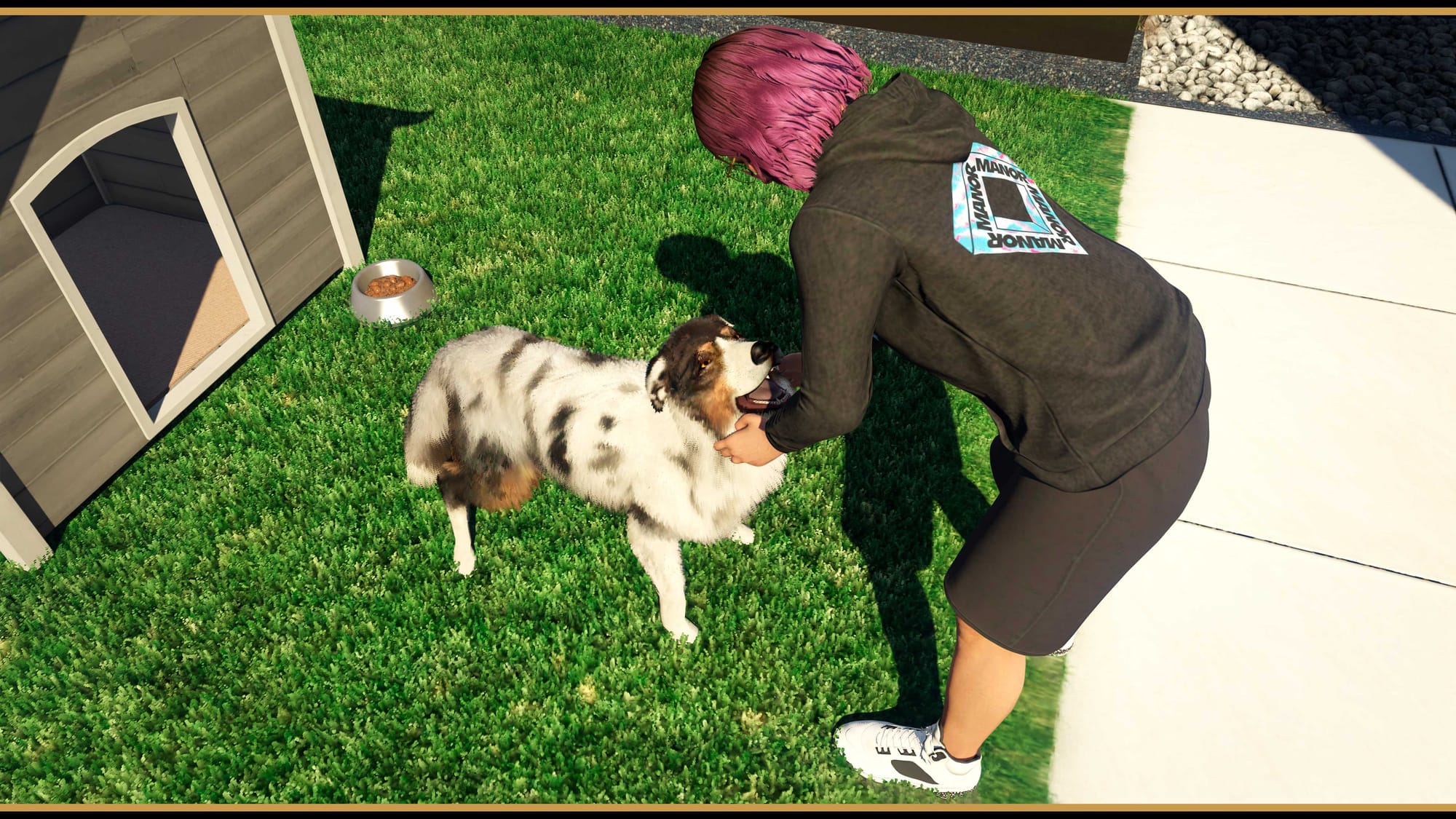
How to get a Dog or Cat in GTA Online’s Mansion update
All cats and dogs you can own, how much they cost, and how to buy and interact with them in A Safehouse in the…