
Instructional, step-by-step articles.
Content Type: How-To
-
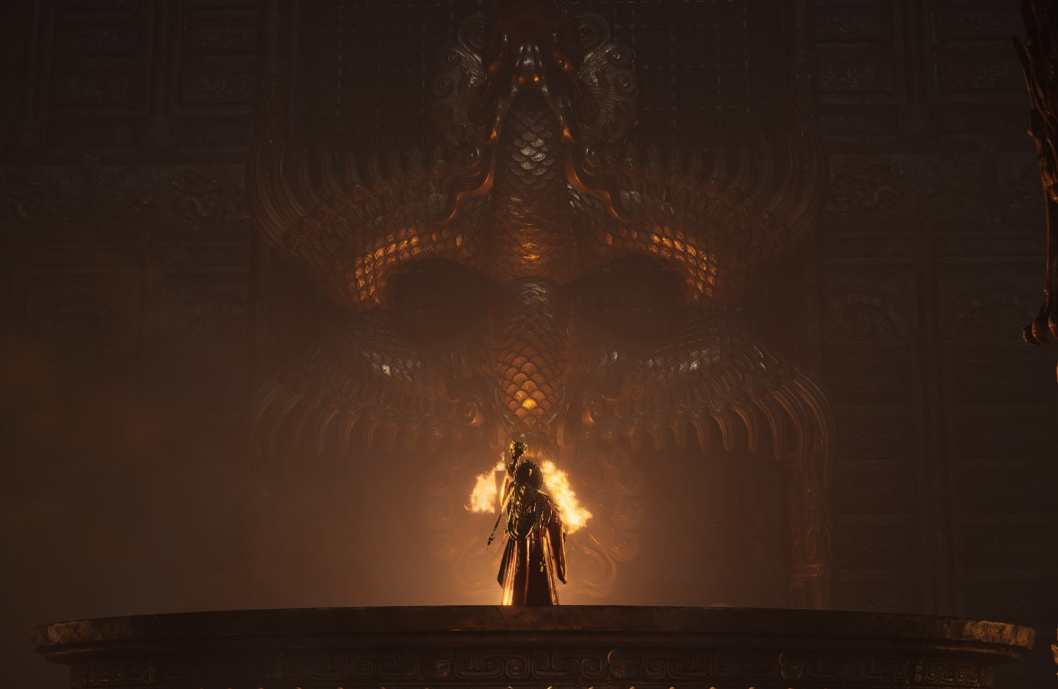
Where Winds Meet Arsenal Puzzle: How to find the Armored Sentinel and open the entrance
How the Armored Sentinel ties into the Martial Temple arsenal, the long and short weapon puzzles, and the Unholy Prophecy quest.
-

Mountain’s Might Inner Way in Where Winds Meet: Effects, Tiers, and How to Unlock It
Learn how Mountain’s Might works with Nameless Spear, where to find all five chests, and what each breakthrough tier adds.
-
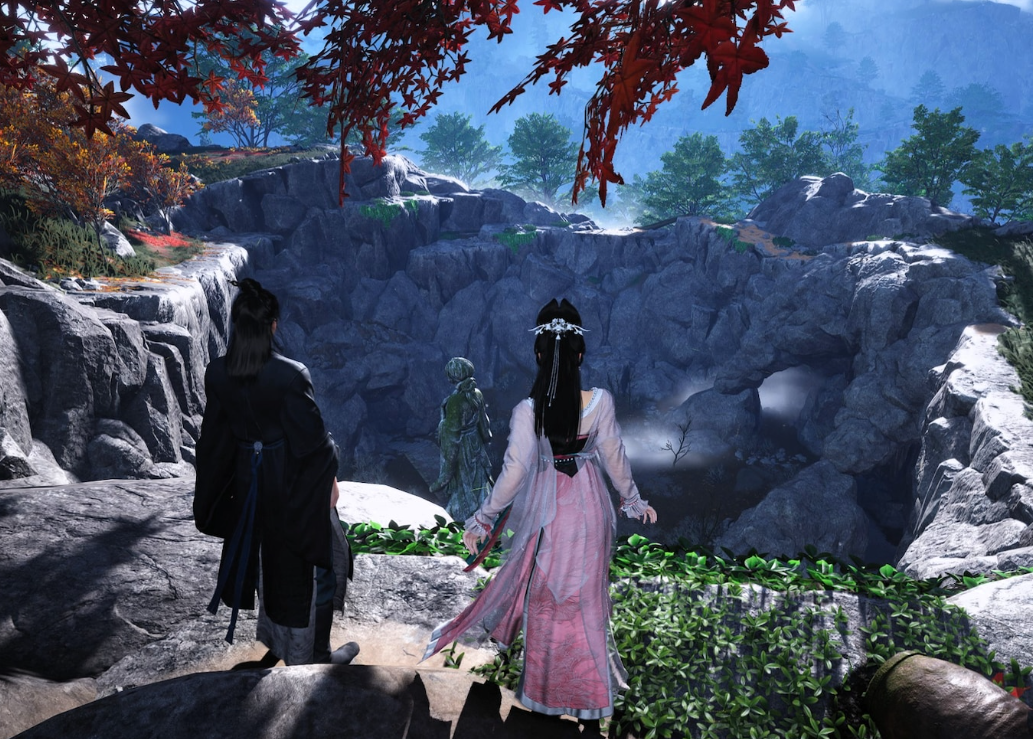
How to Use Daunting Strike in Where Winds Meet (and Clear Little Master’s Legacy I)
Learn what Daunting Strike does, how to equip and trigger it on each platform, and how it completes Xiao Ping’an’s encounter.
-
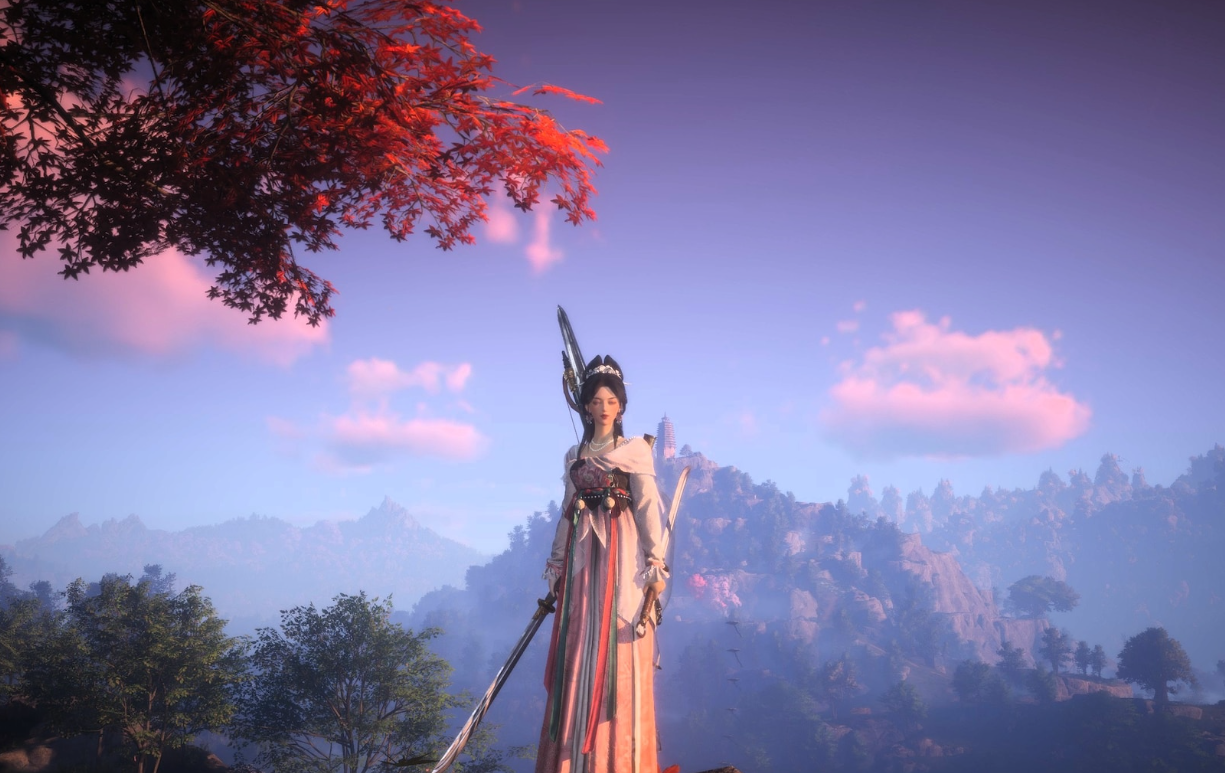
Where Winds Meet: How To Start And Finish Deerforage’s Remedy (Wildfire Spark)
Unlock the Wildfire Spark Inner Way by triggering and clearing the Deerforage’s Remedy encounter around Deerforage Grove.
-

How to Get Mountain Armor in Where Winds Meet’s March of the Dead Quest
Learn exactly where to go in the Ghostlight Market to secure the Mountain Armor and finish the Spectral Soldier set.
-
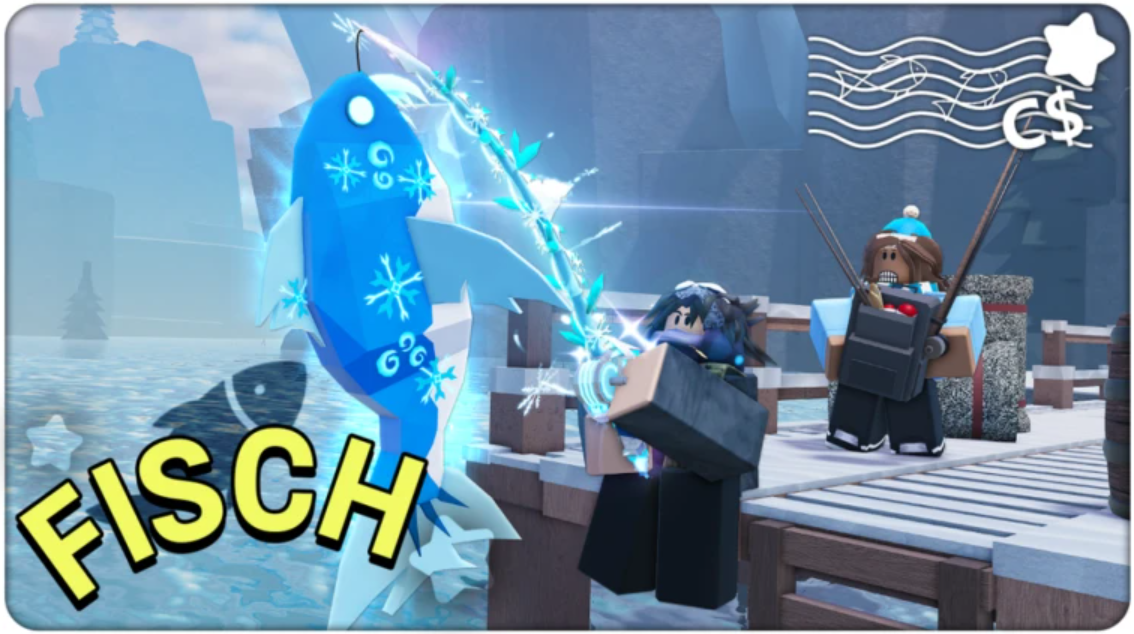
Fisch Blade Of Glorp rod: How to start and finish Glorp’s UFO quest
Learn where to start Glorp’s quest, how to build the Translator, and what the Blade Of Glorp rod actually gives you.
-
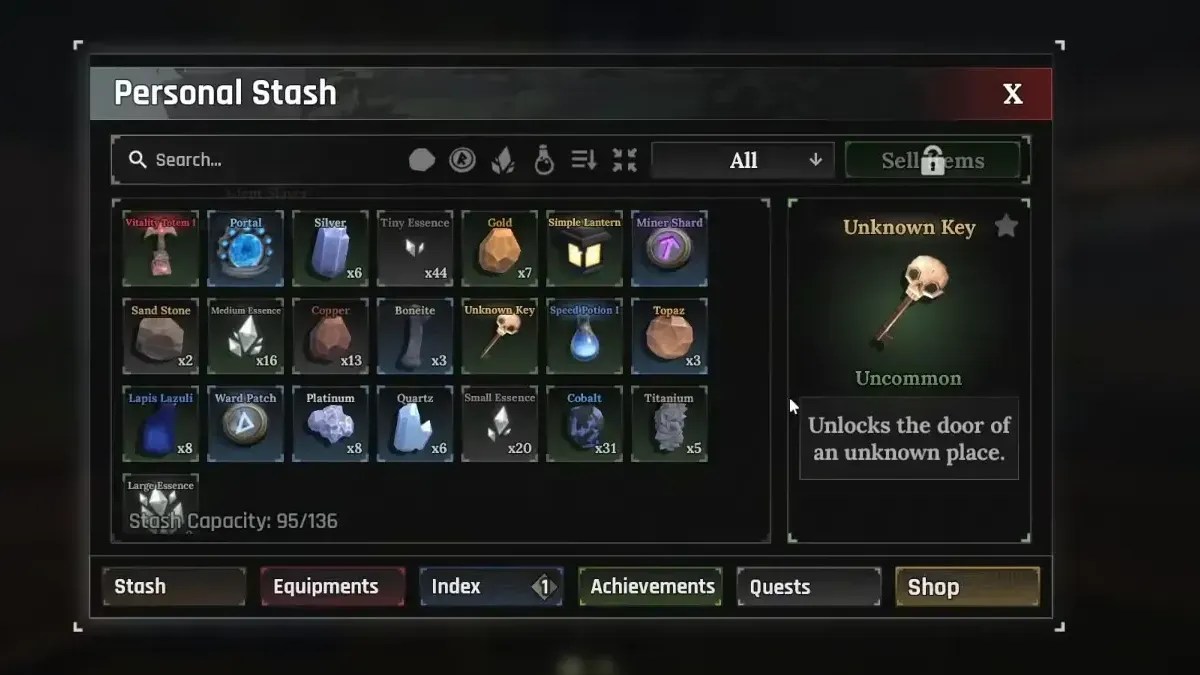
How to Get and Use the Unknown Key in The Forge
Turn Bard’s Lost Guitar quest into an Arcane Pickaxe unlock by tracking down the Unknown Key and the Fallen Angel’s Cave gate.
-

Demonite Key in The Forge: How to Unlock the Skal Quest and Farm Demonite
Turn rare Demonite ore into a Demonite Key by reaching the Volcanic Depths, mining efficiently, and completing Skal’s quest.
-
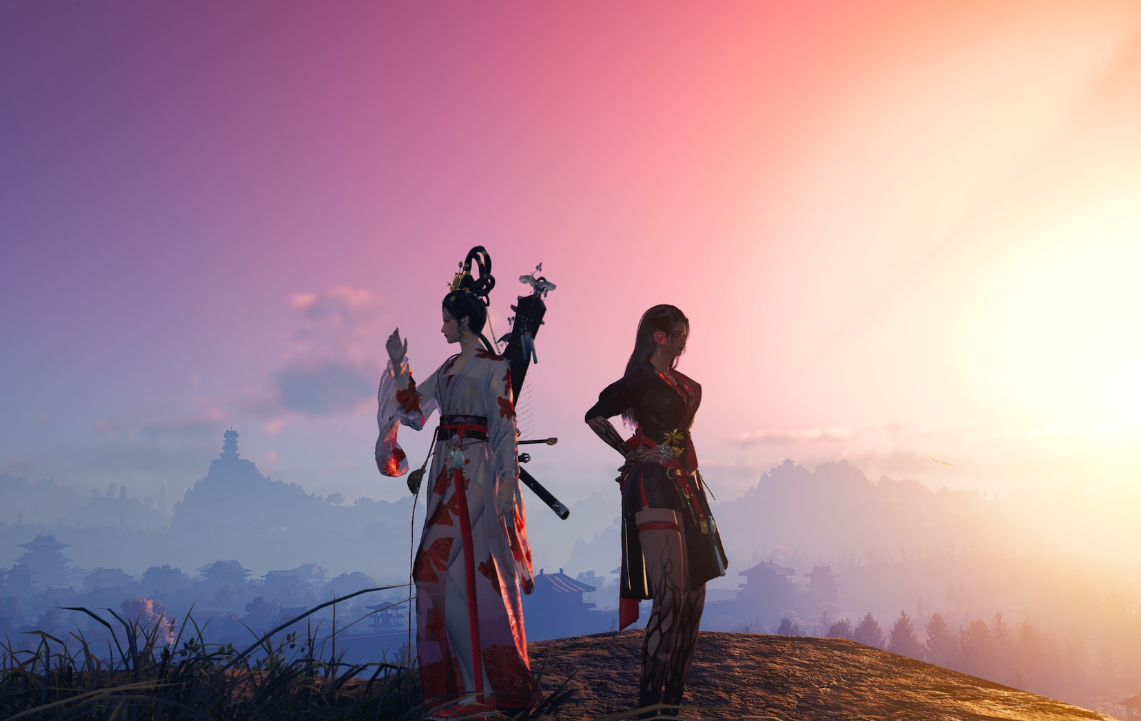
Where Winds Meet: How to Complete Road to Redemption
Find Daohui, track down the Illegible Final Note in Bodhi Sea, and claim your Wandering Tale rewards.
-
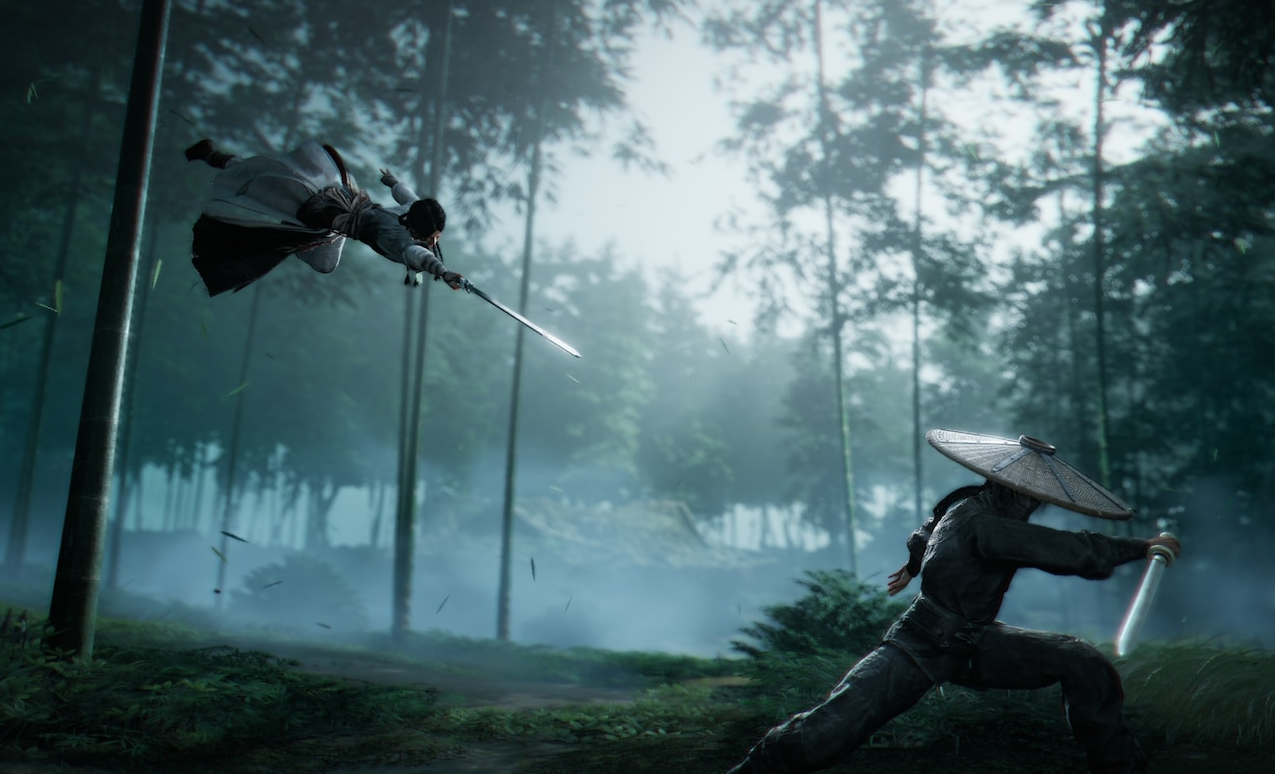
How to reach Bustling Abode in Where Winds Meet
Learn where Bustling Abode sits in Kaifeng, how to get there quickly, and why it matters for quests like Reverie of Blossoms.