
Instructional, step-by-step articles.
Content Type: How-To
-
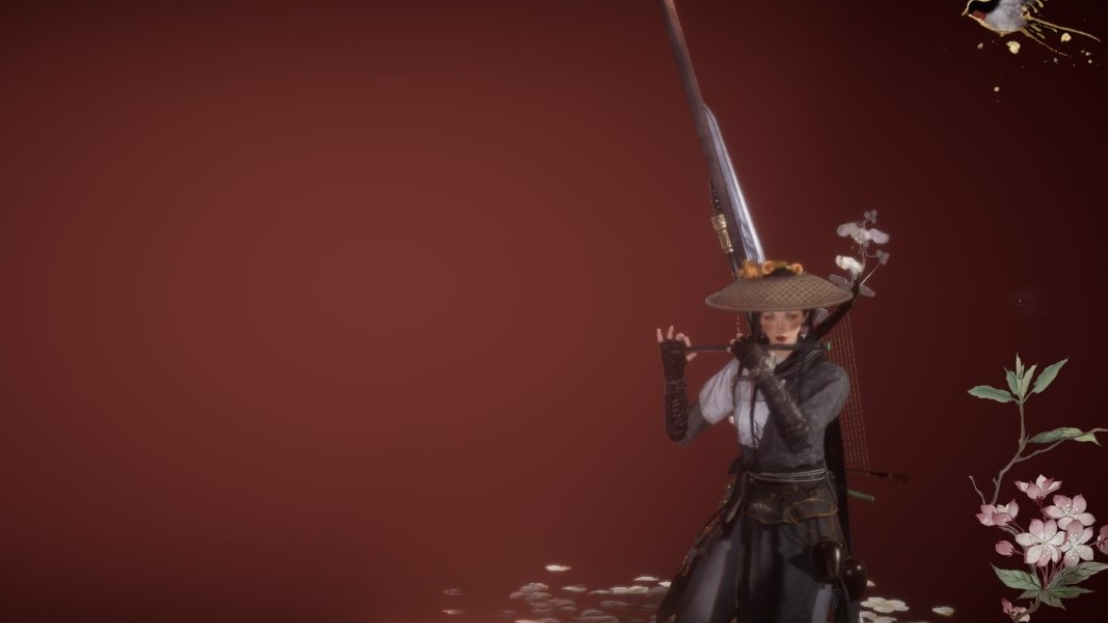
How to get the Nocturne Scarlet outfit in Where Winds Meet
Nocturne Scarlet is a premium cosmetic sold in the in-game shop for 680 Echo Beads.
-
How to Finish “An Unnatural Omen” in Where Winds Meet
A practical walkthrough for the Azure Dragon setup, Bagua Wheel door, three Enclosures, and the inner demon fight.
-
Where Winds Meet: How to Find The Netherplace and What It Sells
Use Ghostlight Market’s teleport stone, wear a ghost mask, and stock up on weekly-capped crafting materials.
-
How to Finish Cant of the Jianghu in Where Winds Meet
Where to start the Wandering Tale in Qinghe, what you must obtain first, and what you get for completing it.
-
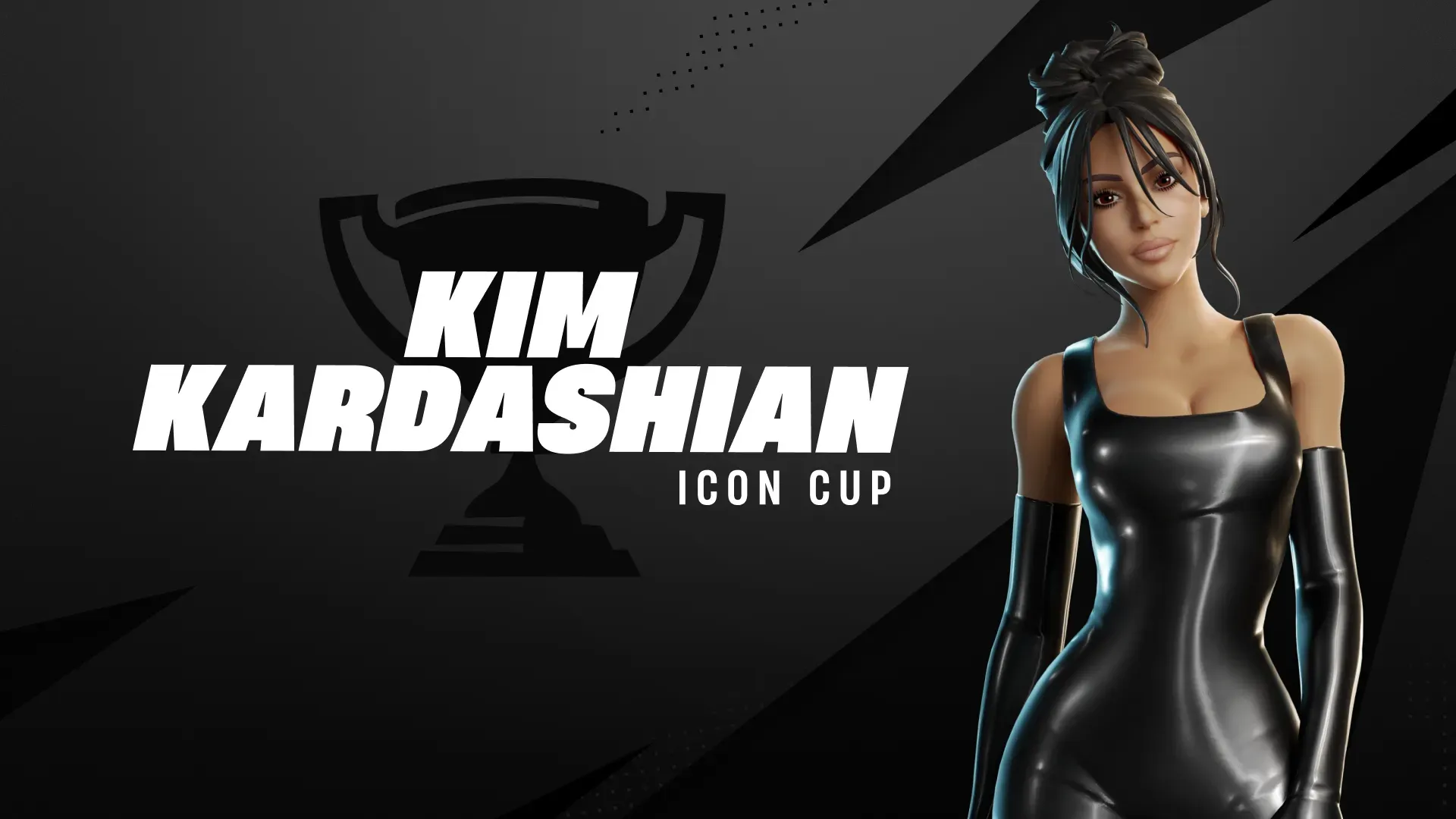
Kim Kardashian in Fortnite: Skin prices, bundle costs, and how to get it
Here’s what the standalone outfits and add-ons cost in V-Bucks, plus the early-access tournament option.
-
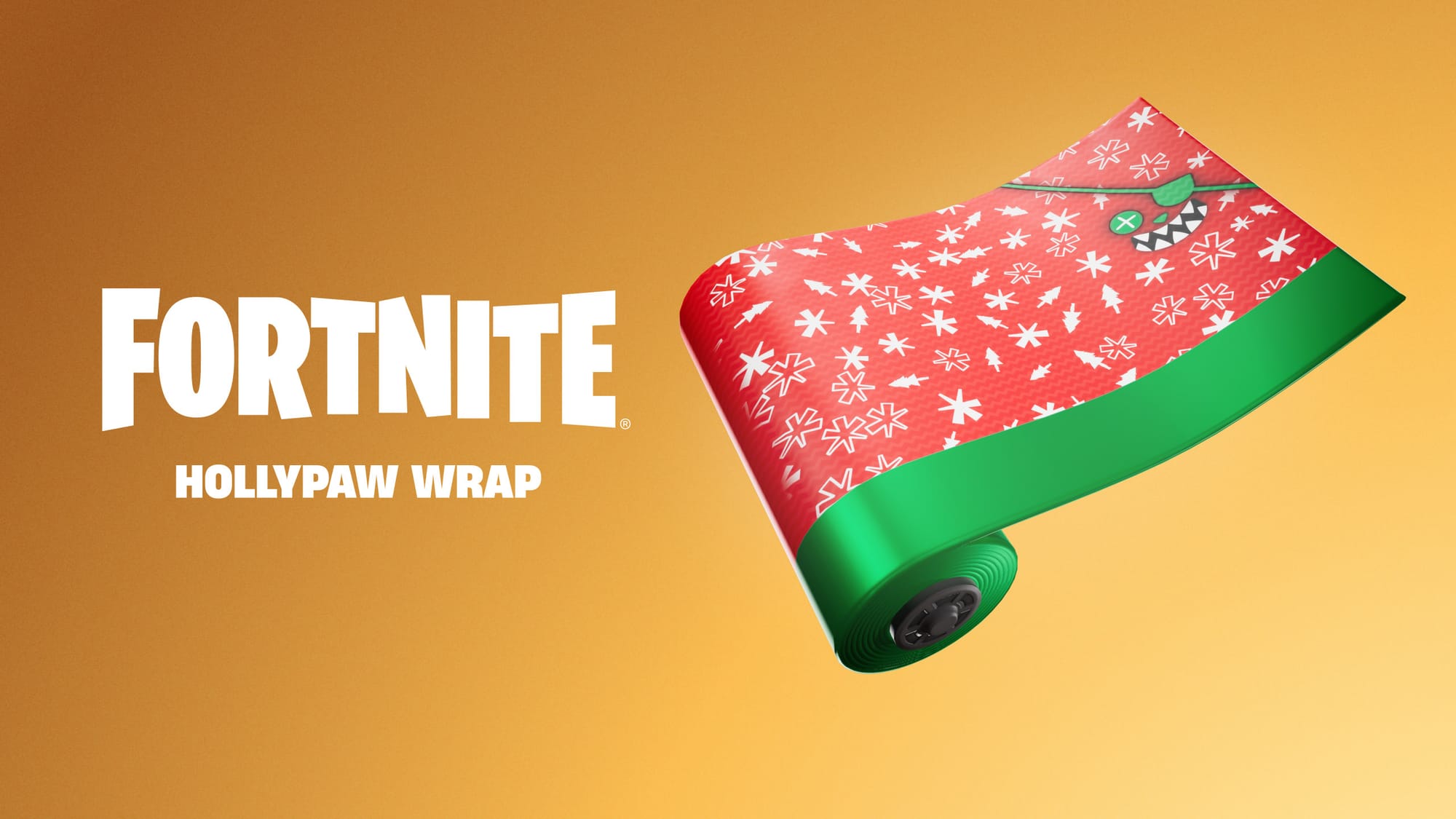
How to claim Fortnite’s free Hollypaw Wrap from the Epic Games Store
A quick walkthrough for redeeming the Uncommon Hollypaw wrap and getting it to show up in your Locker.
-
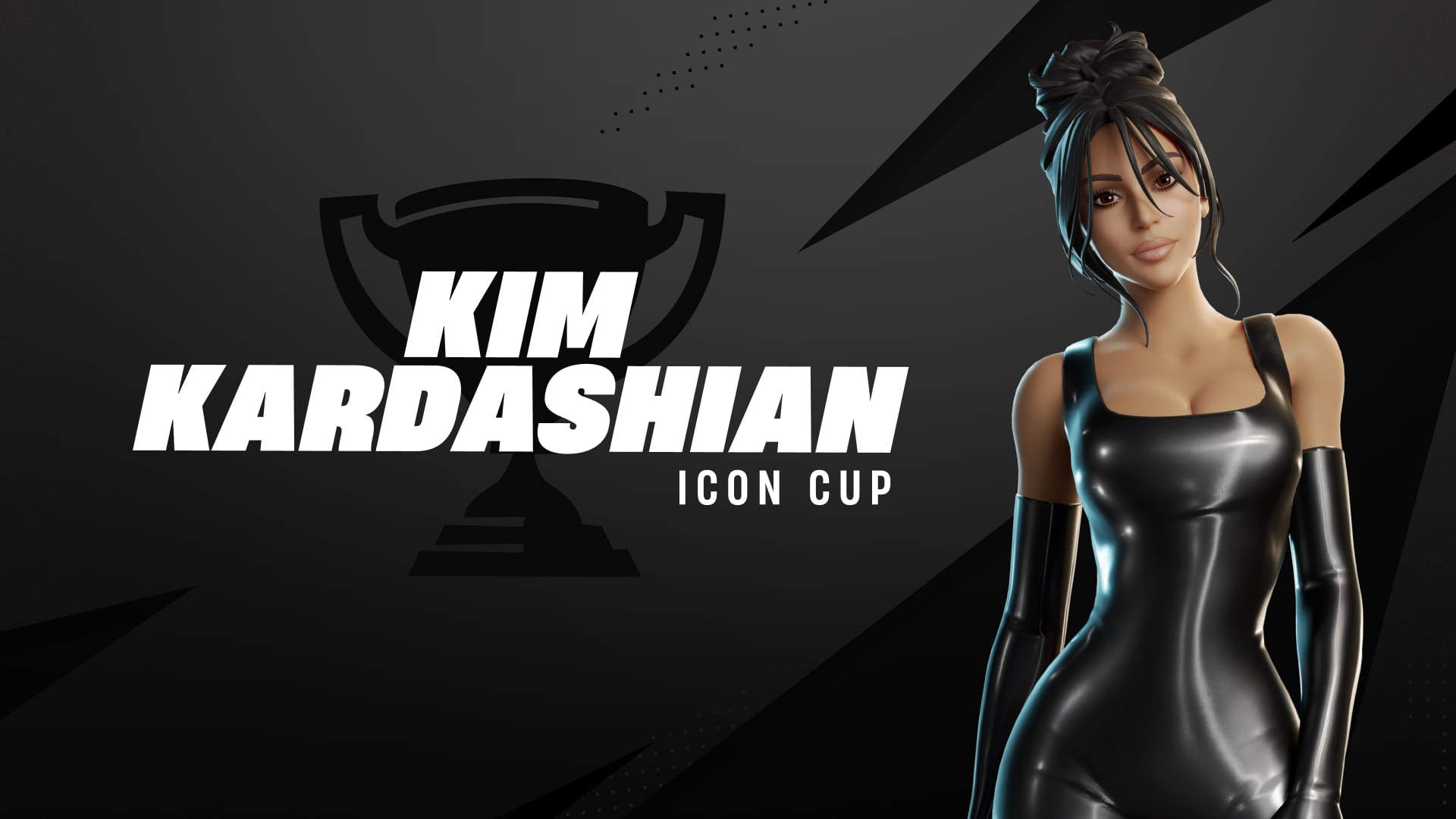
Fortnite Kim Kardashian Icon Cup: How to Unlock the Skin for Free
Qualify in the Kim Kardashian Icon Cup to earn the Iconic Kim Kardashian outfit and cosmetics before they hit the Item Shop.
-
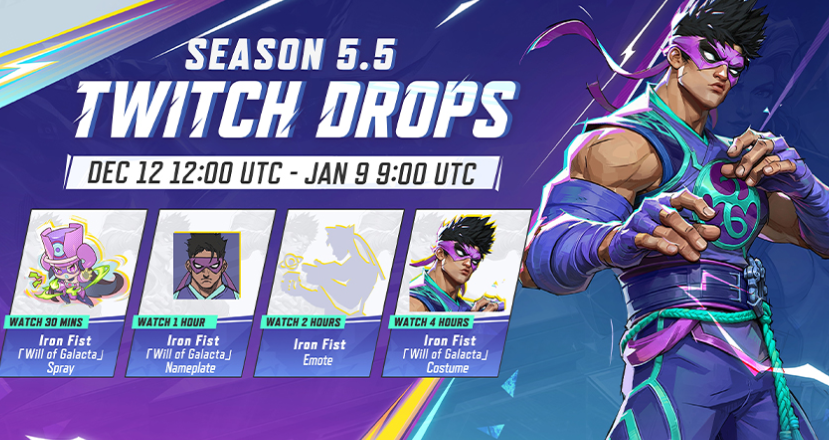
Marvel Rivals’ Iron Fist Will of Galacta Twitch Drop: Timings, rewards, and how to claim it
Link your accounts, watch Drops-enabled streams, and claim each milestone in Twitch to receive the cosmetics in-game.
-
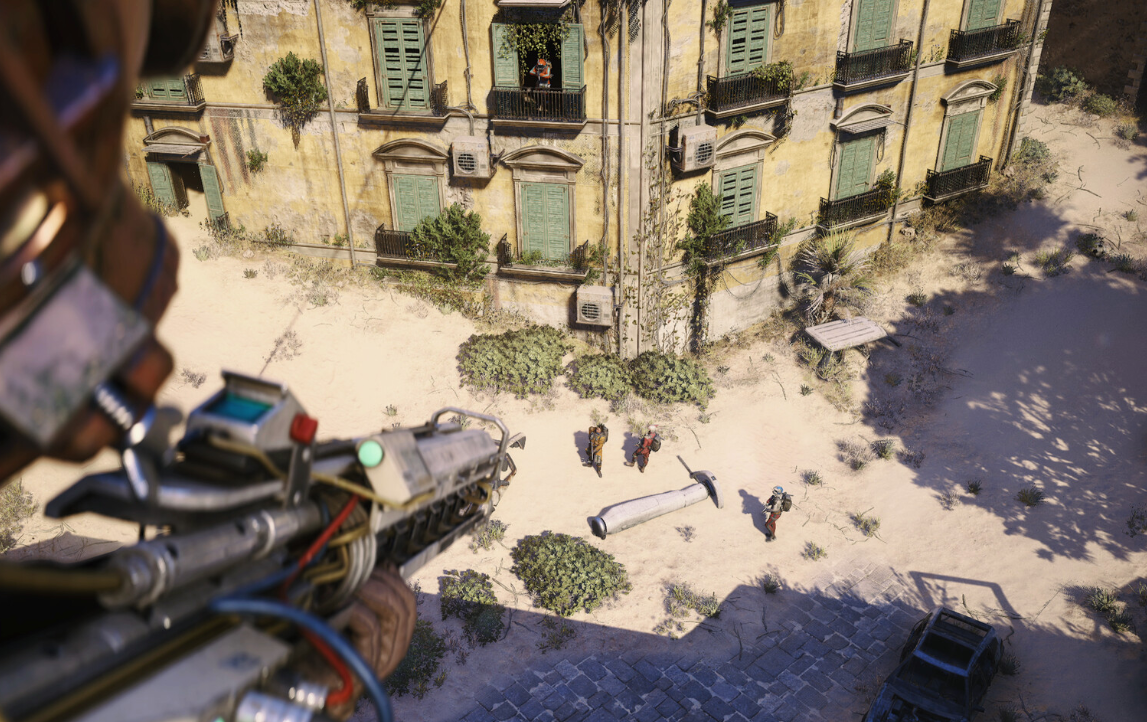
How to complete the Hidden Bunker data download trial in Arc Raiders
Access the Hidden Bunker on Spaceport, find every terminal, and secure maximum trial points before you extract.
-
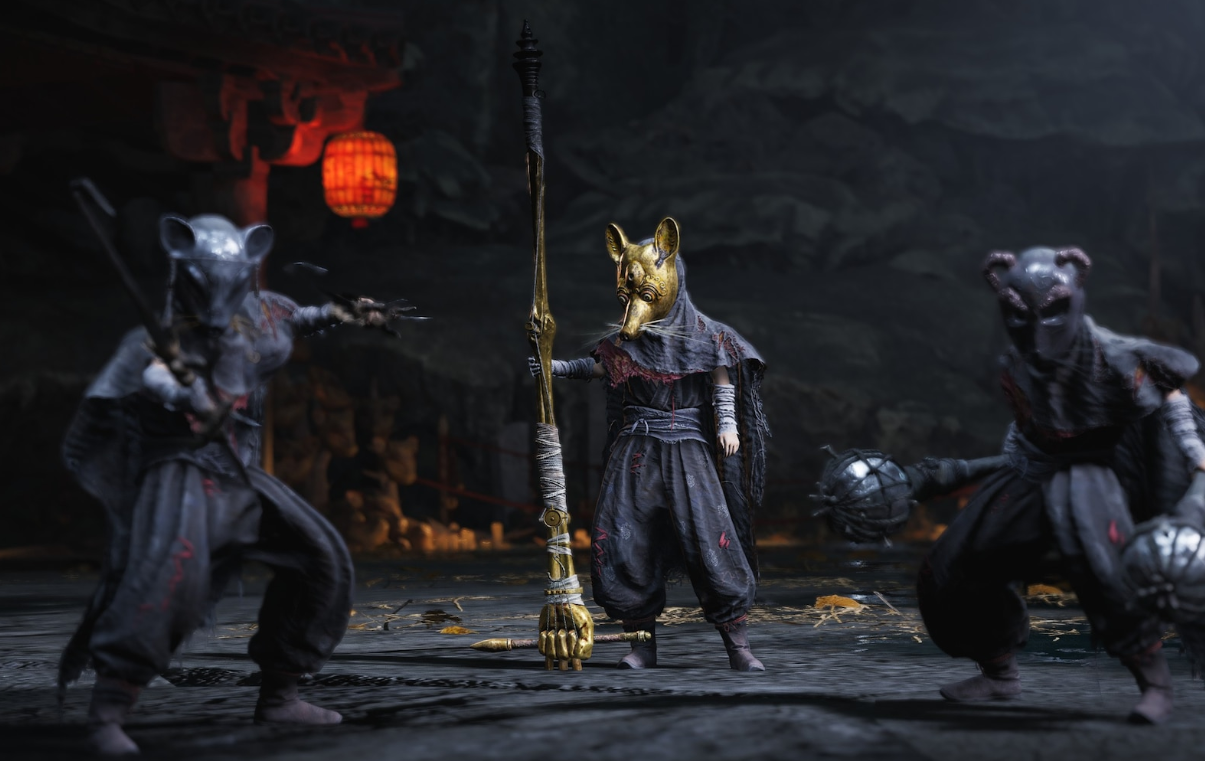
Where Winds Meet: How to Reach the Iron Spear Chest in March of the Dead
Clear directions through the Ghostlight Market fog to Xiang Gutong and the Iron Spear chest in March of the Dead.