
Instructional, step-by-step articles.
Content Type: How-To
-
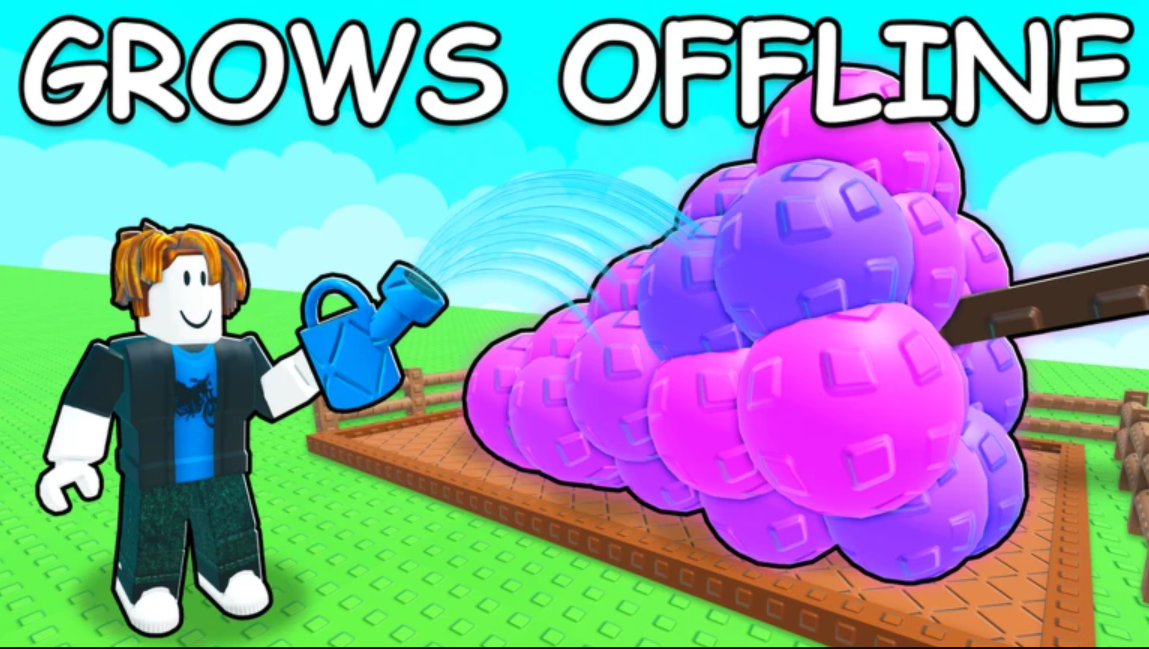
How to Get Eggs in Grow A Garden 2 (Guild Rewards)
Joining a Guild and earning Event Challenge rewards is the only confirmed way to collect Eggs right now.
-
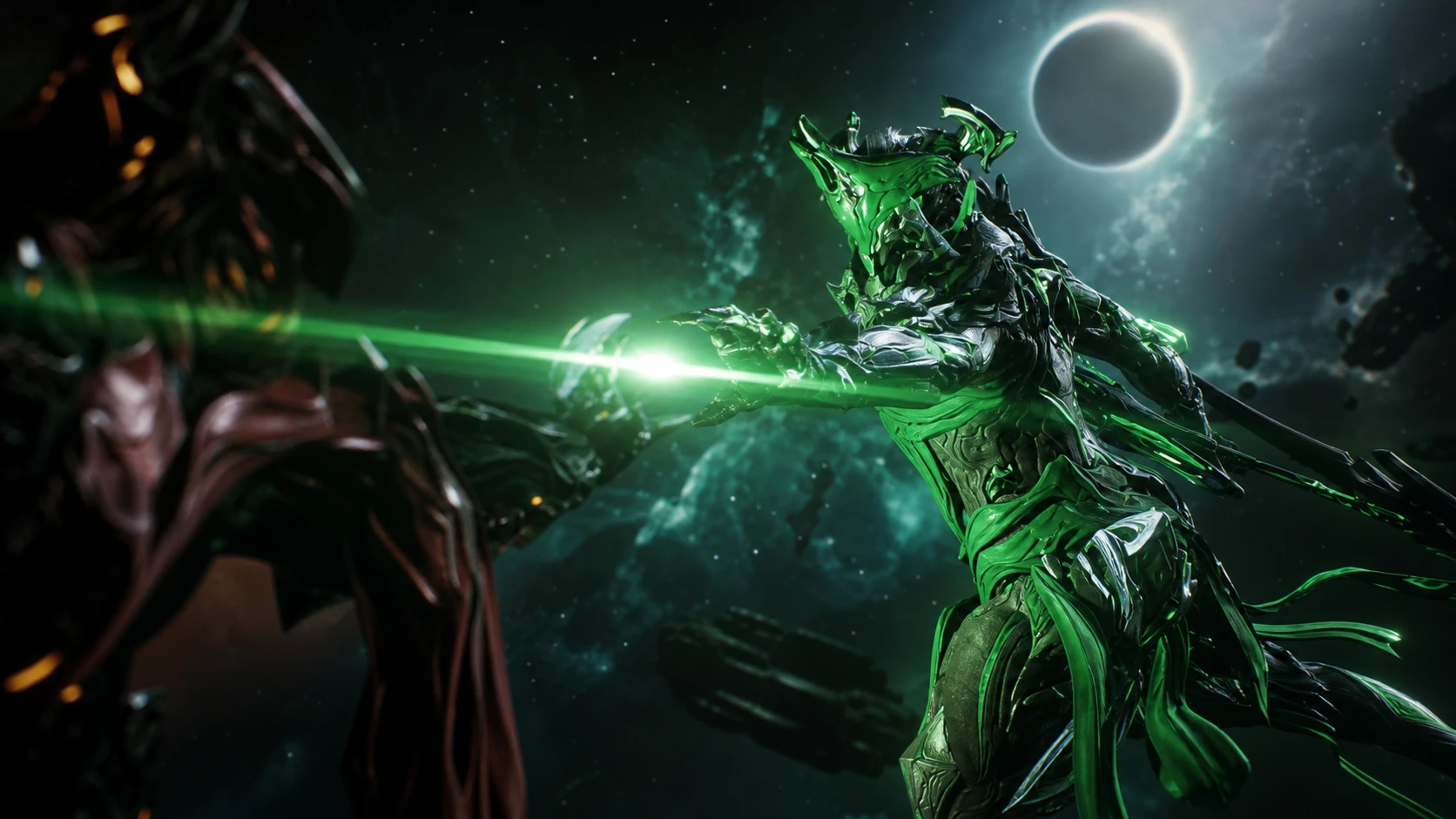
How to Unlock Pride and Wrath Scythes in Warframe
Run the Uranus Proxima Railjack missions, bank Emerald or Crimson Tokens, and trade for the blueprints at Pontis Tower.
-

Fortnite Design a Sprite Contest: How to Enter and Win $2,500
Three community-made Sprite designs will be built into the game, and each winner earns a cash prize.
-

How to Complete Jade Shadows: Constellations in Warframe
Every fight, the Ordis detour, both protoframe hunts, and the kitchen recipes that close out Stalker’s story.
-
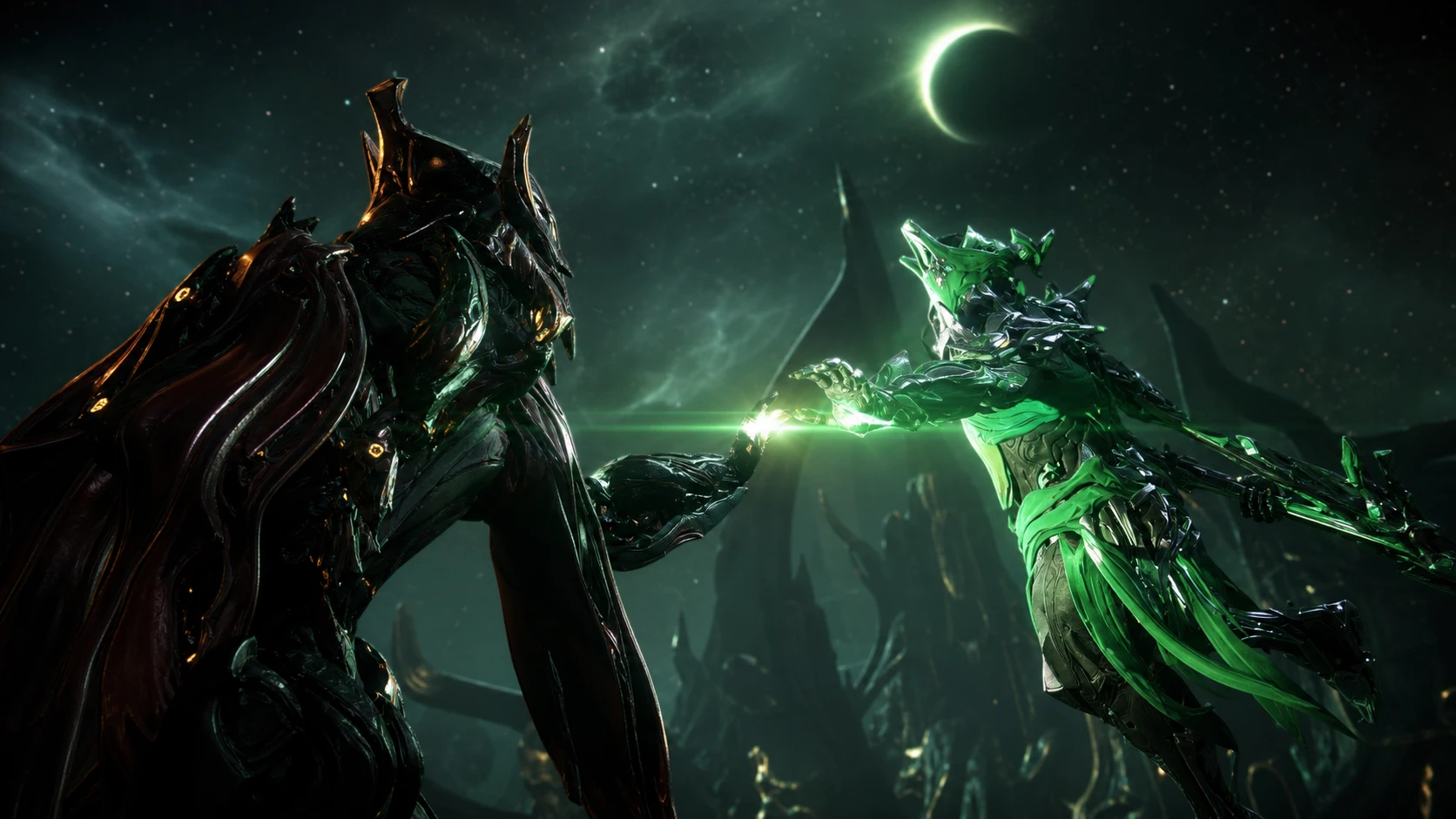
How to Unlock Sirius and Orion in Warframe (Jade Shadows: Constellations)
Finish the new quest, then farm Uranus Proxima Railjack missions or use the vendor’s Talents to claim every blueprint.
-

Destiny 2’s Near-Infinite Damage Artifact Bug, and Why Bungie Is Letting It Ride
Stacking duplicate seasonal Artifact perks lets you one-shot bosses, and Bungie is fine with it until a patch lands.
-
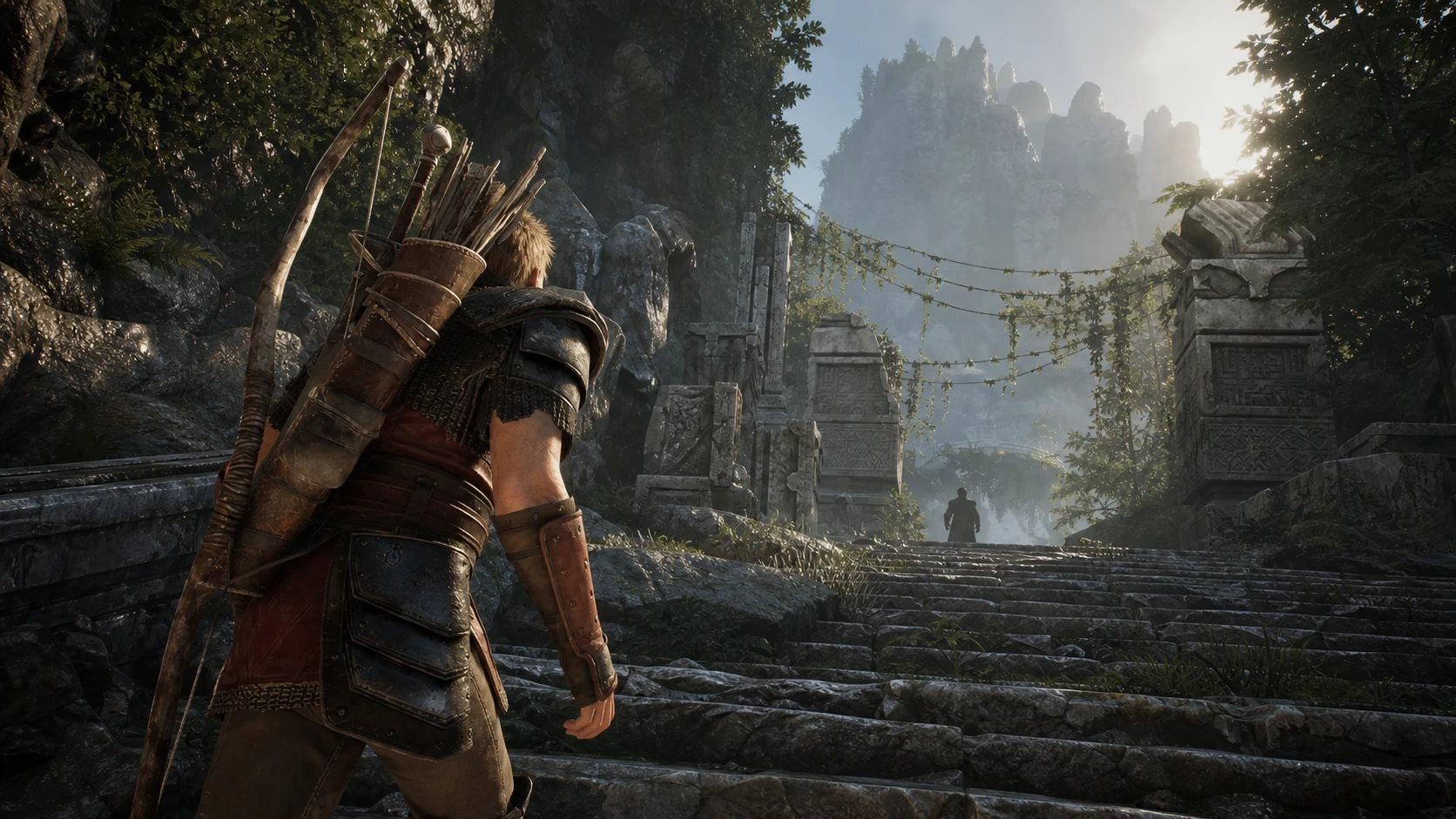
How to Get the Troll Canyon Focus Stone in Gothic 1 Remake
Follow Milten, shrink the adult troll, and pull the focus across a gap with Telekinesis for 3,500 XP.
-

How to build Pyrois in Zenless Zone Zero (Version 3.0)
The best W-Engine, Drive Discs, stat priority, and team comps for the free Ether Attack agent.
-
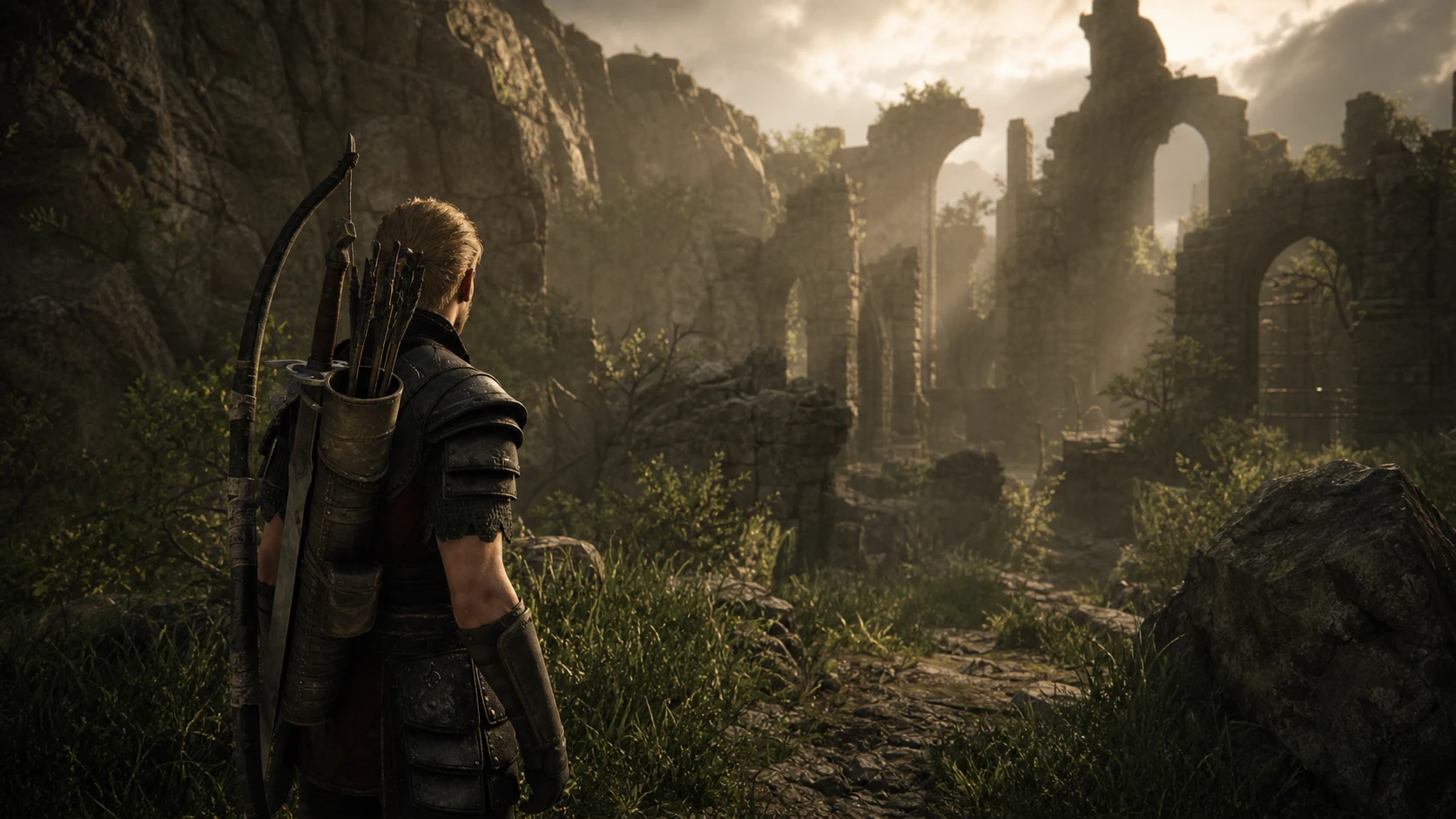
Gothic 1 Remake: How to Complete The Focus in the Monastery Ruins
Turn into a meatbug, beat the Shadowbeast, and grab the Monastery Ruins Focus Stone for Saturas.
-

How to Install and Play MECCHA CHAMELEON Workshop Mods (PC)
Subscribe to custom hide-and-seek maps, host a lobby, and swap stages mid-session after patch 1.2.0.