
Instructional, step-by-step articles.
Content Type: How-To
-

How to dismount your horse in Where Winds Meet on PC and console
Learn the exact buttons to get off your mount, plus the difference between a simple dismount and a moving leap.
-
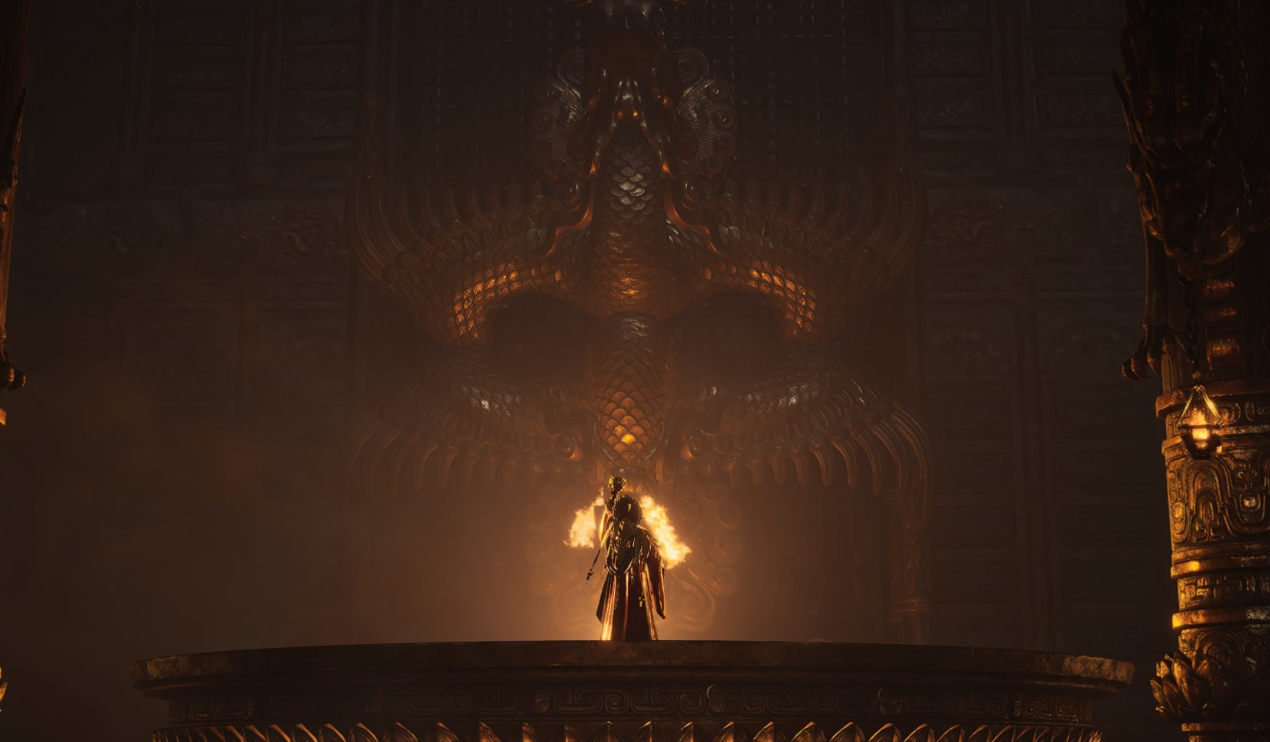
How to break the suspicious floor in Where Winds Meet’s Echoes in the Shrine quest
Learn where the cracked slab is, which skill you need, and how to trigger it on controller and keyboard to access the cave below.
-

How to farm Demonite in The Forge’s Volcanic Depths
Learn where Demonite spawns, the tools and stats you need, and the mining tricks that make this Mythic ore manageable.
-

Arc Raiders Deliver Carriables Trial: How To Secure 3 Stars
Where to find crates, which map conditions to pick, and how to reliably hit the 4,000‑point threshold for the Deliver Carriables trial.
-
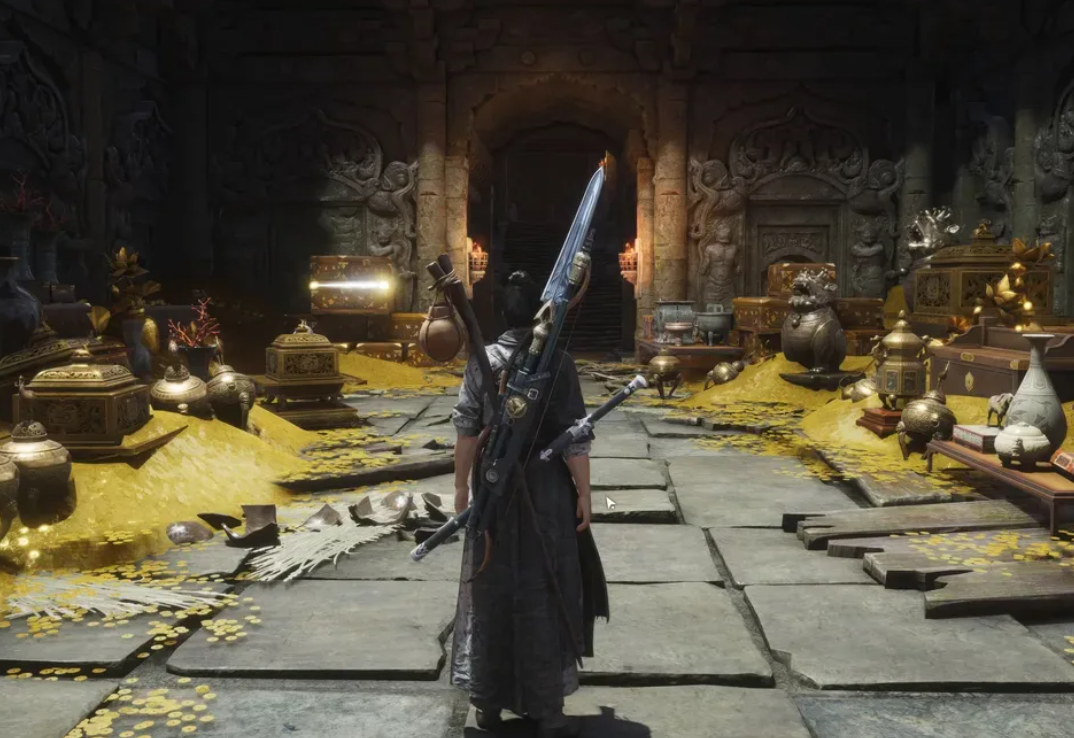
Where Winds Meet’s “Twelve Years of Grudges” quest and how to unlock toxic arrows
How the Volume VI Jianghu Legacy plays out, where it starts, and why it matters for the toxic arrow recipe.
-

Where Winds Meet Fire arrows: How to unlock, craft, and use them
Learn where to get Fire Arrows, how to unlock the crafting recipe, and how to swap to them on PC and controller.
-

Genshin Impact Witch’s Homework: How to Unlock Alice’s Hexerei System
Learn how to start Witch’s Homework, get a free Hexerei character, and unlock Hexerei: Secret Rite buffs for Mondstadt favorites.
-
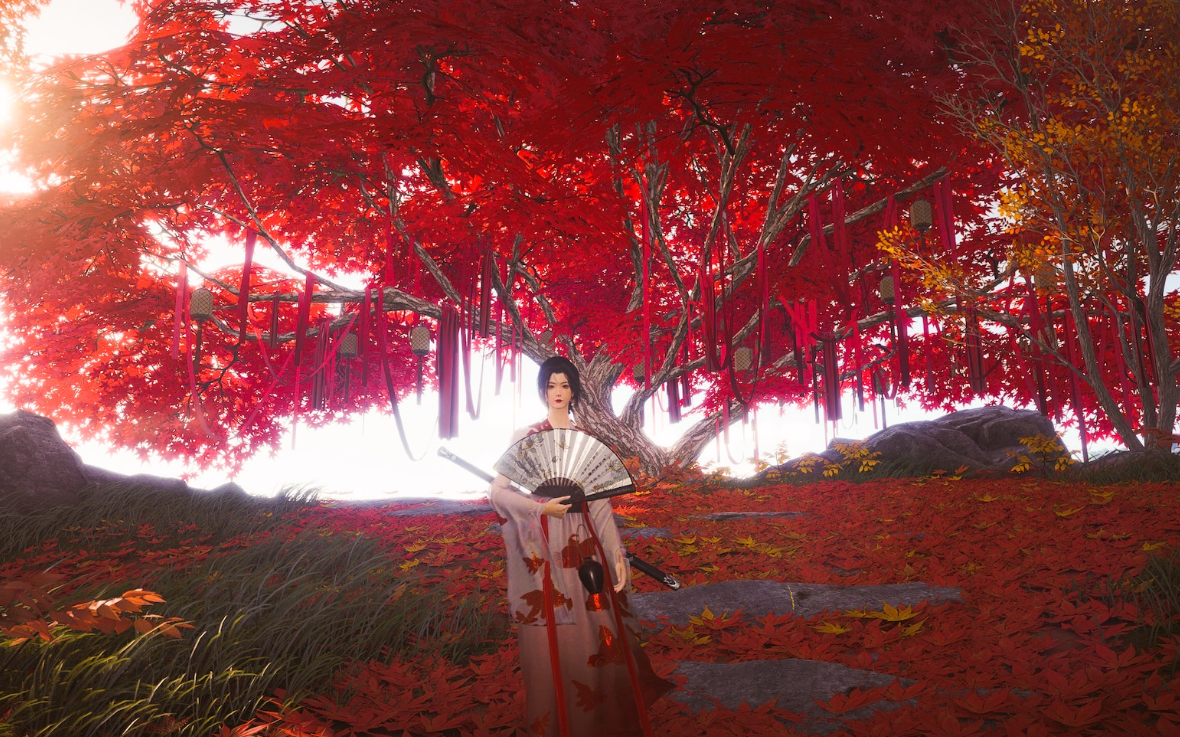
Where Winds Meet: How To Clear Out Old Gear Without Losing Value
Recycle, store, or repair your obsolete armor and weapons while protecting tuning fodder and future Arsenal setups.
-
How to get the Arcane Pickaxe in The Forge
Where to find the hidden Arcane Pickaxe in World 1, what it costs, and how its stats change your mining run.
-

Deadly Delivery: How to Find and Rescue Nora to Unlock Escape Artist
Where Nora can spawn, how to escort her safely, and what the Escape Artist class actually gives you.