
Instructional, step-by-step articles.
Content Type: How-To
-

Where Winds Meet Disguise system: How it works and how to unlock it
Learn how to unlock Disguise in Kaifeng, paint NPC portraits, and use impersonation for stealth quests and martial arts.
-
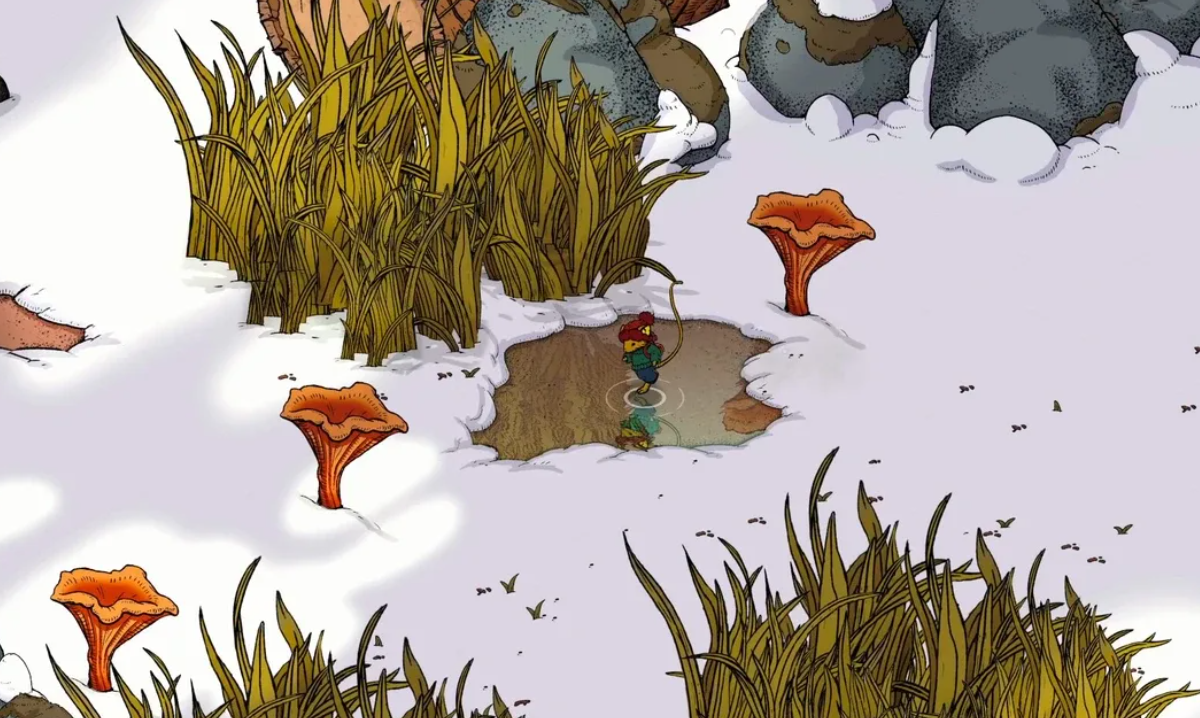
Winter Burrow: How to Reach Pinesap and Finish Moss’s Story
Track every sign of Pinesap, unlock Moss’s final quests, and secure the Moss Moves On achievement in Winter Burrow.
-
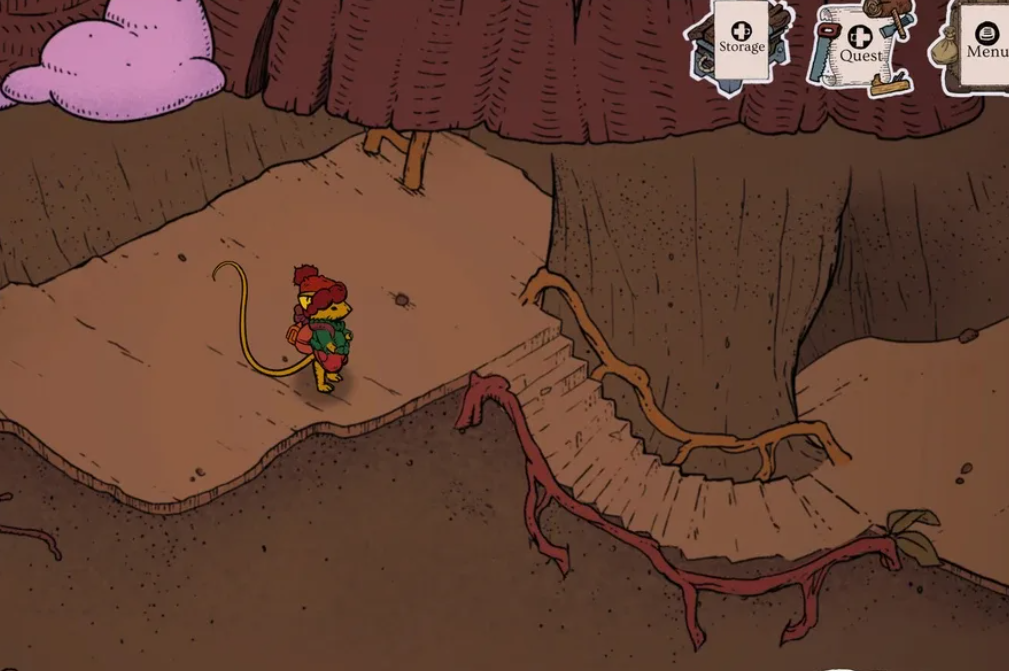
Winter Burrow: How to Reach Bufo and Unlock His Questline
Clear directions, quest requirements, and warmth management so you can safely make it to the frog in the northeast woods.
-
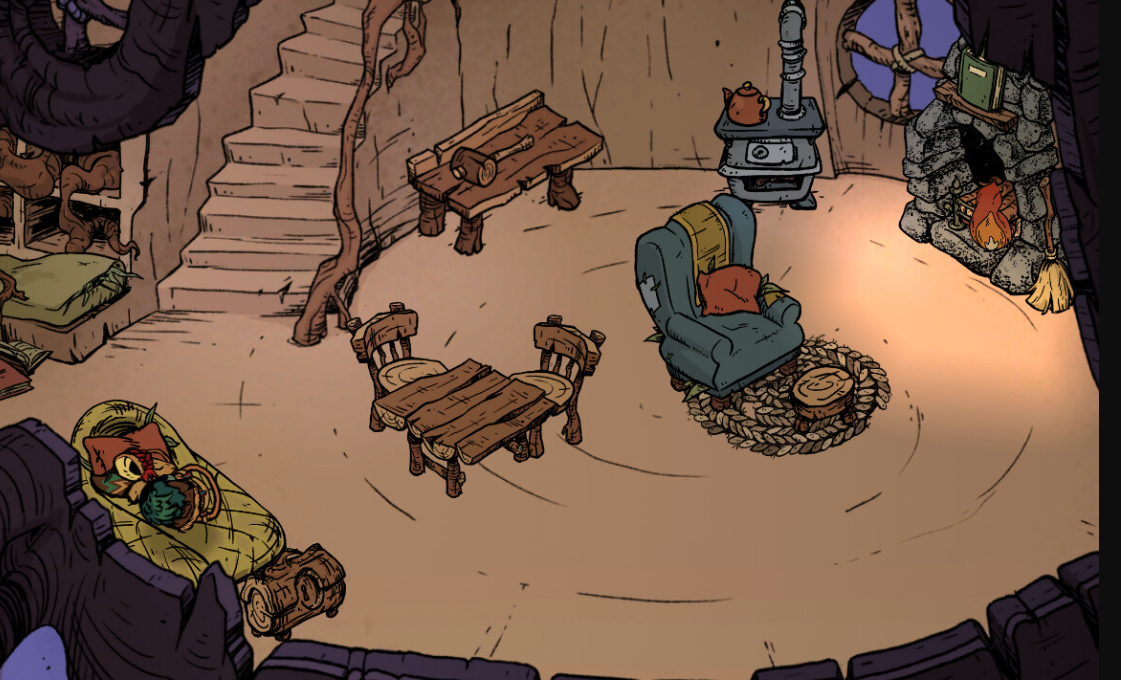
Winter Burrow: How to Reach Pollywog for Bufo’s Quest
Every step you need to take from Bufo’s house to Pollywog’s campfire, including the Granite Pickaxe requirement.
-
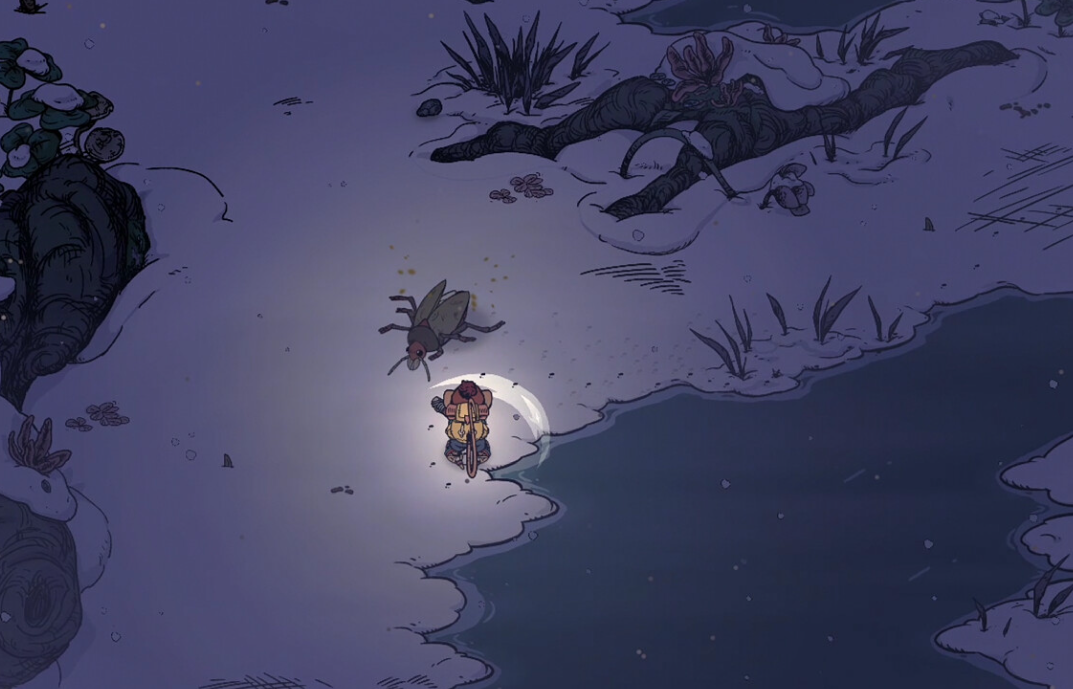
Winter Burrow: How to Reach Willow and Find the Mole Artifact
Track down Willow the mole, unlock the White Pillars region, and safely recover the buried mole helmet.
-
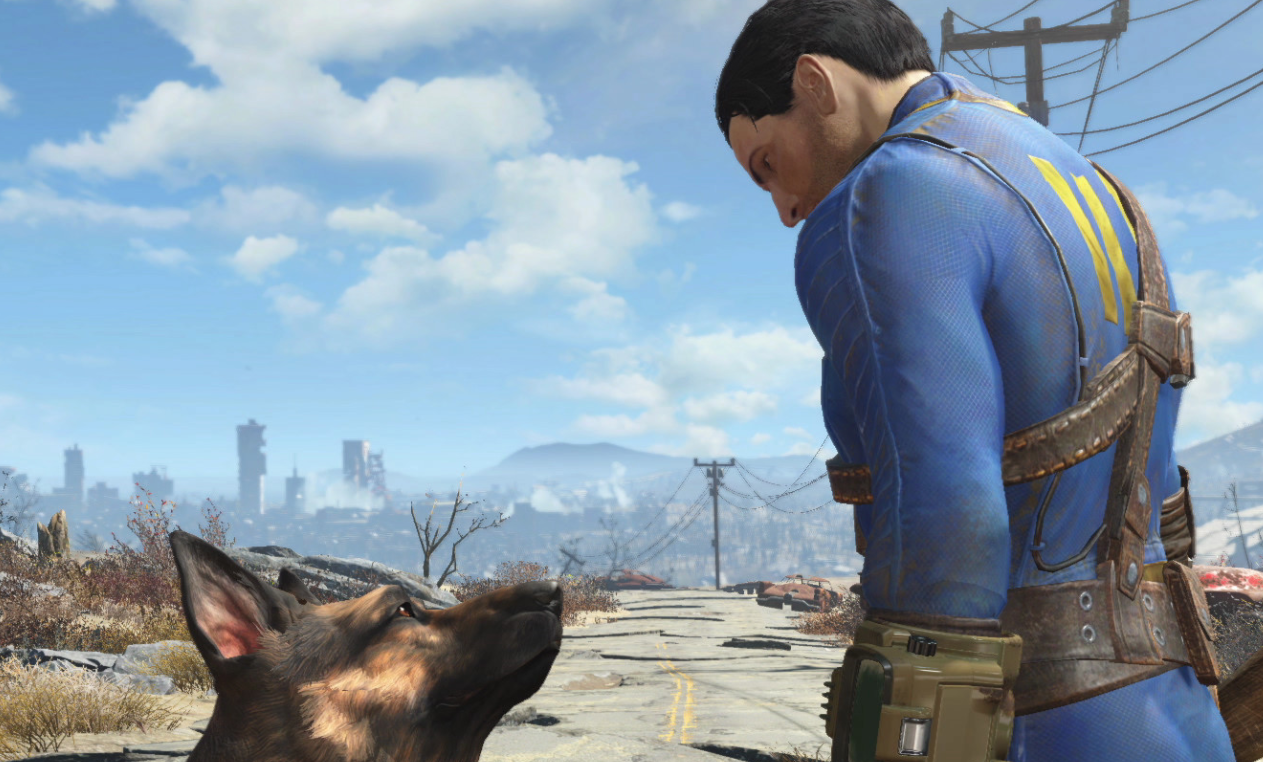
Fallout 4 Sentinel Control System: How to Get the AI Power Armor Companion
Malevolent Malfunction is a short Creation Club quest that unlocks a fully autonomous, non-slot power armor companion and new paint jobs.
-
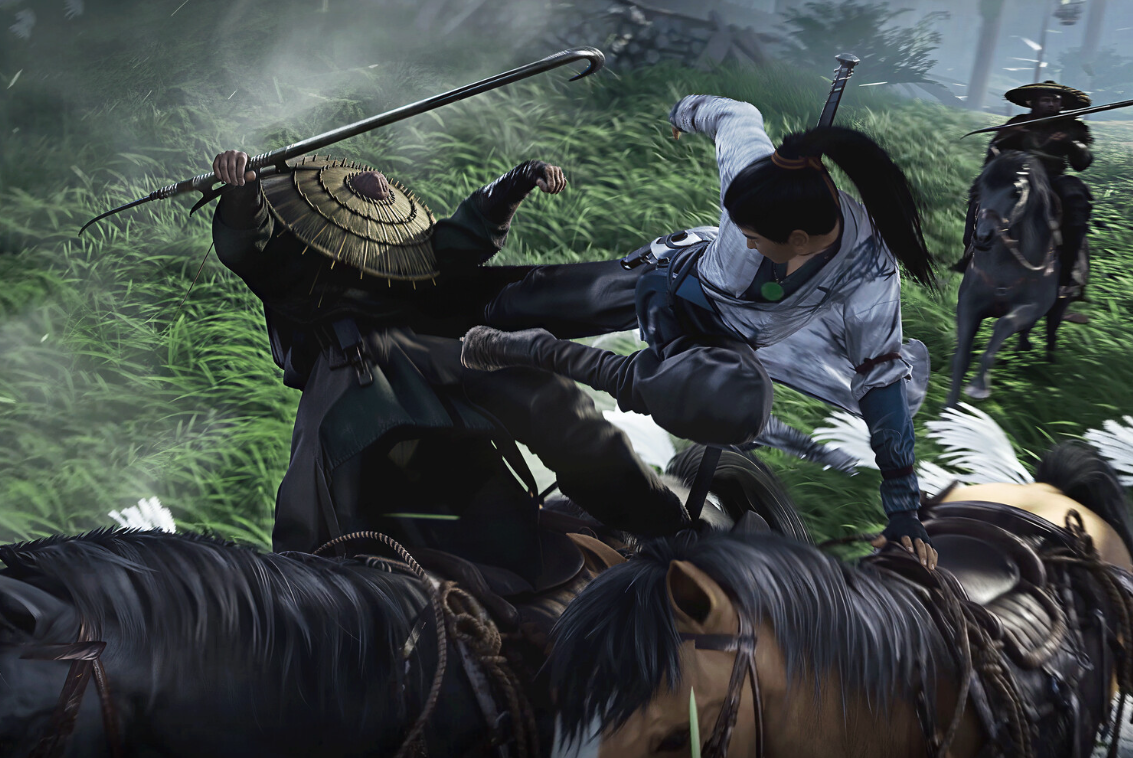
Where Winds Meet flight: How to unlock Meteor Flight and other Lightness Skills
Unlock Meteor Flight, get the Afterglow Pendant, and turn Lightness Skills into true flight across Qinghe and beyond.
-
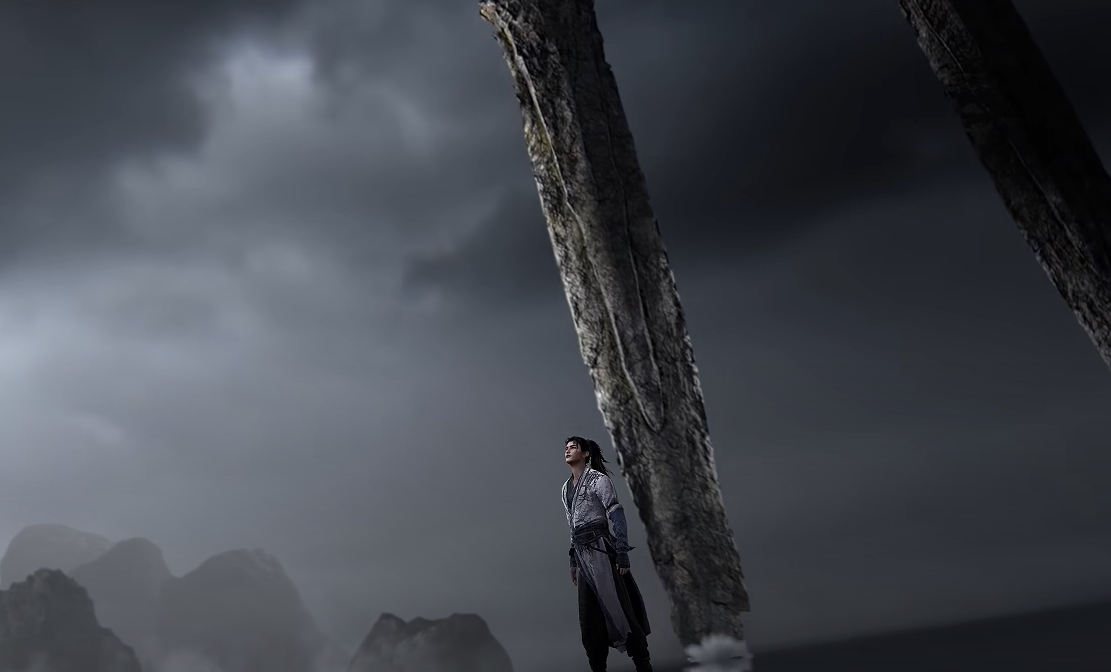
Where Winds Meet Wandering Seals: How They Work and Why They Bug Out
How to trigger Photo Mode, actually submit your shot, and deal with Wandering Seal rewards that refuse to register.
-

Where Winds Meet: How Jinming Pool Works and How to Clear Its Campaign
How the Jinming Pool campaign fits into Kaifeng’s map, what the “Jinming Pool Secrets” achievement means, and why Murong Yuan matters.
-
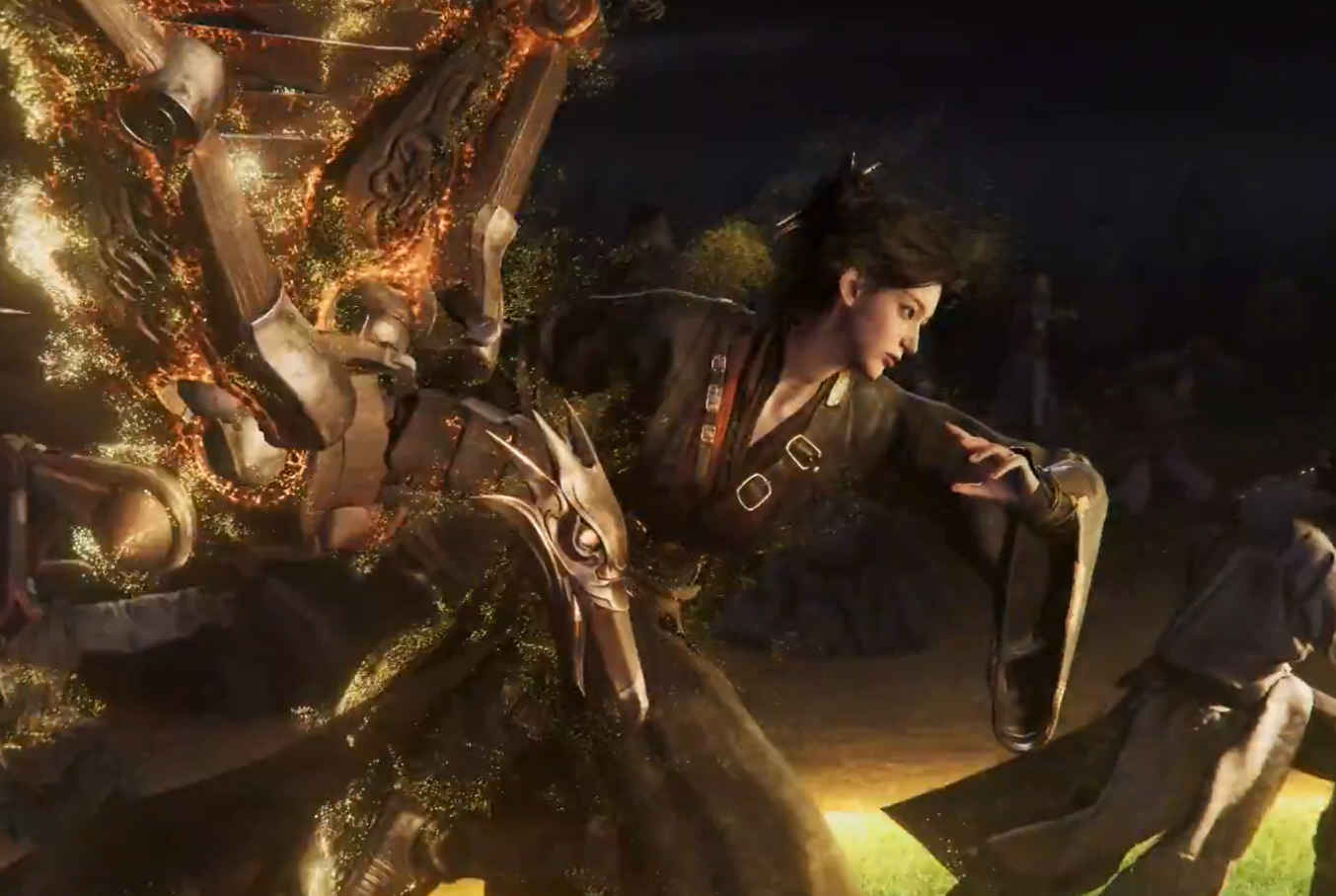
Dragon’s Breath mystic skill in Where Winds Meet: How it works and how to unlock it
Learn where to find Dragon’s Breath in Kaifeng, how the mini-quest plays out, and what the fire-breathing art actually does in combat.