
Instructional, step-by-step articles.
Content Type: How-To
-

Where Winds Meet: How to Solve the Yin Yang Dial Puzzle
Learn how the Heaven, Earth, Water, and Fire pillars interact so you can unlock the cave beneath Moonveil Peak.
-

Soaring Spin in Where Winds Meet: What It Does and How to Unlock It
An offensive mystic skill built for single‑target pressure, anti‑healing, and high‑level PvP duels.
-

Where Winds Meet: How to Finish the “Shadows in Bloom” Lost Chapter
Track every clue in the Heroic Assembly, solve the Nimbus Tower mystery, and unlock Vernal Umbrella synergy in one run.
-

Where Winds Meet: How to Start Blind to the World and Unlock Blinding Mist
Track down Unfated Tian, clear the lake well, and finish Blind to the World to earn the Blinding Mist Mystic Skill.
-
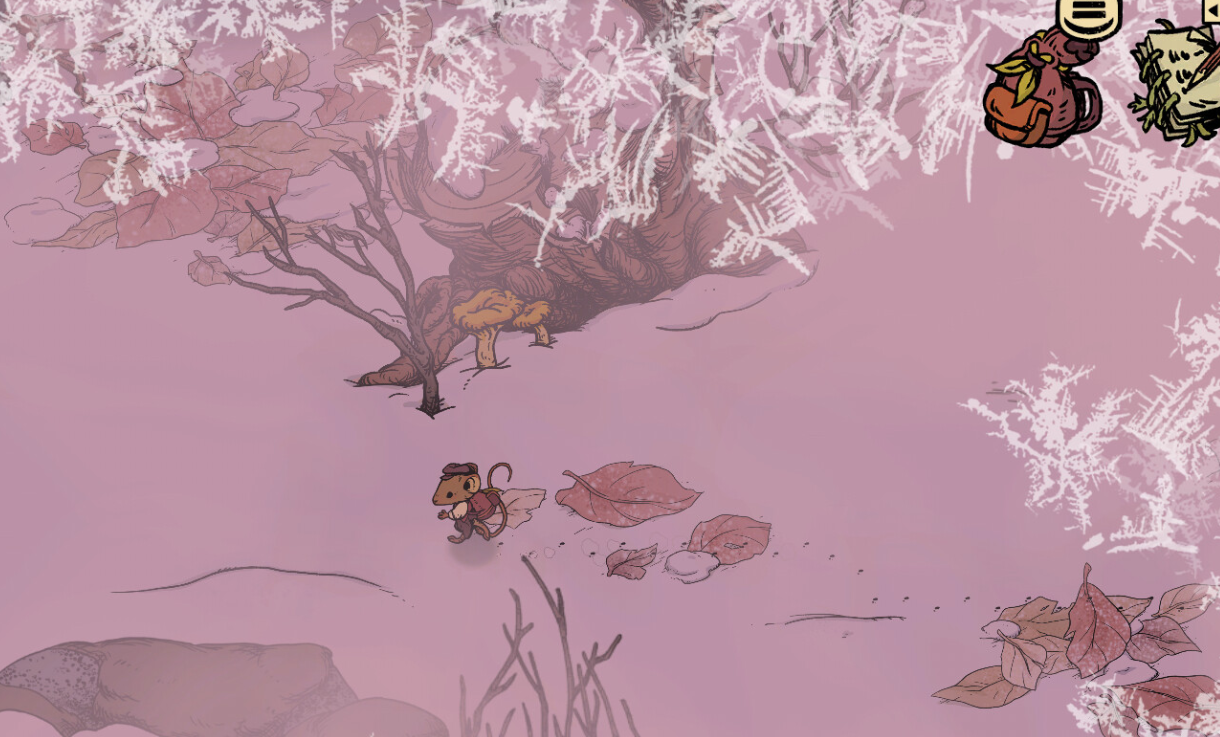
Winter Burrow: How to Find the Fine Woolen Hood for Moss
Track down the Fine Woolen Hood during “Find More Signs of Pinesap” and finish Moss’s storyline without circling the forest forever.
-

Anno 117 Ubisoft Connect rewards and how to unlock them
How Ubisoft Units, Anno 117 cosmetics, and the Hall of Fame system fit together — and what you need to play to get it…
-

Arc Raiders Tick Pods Locations and How to Farm Them
Learn where Tick ARCs actually show up, how to trigger more encounters, and how to reliably stockpile Tick Pods for upgrades.
-

Arc Raiders: How To Reach The Spaceport Departure Exam Rooms
Track down the medical exam rooms in Spaceport’s Departure Building to finish Lance’s Medical Merchandise and Prescriptions Of The Past quests.
-

Major Aiva’s Mementos Location in ARC Raiders · How to Finish The Major’s Footlocker Fast
Find the exact Ruby Residence apartment, secure Major Aiva’s Mementos, and extract with them to complete Tian Wen’s quest.
-

Arc Raiders door glitch: How it works, and what’s happening to it
The locked-door exploit in Arc Raiders lets players bypass progression for high-tier loot, but it comes with social and ban risks.