
Instructional, step-by-step articles.
Content Type: How-To
-

Moonlighter 2 Gold Economy: How to use relics and your shop efficiently
Turn dungeon runs into reliable profit by mastering relic pricing, shop perks, furniture, and backpack tricks in Moonlighter 2.
-
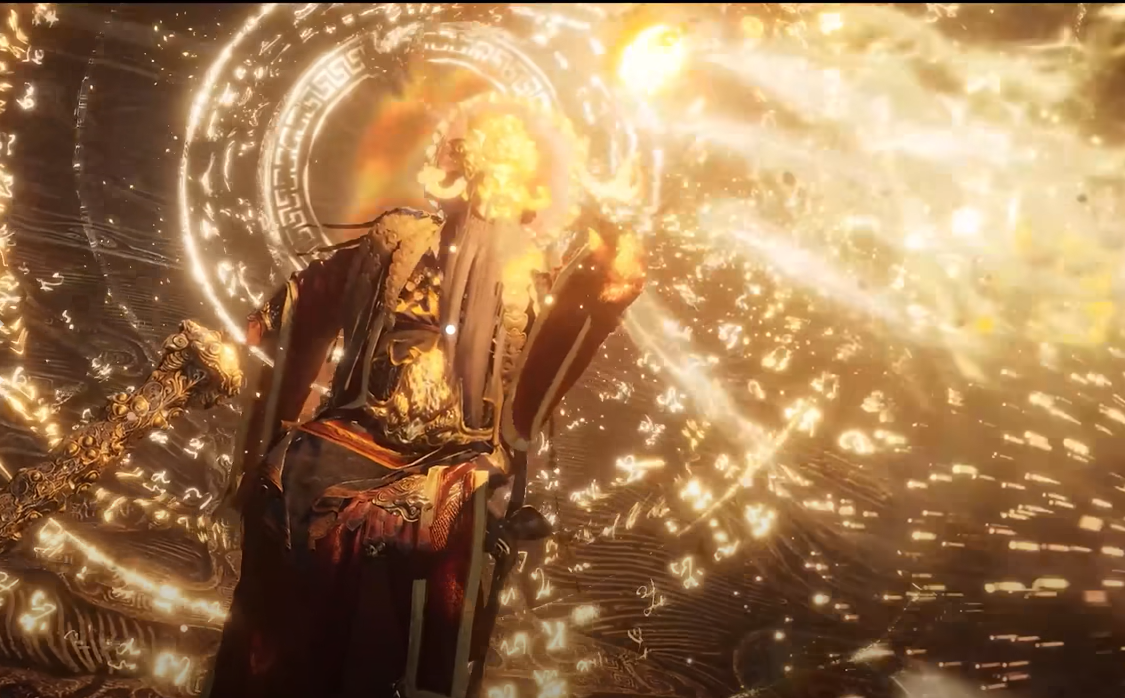
Where Winds Meet: How to Unlock and Use Dragon’s Breath
Learn how to start the Fairgrounds questline, grab the Travelogue, and turn Dragon’s Breath into a core Mystic Skill.
-
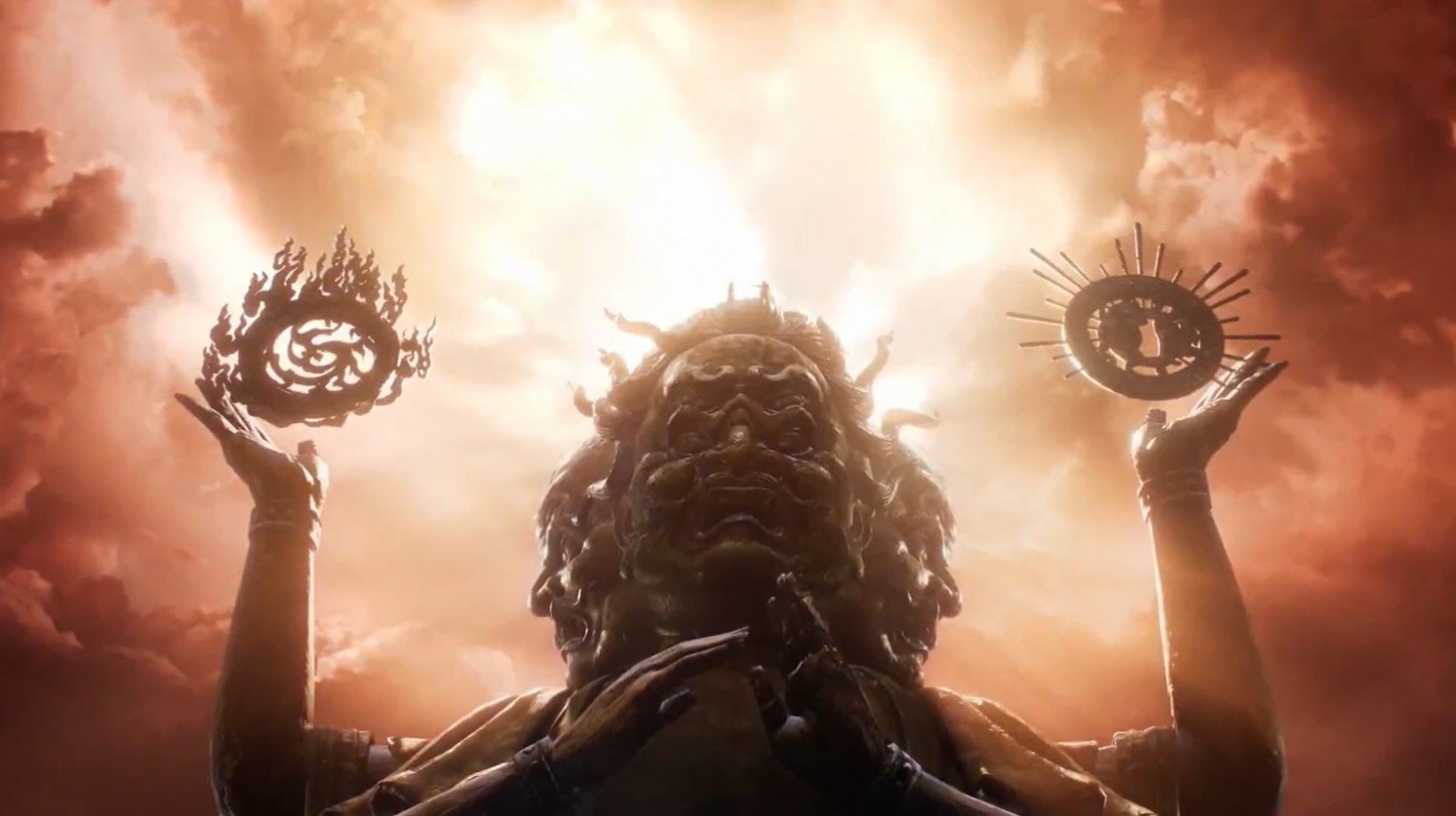
Where Winds Meet: How to Use Buddha’s Light Jade (Yin & Yang) for The Promised Light
How to get both Buddha’s Light Jade halves, meet the hidden requirements, and clear The Promised Light at Halo Peak.
-

Arc Raiders: How to Inspect the Communications Device at Adorned Wreckage
Track the With A Trace quest from Barren Clearing to Adorned Wreckage and finish it by powering the yellow terminal.
-
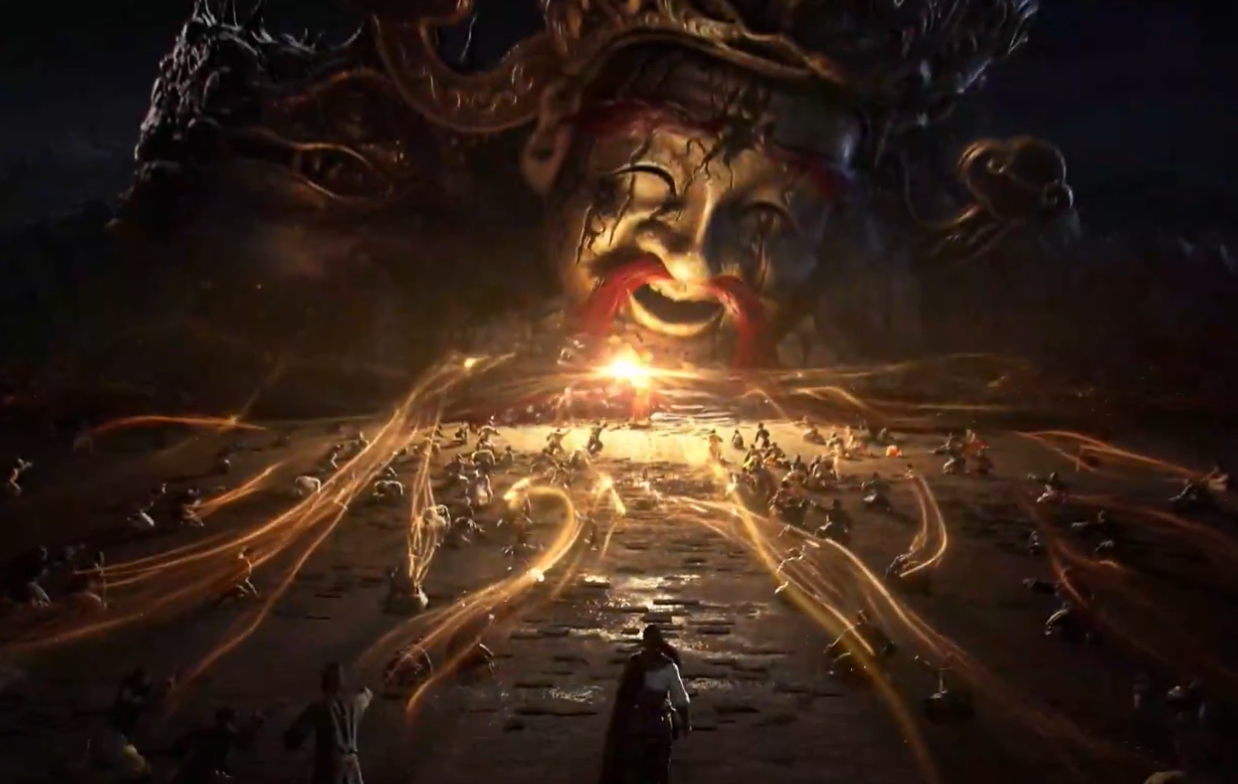
Where Winds Meet: How to Finish The Promised Light Quest
Unlock the final Qinghe Jianghu Legacy, clear Buddha’s Light Pagoda, and defeat Tian Ying in Halo Peak.
-

Noir Dedede in Kirby Air Riders: How to Unlock the Game’s Shadow Monarch
Learn who Noir Dedede is, how he connects to Zorah and Galactic Nova, and what you must do in Road Trip to unlock him.
-

Fortnite Zero Hour Chapter 6 finale: Global start times and how to join
Everything you need to know to queue up on time, avoid server issues, and understand what Fortnite’s Zero Hour event is setting up.
-
Windows 11 update draining your laptop battery? Fix it fast
Walk through the power settings, background processes, battery reports and firmware tweaks that usually restore normal battery life after an update.
-
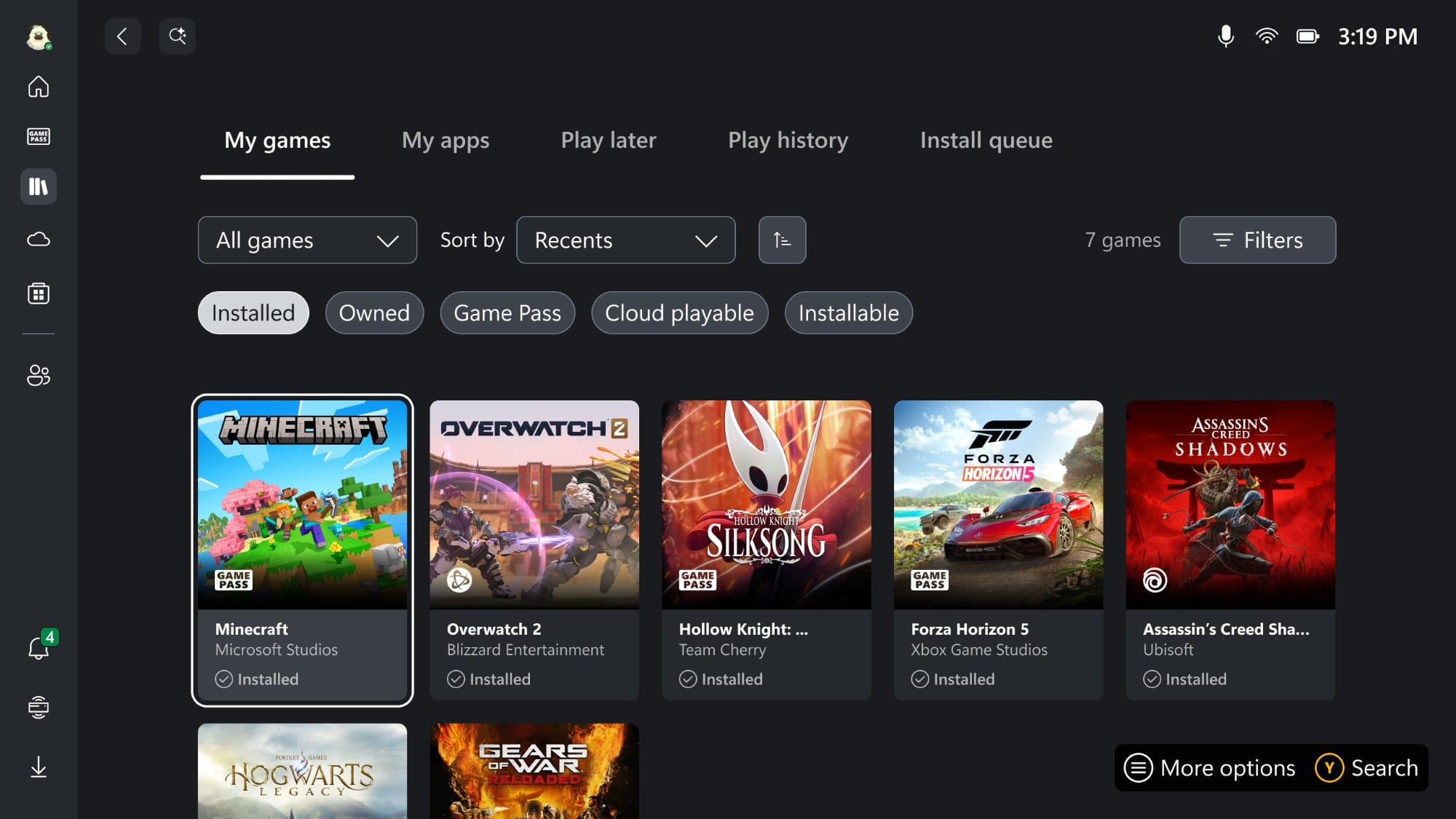
Get Xbox full-screen dashboard on any Windows 11 PC with this new tool
A community utility unlocks Microsoft’s console-style Xbox interface on standard Windows 11 24H2 and 25H2 machines.
-

Oddities in Where Winds Meet: How They Work and How to Collect Them
Learn what Oddities do, how each type is obtained, and how they feed into the Melodies of Peace system in Qinghe and Kaifeng.
