
Instructional, step-by-step articles.
Content Type: How-To
-

ARC Raiders Building a Library quest: how to reach it and extract
What the objective means, the PvPvE risks, and the safest way out.
-
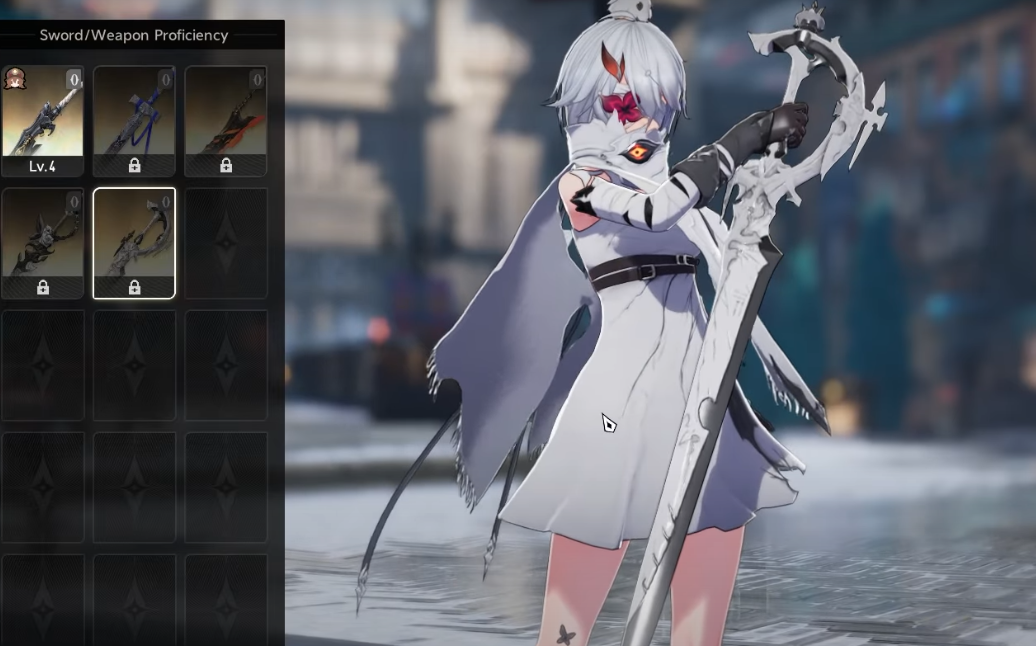
Remanent Reminiscence in Duet Night Abyss — stats, skill, and how to get it
What this sword does, where it fits, and the steps to unlock and craft it.
-
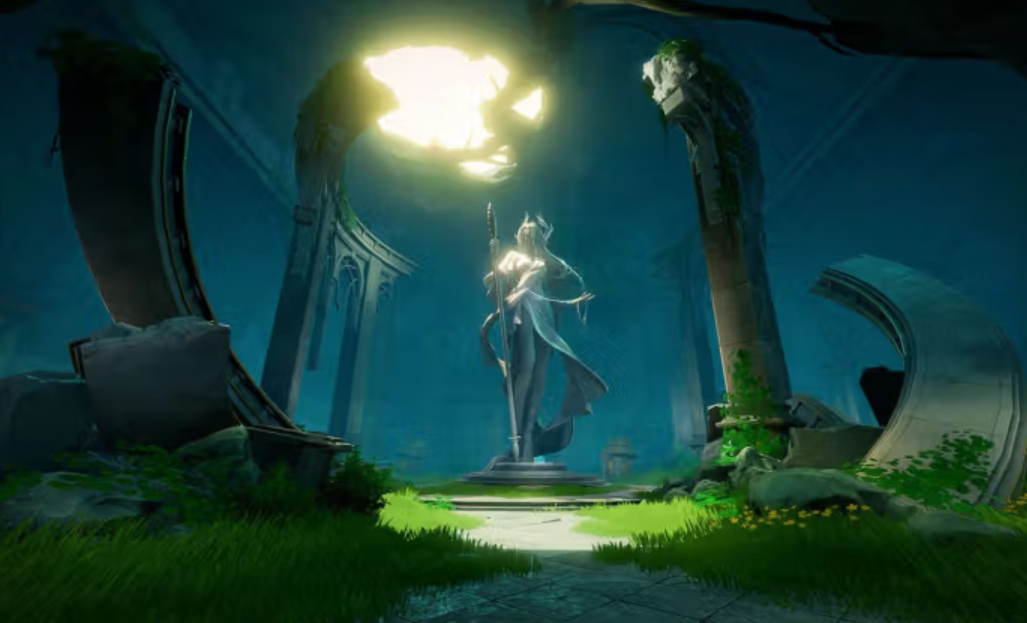
Duet Night Abyss launch bugs — common issues and reliable fixes
From constant loading circles to EMLauncher crashes, here’s what breaks and how to stabilize the game on PC and mobile.
-
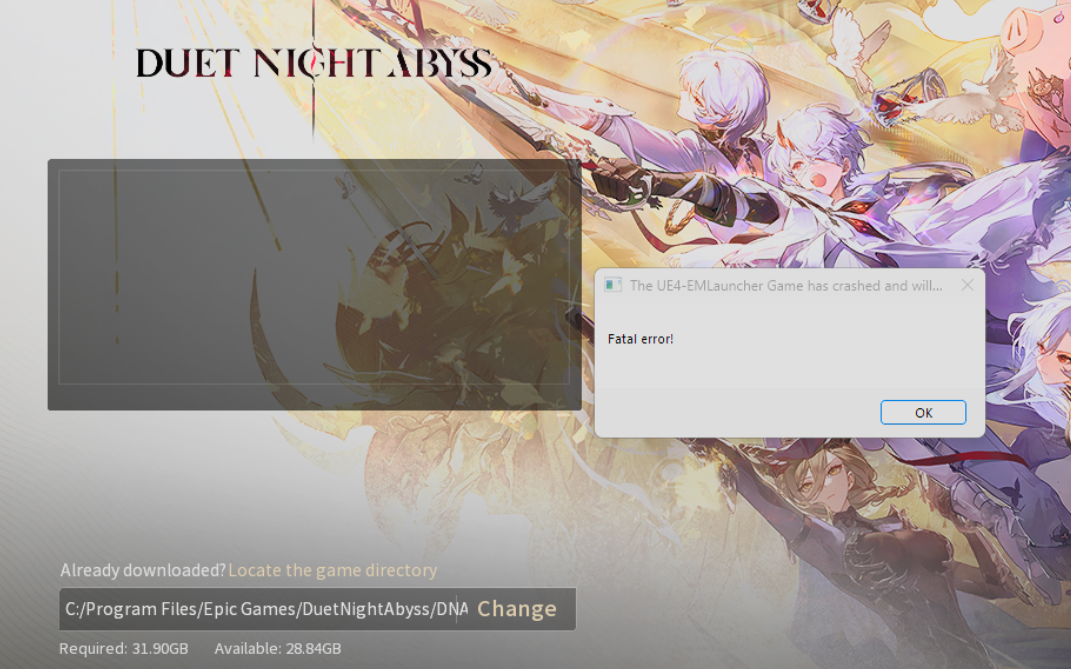
Fix ‘State switching failed’ in Duet Night Abyss (PC and mobile)
Reliable, launch‑week fixes for account loops, loading circles, and launcher crashes.
-
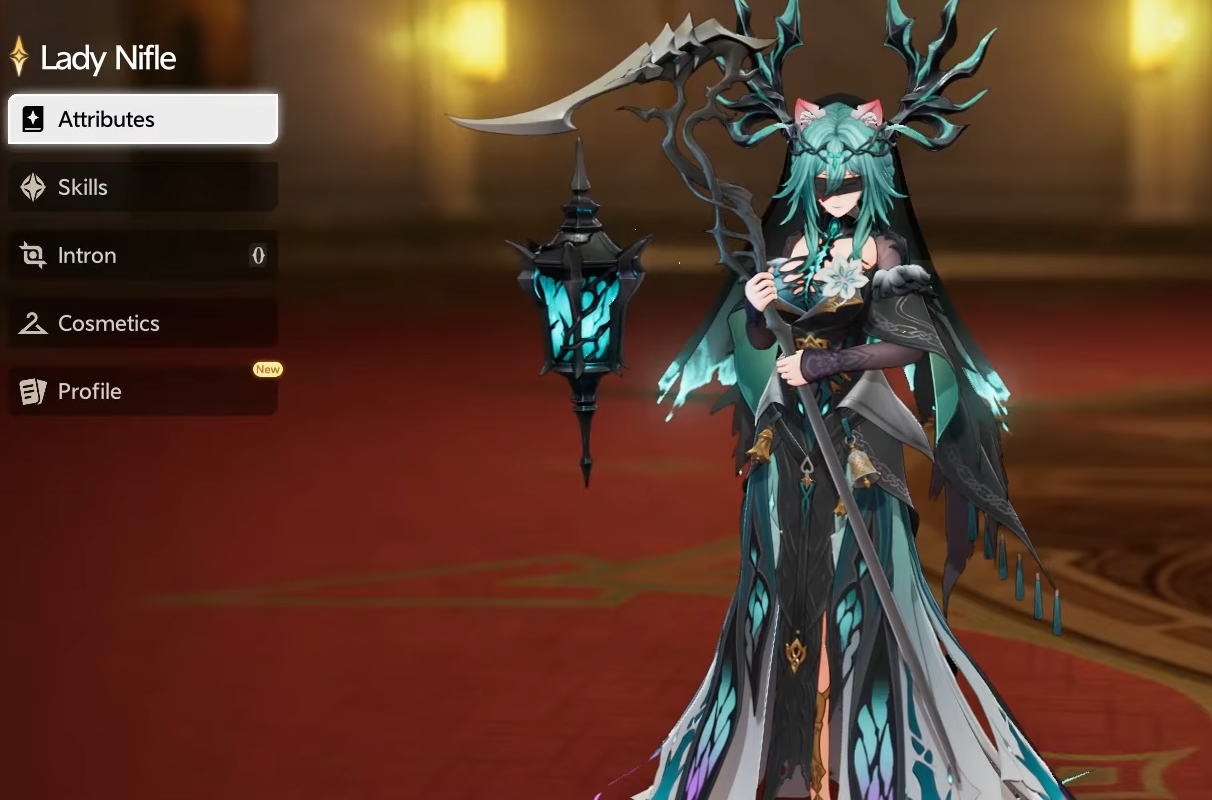
Lady Nifle (Duet Night Abyss) — build, teams, skills, how to unlock
A concise look at Lady Nifle’s kit, best Demon Wedge setup, core teammates, and the Secret Letter unlock path.
-

Duet Night Abyss Consonance weapons — what they are and how to build them
Character‑exclusive weapons tied to skills, how they differ from proficiency, and a tested wedge setup for Ymir.
-
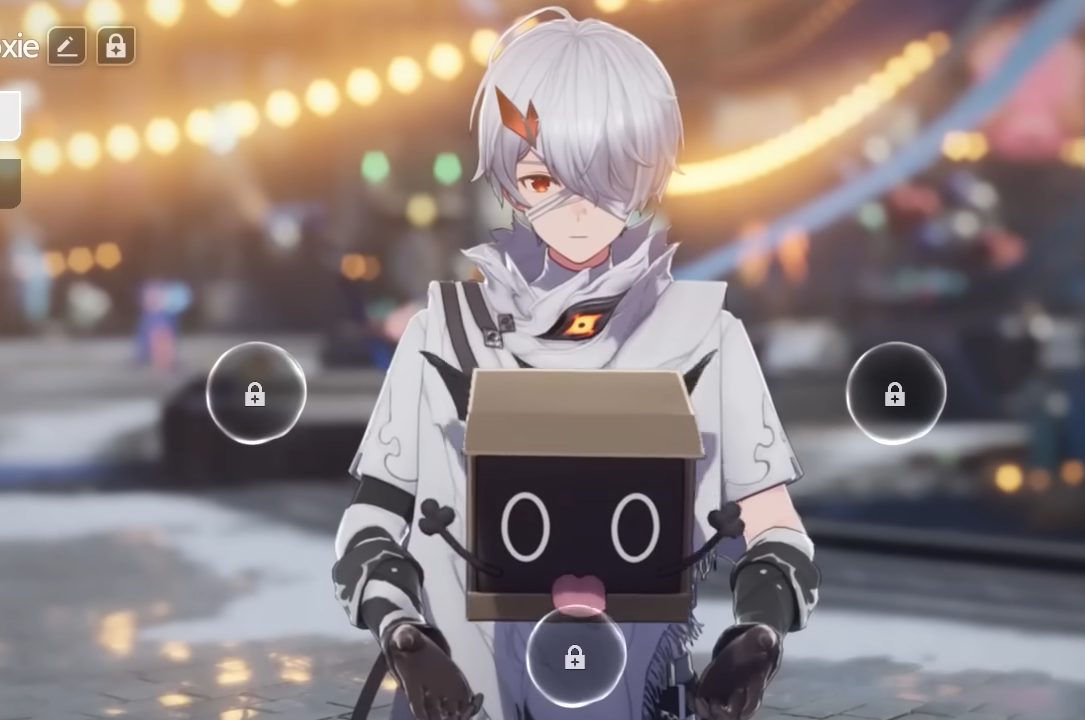
Duet Night Abyss — How to find Geniemon, shinies, and key picks
Spot beams of light, use Bro Boxie detection, and learn upgrades and variants to build a better roster.
-
Uninstall Duet Night Abyss on Windows — safe removal and cleanup
A quick path through Settings, with fallback steps and optional deep clean.
-
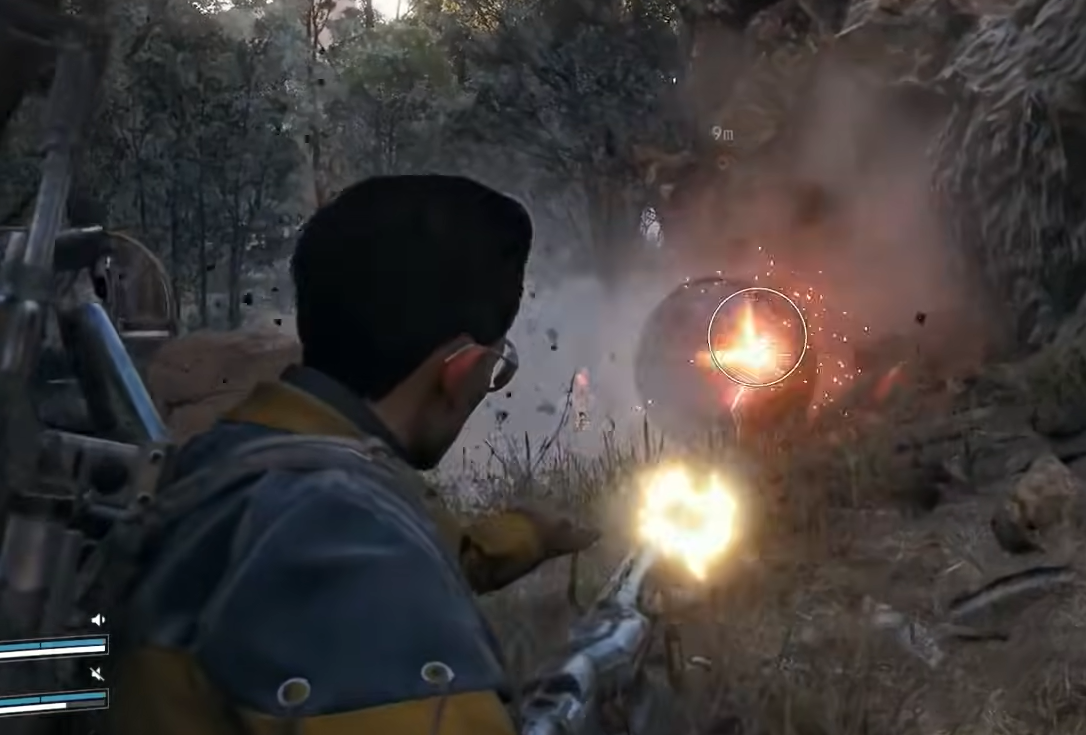
ARC Raiders Surveyor and Vault — how to spot it, beat it, and use the drop
Tactics for hunting Surveyors and the crafting value of the rare Surveyor Vault drop.
-
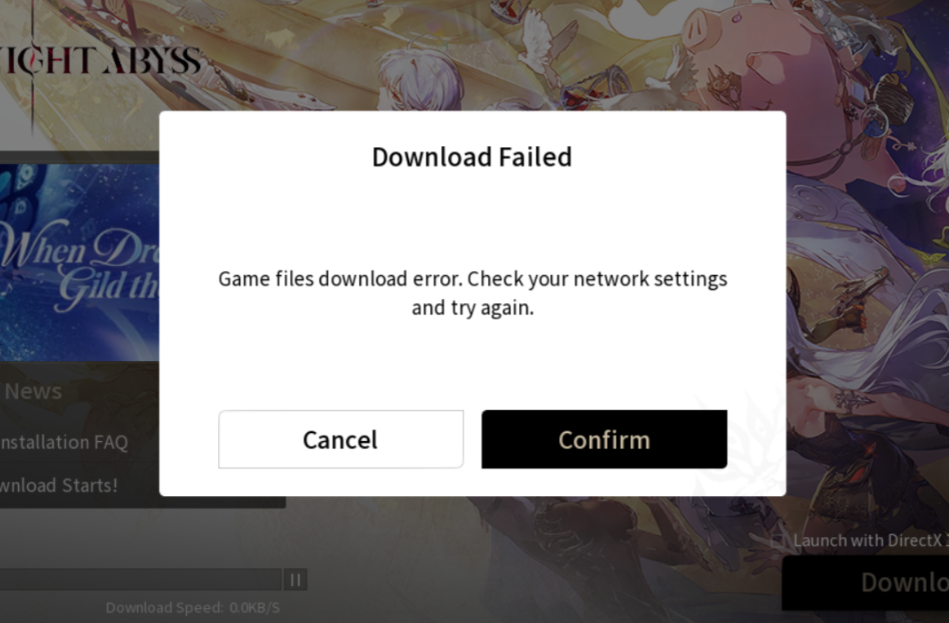
Duet Night Abyss — Fix the ‘Download Failed’ error on PC and mobile
Clear cache, repair files, meet storage needs, and when to reinstall or escalate.