
Instructional, step-by-step articles.
Content Type: How-To
-
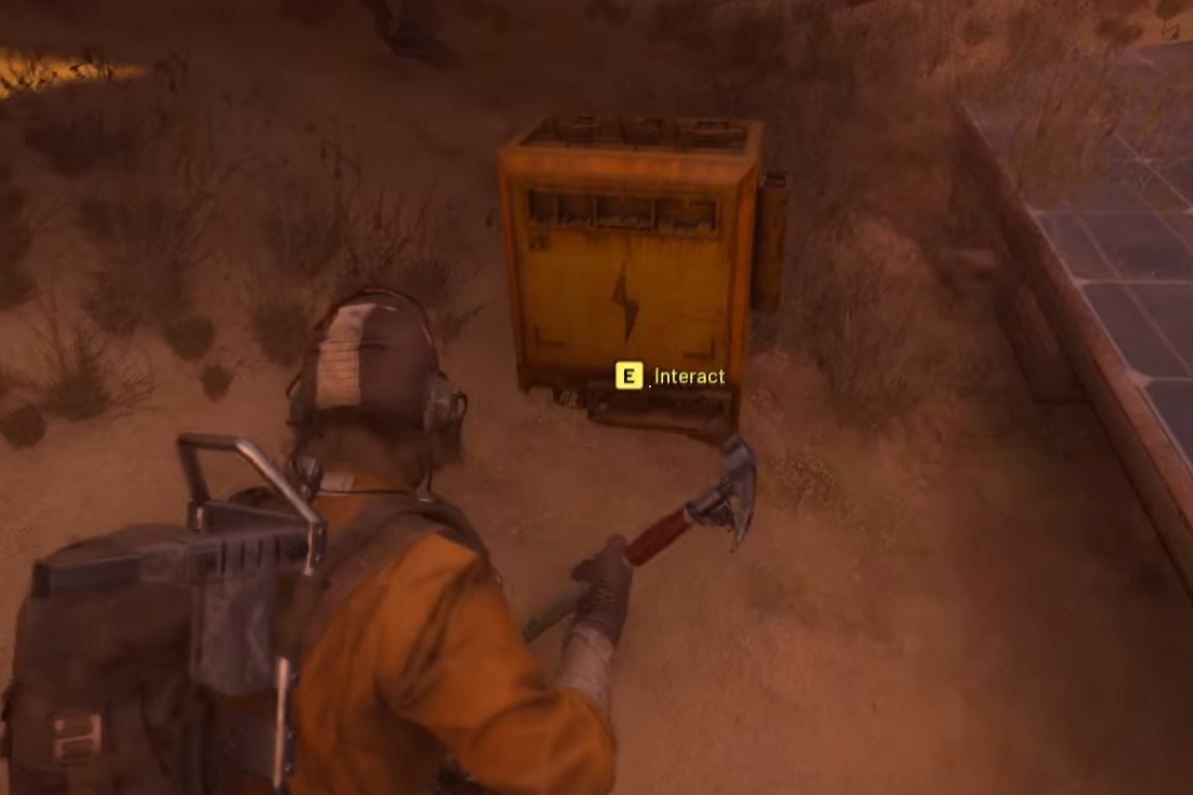
ARC Raiders ‘After Rain Comes’ — fix Buried City’s solar panels
Find flooded panels near Grandioso Apartments, bring parts, repair, then extract for 24,000 XP and two Showstoppers.
-

Fix the “Outdated Game Client” error in ARC Raiders (PC/PS5/Xbox)
Why the message appears during patch rollouts and the fastest ways to get back online.
-

How to Upgrade Scrappy fast with reliable farm routes in Arc Raiders
Exact item requirements and efficient spots for Dog Collars, fruit, Prickly Pears, Mushrooms, Cat Beds, and Pillows.
-
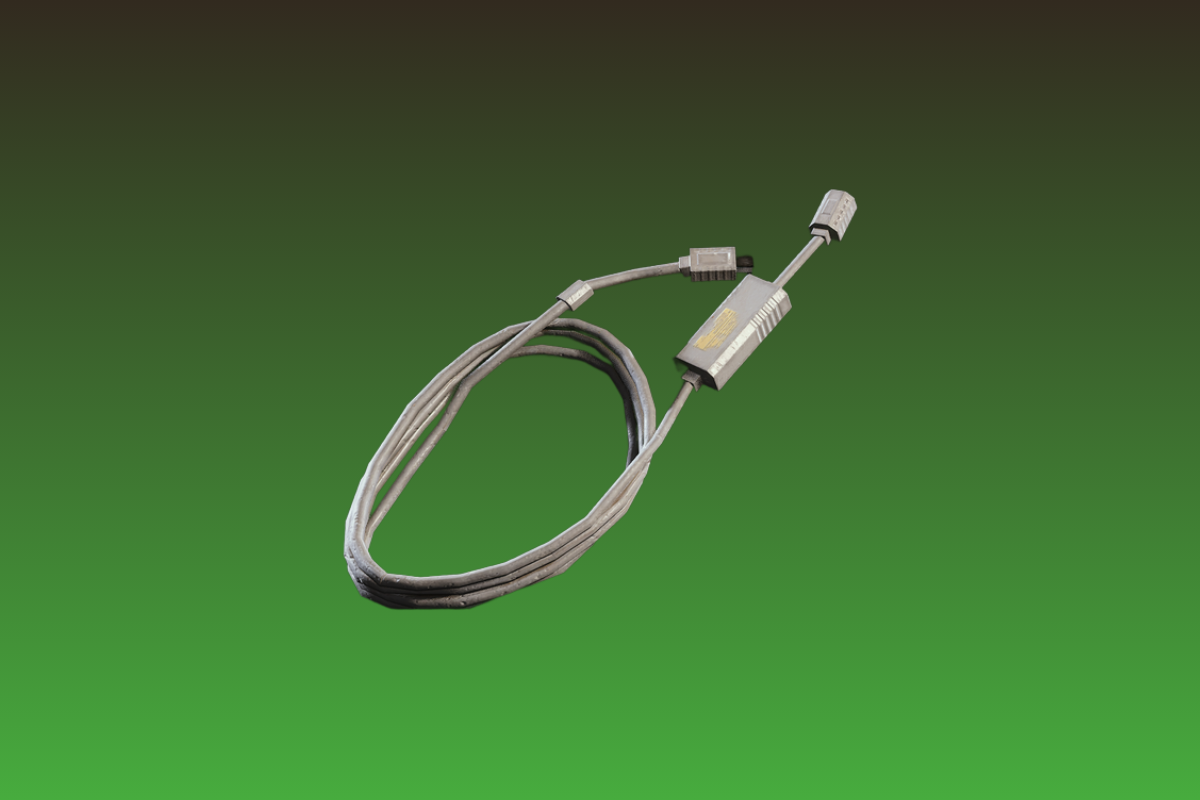
Arc Raiders power cables — where to find them and how to use them
Power Cables are rare electrical loot tied to Gear Bench II and a reliable way to turn scavenged tech into wires.
-

Duet Night Abyss — how to get weapons and craft them efficiently
Blueprints drop from Covert Commissions via Secret Letters, then you build the weapon at the Forge unlocked early in the story.
-

Duet Night Abyss Rhythm guide — skills, introns, and how to unlock
What Rhythm does, how her Sanity loop works, and where to farm unlocks.
-
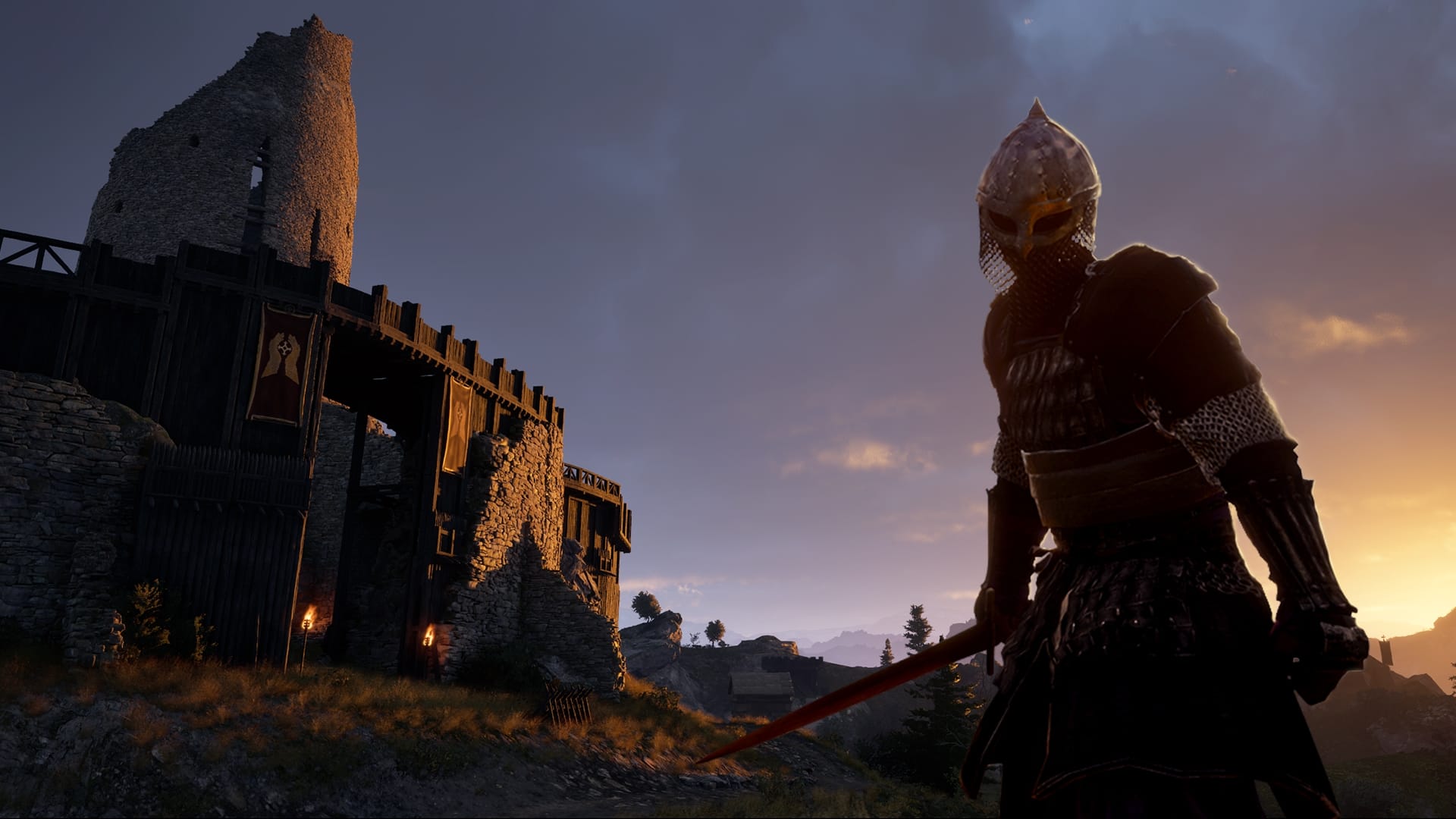
Pax Dei fine wooden planks — how to craft them and what they’re for
Unlock the tier‑2 plank recipe, learn the Heartwood requirements, and see where planks slot into mid‑game builds.
-
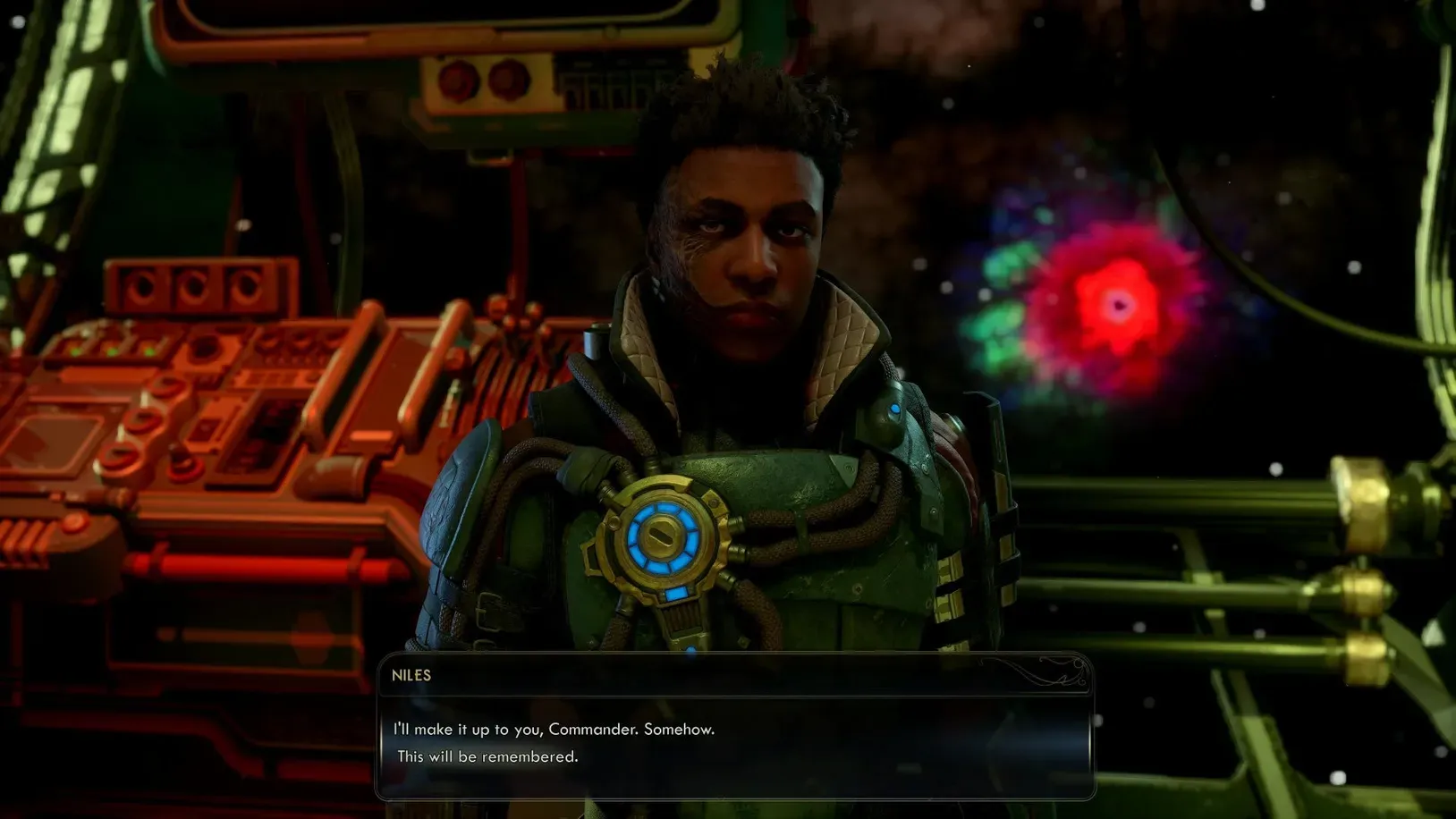
Pressing Cares in The Outer Worlds 2 — how to start, choices, rewards
Where to find Zebulon, how to free Audra, and what each choice changes, including skill checks and the Niles Mod Kit.
-
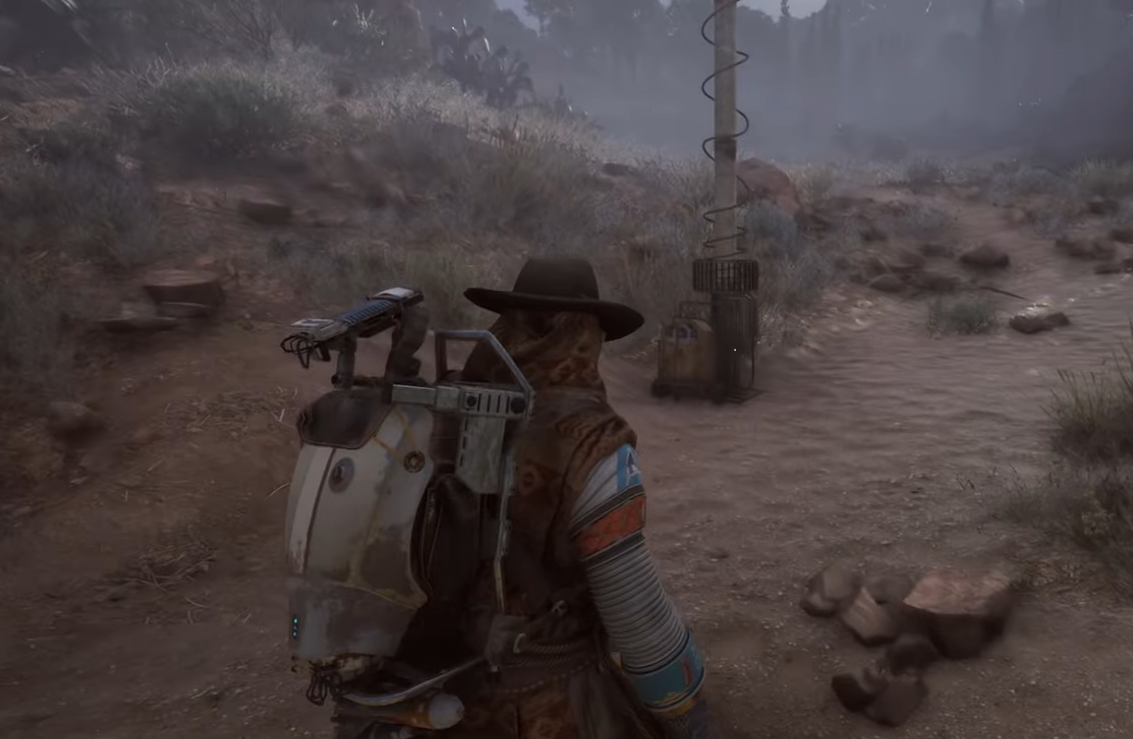
ARC Raiders Straight Record — how to shut down the Victory Ridge EMP
A precise route to each power switch and what you earn for completing Celeste’s task.
-
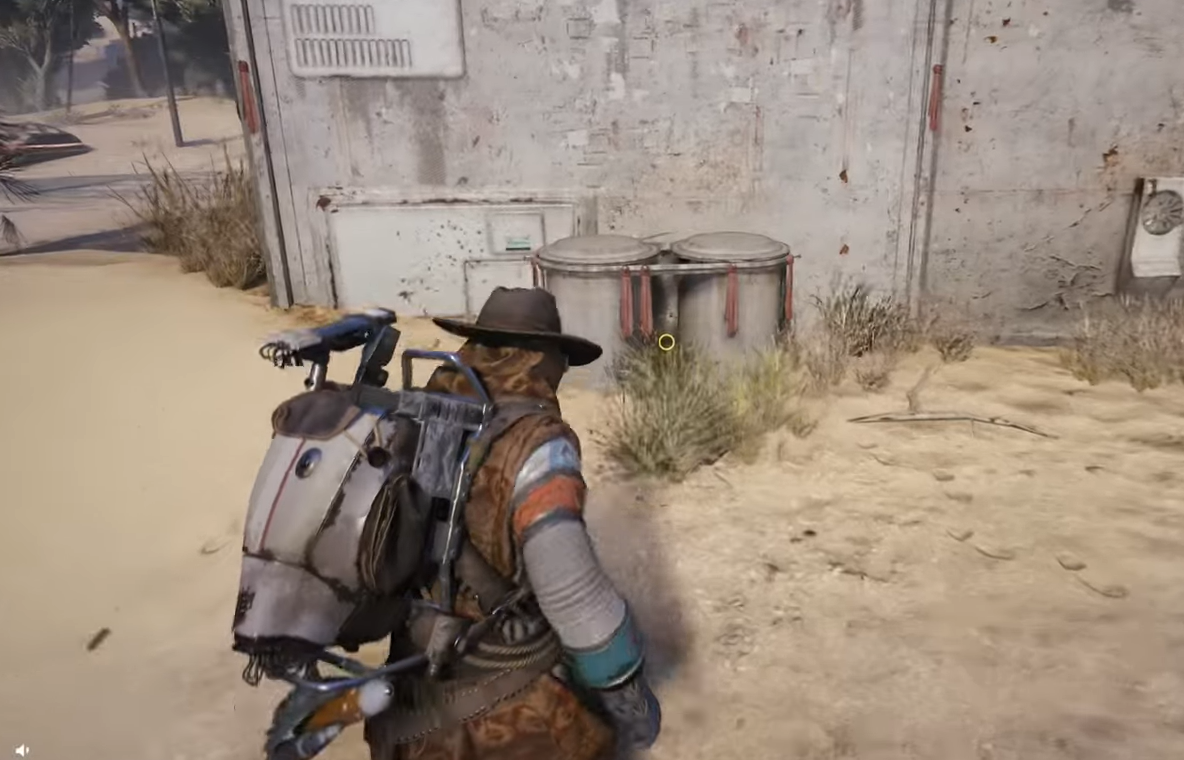
ARC Raiders ‘Market Correction’ quest — how to find the cache
A focused walkthrough for spotting the quest object, avoiding ARC patrols, and extracting without losing progress.