
Instructional, step-by-step articles.
Content Type: How-To
-
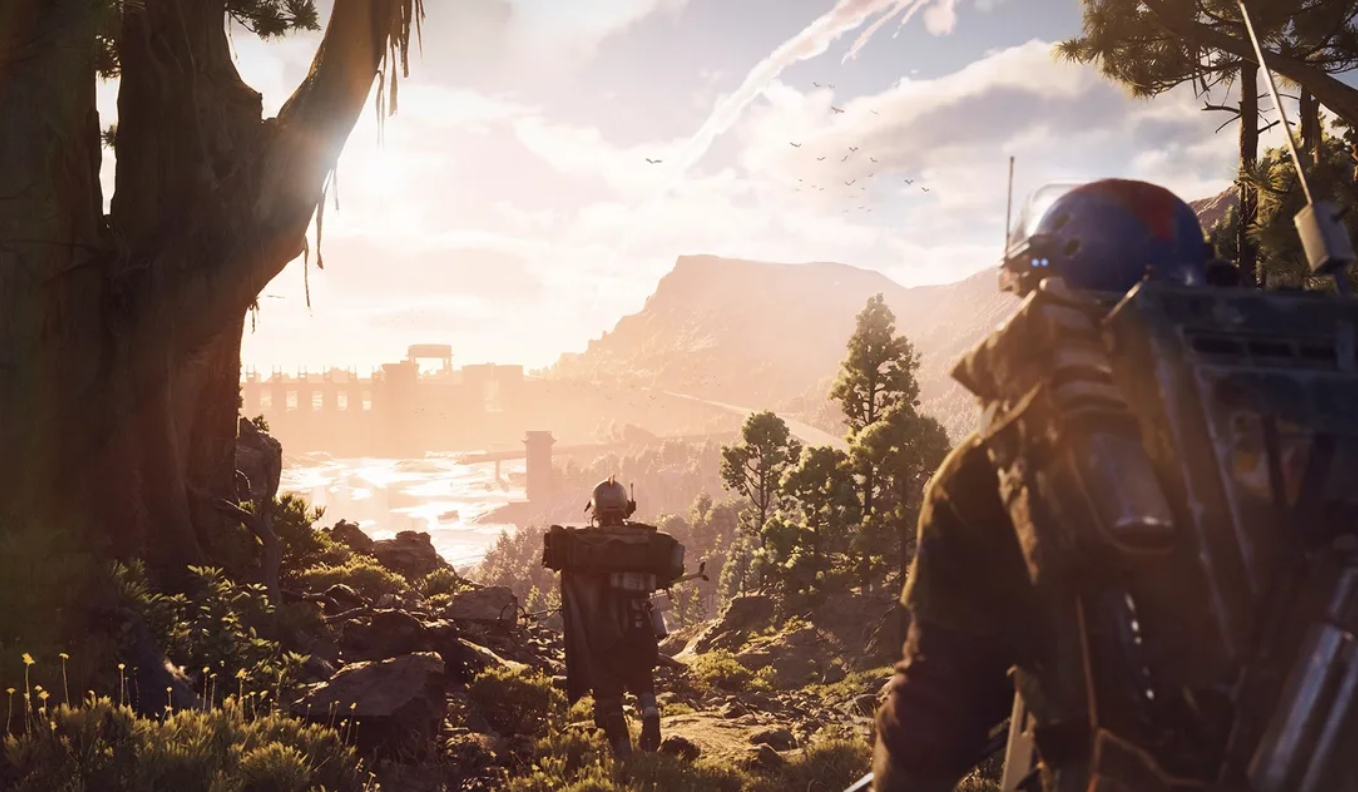
Arc Raiders on Steam Deck — Proton fix and the right settings
Enable Proton Experimental and switch to FSR 3 to keep a steady 40–50fps, with clear trade-offs for visuals and battery life.
-
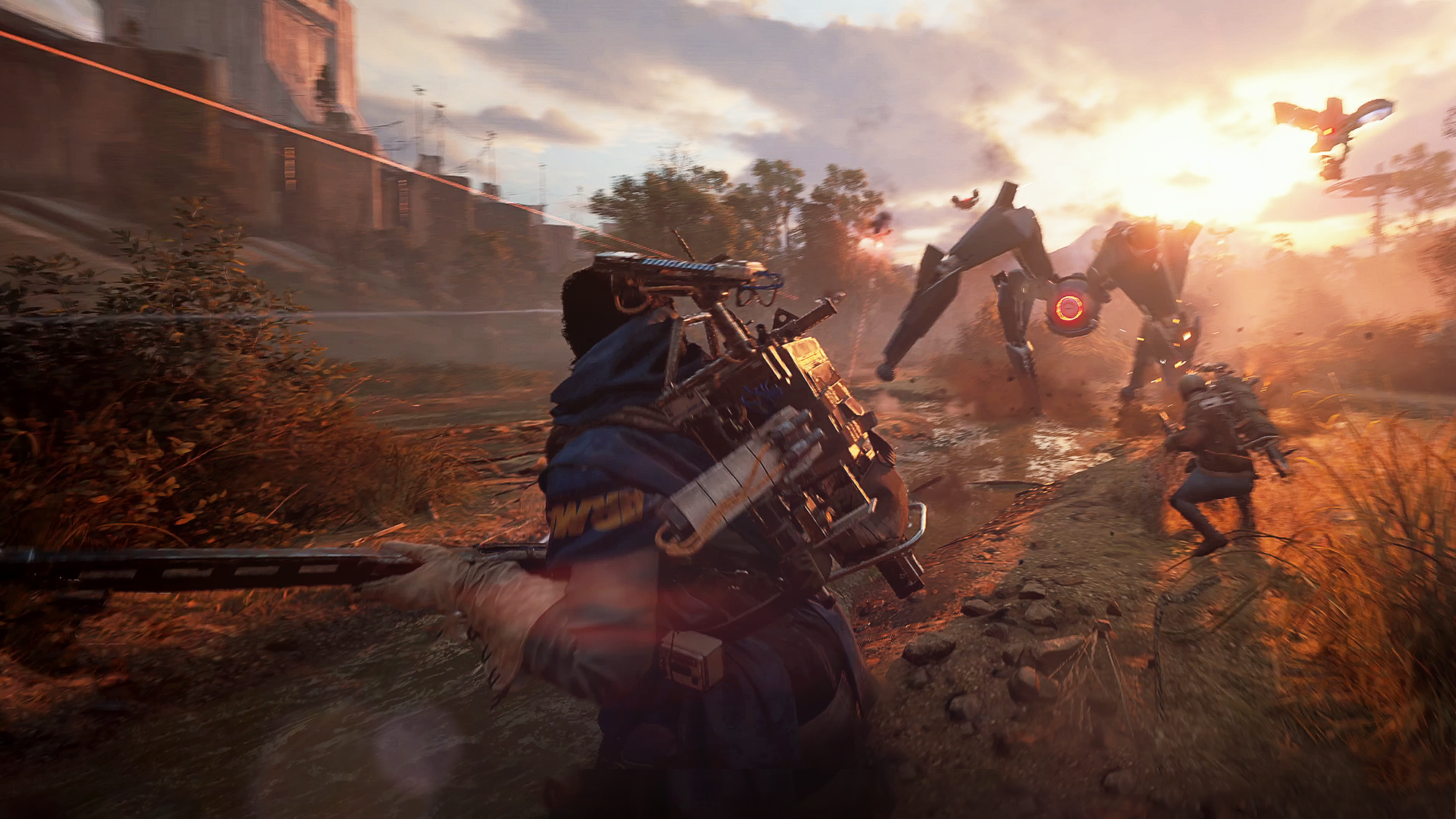
Arc Raiders: How to Get ARC Motion Cores (Fast, Reliable Methods)
Use probes and ARC events to gather enough Motion Cores to upgrade your Refiner to II and III.
-

Equip Medium Shields with the right Augment – Arc Raiders
Swap to a Combat or Tactical augment, then drag the shield into the shield slot.
-
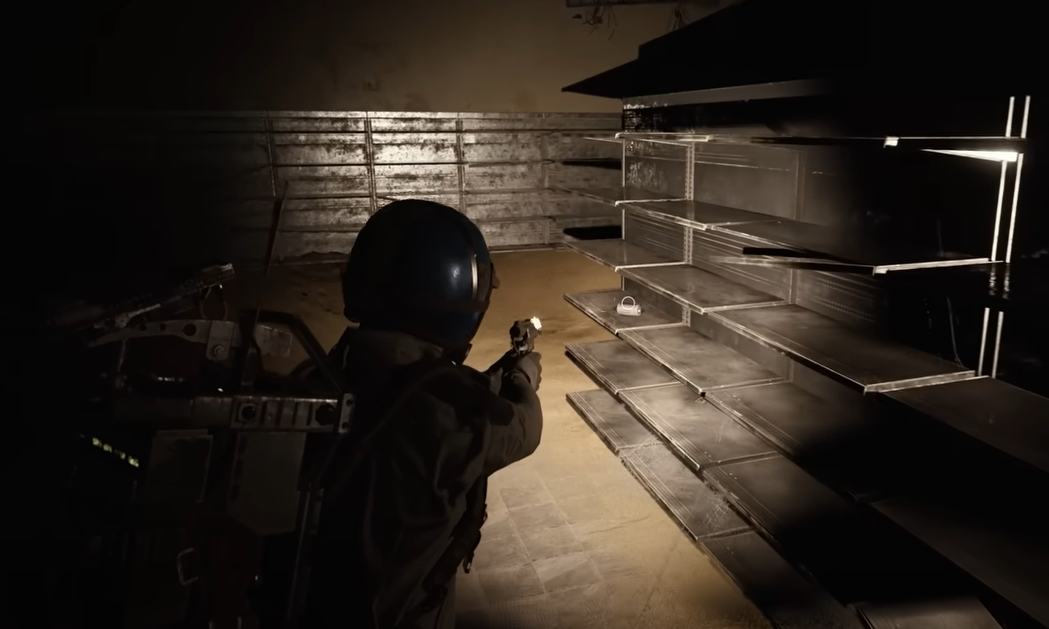
Arc Raiders (PC): Split item stacks with Alt‑drag, plus console buttons
Use Alt + drag on PC or X/A then Square/X on console to create half‑stacks for cleaner loadouts.
-

How to Get Medium Gun Parts in ARC Raiders — Craft, Loot, Buy
Unlock the blueprint, upgrade Refiner 2, and secure parts through vendors, caches, and recycling.
-
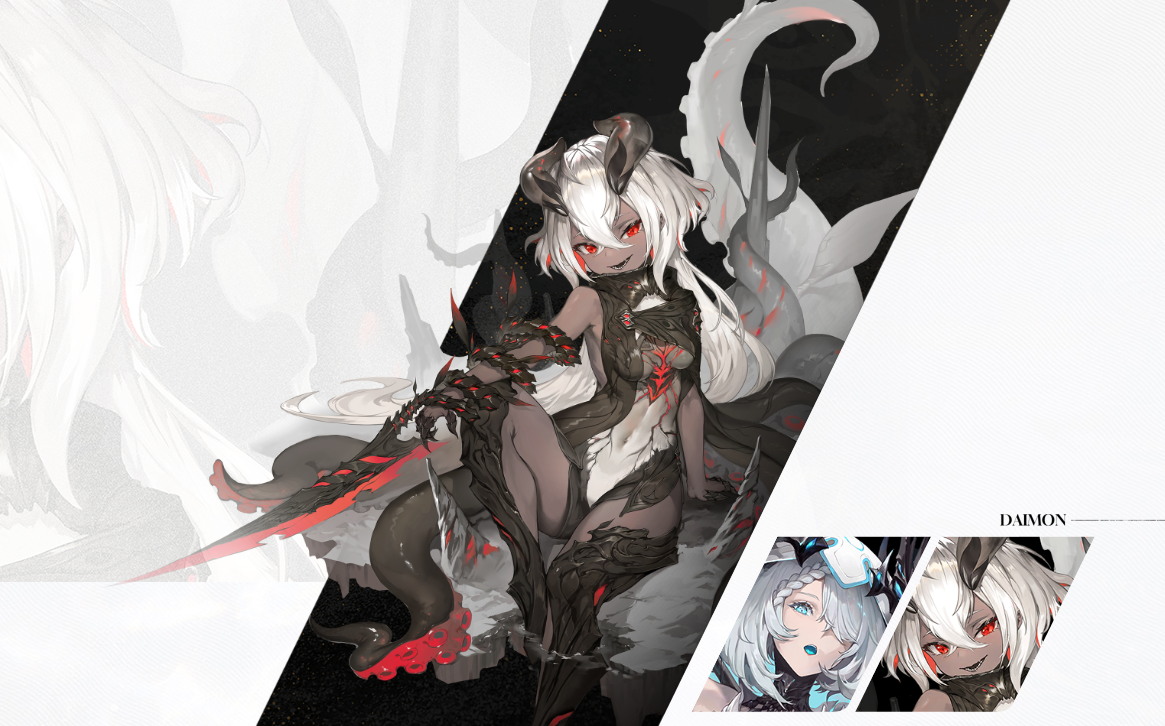
Duet Night Abyss Tabethe — support kit, teams, and how to unlock
Hydro support who buffs Skill DMG and adds soft crowd control, best paired with skill-centric DPS.
-
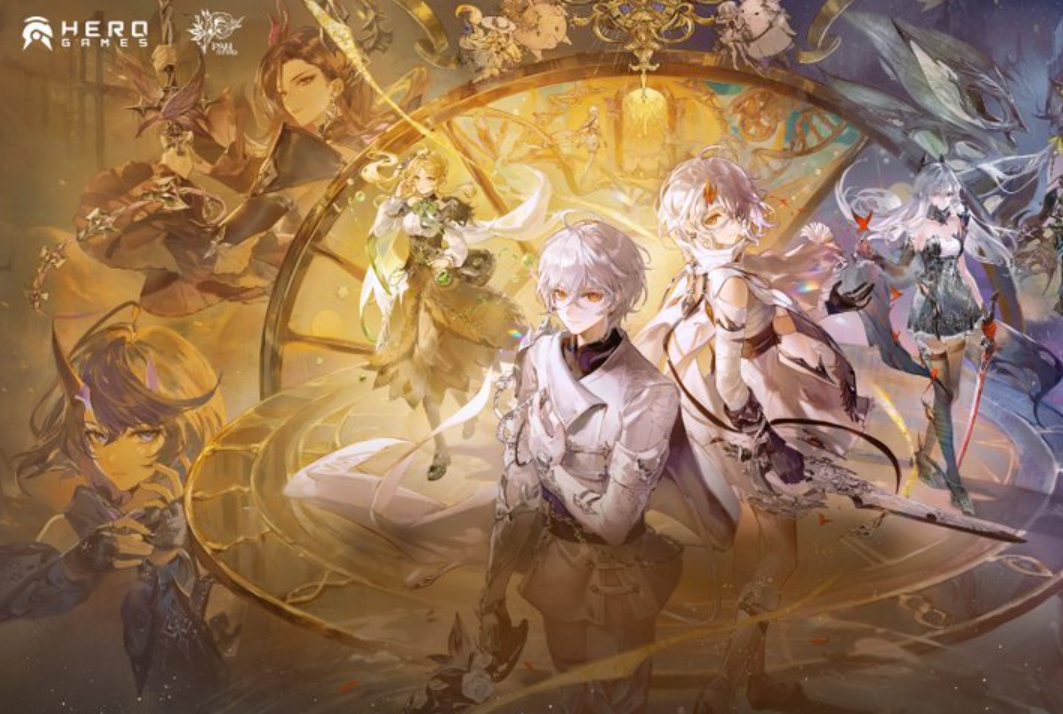
Duet Night Abyss story chapters — main quest order and how to reach Chapter 2
A clean breakdown of every main quest in the Prologue, Noctoyager Chapter 1, Twilight Chapter 1, and the trigger that unlocks Chapter 2.
-
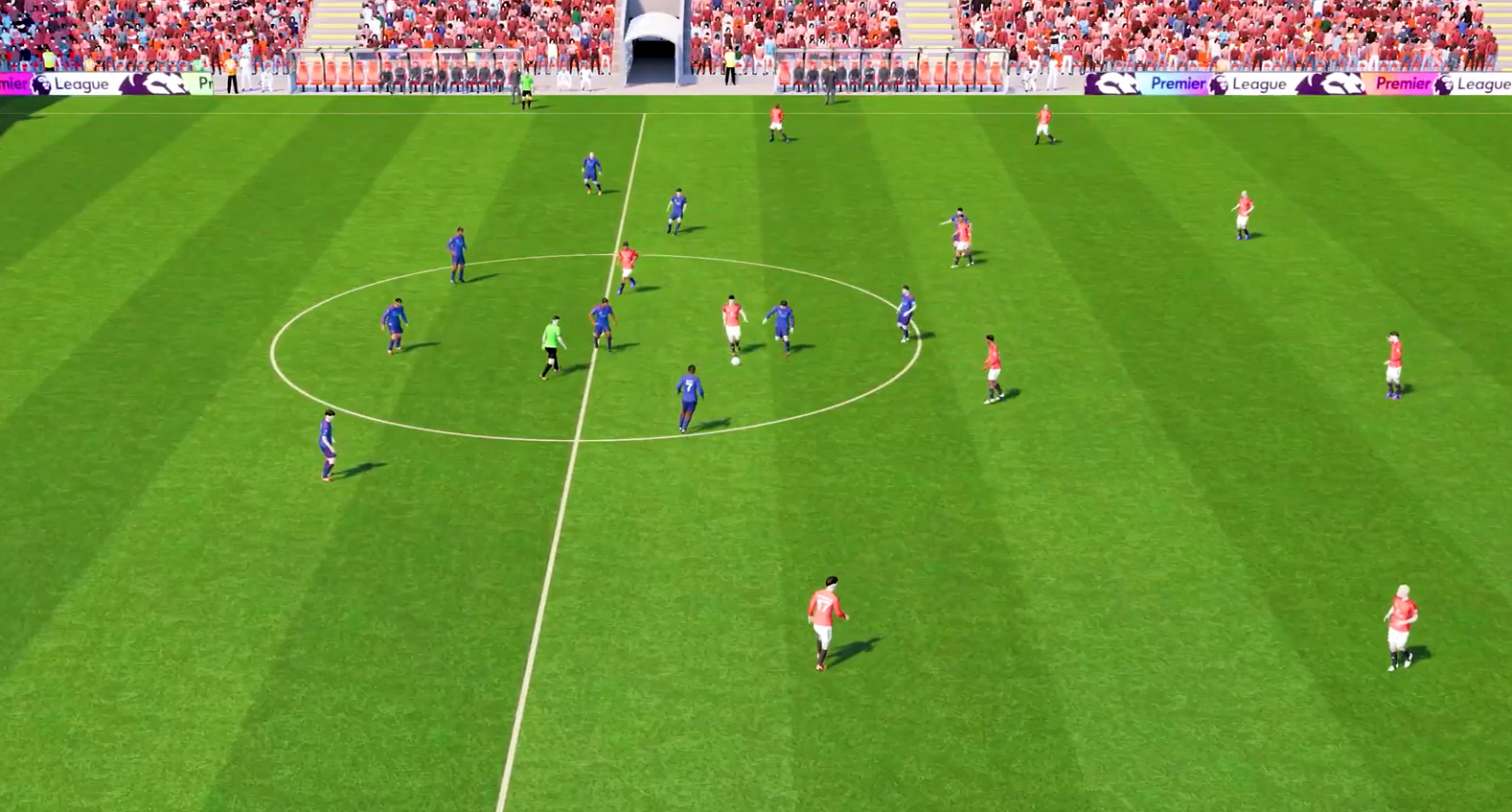
Football Manager 26 Console (Xbox/PS5) — what’s new and how to play
Unity brings a new engine, revamped UI, women’s football, and cross‑play to the console edition.
-
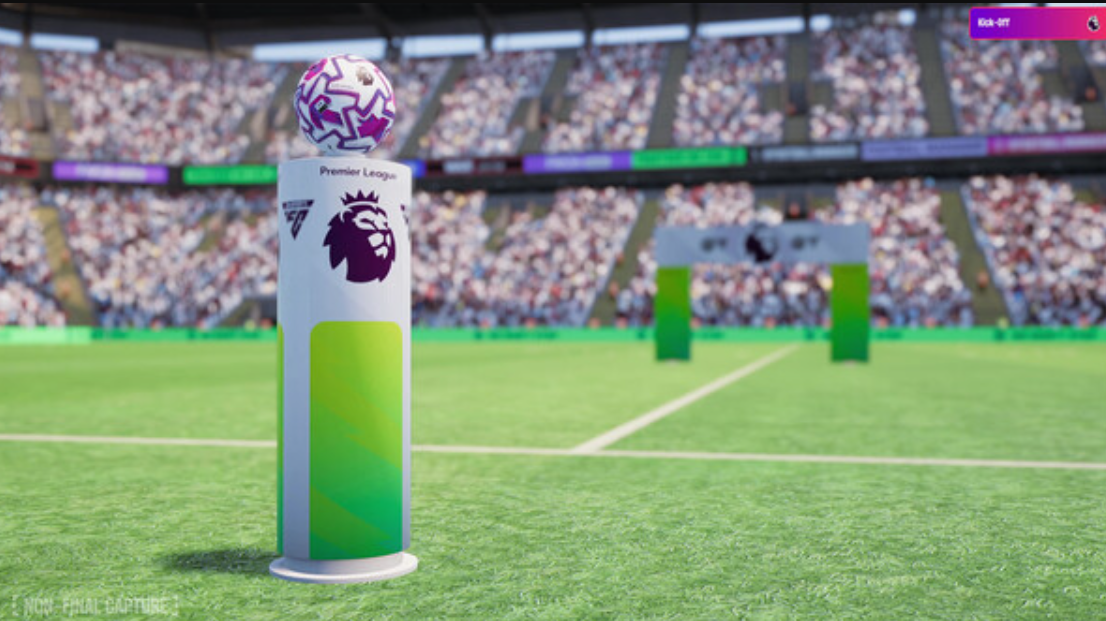
Football Manager 26 in-game editor — buy, enable, and edit players
A straightforward path to installing the DLC, turning it on, and finding the hidden controls to change attributes and contracts.
-
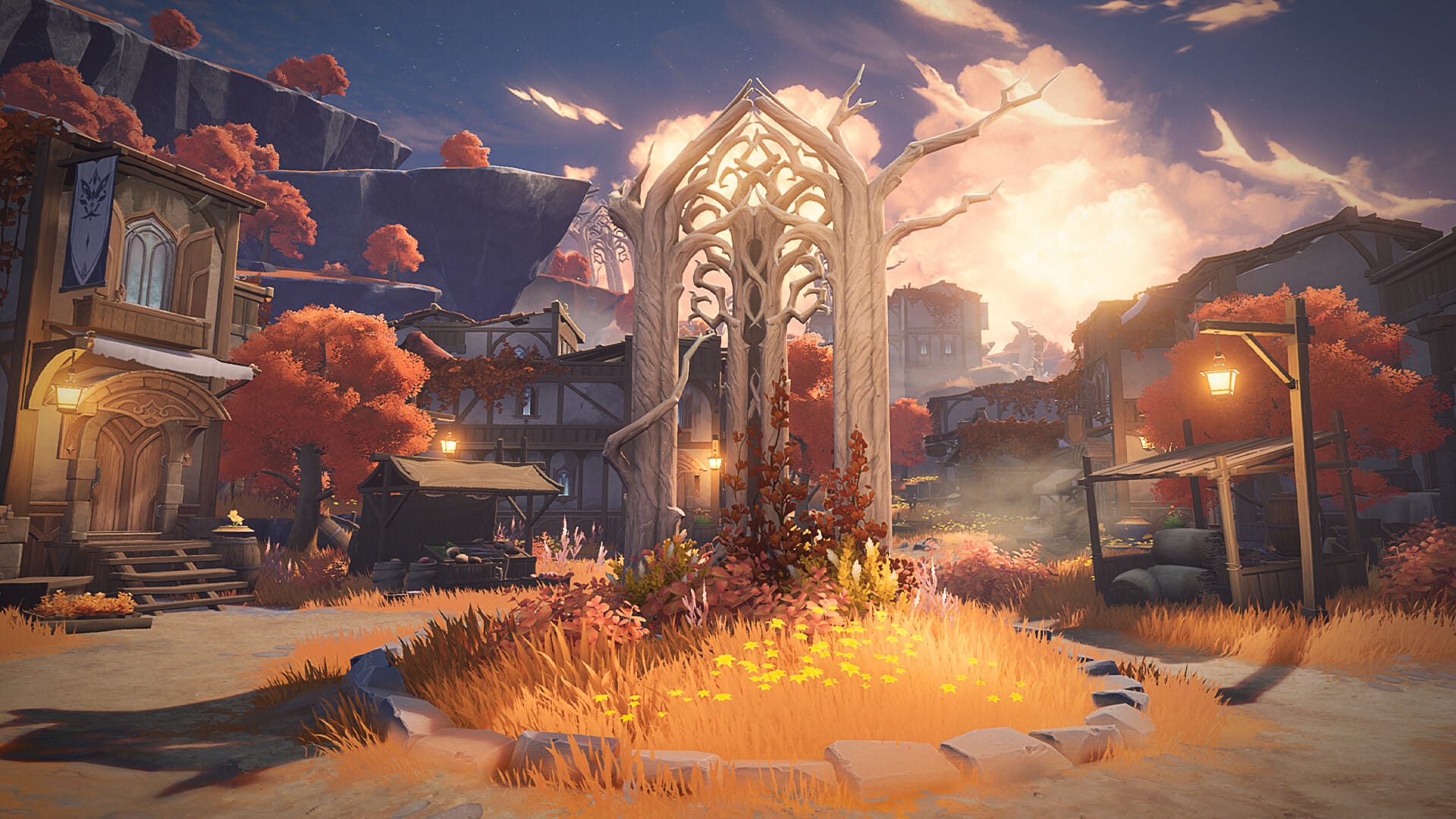
Duet Night Abyss (PC) fixes for launcher stuck on “Installing”
Practical steps to unstick the launcher: file repair, admin rights, prerequisites, and a safe launcher bypass.