
Instructional, step-by-step articles.
Content Type: How-To
-
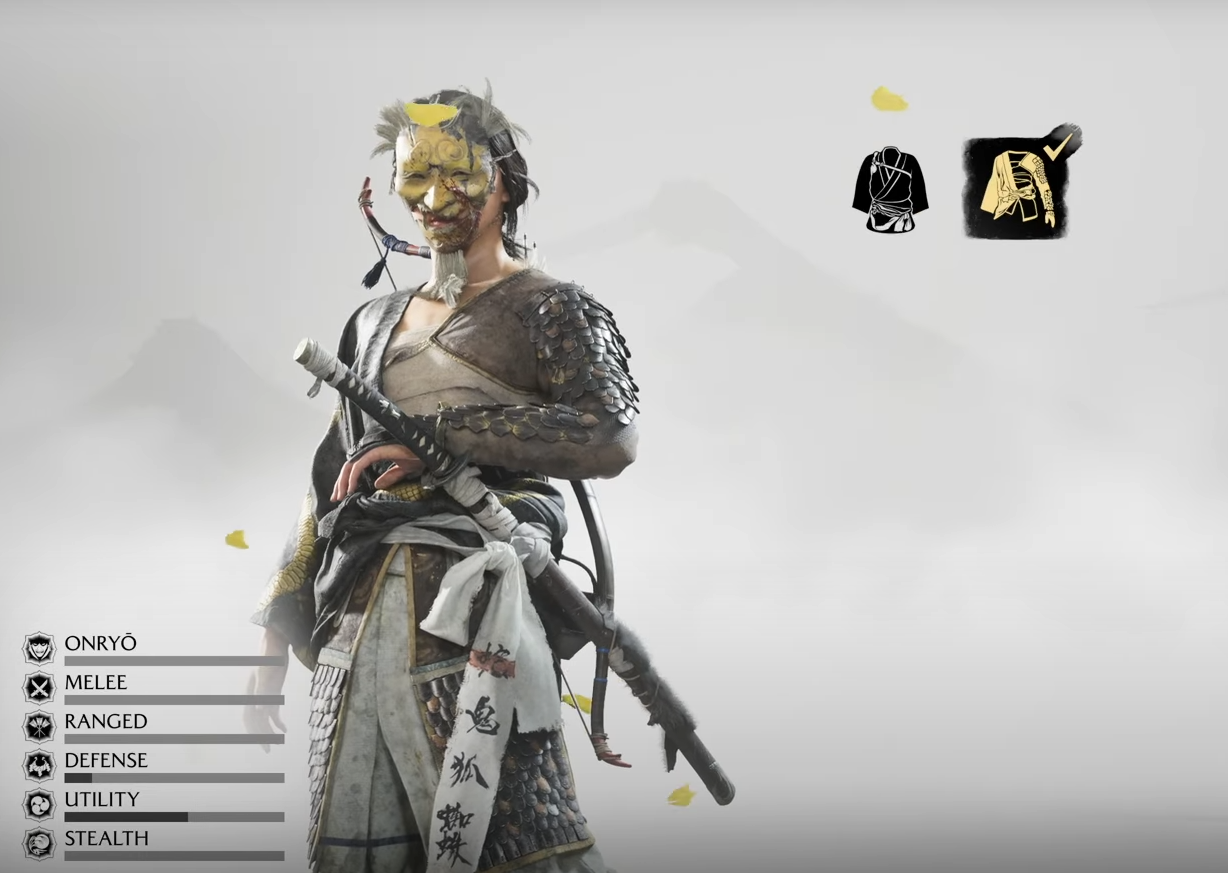
Ghost of Yotei’s Snake Armor — how to get it and what to know early
Digital Deluxe owners start with the Snake Armor; here’s how it fits with early armor choices and upgrades.
-
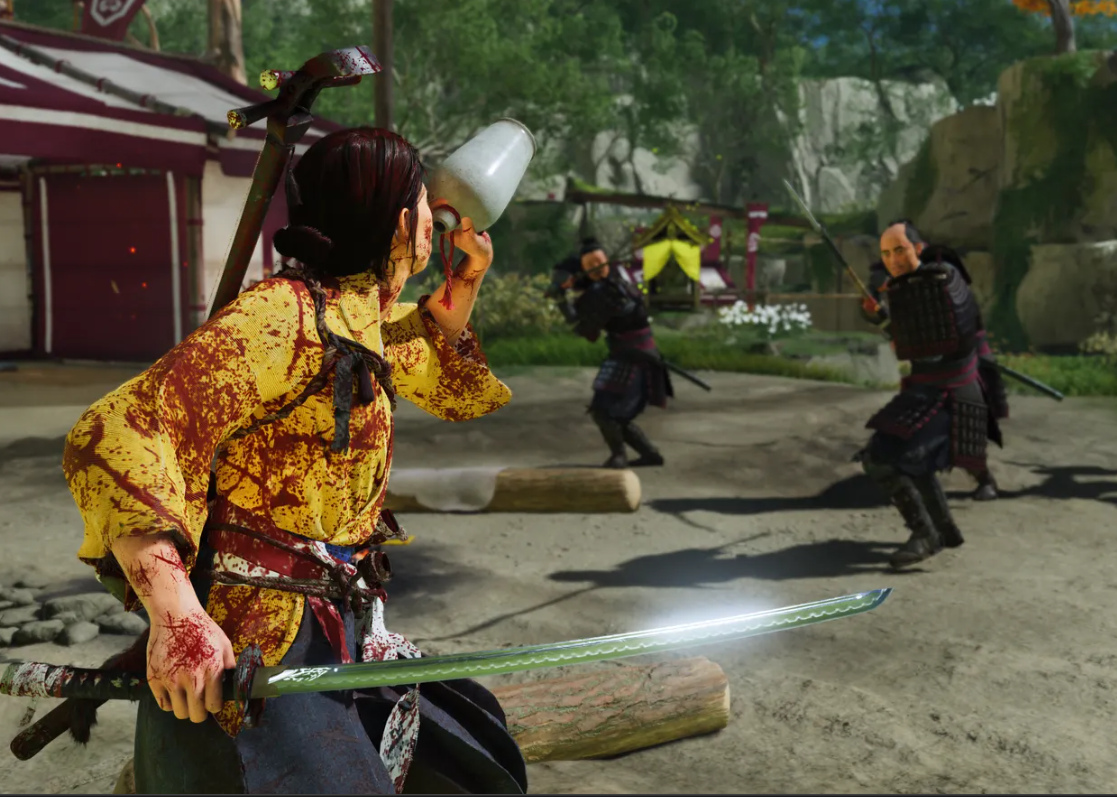
Ghost of Yotei — How to drink sake, refill Spirit, and not overdo it
What Sake Jars do, where to find them, and a short sake-related quest to pick up along the way.
-

Ghost of Yotei — Best early armor to unlock and how to get it
Unlock five early sets with clear steps for stealth, combat, and range.
-

How to pronounce Yōtei — and how it differs from “yotei”
The ō marks a long vowel: say “YOH-tei” for the mountain, not “yo-tai” or “yo-oo-tei”.
-
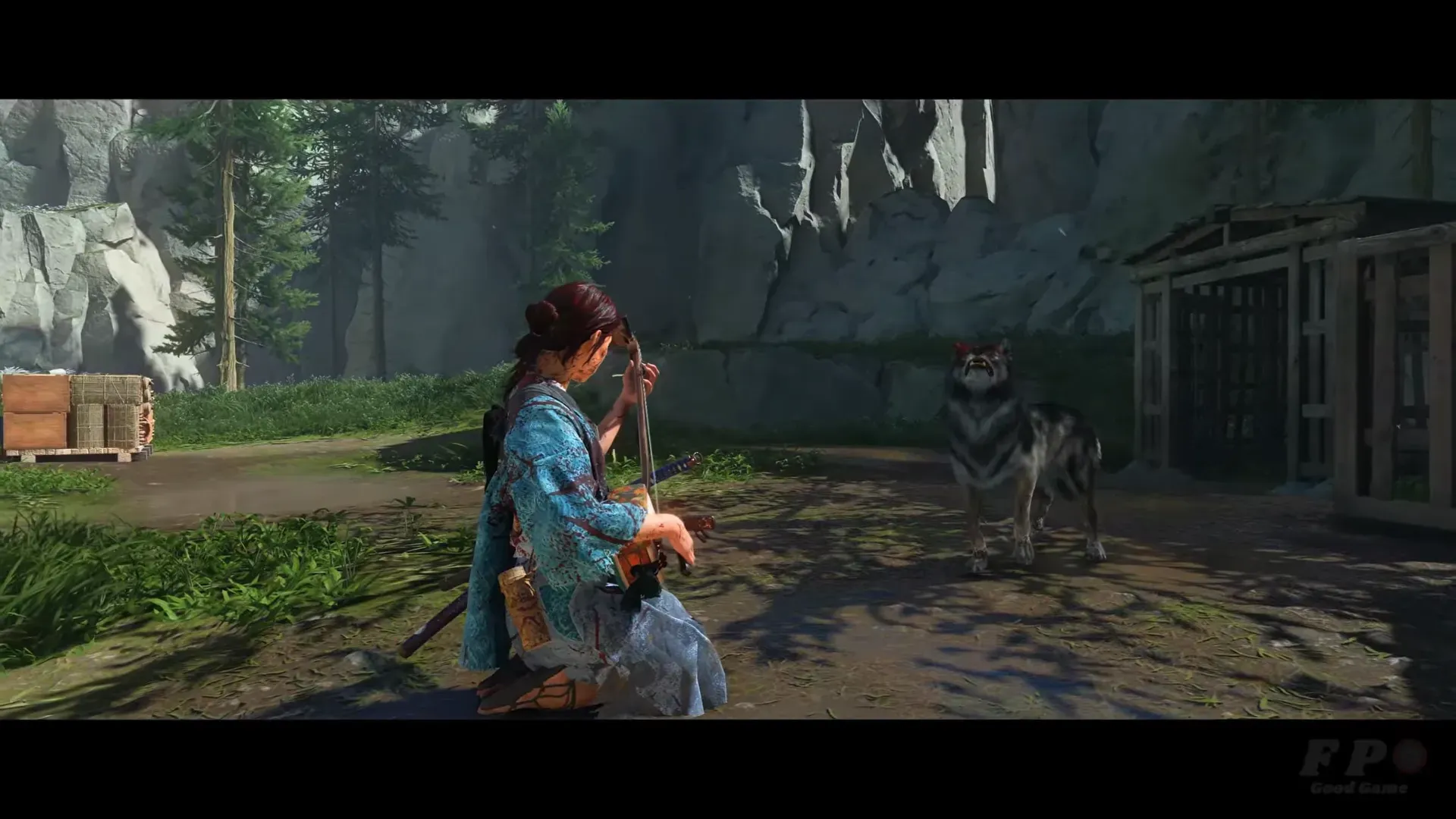
Ghost of Yotei — How to unlock and upgrade the Wolf Companion
Bond with the wolf, clear dens for unlocks, then learn Wolf techniques at Altars of Reflection.
-
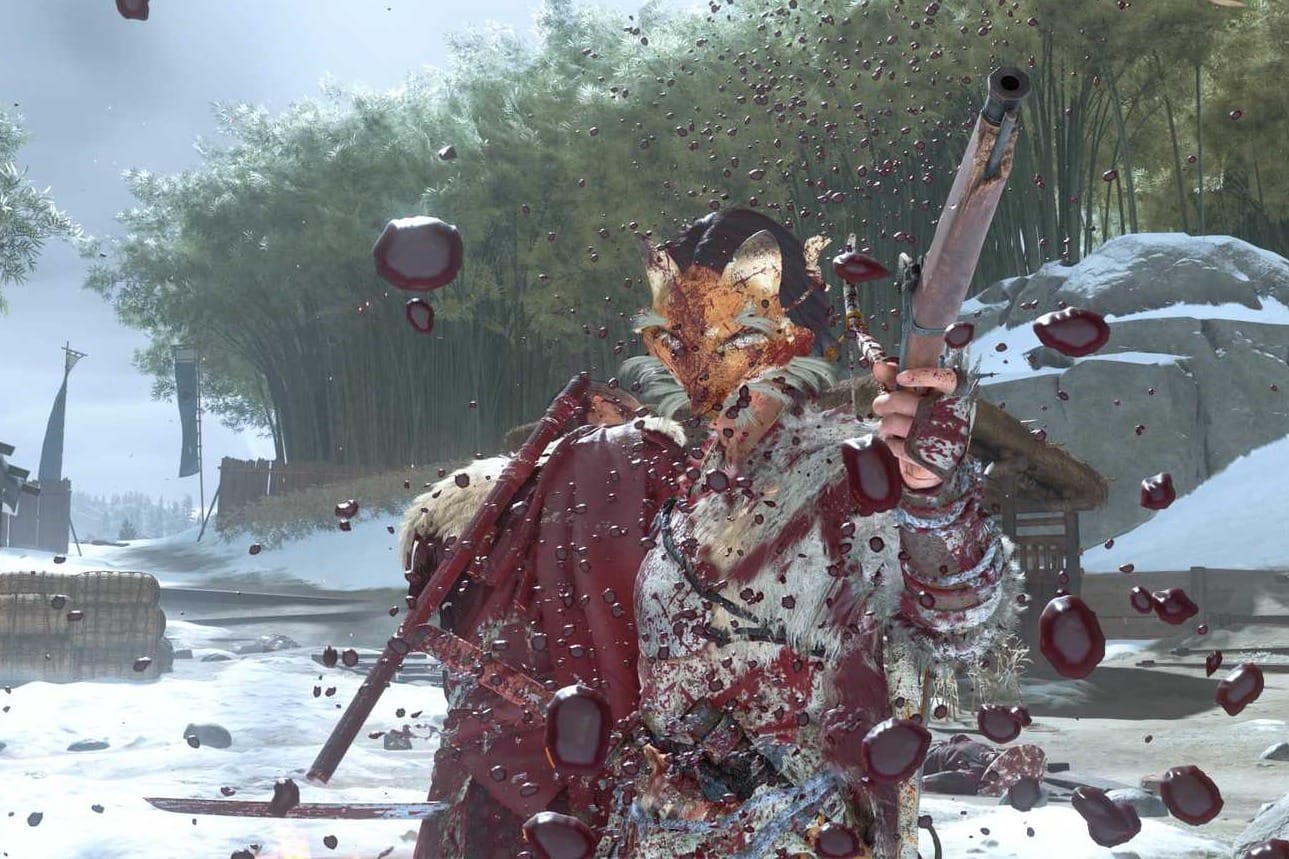
Miike Mode in Ghost of Yōtei — what it changes and how to use it
A tighter combat camera, heavier blood and mud, and how it stacks up against Kurosawa and Watanabe modes.
-
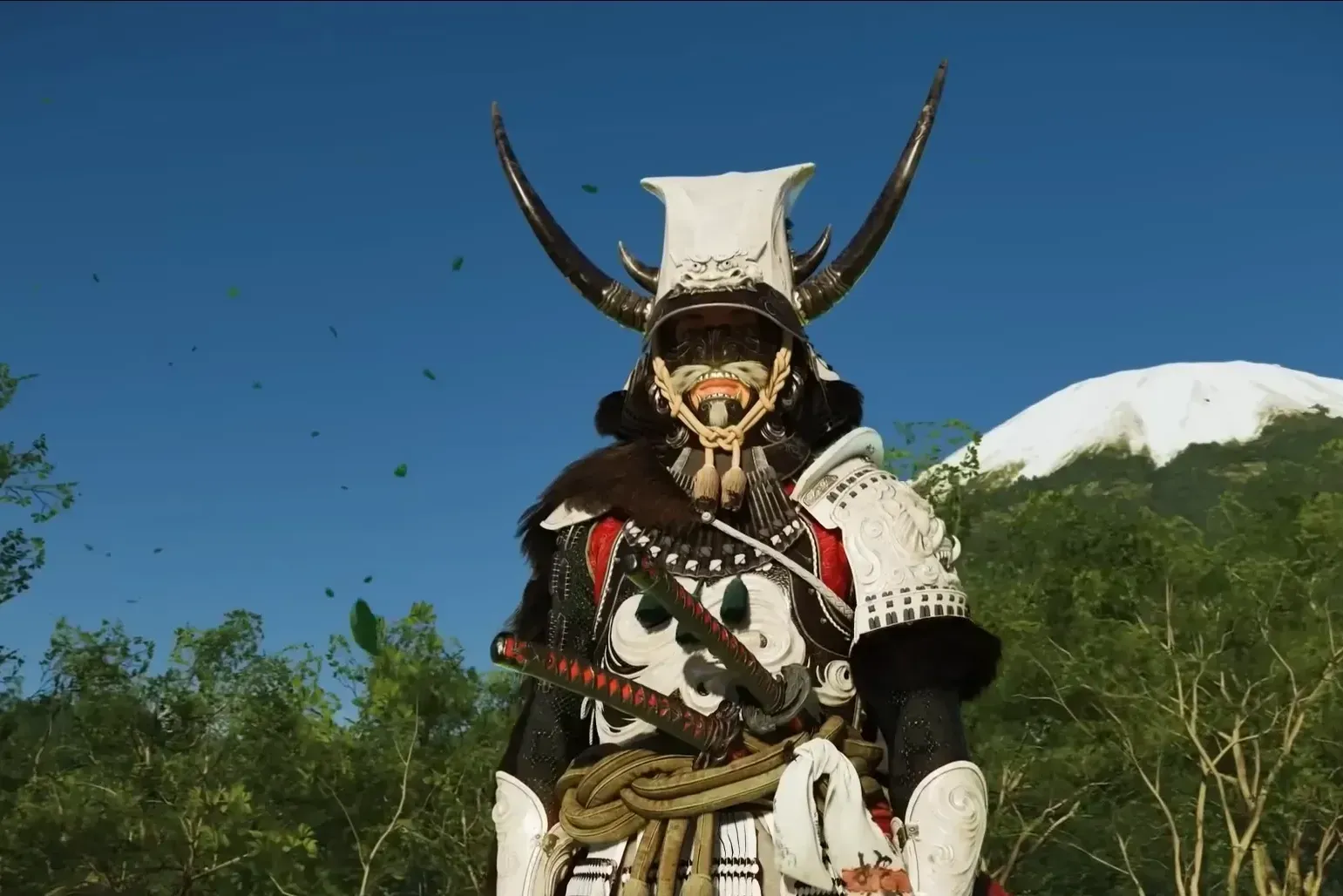
How to Upgrade Armor in Ghost of Yotei — Find Ginji and required materials
Reach Yotei’s Shadow Inn, unlock the armorer, and meet the costs for each upgrade tier.
-

Black Ops 7 beta on Game Pass — dates, access, and how to play
Early Access starts October 2 at 10AM PT, the Open Beta runs October 5–8; here’s how to join on Xbox and PC.
-
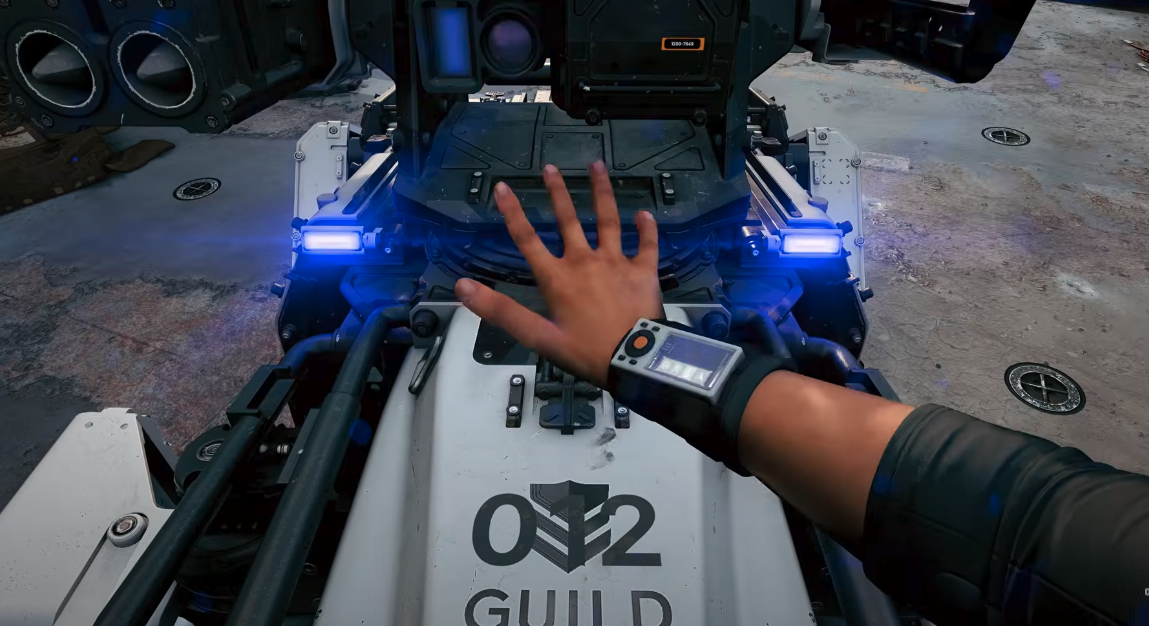
Black Ops 7 DAWG streak — how to pet your robot dog
A simple walkthrough to unlock, call in, and safely trigger the pet animation.
-
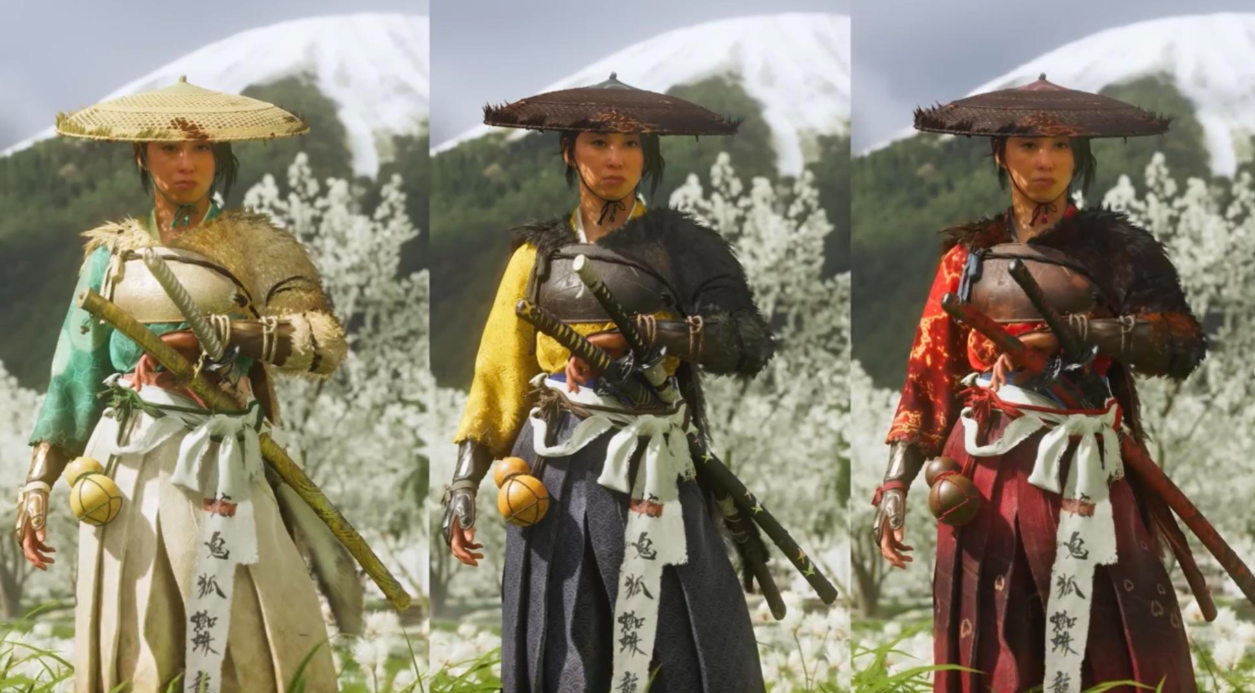
Ghost of Yotei armor — all sets, masks, headgear, how to get them
Where to find each body armor, what its perks do, and the vanity items that complete each set.