
Instructional, step-by-step articles.
Content Type: How-To
-
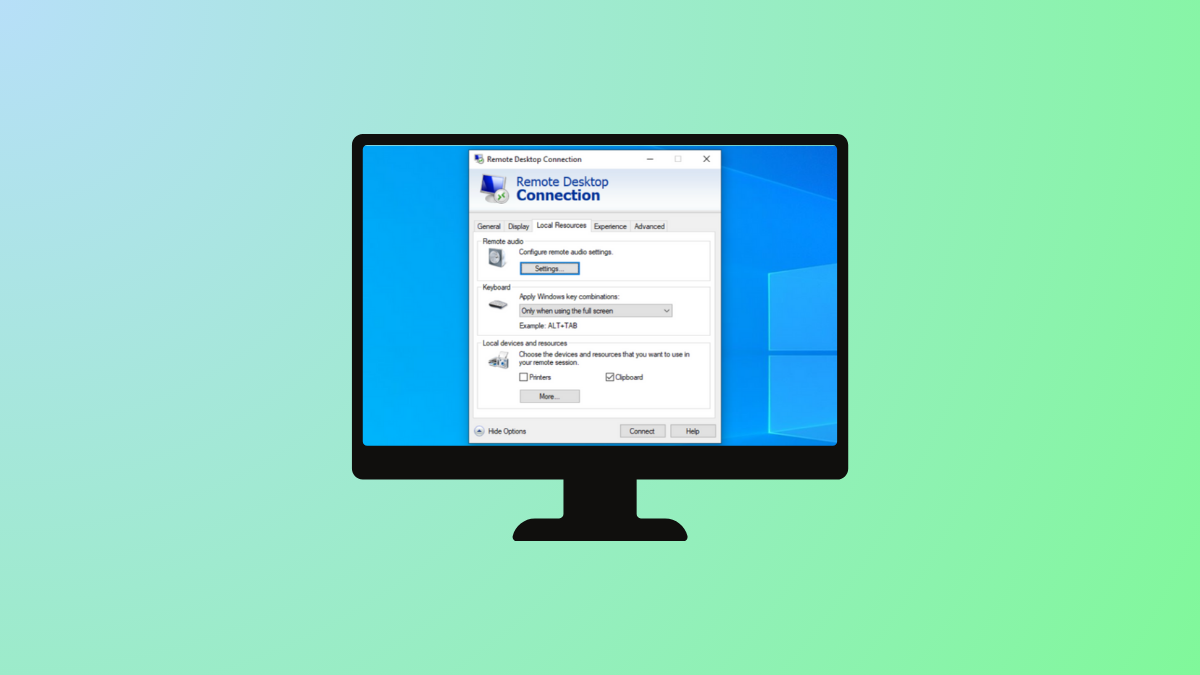
Identify Windows RDP Client Credential Source
Pinpoint the origin of stored credentials that the Windows Remote Desktop Protocol (RDP) client automatically uses during connections.
-

Resolve Installation of Ironic Fails on Ubuntu Jazzy (22.04)
Address installation failures when deploying Ironic on Ubuntu Jazzy (22.04) by troubleshooting dependencies, package sources, and service configurations.
-

Resolve DHCP Server Authorization Permissions Issue
Fix DHCP server authorization problems by adjusting permissions and verifying Active Directory configuration.
-

Implement Workaround for Google SMTP Relay After “Less Secure Apps” Have Been Disabled
Set up secure and reliable email sending through Google SMTP Relay without relying on “Less Secure Apps” access.
-
Resolve Windows 11 Folder Access Denied for Administrators Group
Effective solutions to fix denied folder access on Windows 11, even when using an account in the Administrators group.
-
Fix Robocopy Stuck on ERROR 3 When Accessing Destination Directory
Resolve “The system cannot find the path specified” by troubleshooting Robocopy destination directory errors and ensuring smooth file transfers.
-

Fix SSH Key Generation Failure in Git Bash on Windows 11
Resolve SSH key creation issues in Git Bash on Windows 11 by addressing common permission and environment conflicts.
-
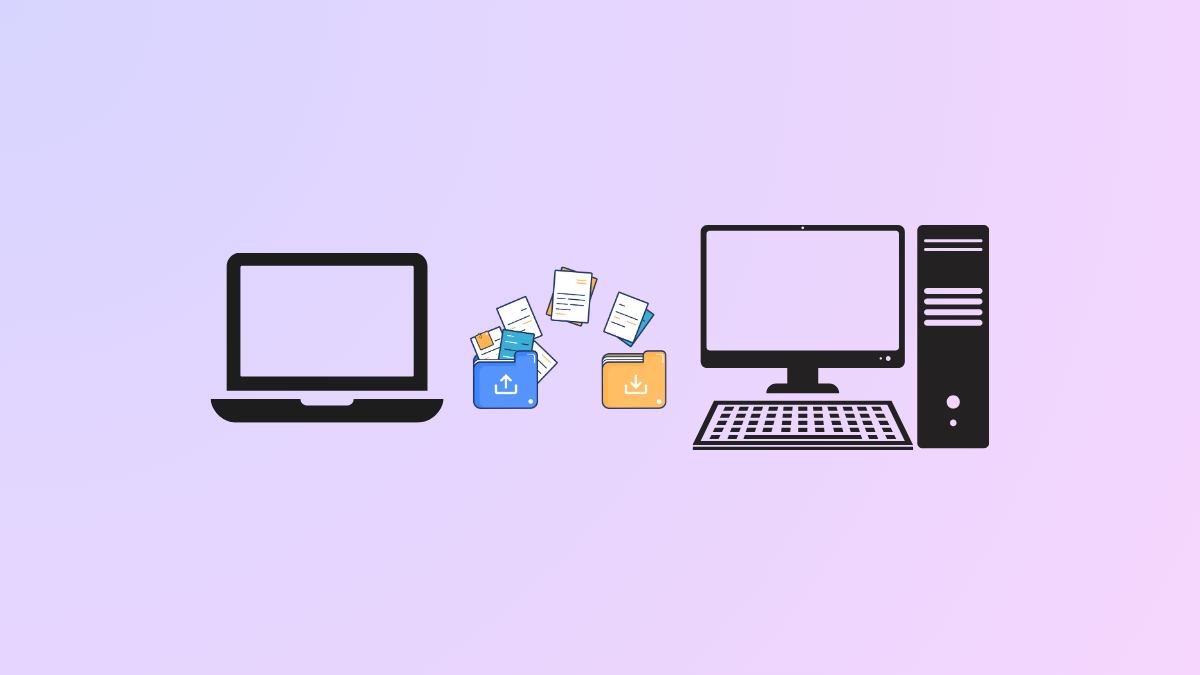
Transfer Everything Between Two Windows Machines
Move all your files, applications, and settings from one Windows computer to another with multiple methods for a seamless transition.
-
Change File Extension in Windows 11 Directly
Quickly rename and modify file extensions in Windows 11 to control how files are recognized and opened.
-
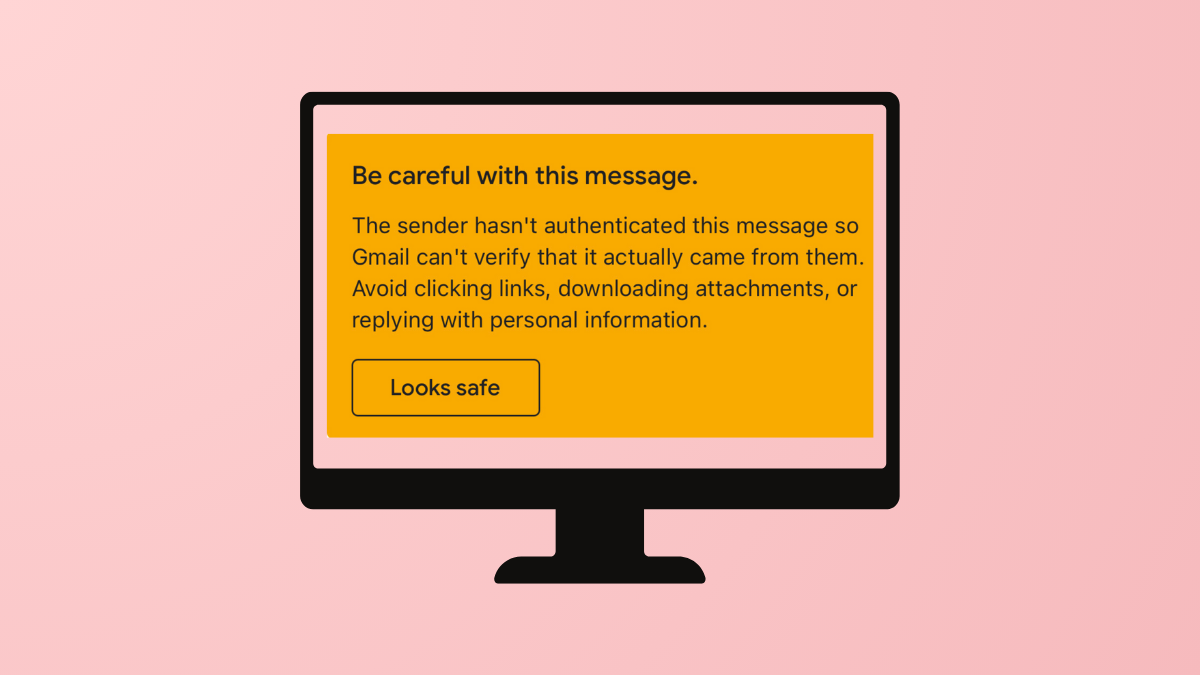
Prevent “Be Careful With This Message. The Sender Hasn’t Authenticated This Message So Gmail Can’t Verify” Warning in Gmail
Stop Gmail from displaying sender authentication warnings by properly configuring email authentication protocols for your domain.