
Instructional, step-by-step articles.
Content Type: How-To
-
How to Enable and Use Read Mode in Microsoft Word
Switching to Read Mode in Word creates a distraction-free, full-screen reading environment with options to comment, highlight, translate, and adjust page layout for easier…
-
How to Move a Shared Folder in Google Drive to Another Account
Transferring a shared folder from one Google Drive account to another requires specific steps to maintain folder structure, ownership, and file access across accounts.
-
How to Fix Windows 11 Black Screen Error After Running Memory Diagnostic
Detailed solutions to resolve a black screen on Windows 11 after using the Windows Memory Diagnostic tool, including hardware checks, system recovery, and advanced…
-
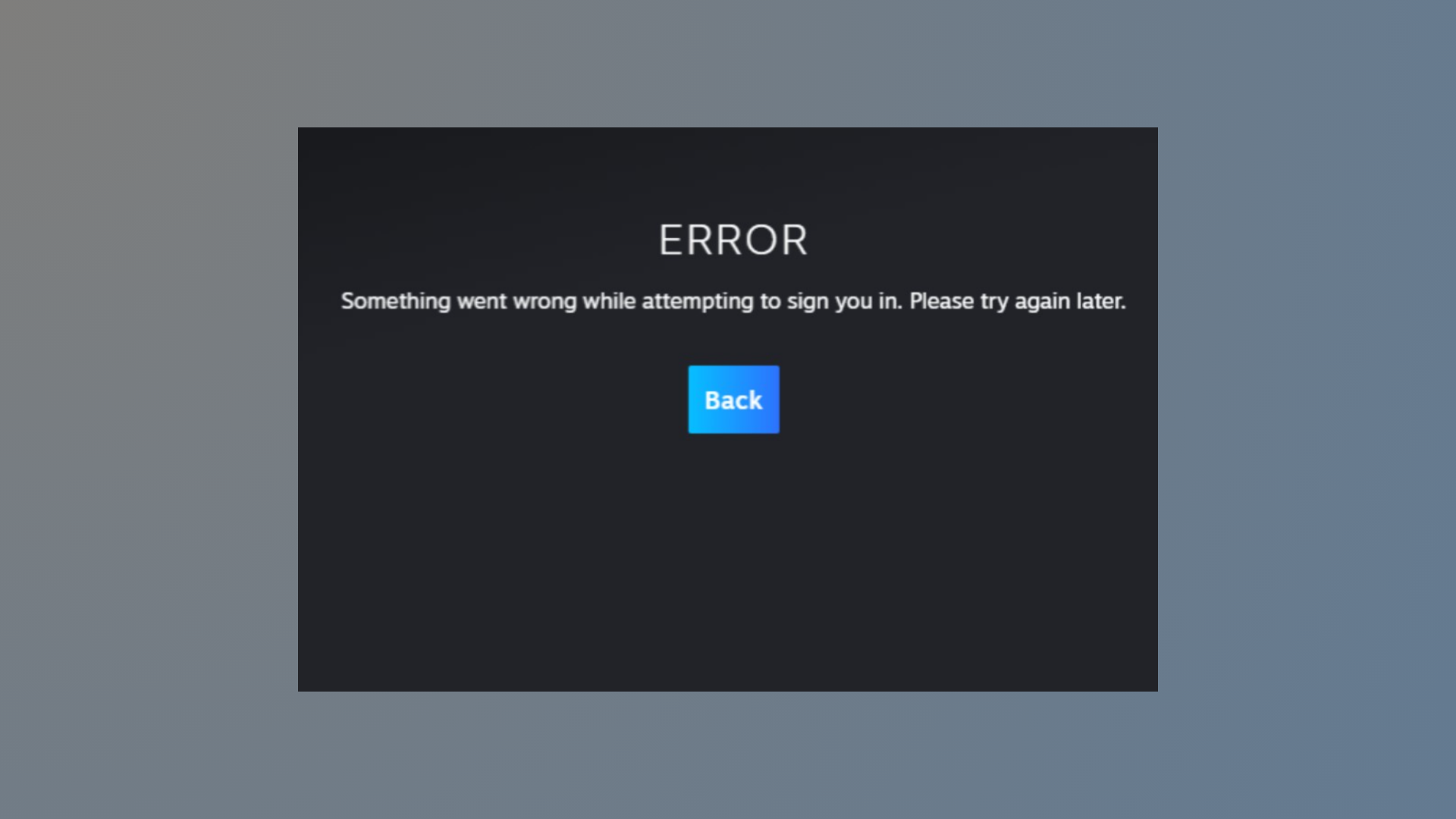
How to Fix Steam Error E502 L3
Resolve Steam Error E502 L3 by identifying server-side issues, using effective troubleshooting steps, and knowing when to wait for Valve to restore service.
-
How to Fix “We Ran Into a Problem Completing Your Request” Error in Excel Online
Resolve the recurring Excel Online error message and restore full access to your shared spreadsheets using proven troubleshooting steps.
-
How to Fix Excel Cannot Create or Add New Cells Error
Learn practical solutions to resolve the “Excel cannot create or add new cells” error and restore full editing capability to your worksheets.
-
How to Disable Access to Profiles in Firefox
Prevent users from creating or switching Firefox profiles by applying system-level restrictions and configuration changes.
-
Download and Install Alienware Command Center on Windows 11
Get the correct Alienware Command Center build and device components on Windows 11 using Dell’s model-specific installer or Microsoft Store.
-
How to Fix Outlook Error 0x8007007a
Resolve Outlook’s 0x8007007a error to restore reliable email sending, especially when attachments fail to upload or send.
-
How to Make Windows Save Documents Locally Instead of in OneDrive
Switching Windows default save location from OneDrive to your PC ensures your files stay local and avoids cloud sync issues.