
Instructional, step-by-step articles.
Content Type: How-To
-
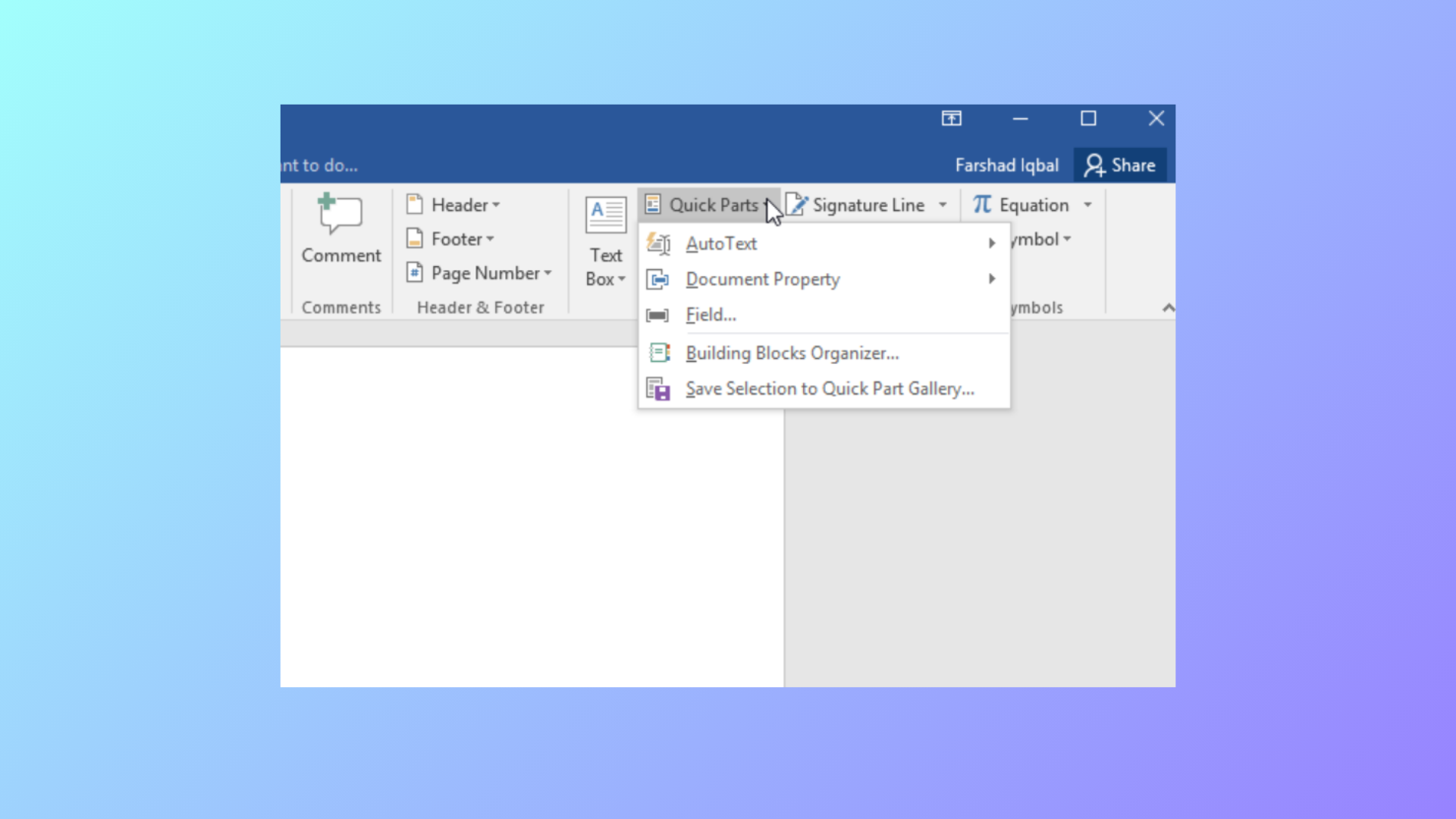
How to Use Document Property Quick Parts in Microsoft Word
Learn how to insert, manage, and update document property Quick Parts in Word to automate repeated information and streamline document editing.
-
How to Fix Windows Update Error 0x8007065e
Clear instructions to resolve Windows update error 0x8007065e, including troubleshooting steps for corrupt update files, system file repairs, and manual update methods.
-
How to Fix PowerPoint Can’t Open This Type of File Error
Effective solutions to resolve the “PowerPoint can’t open this type of file” error and regain access to your presentations.
-
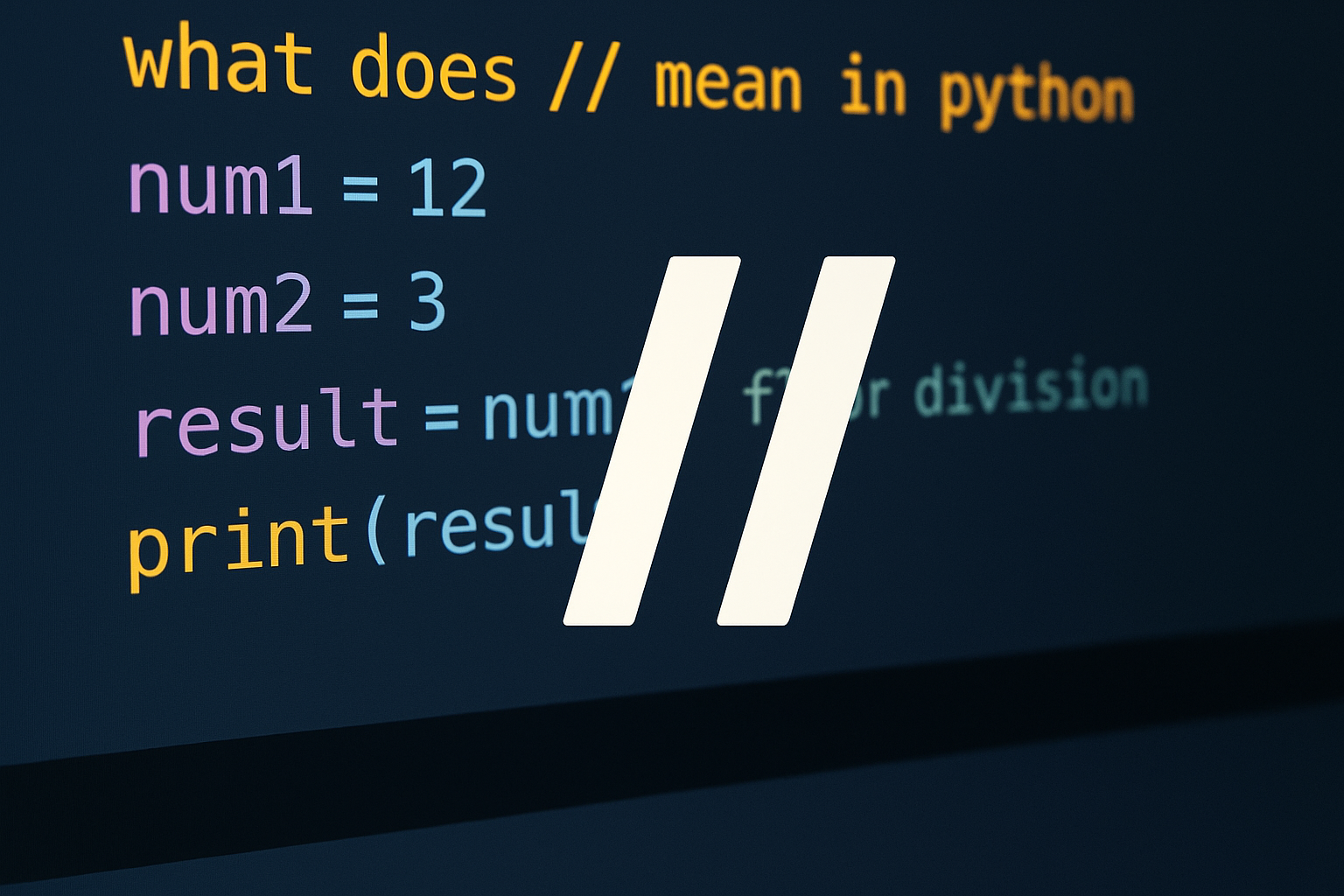
How to Use // in Python for Floor Division
Learn what // does, how it differs from /, and when to use it with ints, floats, and negatives.
-
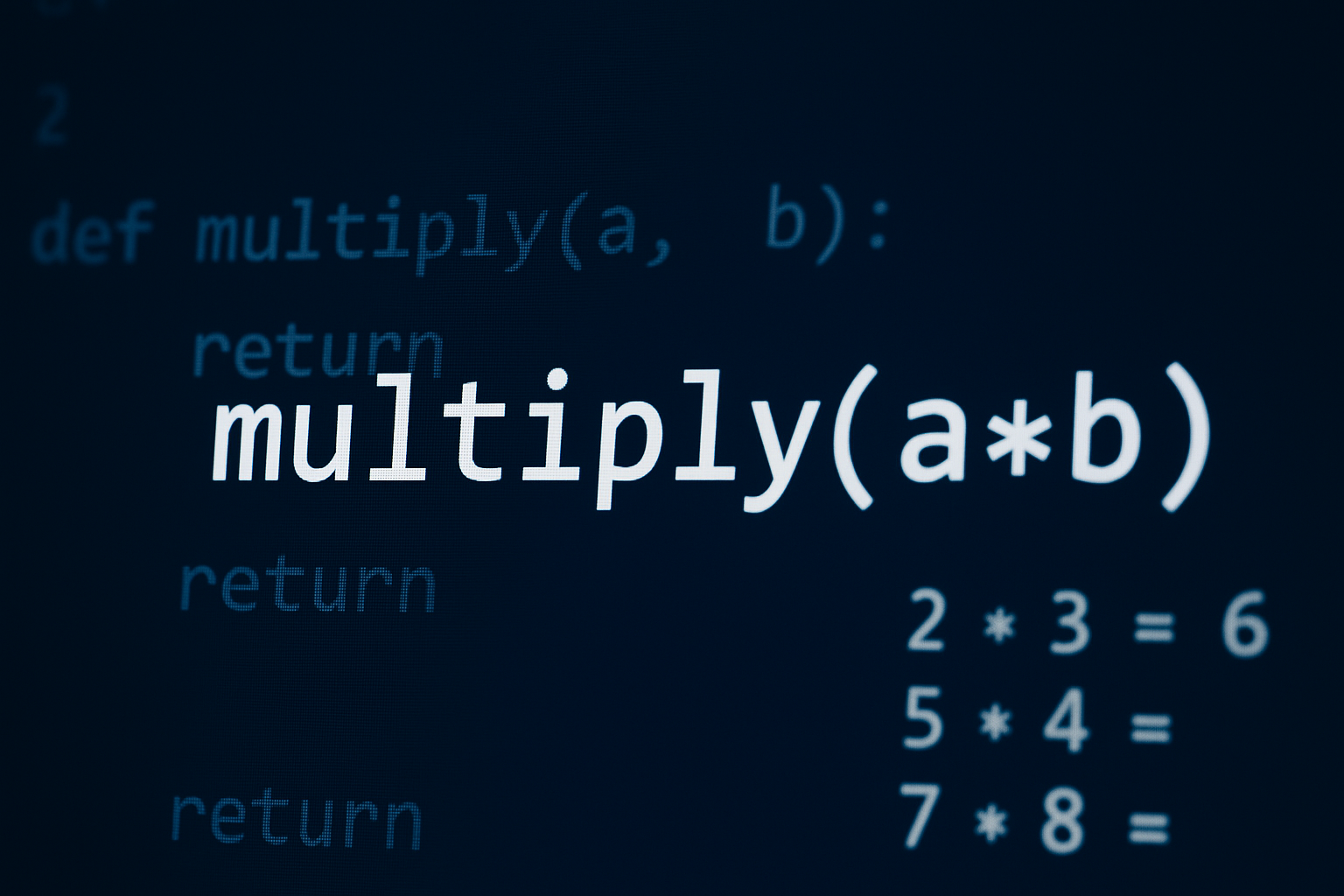
How to Multiply in Python
Use the * operator for numbers and sequences, cast user input to numbers, and apply NumPy for array and matrix operations.
-
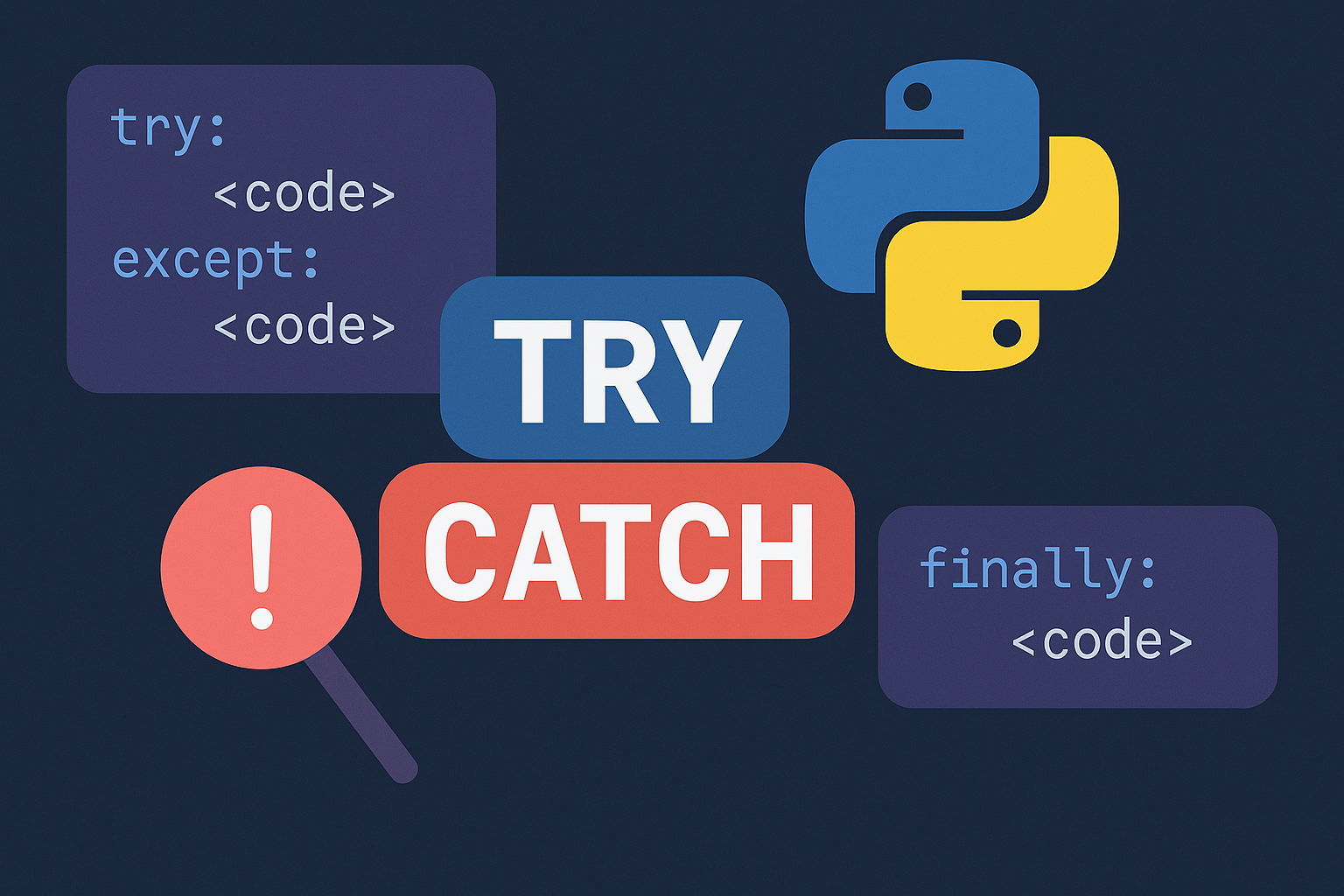
Catch Exceptions with Try Except in Python
Use targeted try/except, else, finally, and raise to prevent crashes, clean up safely, and report clear errors.
-

How to Scrape Google Jobs With Python and APIs
Collect structured job listings across queries and locations using Oxylabs or SerpApi, plus a free Selenium fallback for small runs.
-
How to Fix Boot Device Not Found Error in Windows 11
Resolve the “boot device not found” error in Windows 11 by checking BIOS settings, repairing boot records, and troubleshooting hardware connections.
-
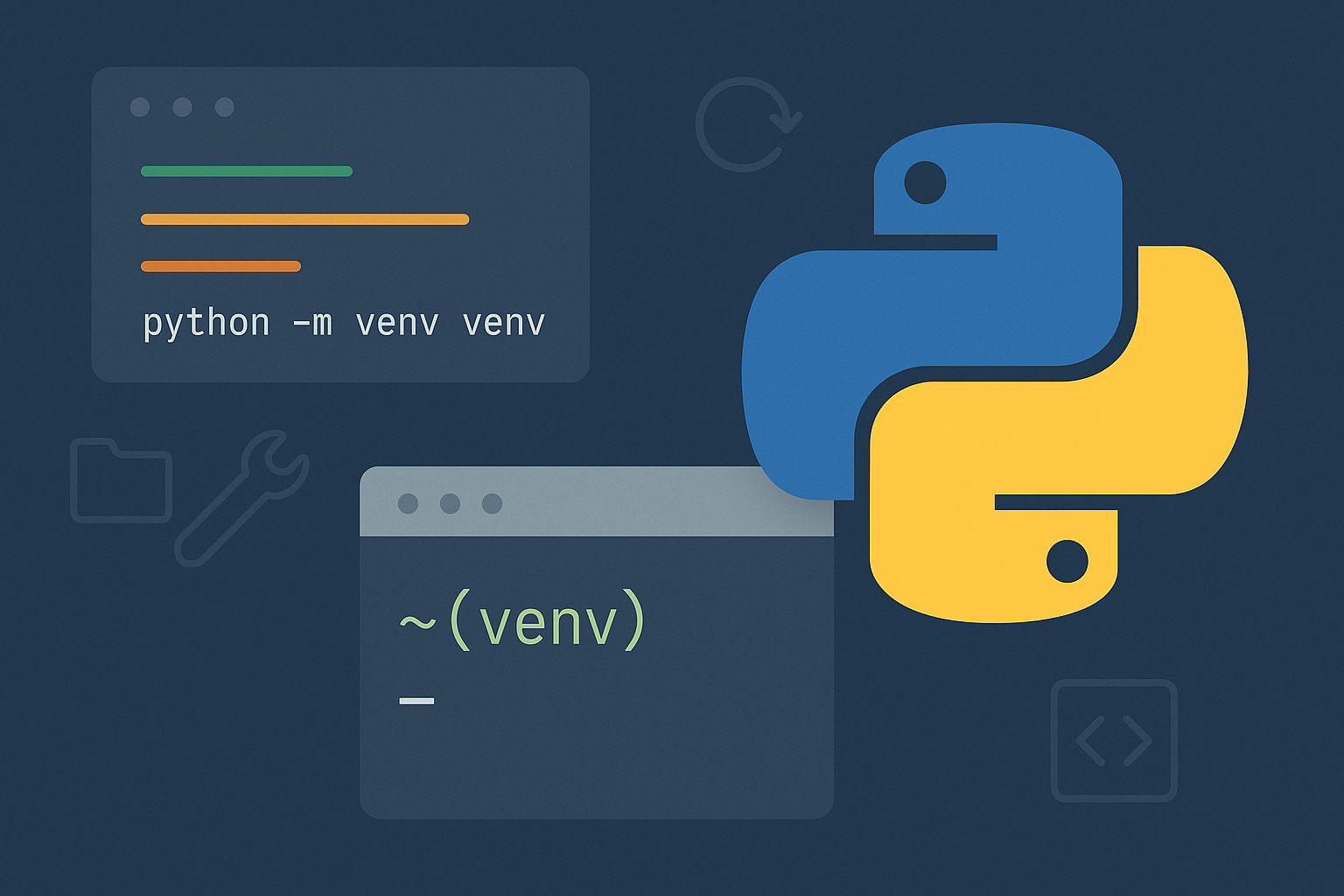
How to Create a venv in Python
Use Python’s built‑in venv to isolate project dependencies on Windows, macOS, and Linux.
-

Use Python for Data Analysis: Build a Reproducible Workflow
Create a repeatable pandas pipeline in Jupyter to load, clean, analyze, and visualize data from databases or files.