
Instructional, step-by-step articles.
Content Type: How-To
-
How to Fix DirectDraw Initialization Failed Error on Windows 11
Resolve DirectDraw initialization errors in Windows 11 to restore compatibility for older games and legacy applications.
-
How to Cancel a Print Job on Brother, Epson, HP, and Other Printers
Clear instructions for stopping unwanted print jobs across major printer brands and operating systems.
-

How to Blur Part of an Image in Microsoft PowerPoint
Learn practical methods to blur specific areas of an image in PowerPoint, whether you need to hide sensitive information or draw attention to key…
-

How to Fix Outlook Signature Not Working on Reply
Resolve issues with Outlook signatures not appearing or displaying incorrectly when replying to emails by adjusting message format, signature settings, and troubleshooting common problems.
-
How to Fix Outlook Error 0x80040154
Resolve the 0x80040154 error in Microsoft Outlook by repairing data files, re-registering DLLs, and correcting configuration issues with detailed solutions.
-
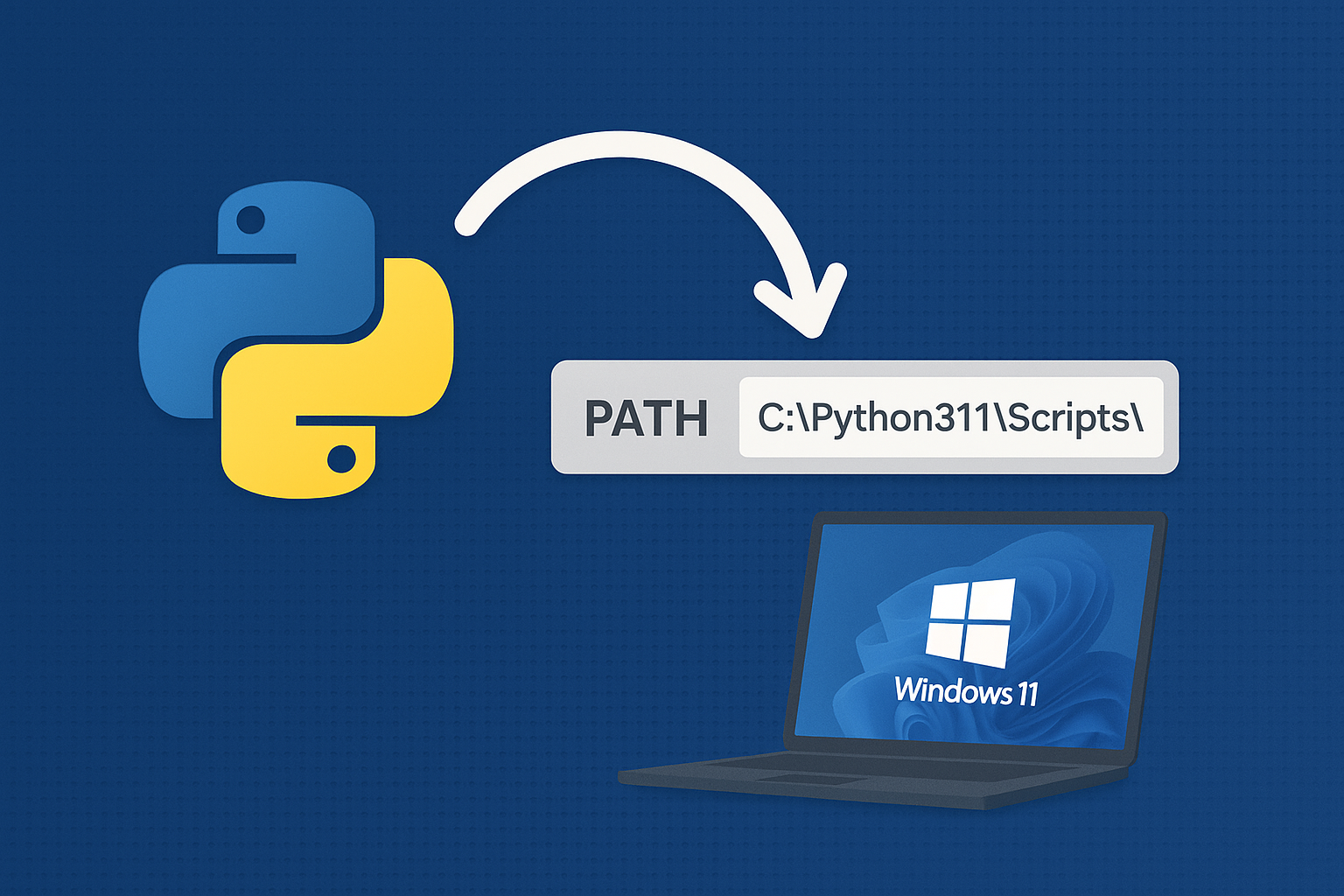
Add Python to PATH on Windows 11
Resolve “python is not recognized” by adding the correct install and Scripts folders to PATH or using the built‑in Python Launcher.
-
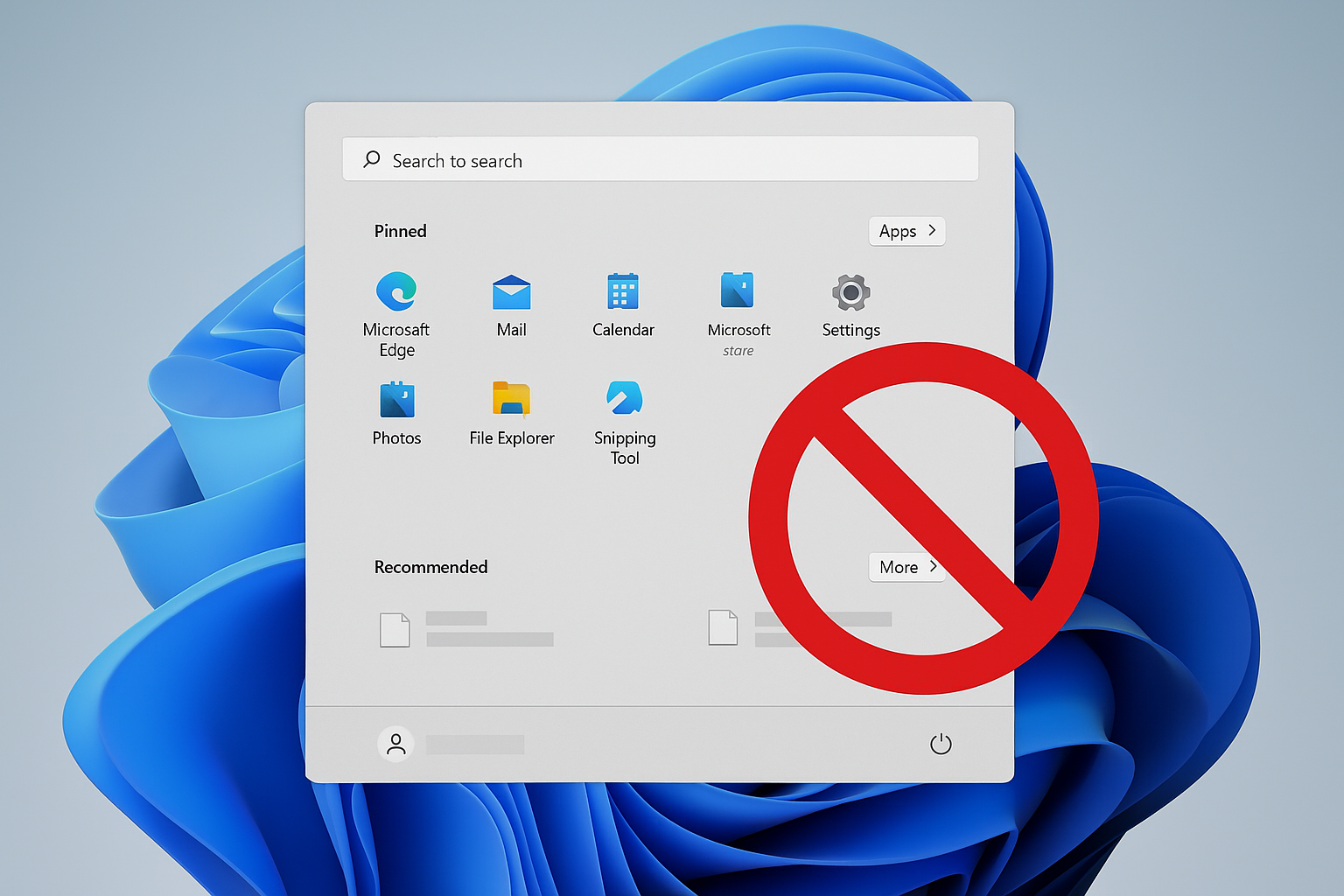
Remove Recommended on Windows 11 Start Menu
Disable or hide the Start menu’s Recommended section using Group Policy, registry, or built‑in settings.
-
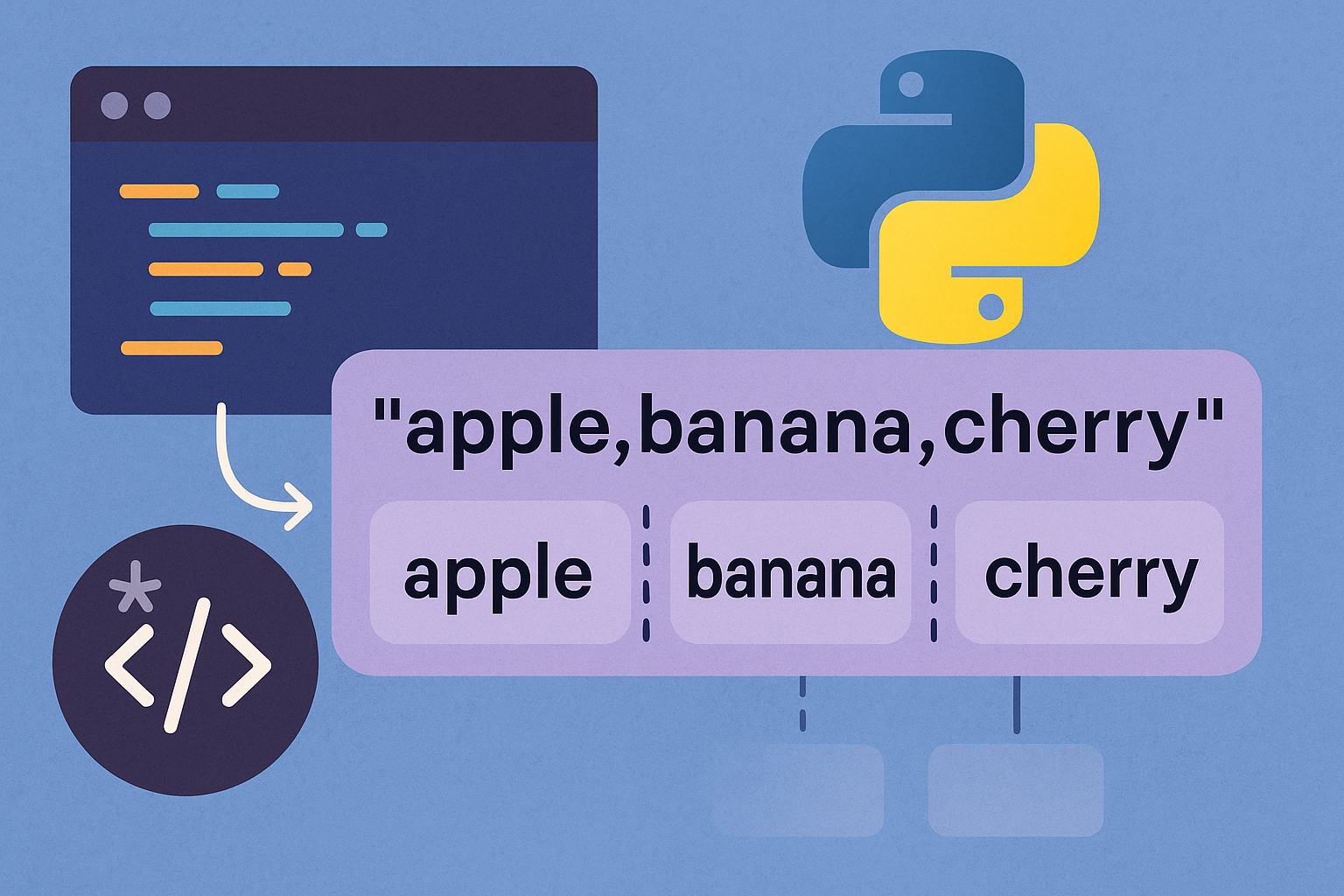
How to Split a String in Python
Use Python’s built-in string methods and regex to split by whitespace, custom delimiters, limits, line breaks, or into characters.
-
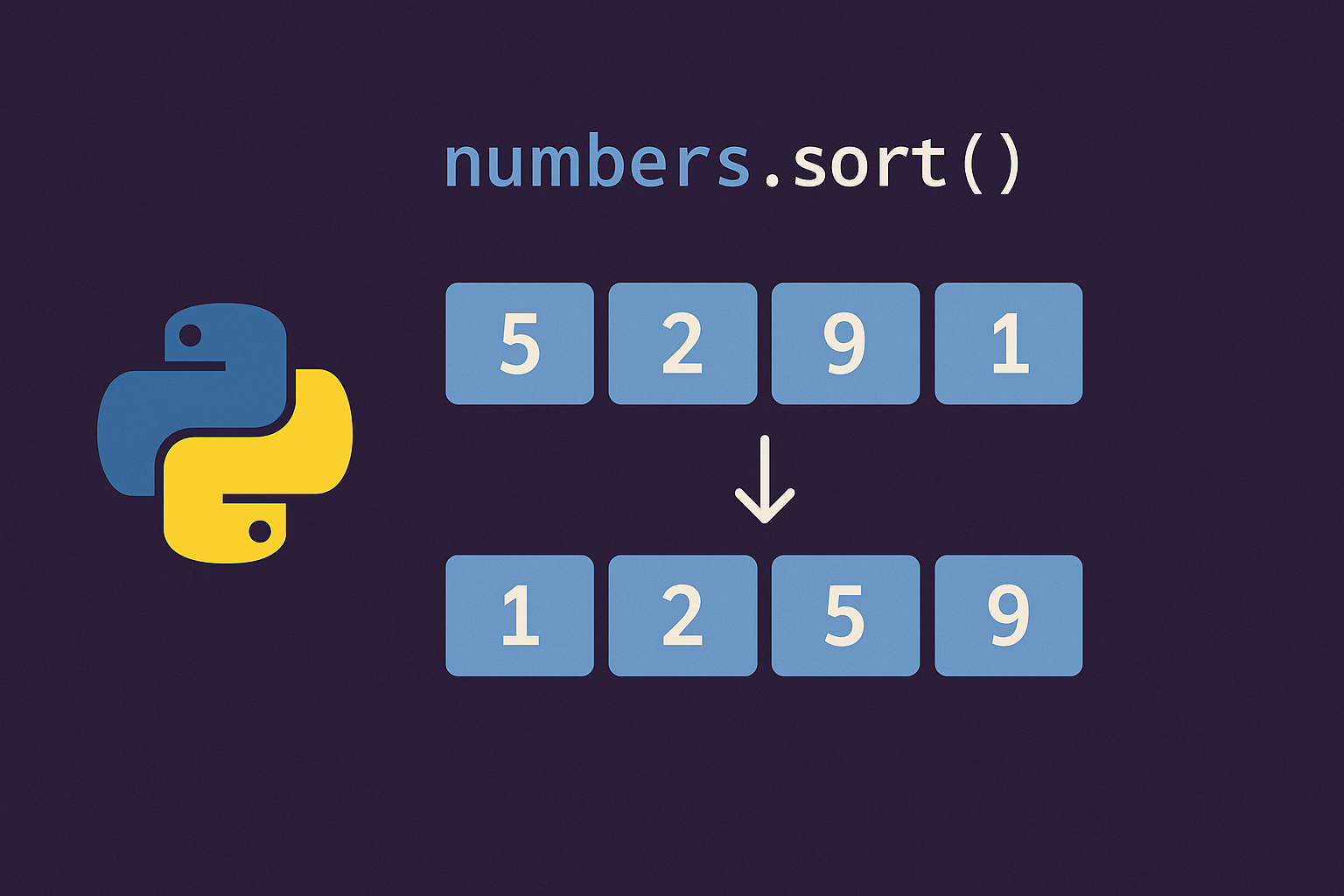
Sort a List in Python
Use sorted() to return a new sorted list or list.sort() to reorder in place; both support key= and reverse= for custom order.
-
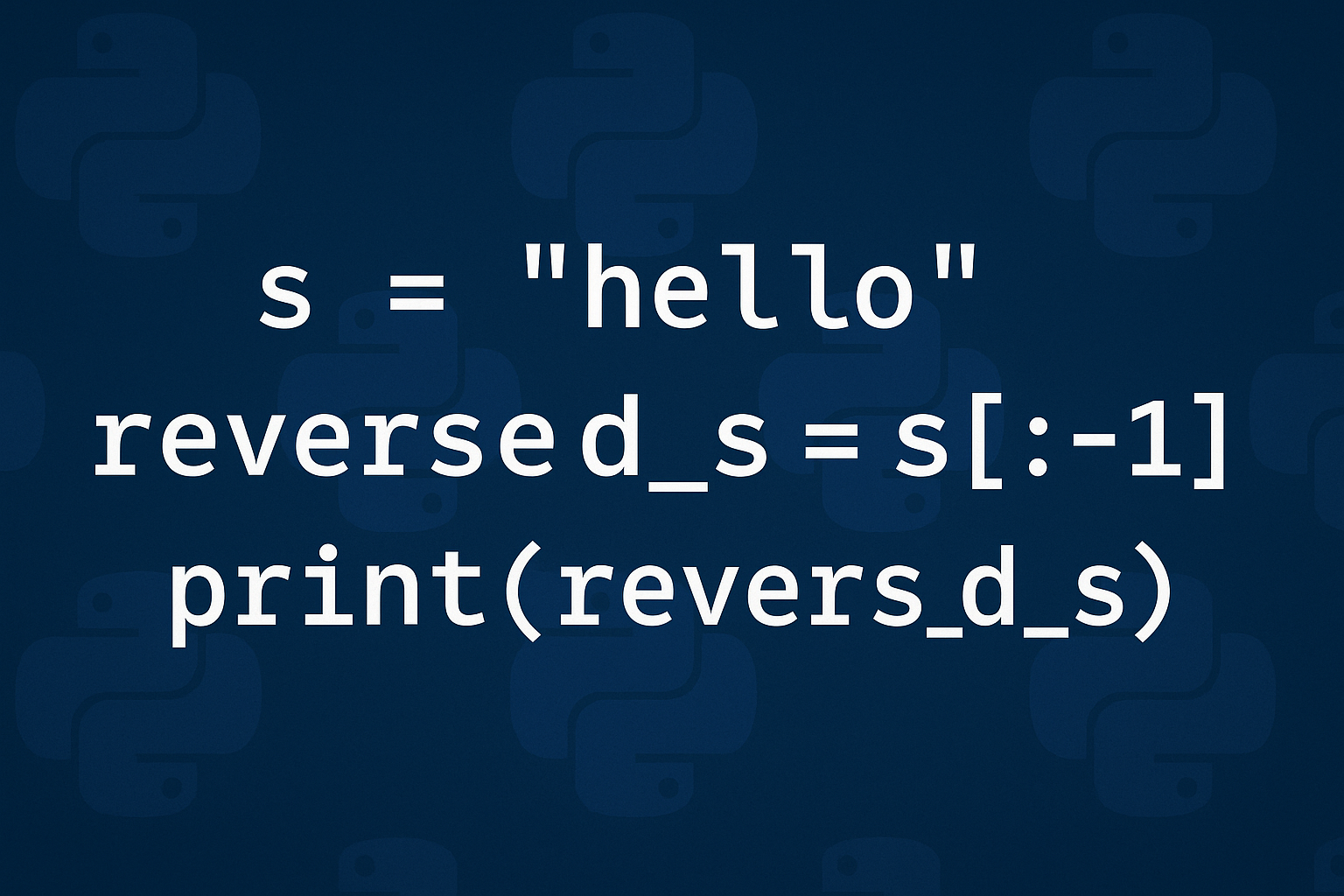
How to Reverse a String in Python
Use slicing for speed, reversed()+join for readability, and grapheme-aware logic for correct emoji and accent handling.