
Instructional, step-by-step articles.
Content Type: How-To
-

How to Change Document Theme Colors in Microsoft Office Apps
Update and customize theme colors in Word, Excel, PowerPoint, and other Office apps to create visually consistent and branded documents.
-

How to Make a Flowchart in Microsoft PowerPoint
Learn multiple methods for building clear, effective flowcharts in PowerPoint using SmartArt and manual shapes, plus tips for customization and exporting.
-

How to Scrape Amazon Data with an Amazon Scraping API
Extract structured product, search, offer, and review data to JSON with geotargeting, scheduling, and anti-bot handling.
-
How to Fix Outlook Crashing When Sending Emails
Proven solutions to resolve Outlook crashes triggered by sending emails, including recent update issues, profile corruption, and delivery location errors.
-

How to Save Webpage as PDF in Microsoft Edge
Convert any webpage to a PDF file in Microsoft Edge using built-in features and browser extensions for streamlined offline access or sharing.
-
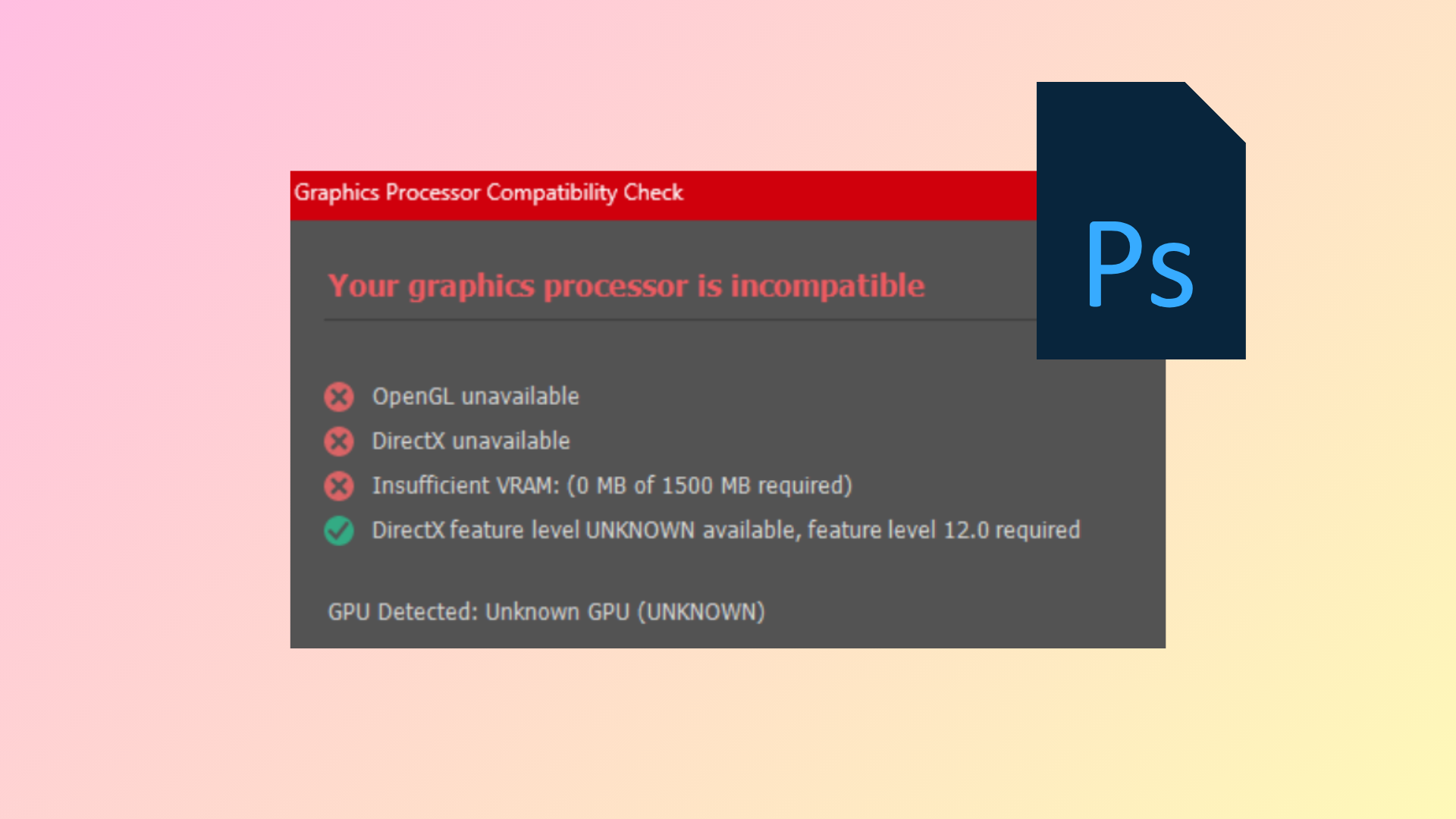
How to Fix GPU Not Supported Error in Photoshop
Resolve the “Your graphics processor is incompatible” message in Photoshop by updating drivers, adjusting system settings, and troubleshooting hardware conflicts.
-
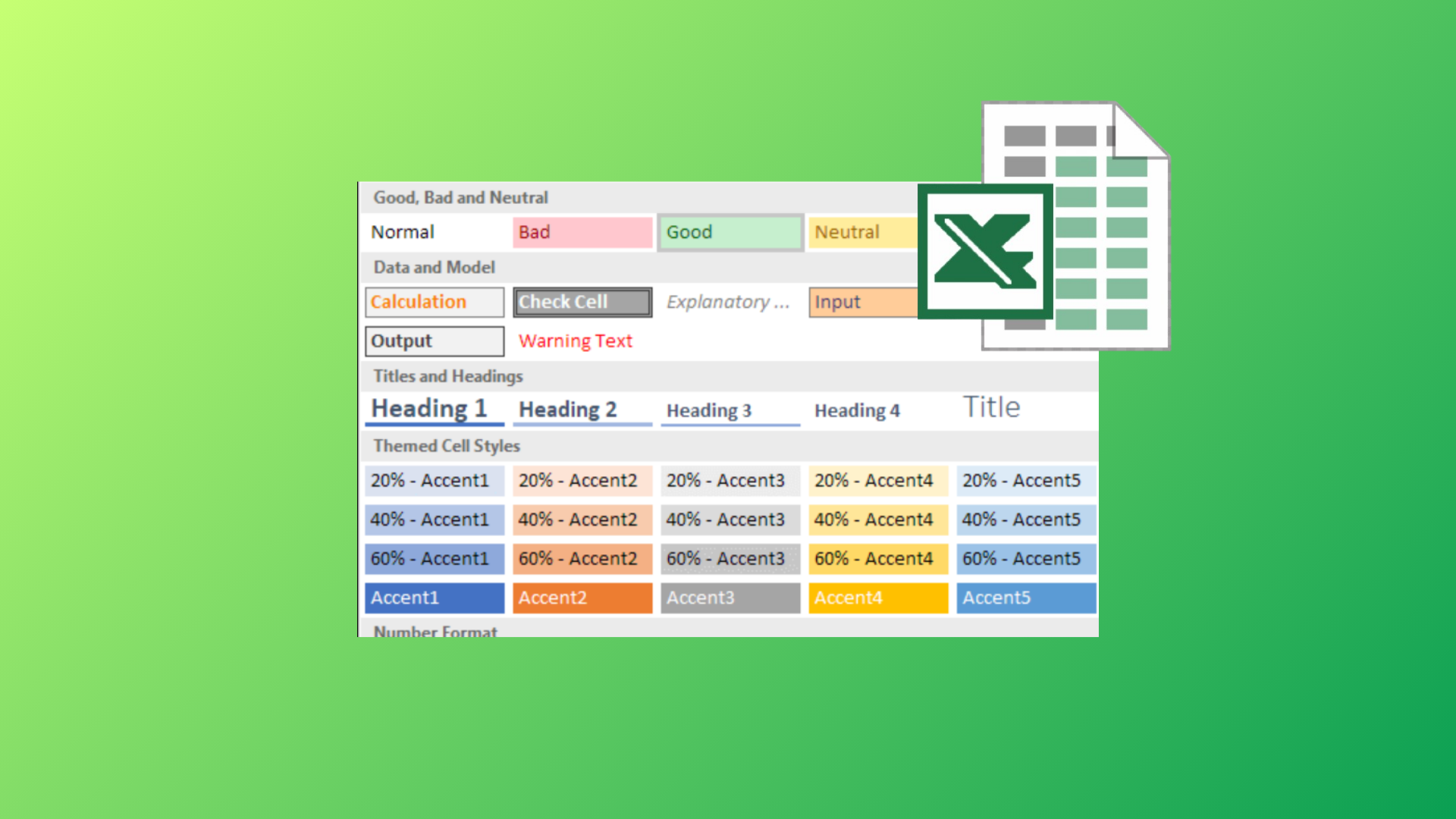
How to Use the Cell Style Feature in Microsoft Excel
Apply, customize, and manage cell styles in Excel to streamline formatting, maintain consistency, and save time across your spreadsheets.
-

How to Fix Windows 11 Error Code 0x8007007f
Resolve the 0x8007007f error during Windows 11 installation by adjusting permissions, updating drivers, and freeing up disk space.
-

How to Play Powerball
Learn the basics of buying a ticket, choosing numbers, and checking results—plus how Power Play and Double Play work.
-

How to Choose Between the Pixel 10 Pro and Pixel 9 Pro
Use simple, practical checks to decide which Google flagship fits your needs, budget, and daily habits.